πŸš€ Fix Microsoft Teams Test Call Video Error Instantly: Ultimate 2026 Guide

😩 Frustrated seeing a black screen or "No video detected" during your Microsoft Teams test call video error? You're not aloneβ€”this common glitch disrupts meetings and workflows. But don't worry! This focused guide delivers quick, effective troubleshooting steps using the latest Teams updates. Follow along, and you'll have your camera firing up in minutes. Let's dive in and reclaim smooth video calls! πŸ‘

Why Does the Microsoft Teams Test Call Video Error Happen?

Understanding the root causes speeds up fixes. Here's a snapshot of top triggers:

🚨 Common Cause Quick Indicator
Camera Permissions Blocked Teams prompts denied or browser blocks access
Outdated App/Browser Old Teams version or incompatible browser
Hardware/Driver Issues Camera not detected in Device Manager
Network Glitches High latency or firewall blocks video stream
Cache/Corrupted Settings Frequent crashes during test calls
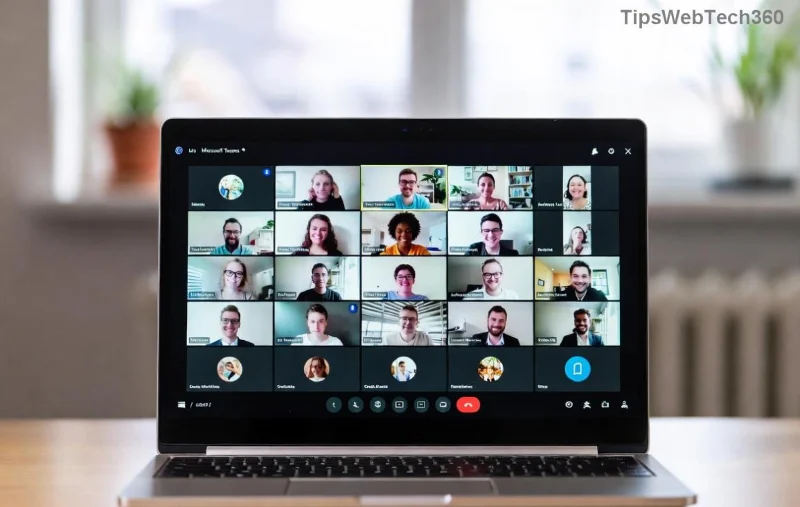
Screenshot of Microsoft Teams test call video error showing black screen or no camera detected

Spot your issue? Greatβ€”now let's fix it step-by-step. Start with the basics; 80% of users resolve it here! ⭐

1️⃣ Step-by-Step Troubleshooting Microsoft Teams "Test Call" Video Error

Step 1: Verify Camera Permissions (Fastest Fix!)

Teams needs explicit access. Here's how:

  1. Open Teams Settings βš™οΈ > Devices.
  2. Select your camera under Cameraβ€”does it preview? If not:
    • Windows: Settings > Privacy > Camera > Allow apps.
    • Mac: System Preferences > Security & Privacy > Camera.
    • Browser (Web Teams): Click padlock πŸ”’ > Allow camera/microphone.

Test call again. Fixed? πŸŽ‰ Move on if not.

Step 2: Update Teams to the Latest Version

Outdated apps cause most Teams test call no video errors. Auto-updates lag sometimes:

  1. Profile pic > Check for updates.
  2. Or download fresh from official site.
  3. Restart Teams and run test call.

Step 3: Test Hardware & Drivers

Ensure your camera works outside Teams:

  • Windows: Search "Camera" app or Device Manager > Cameras > Update driver.
  • Mac: Photo Booth app.
  • External webcam? Unplug/replug USB.

If glitchy, right-click camera in Device Manager > Update driver > Search automatically.

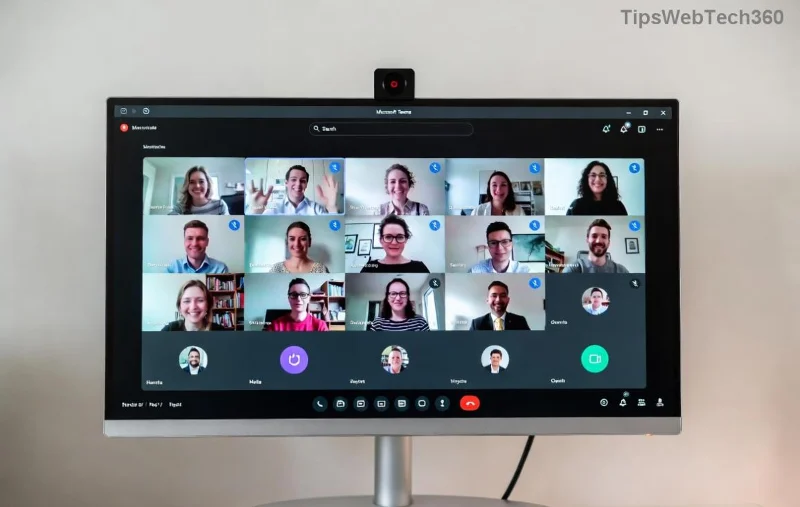
Microsoft Teams devices settings showing camera selection during troubleshooting

Step 4: Clear Cache & Reset Teams

Corrupted data blocks video:

  1. Teams > %appdata%\Microsoft\Teams > Delete contents (safe!).
  2. Restart PC, relaunch Teams.
  3. Alternative: Settings > Apps > Teams > Advanced > Reset.

Step 5: Network & Firewall Check

Video streams demand stable connections:

  • Run Teams Network Assessment Tool (in-app).
  • Disable VPN/firewall temporarily.
  • Switch Wi-Fi to wired if possible.

Pro tip: Aim for 1.5 Mbps upload/download per user. Test at Speedtest.

Advanced Fixes for Stubborn Teams Video Error

If basics fail:

  • Reinstall Teams: Uninstall via Control Panel > Re-download.
  • Browser-Specific: Try Edge/Chrome incognito; disable extensions.
  • Multiple Cameras: Settings > Devices > Make front camera default.
  • Contact IT: Check enterprise policies blocking media.
Quick Diagnostic Table Expected Result
Test in Camera App Live preview? βœ… Yes = Software issue
Permissions Granted Green indicators in Teams? βœ… Proceed
Speed Test >4 Mbps Pass? βœ… Network OK

Prevent Future Microsoft Teams Test Call Glitches

Lock in reliability:

  • Enable auto-updates in Teams settings.
  • Weekly test calls to catch issues early.
  • Use wired connections for critical meetings.

πŸ’‘ Official resource: Dive deeper at Microsoft Teams Support.

βœ… You've nailed it! Your Microsoft Teams "Test Call" video error should be history. Run a test call nowβ€”what fixed yours? Share below to help others. Ready for flawless meetings? πŸ‘ Stay tuned for more Teams tips!

Leave a Comment

πŸš€ Fix Microsoft Teams Error I Profiles FAST: Proven Steps for Instant Relief!

πŸš€ Fix Microsoft Teams Error I Profiles FAST: Proven Steps for Instant Relief!

Struggling with Microsoft Teams "Error I" Profiles? Discover step-by-step fixes to resolve profile loading issues, clear cache, reset settings, and get back to seamless collaboration. Updated with the latest solutions!

Discover Your Microsoft Teams ID & Account Info Instantly: Ultimate 2026 Guide

Discover Your Microsoft Teams ID & Account Info Instantly: Ultimate 2026 Guide

Unlock where to find your Microsoft Teams ID and account info effortlessly. Step-by-step guide for desktop, web, admin center, and more – perfect for troubleshooting and customization.

πŸš€ Ultimate Fix: Banish Microsoft Teams Update Error 0x80070002 in Minutes!

πŸš€ Ultimate Fix: Banish Microsoft Teams Update Error 0x80070002 in Minutes!

Tired of Microsoft Teams Update Error 0x80070002 blocking your updates? Discover proven, step-by-step solutions to resolve it fast and restore smooth teamwork. Works on latest Windows versions.

Teams Screenshot Stuck? Fix Error Screenshot Not Saving in Microsoft Teams Fast!

Teams Screenshot Stuck? Fix Error Screenshot Not Saving in Microsoft Teams Fast!

Struggling with Microsoft Teams "Error Screenshot" not saving? Discover proven troubleshooting steps to resolve this frustrating issue quickly and get back to seamless collaboration. Updated fixes for the latest Teams versions.

πŸš€ Fix Microsoft Teams Windows 7 Login Error Instantly – 100% Working Solutions

πŸš€ Fix Microsoft Teams Windows 7 Login Error Instantly – 100% Working Solutions

Tired of the frustrating Microsoft Teams Windows 7 login error? Follow our proven, step-by-step guide to resolve it quickly and get back to seamless collaboration. No upgrades needed!

How to Change Microsoft Teams Recording Location: Ultimate Step-by-Step Guide

How to Change Microsoft Teams Recording Location: Ultimate Step-by-Step Guide

Discover how to change Microsoft Teams recording location with ease. Master default paths, user moves, admin configs, and pro tips for seamless meeting storage management. Save time and space today!

πŸš€ Fix Microsoft Teams Media Error Microphone Instantly: Proven 2026 Solutions

πŸš€ Fix Microsoft Teams Media Error Microphone Instantly: Proven 2026 Solutions

Tired of Microsoft Teams "Media Error" Microphone ruining your calls? Get step-by-step fixes for smooth audio in Teams. Quick, easy solutions that work every time!

πŸš€ Fix Microsoft Teams Planner Error Tab: Ultimate Troubleshooting Guide

πŸš€ Fix Microsoft Teams Planner Error Tab: Ultimate Troubleshooting Guide

Struggling with the Microsoft Teams Planner Error Tab? Discover proven troubleshooting Microsoft Teams "Planner Error" Tab steps to resolve issues quickly and get back to productivity. Step-by-step fixes for common errors.

πŸ”§ Fix Microsoft Teams Image Error in Chat: Ultimate Troubleshooting Guide

πŸ”§ Fix Microsoft Teams Image Error in Chat: Ultimate Troubleshooting Guide

Struggling with Microsoft Teams "Image Error" in chat? Discover proven troubleshooting steps, common causes, and quick fixes to resolve image loading issues in Teams chats instantly. Get seamless sharing back today!

πŸš€ Fix Microsoft Teams Training Error Video Lag in Minutes – Ultimate 2026 Guide!

πŸš€ Fix Microsoft Teams Training Error Video Lag in Minutes – Ultimate 2026 Guide!

Tired of Microsoft Teams "Training Error" video lag ruining your meetings? Follow these proven, step-by-step fixes to eliminate lag, boost performance, and enjoy crystal-clear video calls instantly. Latest updates included!