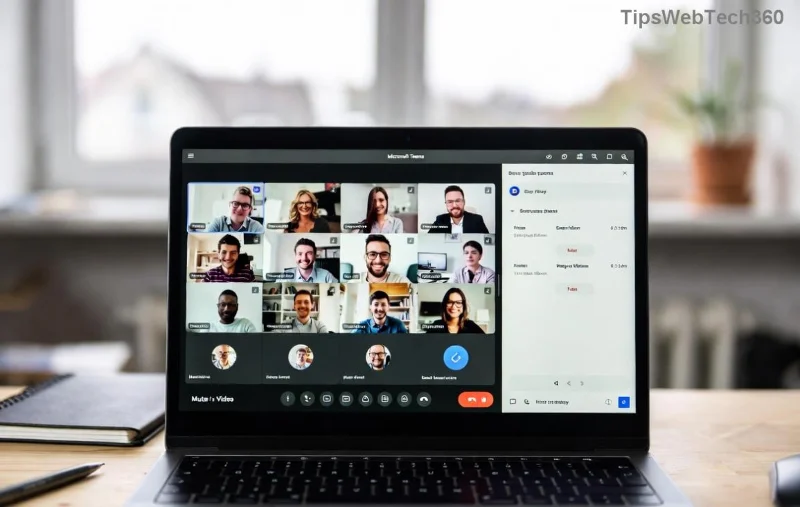
๐Ÿš€ Ultimate Guide: Test Microsoft Teams Audio & Camera in Seconds Before Any Call

Ever jumped into a Microsoft Teams meeting only to face echoey audio or a frozen camera? ๐Ÿ˜ฉ It's frustrating and unprofessional. But here's the good news: testing your setup takes just minutes and guarantees crystal-clear calls. This guide walks you through how to test your Microsoft Teams audio and camera before a call using built-in toolsโ€”no extra apps needed. Let's dive in and make your next meeting a success! โœ…

Why Bother Testing Microsoft Teams Audio and Camera Before a Call?

Quick tests prevent mishaps like muted mics or upside-down video. In the latest Teams updates, features are more intuitive, helping remote workers shine. Save time, impress colleagues, and focus on what matters. Ready? Start with audioโ€”it's the heart of every conversation.

๐Ÿ”Š Step-by-Step: How to Test Microsoft Teams Audio Before Joining

Teams has a seamless audio test feature right in the app. Follow these steps for instant feedback:

  1. Open Teams and click your profile picture > Settings (gear icon) > Devices.
  2. Under Speaker, play the sample audio. Hear it clearly? ๐ŸŽง Great! No sound? Switch speakers.
  3. Select your Microphone, then click Make a test call. Teams records 10 secondsโ€”listen back for clarity and volume.
  4. Check Microphone testing bar: Green means perfect; adjust if yellow/red.
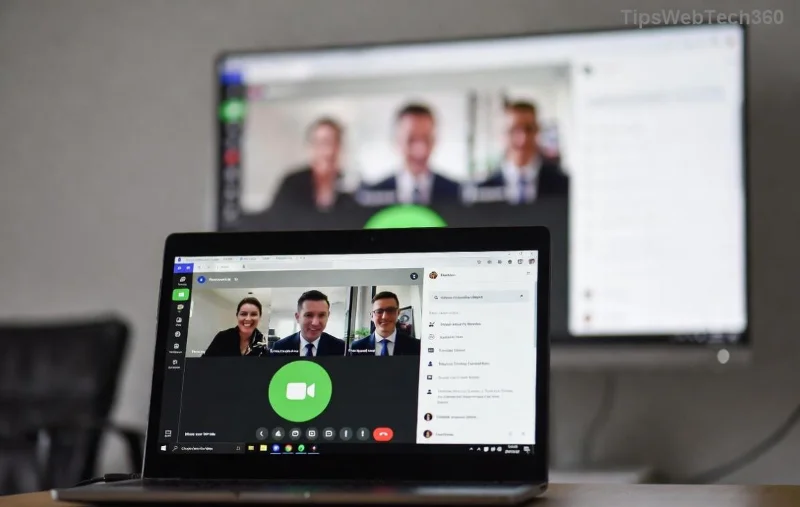
Microsoft Teams audio test interface showing microphone and speaker selection

Pro tip: Speak naturally during the test. Background noise? Enable noise suppression in Devices settings. You're now audio-ready! ๐ŸŽ‰

๐Ÿ“น Easy Microsoft Teams Camera Test: See Yourself Before They Do

Visuals matter. Test your camera to avoid dark, blurry feeds:

  1. In Teams Settings > Devices, pick your Camera from the dropdown.
  2. Preview window shows live feed. ๐Ÿ” Adjust lighting, angle, and background.
  3. Click Make a test call againโ€”review video alongside audio.
  4. Enable Camera toggle during preview for real-time tweaks.

For best results, face a window for natural light and use Teams effects like blur background if needed. Smooth sailing ahead!
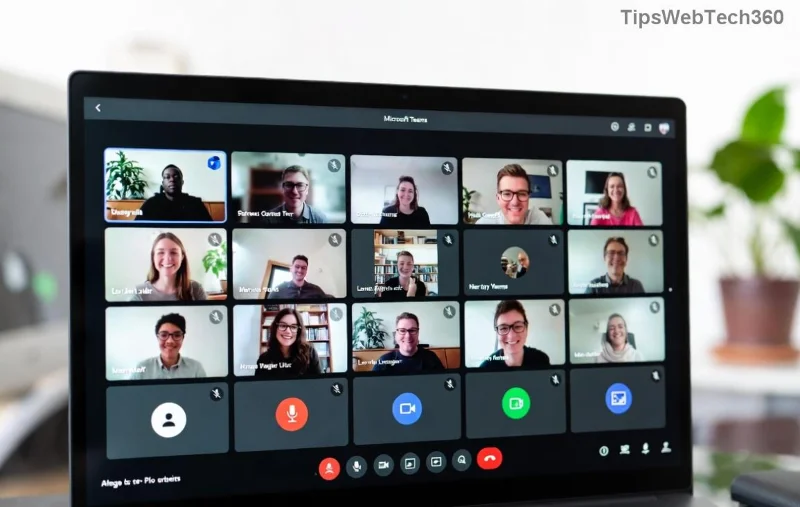
Teams camera preview and device settings screen

โญ Use the Built-in Teams Test Call Feature for Full Dry Run

The star of how to test your Microsoft Teams audio and camera before a call: Test Call bot!

  • Search "Test call (bot)" in Teams chat.
  • Start chat > Click phone icon or type "Call me."
  • It ringsโ€”answer, speak, and hang up. Get instant playback review! ๐Ÿ“ž

This simulates a real call, testing end-to-end. Available on desktop, web, and mobile. Genius for group prep too.

Quick Troubleshooting Table for Common Teams Audio & Camera Issues

Glitches happen. Fix them fast with this handy table:

Issue Quick Fix
No audio ๐Ÿ”‡ Check system volume, allow Teams mic access in OS privacy settings.
Camera not detected ๐Ÿ“ด Update drivers, close other apps using camera (e.g., Zoom).
Echo or feedback Use headphones, enable noise suppression.
Laggy video Lower resolution in Devices > Camera settings.
Teams test call bot interface for audio and video testing

For deeper fixes, visit Microsoft's official support: Teams Audio/Video Settings.

๐Ÿ’ก Top Tips for Flawless Microsoft Teams Calls Every Time

  • Update Teams app regularly for latest audio test enhancements.
  • Test on the device you'll useโ€”mobile differs from desktop.
  • Pre-meeting ritual: 2-min test call. Habit forms confidence! โœจ
  • Share your screen? Test that too in Devices settings.

Bonus: Enable "Always show preview" in meetings for last-second checks.

Wrap-Up: Call-Ready in Under 5 Minutes

Now you know exactly how to test your Microsoft Teams audio and camera before a call. No more "Can you hear me?" loopsโ€”just productive, professional vibes. ๐Ÿ‘ Try it before your next meeting and feel the difference. Got a tip? Drop it in comments belowโ€”we're all in this together!

Stay tuned for more Teams hacks to level up your remote game. ๐Ÿš€

Leave a Comment

๐Ÿš€ Fix Microsoft Teams Error I Profiles FAST: Proven Steps for Instant Relief!

๐Ÿš€ Fix Microsoft Teams Error I Profiles FAST: Proven Steps for Instant Relief!

Struggling with Microsoft Teams "Error I" Profiles? Discover step-by-step fixes to resolve profile loading issues, clear cache, reset settings, and get back to seamless collaboration. Updated with the latest solutions!

Discover Your Microsoft Teams ID & Account Info Instantly: Ultimate 2026 Guide

Discover Your Microsoft Teams ID & Account Info Instantly: Ultimate 2026 Guide

Unlock where to find your Microsoft Teams ID and account info effortlessly. Step-by-step guide for desktop, web, admin center, and more โ€“ perfect for troubleshooting and customization.

๐Ÿš€ Ultimate Fix: Banish Microsoft Teams Update Error 0x80070002 in Minutes!

๐Ÿš€ Ultimate Fix: Banish Microsoft Teams Update Error 0x80070002 in Minutes!

Tired of Microsoft Teams Update Error 0x80070002 blocking your updates? Discover proven, step-by-step solutions to resolve it fast and restore smooth teamwork. Works on latest Windows versions.

Teams Screenshot Stuck? Fix Error Screenshot Not Saving in Microsoft Teams Fast!

Teams Screenshot Stuck? Fix Error Screenshot Not Saving in Microsoft Teams Fast!

Struggling with Microsoft Teams "Error Screenshot" not saving? Discover proven troubleshooting steps to resolve this frustrating issue quickly and get back to seamless collaboration. Updated fixes for the latest Teams versions.

๐Ÿš€ Fix Microsoft Teams Windows 7 Login Error Instantly โ€“ 100% Working Solutions

๐Ÿš€ Fix Microsoft Teams Windows 7 Login Error Instantly โ€“ 100% Working Solutions

Tired of the frustrating Microsoft Teams Windows 7 login error? Follow our proven, step-by-step guide to resolve it quickly and get back to seamless collaboration. No upgrades needed!

How to Change Microsoft Teams Recording Location: Ultimate Step-by-Step Guide

How to Change Microsoft Teams Recording Location: Ultimate Step-by-Step Guide

Discover how to change Microsoft Teams recording location with ease. Master default paths, user moves, admin configs, and pro tips for seamless meeting storage management. Save time and space today!

๐Ÿš€ Fix Microsoft Teams Media Error Microphone Instantly: Proven 2026 Solutions

๐Ÿš€ Fix Microsoft Teams Media Error Microphone Instantly: Proven 2026 Solutions

Tired of Microsoft Teams "Media Error" Microphone ruining your calls? Get step-by-step fixes for smooth audio in Teams. Quick, easy solutions that work every time!

๐Ÿš€ Fix Microsoft Teams Planner Error Tab: Ultimate Troubleshooting Guide

๐Ÿš€ Fix Microsoft Teams Planner Error Tab: Ultimate Troubleshooting Guide

Struggling with the Microsoft Teams Planner Error Tab? Discover proven troubleshooting Microsoft Teams "Planner Error" Tab steps to resolve issues quickly and get back to productivity. Step-by-step fixes for common errors.

๐Ÿ”ง Fix Microsoft Teams Image Error in Chat: Ultimate Troubleshooting Guide

๐Ÿ”ง Fix Microsoft Teams Image Error in Chat: Ultimate Troubleshooting Guide

Struggling with Microsoft Teams "Image Error" in chat? Discover proven troubleshooting steps, common causes, and quick fixes to resolve image loading issues in Teams chats instantly. Get seamless sharing back today!

๐Ÿš€ Fix Microsoft Teams Training Error Video Lag in Minutes โ€“ Ultimate 2026 Guide!

๐Ÿš€ Fix Microsoft Teams Training Error Video Lag in Minutes โ€“ Ultimate 2026 Guide!

Tired of Microsoft Teams "Training Error" video lag ruining your meetings? Follow these proven, step-by-step fixes to eliminate lag, boost performance, and enjoy crystal-clear video calls instantly. Latest updates included!