๐Ÿš€ Ultimate Step-by-Step Guide: Creating Breakout Rooms in Microsoft Teams Like a Pro

Ever felt your Microsoft Teams meetings dragging on with everyone talking over each other? Enter Breakout Rooms in Microsoft Teams โ€“ the game-changer for interactive sessions! Whether you're a teacher dividing students for discussions, a manager fostering team brainstorms, or a trainer running workshops, mastering creating Breakout Rooms in Microsoft Teams will supercharge your productivity. ๐Ÿ‘

This step-by-step tutorial walks you through every click, packed with pro tips to avoid pitfalls. Ready to transform chaotic calls into focused magic? Let's dive in!

โญ What Are Breakout Rooms in Microsoft Teams and Why Use Them?

Breakout Rooms let you split large meetings into smaller, private groups for deeper discussions. Participants return to the main room when time's up โ€“ perfect for collaboration without overwhelm. Recent updates make them even smarter with auto-assignment, timers, and seamless switching.

  • โœ… Ideal for classes, workshops, or strategy sessions.
  • โœ… Supports up to 50 rooms and 200 participants.
  • โœ… Hosts control everything: assign, move, or close rooms.

Pro tip: Use them to spark engagement โ€“ your group will thank you! ๐Ÿ˜Š

๐Ÿ“‹ Prerequisites Before Creating Breakout Rooms in Microsoft Teams

Ensure you're set up for success:

Requirement Details
Role Meeting organizer or co-organizer/presenter.
Teams Version Desktop/web app (mobile limited support).
License Teams Premium or standard (check admin settings).

Quick check: Start or join a meeting first. Can't see the option? Your org might have restrictions โ€“ ask your admin. Now, let's create!

1๏ธโƒฃ Step-by-Step: Creating Breakout Rooms in Microsoft Teams During a Live Meeting

Here's the core process. Follow along โ€“ it's easier than you think!

  1. Start Your Meeting: Launch Microsoft Teams, schedule or join a meeting with participants.
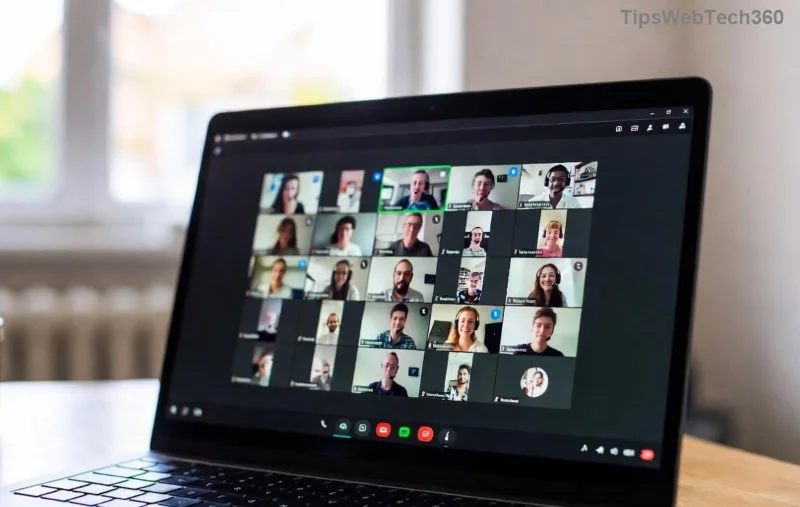
  2. Access Breakout Rooms: In the meeting toolbar, click More actions (three dots โ‹ฏ) > Breakout rooms. Not seeing it? Ensure you're the host! Access Breakout Rooms option in Microsoft Teams meeting toolbar
  3. Create Rooms: Choose number of rooms (1-50). Options:
    • Automatically: Evenly distributes participants.
    • Manually: Drag/drop to assign.
    • From pre-assignments: Use Excel upload for planned groups.
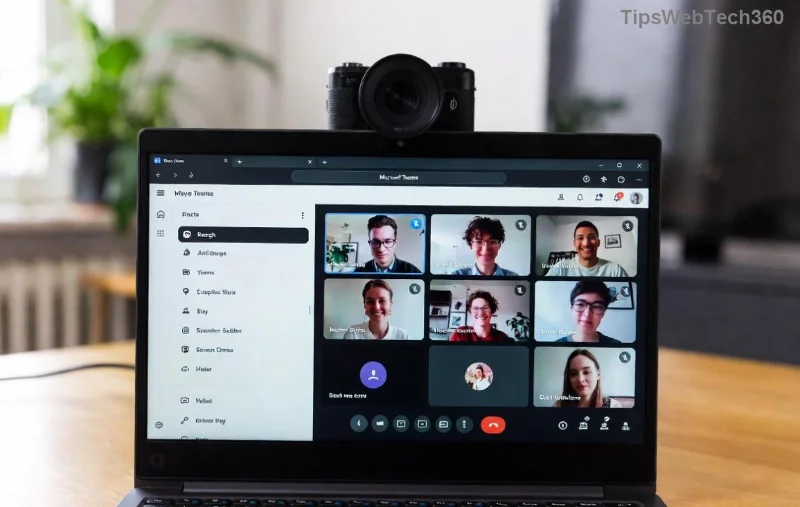
    Click Create. Boom โ€“ rooms ready! Breakout room creation options in Microsoft Teams
  4. Add Participants: Edit rooms via Assign participants. Search, drag, or let auto-assign handle it.
  5. Open Rooms: Hit Open โ€“ participants get notified and auto-join (or manual). Set a countdown timer for smooth returns.
Watch the magic: Smaller chats ignite ideas! Want visuals? Check Microsoft's official guide for more.
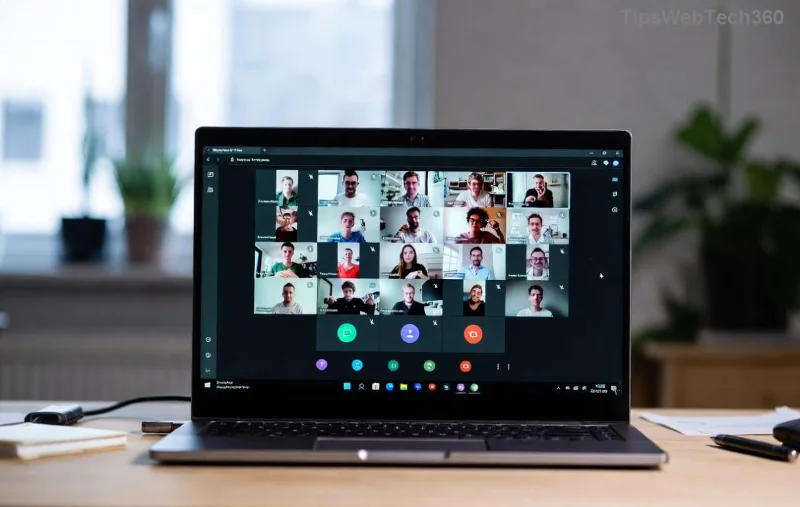
Managing participants in Breakout Rooms Microsoft Teams

2๏ธโƒฃ Advanced Features: Manage Breakout Rooms in Microsoft Teams Like a Boss

Don't stop at basics โ€“ level up:

  • ๐Ÿ‘† Move/Recreate: Select participant > Move or Recreate rooms.
  • โญ Timers & Announcements: Set duration; broadcast messages to all rooms.
  • โœ… Close Rooms: All return to main โ€“ or Close all rooms instantly.
  • ๐Ÿ”„ Pre-assign in Calendar: Schedule meeting > Breakout rooms > Assign ahead. Participants see groups in invite!

Bonus: Enable allow participants to return early for flexibility. Troubleshooting? If rooms won't open, check permissions or restart Teams.

๐Ÿ’ก Pro Tips for Perfect Breakout Rooms in Microsoft Teams

Tip Why It Rocks
Group by skill/topic Sparks targeted discussions.
Use 5-10 min timers Keeps energy high.
Share room tasks via chat Focuses groups instantly.

Common error? โŒ Participants not joining โ€“ remind them to click Join. Test in a small meeting first!

๐ŸŽ‰ Wrap-Up: Elevate Your Meetings Today

Congrats โ€“ you're now a Breakout Rooms in Microsoft Teams expert! Implement these steps, and watch engagement soar. Start small, iterate, and soon you'll wonder how you managed without them. Got questions? Drop a comment below โ€“ what's your first Breakout Room use case?

Stay tuned for more Microsoft Teams hacks. Share this guide and make collaboration effortless! ๐Ÿš€

Leave a Comment

๐Ÿš€ Fix Microsoft Teams Error I Profiles FAST: Proven Steps for Instant Relief!

๐Ÿš€ Fix Microsoft Teams Error I Profiles FAST: Proven Steps for Instant Relief!

Struggling with Microsoft Teams "Error I" Profiles? Discover step-by-step fixes to resolve profile loading issues, clear cache, reset settings, and get back to seamless collaboration. Updated with the latest solutions!

Discover Your Microsoft Teams ID & Account Info Instantly: Ultimate 2026 Guide

Discover Your Microsoft Teams ID & Account Info Instantly: Ultimate 2026 Guide

Unlock where to find your Microsoft Teams ID and account info effortlessly. Step-by-step guide for desktop, web, admin center, and more โ€“ perfect for troubleshooting and customization.

๐Ÿš€ Ultimate Fix: Banish Microsoft Teams Update Error 0x80070002 in Minutes!

๐Ÿš€ Ultimate Fix: Banish Microsoft Teams Update Error 0x80070002 in Minutes!

Tired of Microsoft Teams Update Error 0x80070002 blocking your updates? Discover proven, step-by-step solutions to resolve it fast and restore smooth teamwork. Works on latest Windows versions.

Teams Screenshot Stuck? Fix Error Screenshot Not Saving in Microsoft Teams Fast!

Teams Screenshot Stuck? Fix Error Screenshot Not Saving in Microsoft Teams Fast!

Struggling with Microsoft Teams "Error Screenshot" not saving? Discover proven troubleshooting steps to resolve this frustrating issue quickly and get back to seamless collaboration. Updated fixes for the latest Teams versions.

๐Ÿš€ Fix Microsoft Teams Windows 7 Login Error Instantly โ€“ 100% Working Solutions

๐Ÿš€ Fix Microsoft Teams Windows 7 Login Error Instantly โ€“ 100% Working Solutions

Tired of the frustrating Microsoft Teams Windows 7 login error? Follow our proven, step-by-step guide to resolve it quickly and get back to seamless collaboration. No upgrades needed!

How to Change Microsoft Teams Recording Location: Ultimate Step-by-Step Guide

How to Change Microsoft Teams Recording Location: Ultimate Step-by-Step Guide

Discover how to change Microsoft Teams recording location with ease. Master default paths, user moves, admin configs, and pro tips for seamless meeting storage management. Save time and space today!

๐Ÿš€ Fix Microsoft Teams Media Error Microphone Instantly: Proven 2026 Solutions

๐Ÿš€ Fix Microsoft Teams Media Error Microphone Instantly: Proven 2026 Solutions

Tired of Microsoft Teams "Media Error" Microphone ruining your calls? Get step-by-step fixes for smooth audio in Teams. Quick, easy solutions that work every time!

๐Ÿš€ Fix Microsoft Teams Planner Error Tab: Ultimate Troubleshooting Guide

๐Ÿš€ Fix Microsoft Teams Planner Error Tab: Ultimate Troubleshooting Guide

Struggling with the Microsoft Teams Planner Error Tab? Discover proven troubleshooting Microsoft Teams "Planner Error" Tab steps to resolve issues quickly and get back to productivity. Step-by-step fixes for common errors.

๐Ÿ”ง Fix Microsoft Teams Image Error in Chat: Ultimate Troubleshooting Guide

๐Ÿ”ง Fix Microsoft Teams Image Error in Chat: Ultimate Troubleshooting Guide

Struggling with Microsoft Teams "Image Error" in chat? Discover proven troubleshooting steps, common causes, and quick fixes to resolve image loading issues in Teams chats instantly. Get seamless sharing back today!

๐Ÿš€ Fix Microsoft Teams Training Error Video Lag in Minutes โ€“ Ultimate 2026 Guide!

๐Ÿš€ Fix Microsoft Teams Training Error Video Lag in Minutes โ€“ Ultimate 2026 Guide!

Tired of Microsoft Teams "Training Error" video lag ruining your meetings? Follow these proven, step-by-step fixes to eliminate lag, boost performance, and enjoy crystal-clear video calls instantly. Latest updates included!









