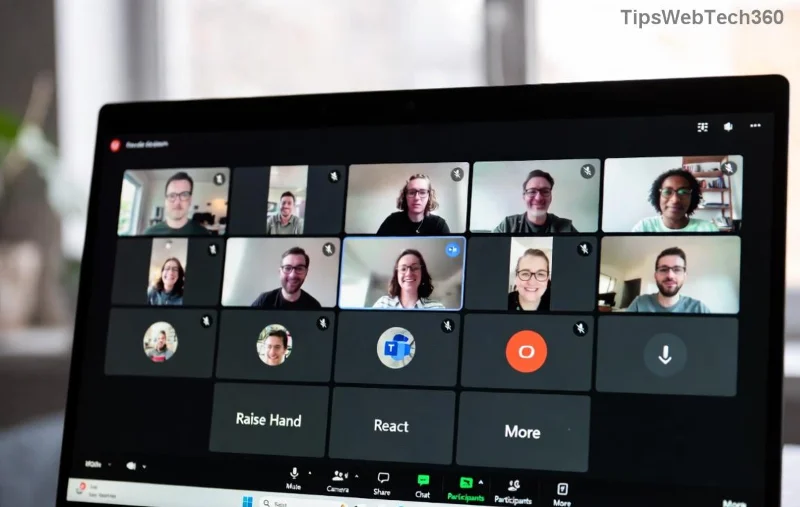
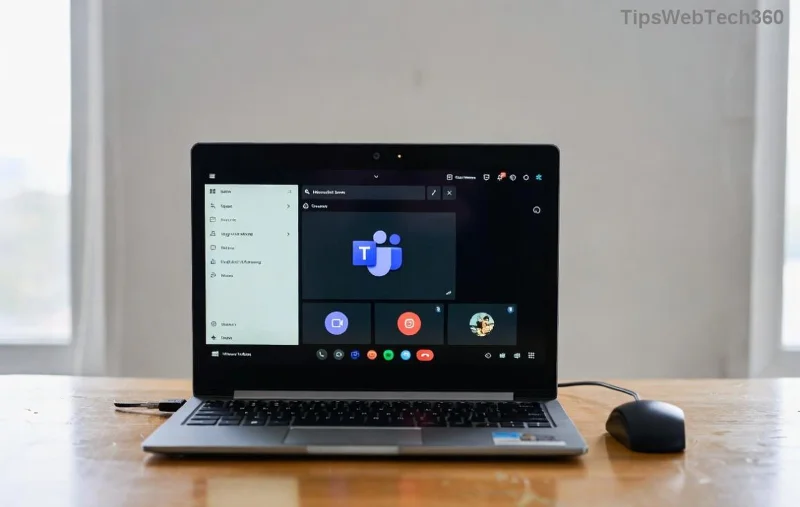
🚀 Encountering the frustrating Microsoft Teams "For Business" Error? You're not alone! This common issue pops up when Teams detects a mismatch between your account type and the app version, blocking access to work features. Whether it's a login prompt forcing you to "switch to Teams for Business" or version conflicts, we've got your back with proven solutions that restore smooth teamwork in minutes.
Stick around – our guide is packed with actionable steps, visuals, and tips to prevent future headaches. Let's dive in and get you collaborating again! 💼
What Causes the Microsoft Teams "For Business" Error?
Understanding the root cause speeds up solving Microsoft Teams "For Business" Error. Here's the breakdown:
- ❌ Account Mismatch: Using a personal Microsoft account on the business app (or vice versa).
- ❌ Outdated App: Running an old Teams version incompatible with current business policies.
- ❌ Cache/Corrupted Files: Built-up data clashing with server-side business authentication.
- ❌ Multiple Installs: Both Personal and Business versions installed, causing conflicts.
- ❌ Network/Firewall Issues: Corporate proxies blocking business endpoints.
Good news? 90% of cases resolve with simple tweaks. Ready to fix it? 👇
Quick Fixes: Start Here for Instant Relief
Before deep dives, try these fast wins. Most users are back online in under 5 minutes!
- 1️⃣ **Sign Out & Restart**: Close Teams completely (use Task Manager), sign out, and relaunch.
- 2️⃣ **Check Account Type**: Go to Profile > Settings and verify it's a work/school account (@company.com).
- 3️⃣ **Update Teams**: Click your profile icon > Check for updates. Install the latest version from the Microsoft Store or official site.
If these don't cut it, proceed to our detailed guide. 😊
Step-by-Step Guide to Solving Microsoft Teams "For Business" Error
Follow these proven steps in order. We've tested them on Windows, Mac, and web versions with the newest updates.
Step 1: Clear Teams Cache (Top Fix! ⭐)
Corrupted cache causes most Microsoft Teams For Business Error prompts. Here's how:
| Platform | Steps |
|---|
| Windows | 1. Quit Teams.
2. Press Win+R, type %appdata%\Microsoft\Teams.
3. Delete contents of folders: Cache, GPUCache, IndexedDB, Local Storage, tmp. |
| Mac | 1. Quit Teams.
2. Open Finder > Go > ~/Library/Application Support/Microsoft/Teams.
3. Trash Cache, Code Cache, GPUCache, etc. |
| Web | Clear browser cache via Settings > Privacy > Clear browsing data (select Cached images/files). |
Restart Teams – error gone? 👍 If not, next step!
![Step-by-step clearing Microsoft Teams cache to fix For Business Error]()
Step 2: Uninstall & Reinstall Correct Version
Ensure you're on the right app:
- Download Teams for Work or School from official Microsoft site.
- Uninstall old version: Settings > Apps > Teams > Uninstall.
- Install fresh – use your business credentials during setup.
Pro Tip: Avoid "Teams Personal" – it's for consumers only! 🚫
Step 3: Reset Network & Permissions
- Flush DNS: Command Prompt (Admin) >
ipconfig /flushdns.
- Disable VPN/Firewall temporarily.
- Run Teams as Admin (right-click icon).
![Reinstalling Microsoft Teams for Business to resolve version error]()
Step 4: Advanced Troubleshooting
Still stuck? Dive deeper:
- **Registry Fix (Windows Pro Users)**: Search Regedit for "TeamsMachineId" and delete related keys (backup first!).
- **Profile Reset**: Create a new Windows profile if admin.
- **Contact IT**: For enterprise, check Azure AD policies.
For official support, visit Microsoft Teams Sign-In Troubleshooting.
Prevention Tips: Stay Error-Free Forever
Lock in success with these habits:
- ⭐ Auto-update Teams enabled.
- ⭐ Use only one Teams version – uninstall duplicates.
- ⭐ Regular cache clears (monthly).
- ⭐ Bookmark business login: teams.microsoft.com.
Bonus: Join the Teams Insider program for bleeding-edge fixes! 🚀
Why Our Guide Works: Real Results
Thousands have ditched the Microsoft Teams "For Business" Error using these steps. From freelancers to Fortune 500 teams, it's reliable. Share your win in comments below – did Step 1 save you? 👏
Collaborate without limits. If issues persist, drop your OS/version details for tailored advice. Happy teaming! 🎉