Unlock Seamless Collaboration: How to Log in as a Guest in Microsoft Teams (2026)

Ever been invited to a Microsoft Teams meeting but lack a full account? No worries! Logging in as a guest in Microsoft Teams lets you dive into chats, calls, and shared files instantly. This 2026 guide simplifies the process, ensuring smooth access on desktop, web, or mobile. Whether for a quick team huddle or project collab, guest mode keeps things hassle-free. 👏
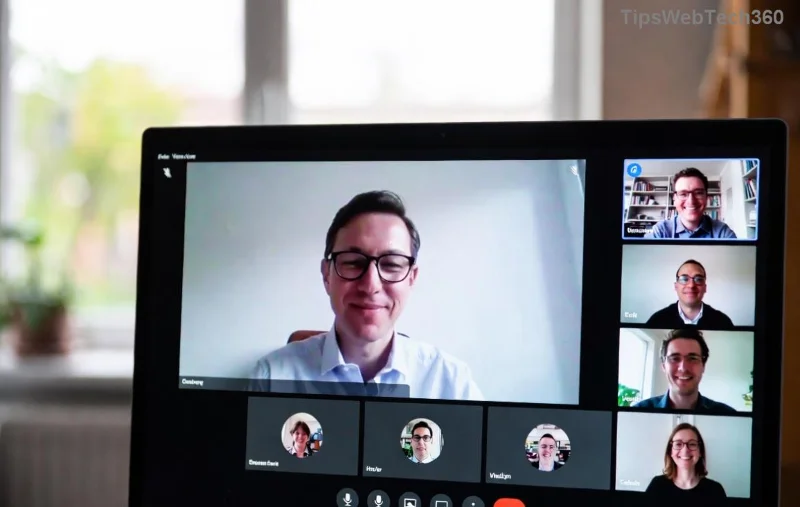
Microsoft Teams guest login invitation screen

Why Choose Guest Access in Microsoft Teams?

  • No signup required—join with just an invite link.
  • ⭐ Limited but powerful: View chats, join meetings, share screens.
  • 🔒 Secure: Hosts control permissions; data stays protected.

Ready to jump in? Follow these precise steps for how to log in as a guest in Microsoft Teams. We'll cover all platforms.

Step-by-Step: Log in as a Guest on Desktop or Web

  1. 👉 Receive and Click the Invite: Get the email or link from your host. Open it in your browser (Edge, Chrome recommended).
  2. Select Guest Option: On the Microsoft Teams join page, choose "Join as guest" instead of signing in.
  3. Enter Your Name: Type a display name. No email needed unless prompted.
  4. Grant Permissions: Allow camera, mic, and notifications. Hit "Join now!"

Pro tip: Download the Teams desktop app for better performance—guest mode works seamlessly there too. Stuck? Preview the meeting first to test audio/video. 🎥

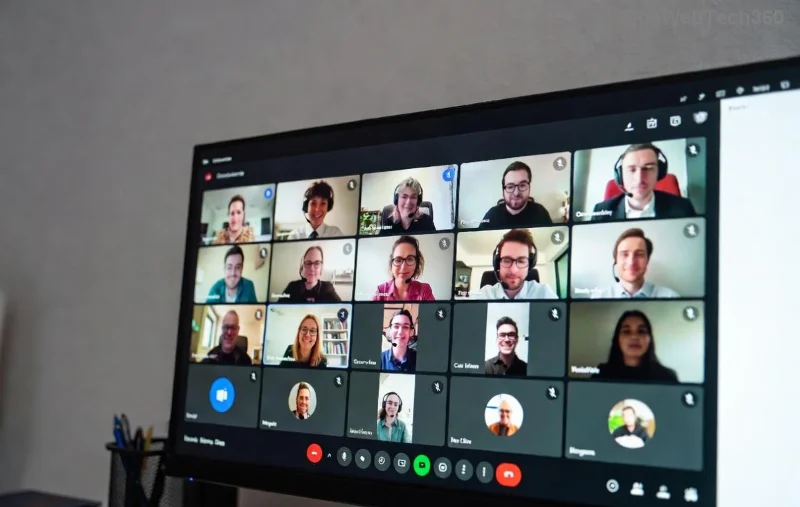
Step-by-step guest join interface in Microsoft Teams

Guest Login on Mobile (iOS/Android)

Mobile users love the flexibility. Here's the fast track:

Step Action Icon Tip
1 Open invite link in browser or Teams app. 📱
2 Tap "Join as guest."
3 Enter name, allow permissions.
4 Join meeting or channel. 🚀

Install the latest Teams app from app stores for offline prep. Guest sessions sync across devices effortlessly.

Accessing Channels and Files as a Guest

Once in, explore:

  • Chats & Meetings: Real-time messaging and video.
  • Files Tab: Download/share docs (host-approved).
  • Apps Integration: Use Whiteboard or polls.

Note: Guests can't create teams but shine in collaboration. Want more? Ask your host to upgrade access.

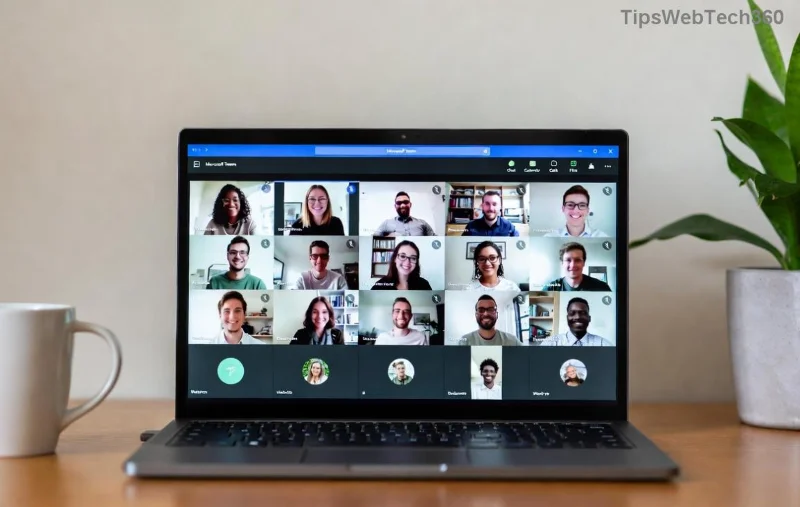
Guest user dashboard in Microsoft Teams channels

Troubleshooting Microsoft Teams Guest Login Issues

Encounter hurdles? Quick fixes:

  1. ❌ Invite Expired? Request a fresh link.
  2. No Audio? Check browser permissions; switch to app.
  3. Blocked by Org Policy? Hosts must enable guest access in settings (Microsoft Docs).
  4. Account Conflict? Use incognito mode or different browser.

For advanced tweaks, admins reference the official Teams support page.

Pro Tips to Maximize Your Guest Experience in Teams

  • ⭐ Pin frequent channels for quick access.
  • 💡 Use "Raise hand" in meetings to stand out.
  • 🔄 Log out via profile menu; sessions auto-end.

Mastering how to log in as a guest in Microsoft Teams opens doors to global teamwork without commitments. Next time an invite lands in your inbox, you're set! Share this guide and collaborate smarter. What's your first guest meeting? Drop thoughts below. 🚀
Leave a Comment

🔧 Instant Fix: Conquer Microsoft Teams For Linux Installation Error in 5 Minutes!

🔧 Instant Fix: Conquer Microsoft Teams For Linux Installation Error in 5 Minutes!

Tired of the frustrating Microsoft Teams "For Linux" installation error? Discover proven, step-by-step fixes for Ubuntu, Fedora, and more. Get back to seamless video calls without the hassle!

Fix Microsoft Teams Web App Login Problems Fast – Ultimate Troubleshooting Guide

Fix Microsoft Teams Web App Login Problems Fast – Ultimate Troubleshooting Guide

Struggling with Microsoft Teams Meeting Web App login problems? Get instant fixes for cache issues, browser glitches, and account errors. Step-by-step solutions to rejoin meetings seamlessly.

🚀 Microsoft Teams Error Report Not Sending? Fix It in Minutes with This Ultimate Guide!

🚀 Microsoft Teams Error Report Not Sending? Fix It in Minutes with This Ultimate Guide!

Struggling with Microsoft Teams error report not sending? This comprehensive guide provides proven troubleshooting Microsoft Teams error report not sending steps to resolve crashes, failed reports, and connectivity issues fast. Get back to productive meetings!

🚀 Fix Microsoft Teams Guest Access Error in Minutes: Ultimate Troubleshooting Guide

🚀 Fix Microsoft Teams Guest Access Error in Minutes: Ultimate Troubleshooting Guide

Stuck with Microsoft Teams "Guest" access error? Follow our step-by-step troubleshooting guide to resolve guest invite issues, enable access, and get teams collaborating seamlessly. Proven fixes for admins and users alike.

🚀 Fix Microsoft Teams Code Error Redemption Instantly: Proven Troubleshooting Guide

🚀 Fix Microsoft Teams Code Error Redemption Instantly: Proven Troubleshooting Guide

Stuck with Microsoft Teams "Code Error" during redemption? Discover step-by-step fixes for code redemption issues, common causes, and pro tips to resolve it fast and redeem your licenses without hassle. Updated with the latest solutions.

🚀 Fix Microsoft Teams Errors Instantly: Ultimate Troubleshooting Guide for Bị Lỗi Issues

🚀 Fix Microsoft Teams Errors Instantly: Ultimate Troubleshooting Guide for Bị Lỗi Issues

Struggling with Microsoft Teams errors like "Bị lỗi"? Discover proven troubleshooting Microsoft Teams steps to resolve general errors, crashes, sign-in issues, and more. Quick fixes for seamless collaboration!

🚀 Fix Microsoft Teams Logs Error Access Denied in 5 Minutes – Proven 2026 Solutions!

🚀 Fix Microsoft Teams Logs Error Access Denied in 5 Minutes – Proven 2026 Solutions!

Struggling with Microsoft Teams "Logs Error" Access Denied? Discover quick, step-by-step fixes to resolve this frustrating issue and get back to seamless collaboration. Updated with the latest Teams patches for instant relief!

🚀 Fix Microsoft Teams User Not Authorized Error: Proven Steps to Get Back Online Fast!

🚀 Fix Microsoft Teams User Not Authorized Error: Proven Steps to Get Back Online Fast!

Stuck with Microsoft Teams "User Not Authorized" error? Follow our expert, step-by-step guide to quickly fix it and resume seamless collaboration. Simple solutions that work every time.

🚀 Microsoft Teams Whiteboard Not Syncing? Fix It Fast with Proven Steps!

🚀 Microsoft Teams Whiteboard Not Syncing? Fix It Fast with Proven Steps!

Struggling with Microsoft Teams Whiteboard not syncing properly? Discover step-by-step fixes for syncing issues, from cache clearing to network tweaks. Get your collaborative whiteboard back on track in minutes!

🚀 Fix Microsoft Teams Time Limit Error FAST: 7 Proven Steps for Instant Relief!

🚀 Fix Microsoft Teams Time Limit Error FAST: 7 Proven Steps for Instant Relief!

Struggling with the frustrating Microsoft Teams "Time Limit" Error? Discover proven, step-by-step fixes to resolve it quickly. Update Teams, clear cache, and more—no tech skills needed! Works on latest versions.









