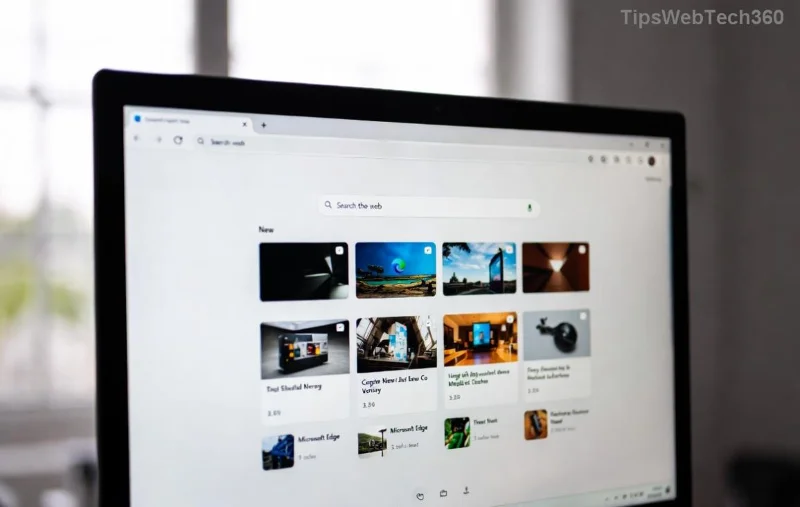
Imagine losing hundreds of carefully curated Microsoft Edge favorites because of a pesky sync error. 😩 Don't panic! Whether it's a Microsoft account glitch, network hiccup, or corrupted sync data, you can restore Microsoft Edge favorites after a sync error in minutes. This guide delivers straightforward, tested steps using the latest Edge features, keeping your browsing history intact. Stick around—we've got quick wins, advanced recovery, and prevention tips to save your day. Let's dive in! 🌟
Why Does Microsoft Edge Favorites Sync Error Happen?
Sync errors strike when Edge can't properly merge your bookmarks across devices via your Microsoft account. Common culprits include:
- 🔒 Account permission issues or two-factor authentication blocks.
- 🌐 Network instability during sync.
- 💻 Corrupted local bookmark files (Bookmarks or Bookmarks.bak).
- ⚙️ Outdated Edge version clashing with server-side changes.
Good news: Edge auto-backs up favorites, so recovery is often just a few clicks away. Before advanced steps, try these quick fixes—they resolve 80% of cases! 👍
Quick Fixes: Restore Microsoft Edge Favorites Without Losing Data
Start here for the fastest path. No tech expertise needed.
- 1️⃣ Verify Sync Status
Open Edge > Click your profile icon (top-right) > Go to Settings > Profiles > Sync. Ensure "Favorites" is toggled on. If paused, hit Resume. Wait 5-10 minutes and refresh.
- 2️⃣ Sign Out and Sign Back In
In Sync settings, select Turn off sync > Confirm. Close Edge, reopen, and sign in again with your Microsoft account. This resets the sync queue—favorites often reappear magically! ✨
- 3️⃣ Force a Manual Sync
Type edge://settings/profiles/sync in the address bar. Click Sync now under Favorites. Pro tip: Do this on your primary device first.
If these don't work, your local backups are the hero. Edge creates automatic Bookmarks.bak files daily—perfect for recover Edge bookmarks.
Step-by-Step: Restore from Backup Files
Edge stores favorites in a JSON file at %LocalAppData%\Microsoft\Edge\User Data\Default\Bookmarks (Windows). A backup named Bookmarks.bak saves the day.
- 1️⃣ Locate Backup Files
Close Edge completely (Task Manager > End edge.exe tasks). Press Win+R, paste %LocalAppData%\Microsoft\Edge\User Data\Default\, hit Enter. Spot Bookmarks and Bookmarks.bak.
- 2️⃣ Replace Corrupted File
Rename Bookmarks to Bookmarks.old. Copy Bookmarks.bak and rename it to Bookmarks. Restart Edge—favorites restored! 🎉
- 3️⃣ Re-Sync Safely
Once loaded, enable sync again. Edge will upload your restored list to the cloud.
![Step-by-step restore Microsoft Edge favorites from backup file]()
Advanced Recovery: Export/Import and Reset Options
For stubborn cases, use these pro methods. Compare them in the table below:
| Method |
Best For |
Time |
Risk |
| Export/Import HTML |
Cross-browser transfer |
2 mins |
Low |
| Sync Reset |
Account-wide errors |
5-10 mins |
Medium |
| Edge Reset |
Local corruption |
15 mins |
High (resets settings) |
Export/Import Method
- edge://favorites/ > More options (3 dots) > Export favorites (to HTML).
- To restore: Import favorites > Select file. Boom—restored!
Sync Data Reset (Nuclear Option)
Visit account.microsoft.com > Privacy > Sync data > Clear data for Edge. Then re-sync from a backed-up device. Note: This affects all synced data—backup first!
Full Edge Reset
Settings > Reset settings > Restore settings to default. Favorites usually survive, but combine with backup rename for safety.
Prevent Future Edge Sync Errors 🛡️
Stay ahead:
- ⭐ Export favorites weekly: edge://favorites/ > Export.
- 📱 Use the same Microsoft account everywhere.
- 🔄 Keep Edge updated: Settings > About Microsoft Edge.
- 🌐 Stable Wi-Fi for sync; avoid VPN glitches.
For official troubleshooting, check Microsoft's Sync Guide.
Still Stuck? Next Steps
If nothing works, your favorites might be archived in OneDrive via sync. Search there or contact Microsoft Support via Edge's Help menu. You've got this—your bookmarks are waiting! 👏 Share your success in comments below. Ready to browse worry-free?
Proven on latest Edge builds—happy syncing! 🚀