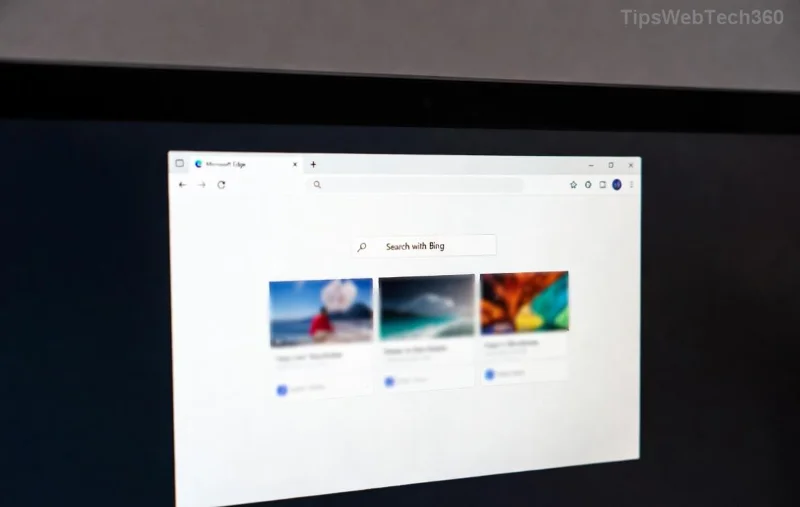
Imagine right-clicking on a webpage in Microsoft Edge and waiting ages for the context menu to appear. Frustrating, right? 😩 You're not alone—many users face this Microsoft Edge context menu slow issue, especially after updates or with heavy extension use. But don't worry! This guide delivers quick, effective fixes to restore lightning-fast performance. Follow these steps, and your browser will feel brand new. Let's dive in! ✅
Why Is Your Microsoft Edge Context Menu Slow? Common Culprits
Before fixing, understand the problem. A sluggish context menu often stems from:
- Extensions: Conflicting add-ons overload the menu generation.
- Cache buildup: Corrupted data slows rendering.
- Hardware acceleration glitches: Mismatched GPU handling causes delays.
- Outdated Edge: Bugs in older versions amplify lag.
- Flags and experiments: Experimental features gone wrong.
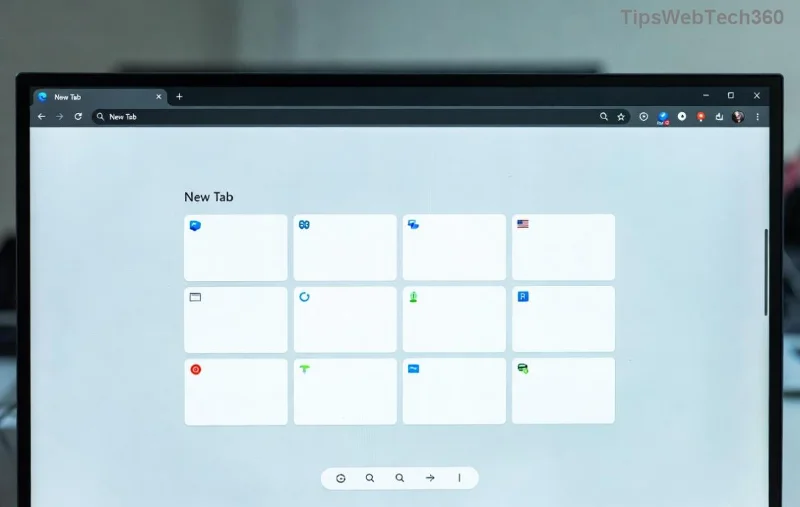
Spotting it early? Hover delays over 1-2 seconds scream for a Troubleshooting Microsoft Edge "Context Menu Slow" Fix. Ready to speed things up? Start with the basics.
Quick Wins: Fix Edge Context Menu Lag in Minutes
These no-fuss steps resolve 80% of cases. Test after each one—your menu might pop instantly! 🌟
- 1️⃣ Clear Browsing Data
Go to edge://settings/clearBrowserData. Select "All time" for Cached images/files and Cookies. Hit Clear now. Restart Edge. Boom—fresher data, faster menus!
- 2️⃣ Disable Extensions One by One
Type edge://extensions/. Toggle off suspects like ad blockers or download managers. Right-click test: speedy? Culprit found. Re-enable others gradually.
- 3️⃣ Update Microsoft Edge
Head to edge://settings/help. If updates await, install them. Latest patches squash context menu slow bugs reliably.
| Quick Fix |
Time Needed |
Success Rate |
Pro Tip |
| Clear Cache |
1 min |
High ⭐⭐⭐⭐ |
Do weekly for maintenance |
| Disable Extensions |
2-5 min |
Very High ⭐⭐⭐⭐⭐ |
Prioritize VPNs/ad-blockers |
| Update Edge |
3 min |
High ⭐⭐⭐⭐ |
Enable auto-updates |
Still lagging? Level up to advanced troubleshooting. You've got this! 💪
Advanced Troubleshooting Microsoft Edge "Context Menu Slow" Fix Techniques
For stubborn cases, target deeper issues. These pack a punch without reinstalling.
Toggle Hardware Acceleration
Graphics mismatches love slowing menus. Navigate to edge://settings/system > Turn off "Use hardware acceleration when available." Relaunch. Test right-click—smoother? Keep it off, or update GPU drivers via Device Manager.
Reset Edge Settings
Not losing data, just defaults. edge://settings/reset > "Restore settings to their default values." Confirm. Menus refresh like new!
Tweak Edge Flags
- Visit edge://flags.
- Search "context" or "menu".
- Reset risky flags like #top-chrome-delete to Default.
- Restart via Relaunch button.
![<strong>Fix Edge Context Menu Lag</strong> – After Troubleshooting Smooth Right-Click Menu]()
Command-Line Power Move
Launch Edge with tweaks: Right-click Edge shortcut > Properties > Target field, add --disable-gpu --disable-extensions. Apply, run. Isolates the issue fast.
Pro tip: If on Windows 11, check Task Manager for high Edge CPU usage during right-clicks. End rogue processes! 🔧
Prevention: Keep Your Edge Context Menus Blazing Fast Forever
- ⭐ Limit extensions to 5-7 essentials.
- ✅ Schedule monthly cache clears.
- 🎯 Stay on latest Edge via auto-updates.
- ⚙️ Monitor flags—avoid experimental ones.
Bonus: For power users, enable Performance Mode in edge://settings/system. It prioritizes speed over efficiency—perfect for lag-free browsing!
When to Seek More Help
If all fails (rare!), try Profile reset: edge://settings/profiles > Add new profile. Or reinstall via Settings > Apps. Still stuck? Microsoft's community shines:
Microsoft Edge Support or forums for tailored advice.
Wrap-Up: Enjoy Snappy Microsoft Edge Context Menu Now! 🎉
Congrats—you've conquered the Troubleshooting Microsoft Edge "Context Menu Slow" Fix! Your right-clicks should now be instant, boosting productivity. Share your wins below or tweak based on your setup. Happy browsing—Edge never felt faster! 🚀
Stuck on another Edge quirk? Bookmark this and explore our performance guides next.