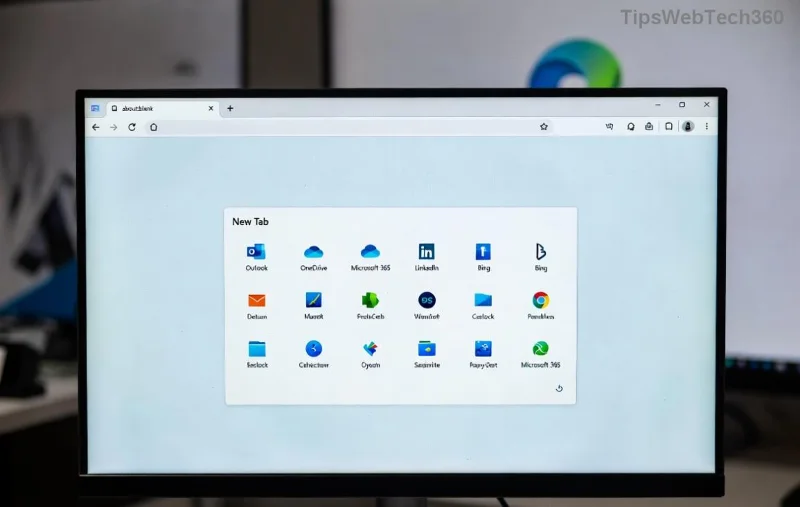
Ever opened a new tab in Microsoft Edge and wished it felt more like your personal dashboard? 😊 You're not alone! The Microsoft Edge new tab page is a powerhouse of customization, letting you ditch the defaults for backgrounds that inspire, shortcuts that speed up your workflow, and feeds that keep you informed. In this guide, we'll walk you through every step to customize the Microsoft Edge new tab page—from basics to pro tips. Get ready to transform your browsing experience and boost productivity effortlessly.
Why Bother Customizing the Microsoft Edge New Tab Page?
Stock new tabs are functional but bland. Personalizing yours means quicker access to favorites, motivational visuals, and curated content. Imagine starting every session with your top sites at a glance, a stunning wallpaper, and news tailored to your interests. Microsoft Edge makes this seamless in its latest updates, supporting dynamic themes and smart layouts. Let's dive in! 👉
Step-by-Step: Basic Ways to Customize Microsoft Edge New Tab Page
Start simple—no extensions needed. Head to Edge settings for instant changes.
- Open Settings: Click the three-dot menu (⋮) in the top-right > Settings.
- Navigate to New Tab Page: Go to Appearance > New tab page. Here’s where the magic happens!
- Choose Your Layout: Select from Focused, Informational, or Inspirational. Focused hides extras for a clean look; Inspirational adds daily quotes and images.
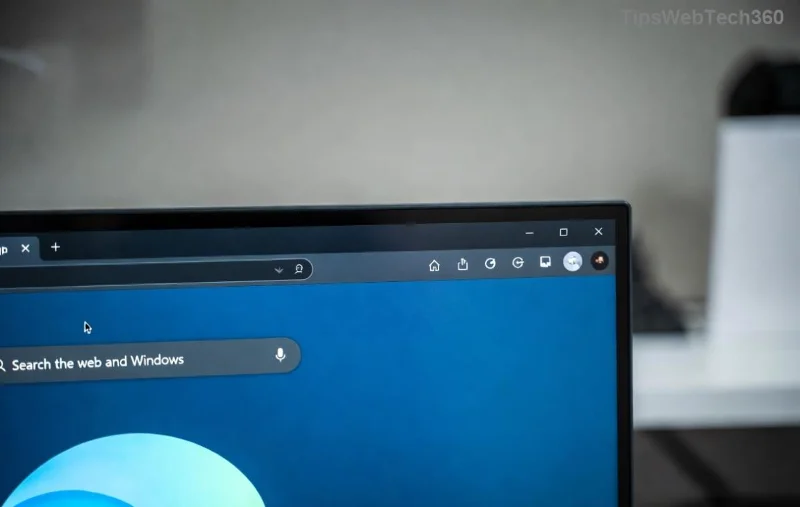
Pro tip: Toggle Show today’s highlights for weather, stocks, and news without leaving the tab. Feel the difference immediately! ⭐
Personalize Backgrounds and Shortcuts on Your Microsoft Edge New Tab Page
Make it yours with visuals and quick links.
Custom Backgrounds
- Under New tab page settings, click Customize next to Background.
- Pick from categories like Art, Abstract, or upload your own image. Edge supports daily rotating backgrounds for variety!
Edit Shortcuts
Drag and drop icons or add/remove sites. Right-click any shortcut for options.
| Layout Option |
Best For |
Key Features |
| Top Sites Only |
Minimalists |
Quick links, no distractions |
| Content Feed |
News Lovers |
News, weather, sports |
| Custom Shortcuts |
Power Users |
Unlimited personalization |
![Customizing shortcuts and backgrounds on Microsoft Edge new tab page]()
These tweaks alone can save you hours weekly. Ready for more? Keep reading! 🚀
Advanced Microsoft Edge New Tab Page Customization: Layouts, Feeds, and Collections
Edge's latest features shine here. Enable Collections for a sidebar of saved ideas, or customize the feed.
- Feed Customization: In settings, manage topics under Content. Add interests like tech, finance, or hobbies.
- Shortcuts Panel: Pin up to 20 sites. Group them for work, social, or shopping.
- Dark Mode Sync: Matches your system theme automatically for eye-friendly vibes.
For deeper control, explore Page zoom and Language preferences in the same menu. Microsoft's official docs confirm these are optimized for the newest Edge versions.
![Advanced customization options for Microsoft Edge new tab page layouts and feeds]()
Supercharge with Extensions for Ultimate Edge New Tab Page Control
Want themes from Unsplash or productivity widgets? Hit the Edge Add-ons store (edge://extensions/).
- New Tab Redirect: Swap to custom HTML pages.
- Momentum Dash: Daily photos, quotes, and to-dos. ⭐ Top pick!
- Tab Wrangler: Auto-organizes tabs for clutter-free starts.
Install via search > Add to Edge. Test one at a time to avoid overload. Extensions respect privacy with Edge's enhanced security.
Top Tips & Tricks to Keep Your Customized Microsoft Edge New Tab Page Fresh ⭐
- 👉 Sync Across Devices: Enable in Profiles > Sync for seamless mobile-desktop harmony.
- 😊 Daily Refresh: Set rotating backgrounds to combat boredom.
- Keyboard Shortcuts: Ctrl+T for new tab; customize further in Keyboard shortcuts settings.
- ❌ Avoid Clutter: Limit shortcuts to 8-10 for speed.
- 👏 Performance Boost: Disable unused feeds to load faster.
Wrap-Up: Your Perfect Microsoft Edge New Tab Page Awaits!
Congrats—you're now equipped to customize the Microsoft Edge new tab page like a pro! Start with basics, layer on advanced tweaks, and experiment with extensions. Your browser isn't just a tool anymore; it's your personalized command center. What will you customize first? Drop a comment below or share your setup. Happy browsing! 🎉