Home
» MEDIA STREAMING
»
How to Install Google Play on Fire Stick: What Actually Works
How to Install Google Play on Fire Stick: What Actually Works
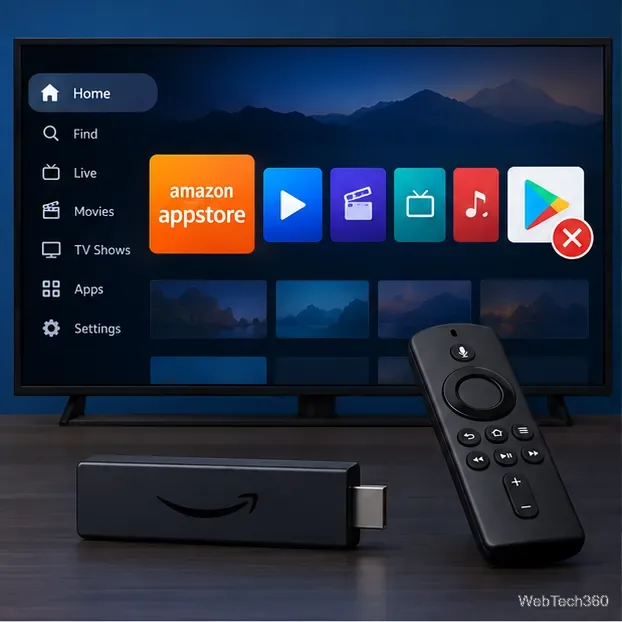
You can’t install Google Play Store on a Fire TV Stick as a supported app. Fire TV uses Amazon’s Appstore, and Google Play services aren’t supported on Fire OS. Some newer sticks run Vega OS, which uses a different app package format. Use the Fire TV Appstore, a supported website in Amazon Silk, or a Google TV/Android TV device that officially includes Google Play.
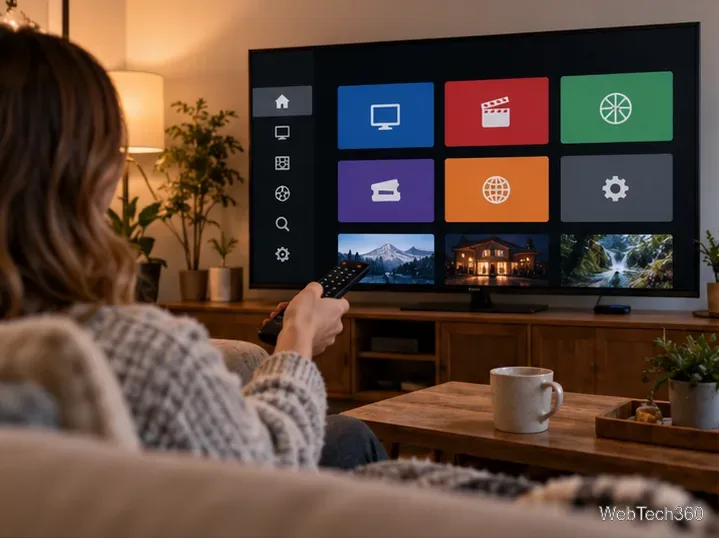
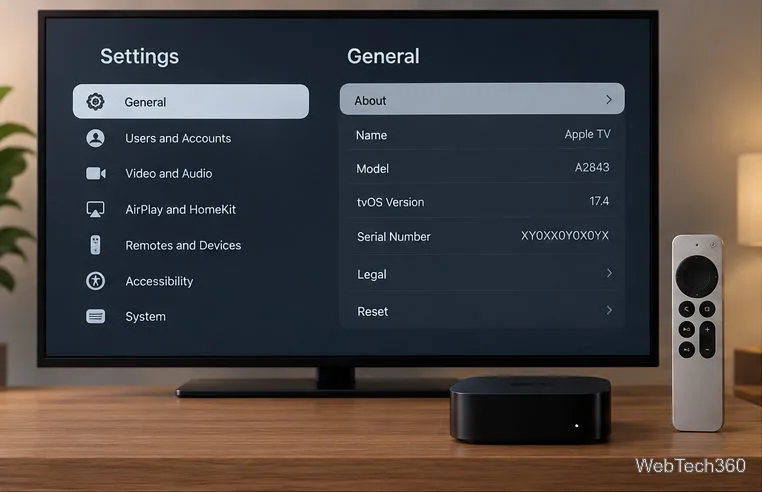
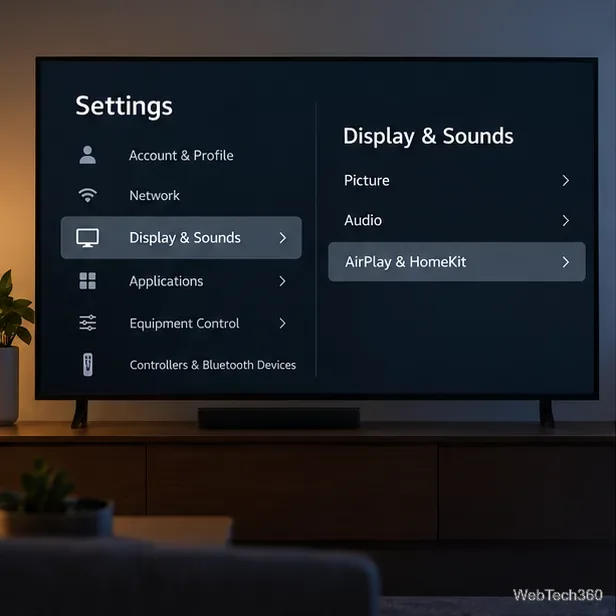
The screen views below are simplified examples; Fire TV menu names and layout can vary by model and software version.
Fire TV’s native app catalog is Amazon’s Appstore; Google Play is a separate store for supported Android and Google TV devices.
Why Google Play won’t install on Fire Stick
Fire OS shares a foundation with Android, but it is not the same service environment. Amazon explains in its Fire TV platform documentation that Fire TV uses the Amazon Appstore and does not provide Google-specific services. Google Play services, which many Android apps depend on, are not supported on Fire OS, according to Amazon’s Fire OS app compatibility guidance. Copying the Play Store APK onto a Fire TV therefore does not supply the missing dependencies.
Google warns that apps and features may not work correctly on devices without Play Protect certification, and Google apps on uncertified devices may not be licensed versions. The old “install four Google APKs” recipe is an unofficial workaround and is unreliable on Fire TV.
Check which Fire TV operating system you have
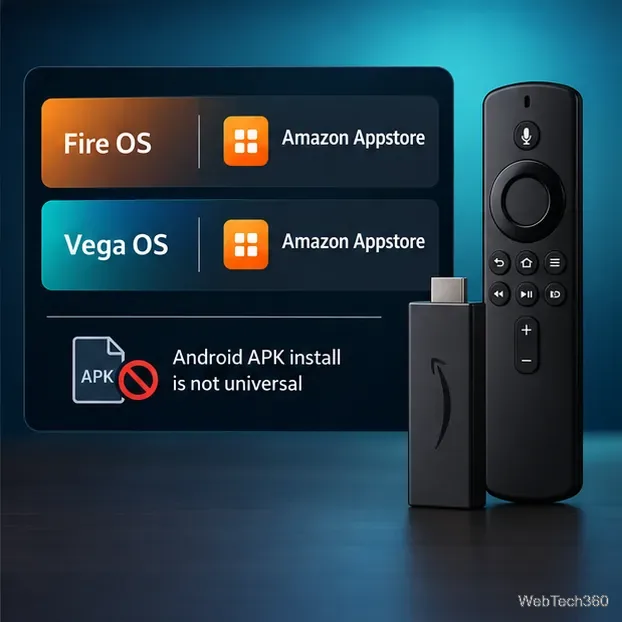
Fire OS and Vega OS do not use the same app package format. Amazon lists models such as Fire TV Stick 4K Select under Vega OS; many other sticks run Fire OS. To identify your device, open Settings and look under My Fire TV or Device & Software > About for its model and software details, then compare the model with Amazon’s Fire TV OS and device specifications. Menu labels vary. Neither operating system offers Google Play as its supported app store.
Fire OS and Vega OS both use Amazon’s Appstore, while Android APK compatibility depends on the device and operating system.
Install the Fire TV version of an app instead
1. Search the Amazon Appstore
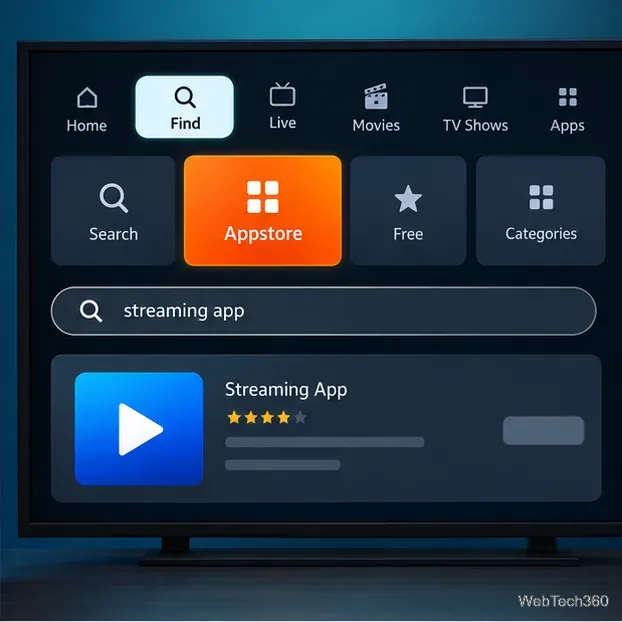
On the home screen, open Find or Appstore, search for the app, and open its listing. Amazon’s Fire TV app download instructions use this same store-based route. Choose Download or the on-screen install option. Check compatibility details, including the Works With section when available. If the app is missing, its publisher may not offer a Fire TV version in your marketplace.
Search from Find or the Appstore, then check the app listing before downloading.
2. For YouTube, use the official Fire TV app
If you wanted Play Store mainly to get YouTube, Google’s current YouTube instructions for Fire TV are to search for YouTube on the Fire TV home page or in the app store, then download it. Open the app and follow the on-screen sign-in instructions. You do not need Google Play to install the Fire TV app. Availability may vary by model and marketplace.
3. Try the service’s website in Amazon Silk
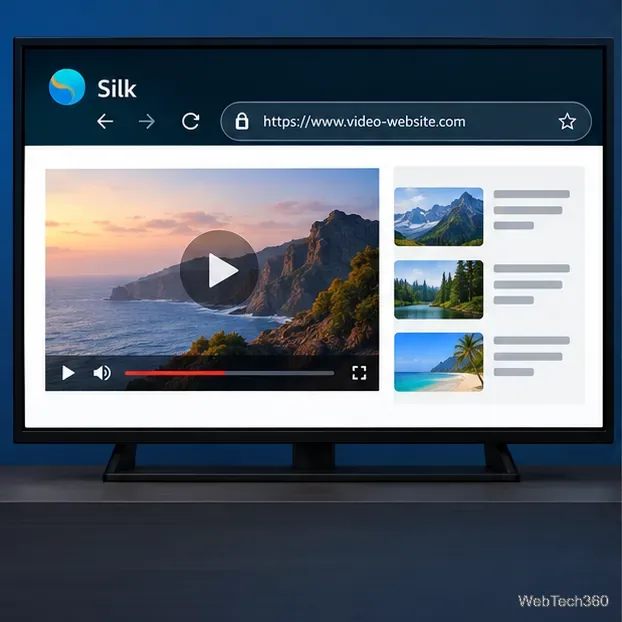
For a service without a Fire TV app, open Amazon Silk from the Apps area. See Amazon’s Silk browser guide for Fire TV if you need help finding it. If it is not installed, search for Silk in the Appstore. Enter the service’s official website and sign in only if you trust it. Browser playback and remote control support vary by site, so this is a fallback rather than a way to run Android apps.
Silk can open supported video websites, but web playback depends on the site.
If an app exists only on Google Play
Use a streaming device or television that officially supports Google TV or Android TV and Google Play. Check the exact model in the manufacturer’s specifications and Google’s Play Protect certification guidance before buying; an “Android-based” label alone does not guarantee Play Store access. For a Fire Stick, check the app publisher’s website for a Fire TV edition or browser option.
Why we don’t recommend the old APK walkthrough
Older tutorials may tell you to enable unknown sources and install Google Account Manager, Google Services Framework, Google Play services, and Play Store APKs in a set order. This is not an official Amazon or Google setup method. Amazon says Google Play services are unsupported on Fire OS, and Vega OS uses its own package format. Amazon’s app submission documentation distinguishes Fire OS APK/AAB files from Vega OS VPKG files. Even if an APK installs on some Fire OS devices, the Play Store may fail to sign in, update, show compatible apps, or launch apps that need Google services. Instructions also become outdated as device models and app versions change.
For troubleshooting, update Fire TV software using Amazon’s Fire TV update guidance, restart the device, and reinstall the app from Amazon’s Appstore. If the official listing is unavailable for your model, contact the publisher or use a supported device. Avoid downloading Google app bundles from unknown sites to make a Fire Stick imitate a certified Android TV device.