Home
» MEDIA STREAMING
»
How to Install Kodi on Apple TV 4: Setup for HD and 4K, Plus Options for 3 and 2
How to Install Kodi on Apple TV 4: Setup for HD and 4K, Plus Options for 3 and 2
You can install Kodi directly on Apple TV HD (the fourth-generation model often called Apple TV 4) and Apple TV 4K by signing Kodi's tvOS package on a Mac, then sideloading it with Xcode. Kodi is not in the tvOS App Store. Apple TV 3 cannot run Kodi directly, and current Kodi releases no longer support Apple TV 2. AirPlay from a Mac running Kodi is a possible workaround for older boxes if they appear as compatible receivers.
Apple TV model
What works
Apple TV HD / 4th generation or Apple TV 4K
Sign and sideload Kodi from a Mac.
Apple TV 3
No direct install; try AirPlay mirroring.
Apple TV 2
Unsupported by current Kodi releases.
What you need
For Apple TV HD or 4K, prepare a Mac that can run Xcode, an Apple Account, Kodi's tvOS .deb package, and iOS App Signer. Kodi's official tvOS downloads page lists Kodi 21.3 Omega as the stable release at the time of writing; check the page for the latest build. App Signer is a separate, third-party utility; use its maintainer's instructions and download page.
Install Kodi on Apple TV HD or 4K
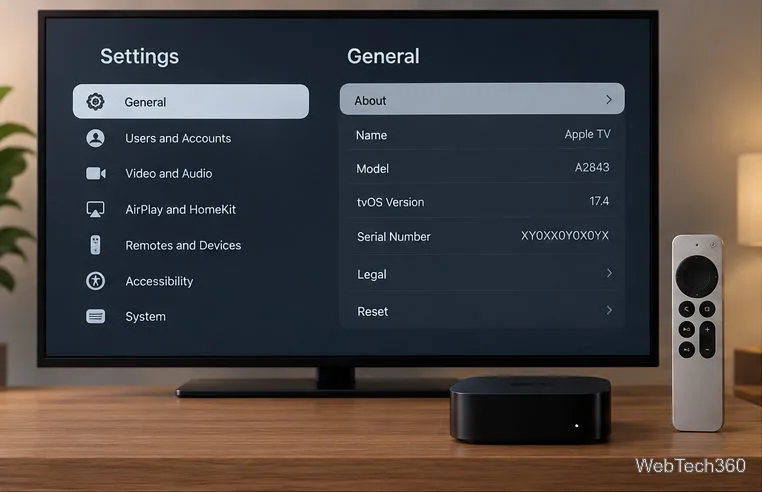
Check your model. On Apple TV, open Settings > General > About. Apple's model guide identifies Apple TV HD as A1625, Apple TV 2 as A1378, and Apple TV 3 as A1427 or A1469. Find the model information in Settings before choosing an installation method.
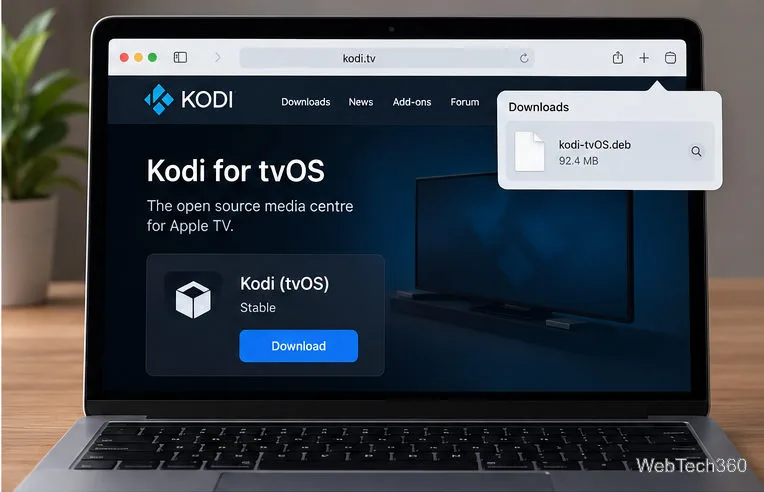
Download Kodi for tvOS. From Kodi's download page, choose the stable tvOS .deb package, not an iPhone or iPad build. Download Xcode from Apple and keep the package somewhere easy to find. Choose the tvOS package from Kodi's official download page.
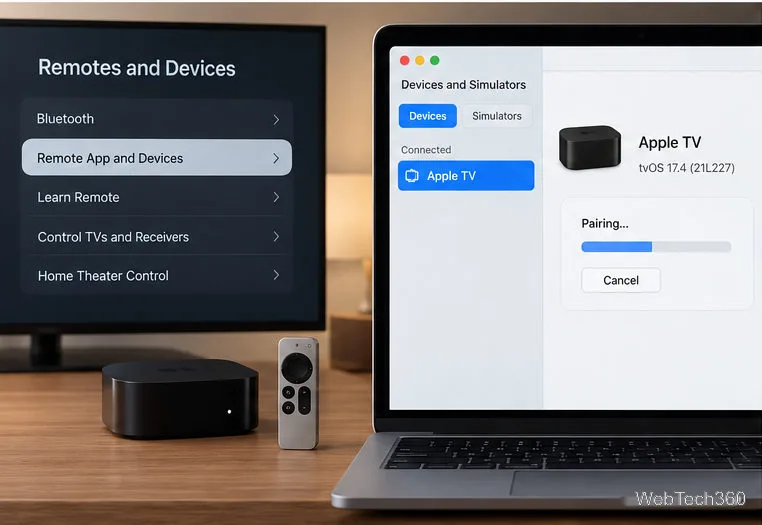
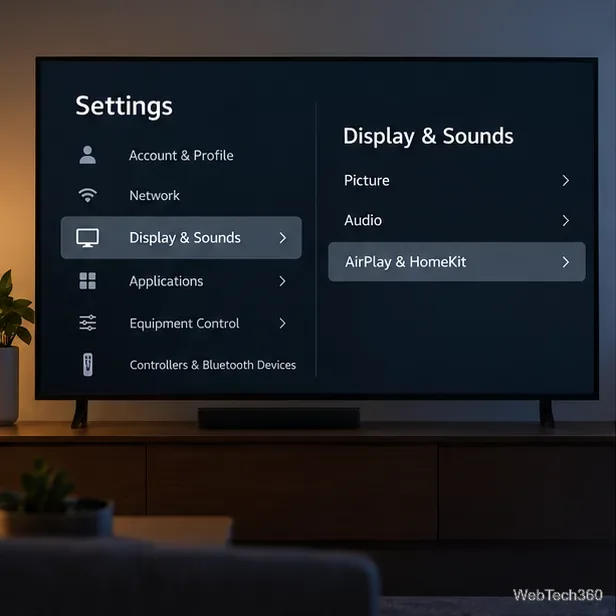
Pair Apple TV with Xcode. Put the Mac and Apple TV on the same network. On Apple TV, open Settings > Remotes and Devices > Remote App and Devices and leave that screen open. In Xcode, choose Window > Devices and Simulators, select Apple TV, choose Pair, and enter the code shown on the TV. Keep the pairing screen open while Xcode connects to the Apple TV.
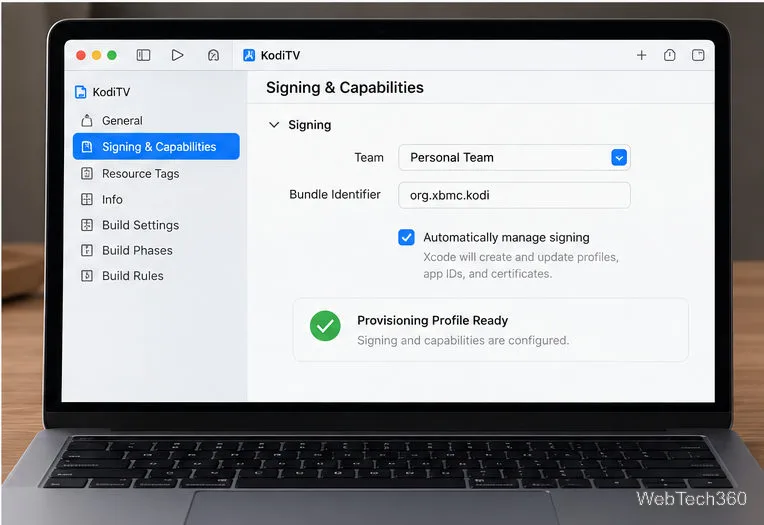
Create a signing profile. Sign in to your Apple Account in Xcode under Settings > Accounts. Create a temporary tvOS app project with a unique bundle identifier, select your Personal Team, enable automatic signing, and choose the connected Apple TV as the run destination. Resolve any signing prompt so Xcode creates a certificate and provisioning profile. Apple's Personal Team guidance says free provisioning profiles expire after seven days, so you must renew the installation periodically. Xcode should show a selected team and a valid provisioning profile.
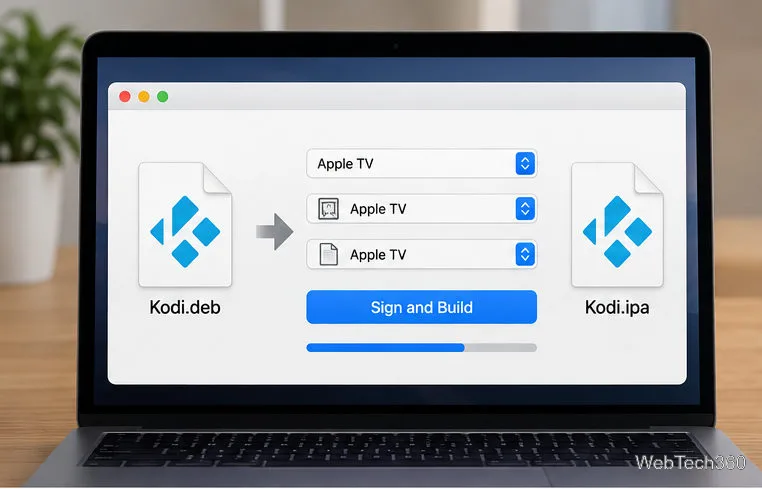
Sign Kodi. Open iOS App Signer and select the Kodi .deb as the input. Choose the signing certificate and provisioning profile created in Xcode, start signing, and save the resulting .ipa. If the profile is missing, return to Xcode, confirm Apple TV is the selected destination, resolve signing, then reopen App Signer. App Signer packages the Kodi file as an IPA for sideloading.
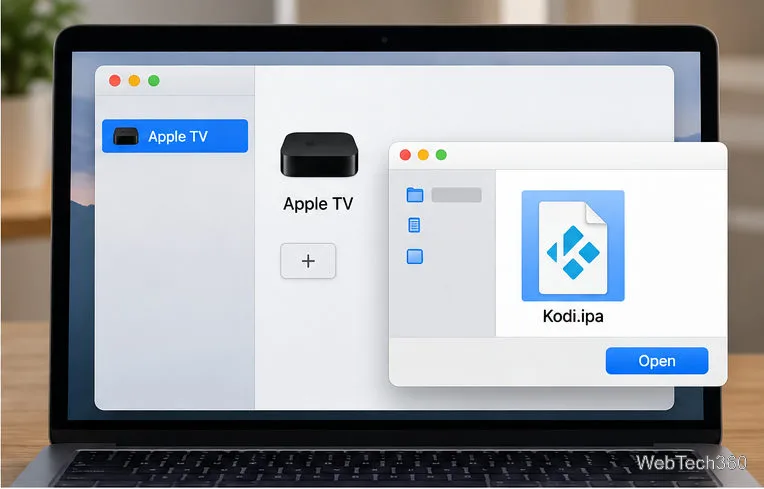
Install the IPA. In Xcode, open Window > Devices and Simulators and select Apple TV. In the installed-apps area, choose the plus button, select the new .ipa, and wait for installation. The Kodi icon should appear on the TV's Home Screen. Choose the signed IPA for the paired Apple TV.
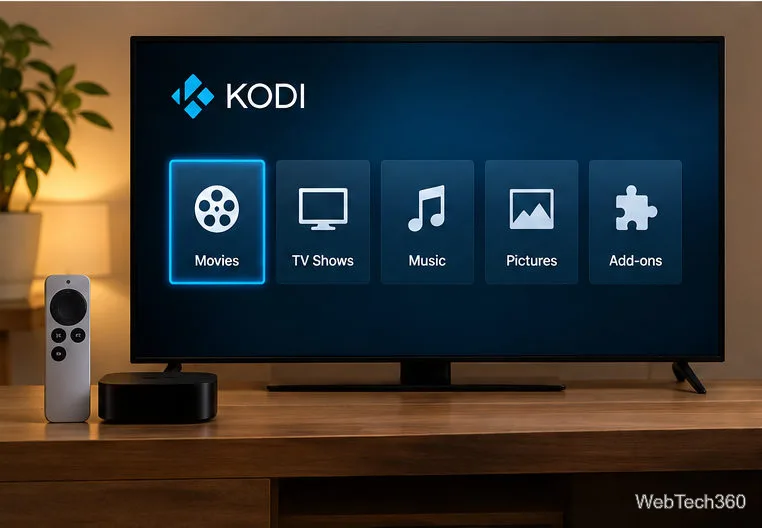
Open Kodi and renew when needed. Launch Kodi from the Home Screen and add media from storage you control, such as a network share. With a free Personal Team profile, Kodi may stop opening when the seven-day provisioning period ends; repeat the signing and installation steps. If Xcode cannot find Apple TV, check the shared network and leave Remote App and Devices open. If signing fails, confirm the profile matches the identifier used in Xcode and that the package is for tvOS. Kodi's media-center menu appears after the app installs.
Apple TV 3 and Apple TV 2
Kodi's supported-hardware guide says Apple TV 3 cannot be jailbroken for sideloading, and Kodi has not supported Apple TV 2 since version 15.0. Old tutorials that install Helix-era builds from legacy package repositories do not install a current, supported release.
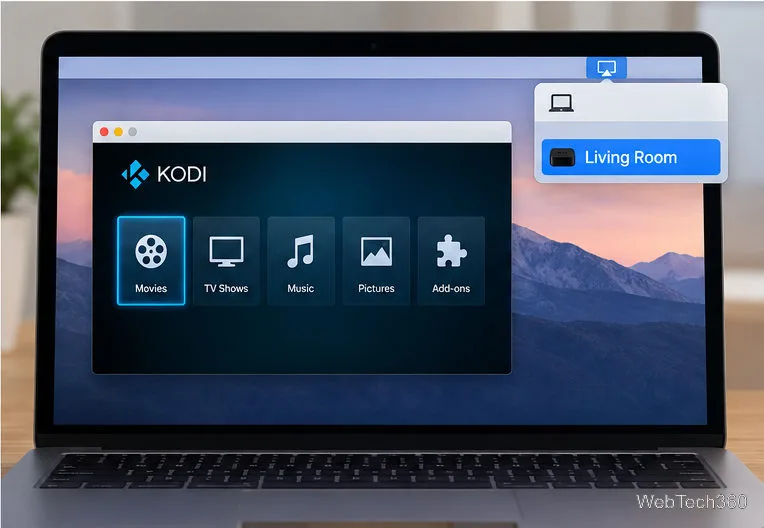
For Apple TV 3, run Kodi on a Mac and try mirroring the Mac display: connect both devices to the same network, open Kodi, then choose Control Center > Screen Mirroring in the Mac menu bar and select Apple TV if it appears. Enter a passcode if prompted. This displays the Mac screen on the television; it does not install Kodi on the Apple TV. AirPlay support varies by model and software. See Apple's Mac AirPlay guide for the current steps. AirPlay mirrors Kodi running on the Mac to an available Apple TV receiver.
Kodi is a media player, not a subscription or a catalog of licensed shows. Install add-ons only from sources you trust and use content you have permission to access. A VPN is optional and is not required to install Kodi.