Home
» MEDIA STREAMING
»
How to Watch Hallmark Channel Without Cable: Live, On-Demand, and Kodi Options
How to Watch Hallmark Channel Without Cable: Live, On-Demand, and Kodi Options
To watch the live Hallmark Channel without a cable package, choose an internet TV service that carries the network. Hallmark currently lists Frndly TV, Hulu Live, Philo, Sling TV, and YouTube TV as streaming options. If you want on-demand movies instead, Hallmark+ is a separate subscription; for free viewing, look for Hallmark Movies & More or the network’s official clips. Kodi can play legitimate media and YouTube videos, but it does not unlock Hallmark’s live channel.
Live-TV apps stream channel lineups over the internet; confirm Hallmark Channel is included in your plan.
Choose the option that matches what you want to watch
Your goal
Best place to start
What to expect
Watch Hallmark Channel live
Frndly TV, Hulu Live, Philo, Sling TV, or YouTube TV
A paid live-TV plan; channel packages vary.
Stream Hallmark titles on demand
Hallmark+
A separate membership with originals and selected next-day premieres.
Watch something free
Hallmark Movies & More or Hallmark’s YouTube channel
Ad-supported programming, previews, and clips—not the full live schedule.
Use Kodi
Kodi’s official add-on catalog, such as Tubed for YouTube
Useful for public clips or your own media; not a Hallmark live-TV subscription.
Watch Hallmark Channel live without cable
Hallmark’s current live-streaming support page names Frndly TV, Hulu Live, Philo, Sling TV, and YouTube TV. The available Hallmark networks can differ by service, package, and location, so check the exact channel lineup before paying. Hallmark also directs viewers to its provider finder to check availability by ZIP code.
Open Hallmark’s streaming FAQ and the channel locator. Use the provider lookup to see which services carry Hallmark in your area.
Compare the services’ current plans and confirm the listing says Hallmark Channel. Hallmark Mystery and Hallmark Family are separate networks, and some packages may offer only a subset.
Subscribe to the plan you want, install that provider’s app on your TV or streaming device, and sign in. Open its live guide and select Hallmark Channel. If a trial is offered, check its end date and renewal price before starting it.
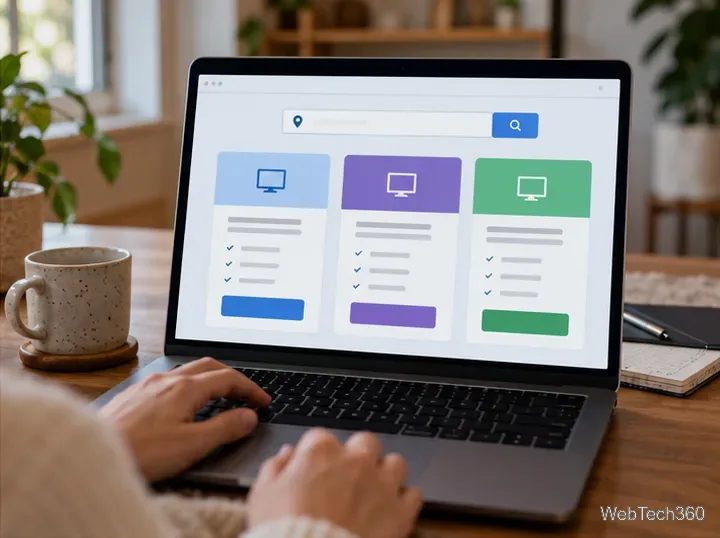
Compare current packages and verify local channel availability before subscribing.
This route is the closest replacement for cable because it carries the linear channel and its scheduled programming. You do not need a separate Hallmark+ membership to watch through a participating live-TV provider.
Use Hallmark+ for on-demand viewing
Hallmark+ is a direct subscription with Hallmark originals, movies, series, and other on-demand programming. Hallmark says new Hallmark Channel and Hallmark Mystery original movie premieres stream the next day on Hallmark+. That can work well if you mainly want selected new titles and a library to browse, but the service is separate from a live subscription to the Hallmark Channel.
Hallmark+ offers on-demand titles and selected next-day premieres, separate from the live channel feed.
Hallmark Movies & More is a free, ad-supported streaming TV channel carried through several FAST/AVOD services, according to Hallmark’s FAQ. It offers a curated selection of movies, series, and specials from Hallmark’s library. Search for the channel by name in the live-TV guide of your streaming device or service. Its catalog is not the same as the full Hallmark Channel schedule.
Hallmark’s verified YouTube channel is another no-cost option for previews and short clips. It is useful for sampling a movie or catching promotional videos, but it is not a source for the complete live channel or every full-length movie. Hallmark’s FAQ explains the difference between its subscription service and its free ad-supported channel.
What Kodi can—and cannot—do
Kodi is a free media-center application, not a TV provider. It includes no Hallmark subscription or programming. Kodi’s official add-on catalog does include Tubed, which lets you browse YouTube content inside Kodi. You can use it to find public videos on Hallmark Channel’s official YouTube account, such as previews and clips, subject to YouTube and add-on availability.
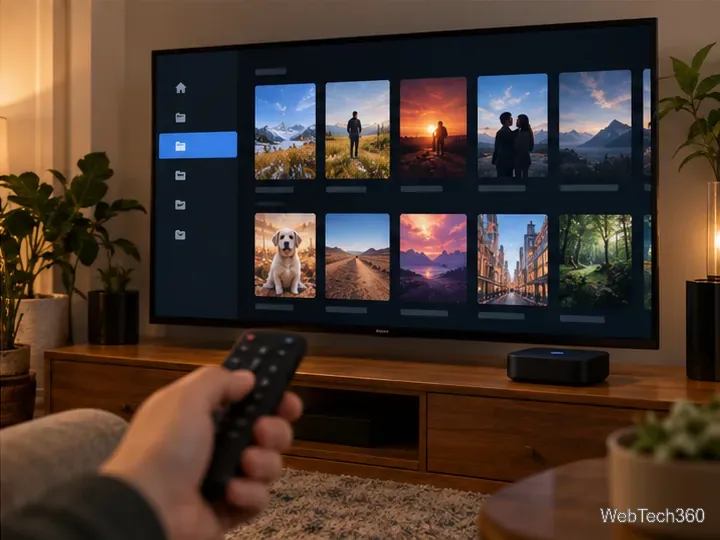
Kodi can organize your media library and approved web sources; it does not itself provide Hallmark Channel.
To install Tubed, open Kodi’s Add-ons area, choose Download or Get More, open Video add-ons, select Tubed, and choose Install. Labels may vary slightly by Kodi release; use the add-on from Kodi’s built-in official repository. Then search YouTube for Hallmark Channel’s verified account.
The old Project Cypher and Cerebro IPTV+ instructions relied on third-party repositories, not Hallmark’s own service or a verified official Hallmark feed. Kodi explains that third-party repositories are not produced or supported by Team Kodi and warns users to be cautious of offers that provide paid channels for free. Avoid installing a plug-in that promises the full Hallmark live feed without authorization. For live viewing, use a provider Hallmark lists; use Kodi for your own media or legitimate public videos.
Which option should you pick?
Choose a live-TV streamer if you want the Hallmark schedule in real time. Pick Hallmark+ if on-demand Hallmark programming and selected next-day premieres are enough. Try Hallmark Movies & More or YouTube for free, limited viewing. Kodi is useful as a media hub, but it is not a substitute for an authorized Hallmark Channel subscription.