10 Best Free Software Tools for Gaming PCs
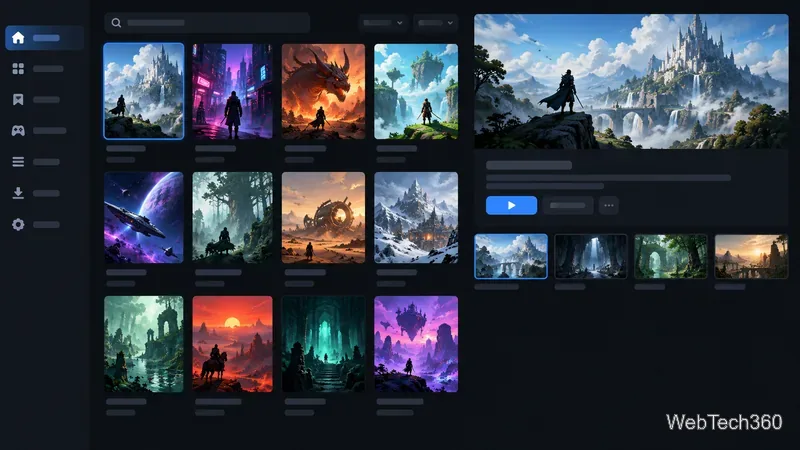
The best free software for gaming PCs covers game libraries, chat, recording, monitoring, and practical utilities, with clear notes on what each can and can’t improve.
The best free software for gaming PCs covers different jobs: finding and launching games, talking with teammates, recording footage, checking hardware, and handling files. Pick the tools that fit your Windows setup. The client or personal-use tier is free; games, subscriptions, and some commercial licenses can still cost money. No utility can guarantee a higher frame rate on every PC.
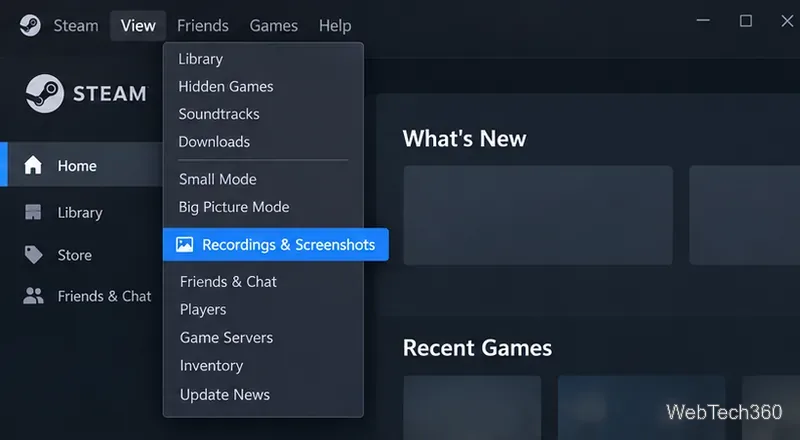
Steam is a free desktop client for browsing, buying, downloading, updating, and organizing PC games. Paid games still cost money, though Steam also lists free-to-play titles. Install it if your games are available there; keep other launchers only when a game requires them.
Discord gives gaming groups voice channels, direct calls, text chat, and ways to share gameplay. Its basic communication features are available without a subscription; Nitro adds paid extras such as higher-quality streaming and larger uploads. Pick the right input device, check push-to-talk or voice activation, and mute notifications that interrupt a match.
OBS Studio is free, open-source software for recording and streaming. It lets you combine sources such as a game capture, microphone, webcam, and overlays into scenes. The official quick-start guide explains the setup wizard and first test. Start with the suggested settings, record a short sample, and confirm game audio, microphone levels, and file location before going live. Streaming can use substantial CPU, GPU, and upload bandwidth, so lower the output settings if gameplay becomes unstable.
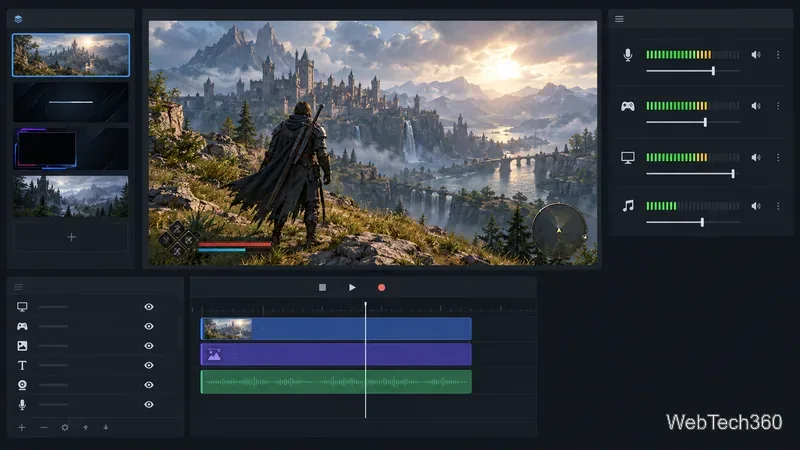
MSI Afterburner is a free graphics-card utility that works with cards from multiple brands. It can display live GPU information and lets experienced users adjust supported clock, voltage, and fan controls. You can use the monitoring overlay without overclocking. If you do tune a card, change one setting at a time and watch temperature and stability; a higher clock is not automatically better. MSI warns users to download Afterburner only from its official site or Guru3D because fake installers have circulated.
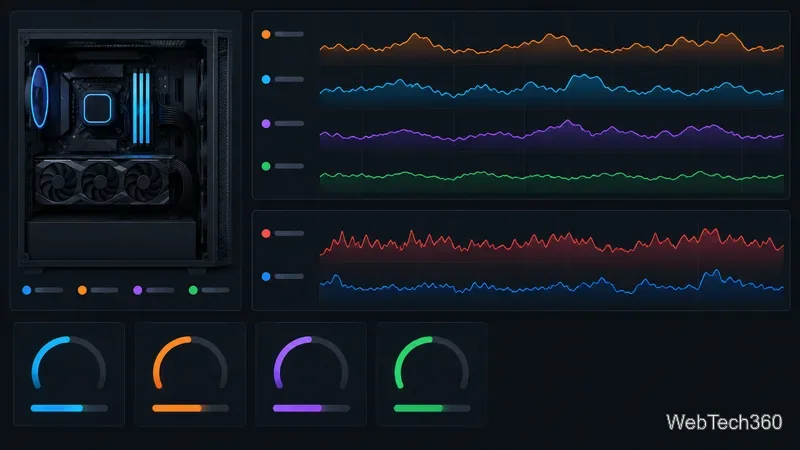
HWiNFO reports hardware details and sensor readings such as temperatures, clock speeds, and component activity. It is useful when you are diagnosing heat, throttling, or an unexpected slowdown instead of guessing which part is busy. The Windows 64-bit and ARM64 versions are free for non-commercial use; check the license if you use it for work.
CPU-Z is a lightweight freeware utility that reports information about the processor, motherboard, chipset, and memory. It helps you confirm what is installed before shopping for compatible RAM or sharing system details when asking for technical support. CPU-Z is an information tool, not a game optimizer, and it will not raise FPS by itself.
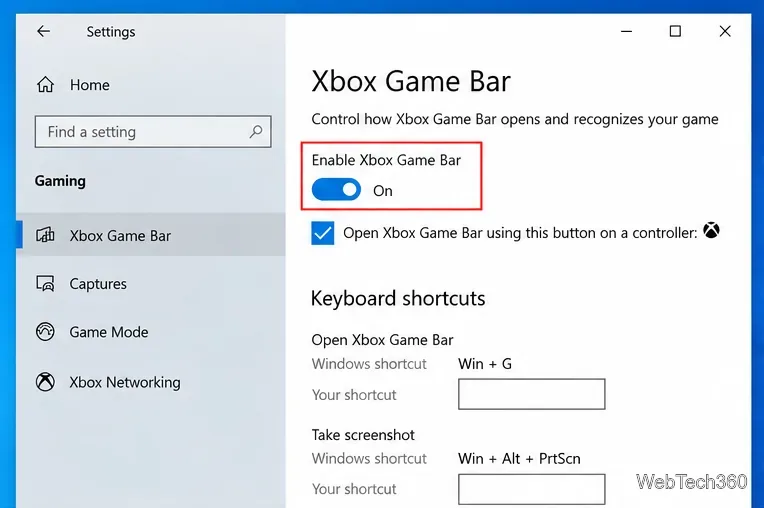
Windows includes Xbox Game Bar on many Windows 10 and 11 PCs. Press Windows+G to open its controls; Microsoft documents Windows+Alt+R as the shortcut to start or stop a recording in supported games and apps. It is handy for a quick clip without configuring a full streaming scene. If the shortcut does not work, check whether Game Bar is enabled and updated in Windows.
Razer Cortex is a free Windows app with game-launching, deals, clips, and optional optimization features. Its booster can temporarily manage selected background tasks, but results depend on the PC and the game. Compare performance before and after using the same game settings, and turn the feature off if it causes a problem. Avoid stacking several “booster” apps that all change background processes.
7-Zip is free, open-source file-archiving software for Windows. It can create and open common formats such as ZIP and 7z, and extract formats including RAR. That makes it useful for mod files, community add-ons, and other game downloads. Get the installer from the official site, and check a mod’s source before opening its files.
f.lux adjusts display color temperature according to a schedule and can disable its effect for selected apps or fullscreen games. It is a comfort preference, not a performance tool. Because warmer colors change how an image looks, switch it off when color accuracy matters, such as when editing screenshots or judging game visuals.
Choose by need instead of installing the entire list. Steam handles games; Discord covers team chat; OBS suits planned streams, while Game Bar is simpler for short clips. For a new build or suspected heat issue, use CPU-Z to identify parts and HWiNFO to watch sensors. Try Afterburner or Cortex only if you want their specific controls, and keep a baseline before changing anything. For everyday use, 7-Zip is a small practical extra; f.lux is optional.
Download each program from its official page, review installer options, and leave settings at their defaults until you know what a change does. A clean, current graphics driver and sensible in-game settings usually matter more than adding several optimization utilities.
The best free software for gaming PCs covers game libraries, chat, recording, monitoring, and practical utilities, with clear notes on what each can and can’t improve.
Find your Steam screenshot folder quickly with the current Steam client, Show on Disk, or the Windows userdata path, plus tips for missing screenshots.
Learn what BattlEye anti-cheat does, how its Windows service and kernel-level protection work, what data it processes, and what bans mean for players.
Learn how to enable and open Xbox Game Bar on Windows 10 with Win + G, use capture shortcuts, find saved clips, and fix common launch problems.
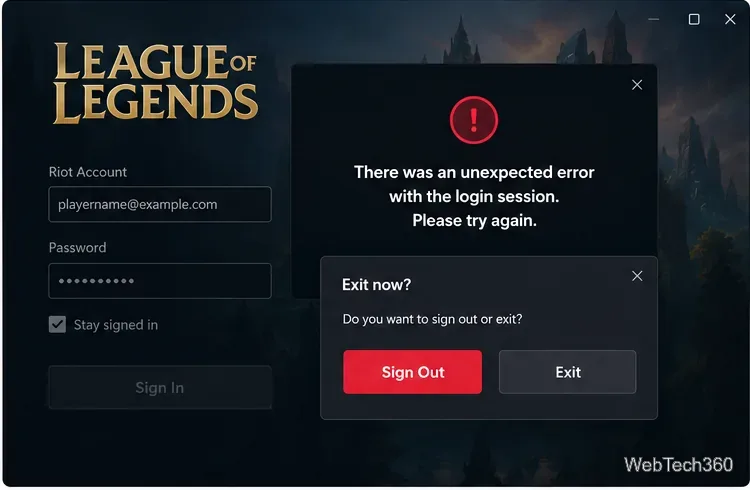
Fix League of Legends login errors such as an invalid or unexpected session by signing out fully, closing Riot processes, repairing the client, and checking your connection.
EA.com says it’s unable to connect? Check EA server status, your account, router, EA app cache, VPN, DNS, and device time with current troubleshooting steps.
Our Eldorado review explains how sellers earn from game currency, items, accounts, and boosting, plus current fees, payouts, TradeShield, and key risks.
Change your Epic Games display name for Fortnite on PC, Switch, and mobile. Follow the current steps and check email, console, and cooldown limits.