10 Best Free Software Tools for Gaming PCs
The best free software for gaming PCs covers game libraries, chat, recording, monitoring, and practical utilities, with clear notes on what each can and can’t improve.
BattlEye is a third-party anti-cheat system that game publishers integrate into multiplayer titles to help block, detect, and respond to cheating. On Windows, it can use both user-mode components and a kernel-mode driver, giving it deeper visibility than ordinary game code. Players normally do not install or run BattlEye as a separate app; supported games distribute it and start it when protection is required.
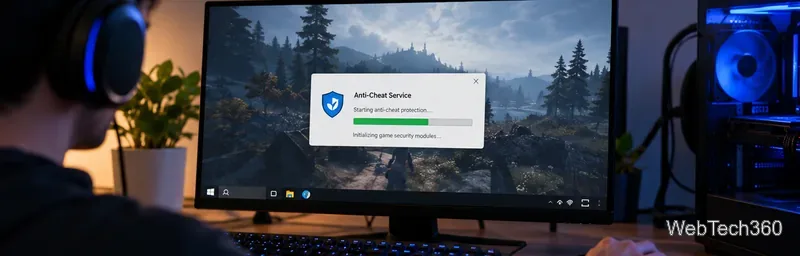
BattlEye is anti-cheat middleware from BattlEye Innovations. The official BattlEye overview describes a mix of proactive protection and ongoing detection. Its site names PUBG, Fortnite, and Rainbow Six Siege among games that have used the technology.
For players, the key point is that BattlEye is part of a game's security stack, not a general-purpose program you can add to any unsupported game yourself. BattlEye's download page says current client and server files normally come with the game distribution, so a separate manual download is generally unnecessary.
BattlEye says its protection scans in both user mode and kernel mode. That lets it look for known cheat components, suspicious manipulation, unauthorized code loaded into a protected game, and other behavior associated with bypassing game rules. The system can also work with a game server so violations can lead to a kick or ban.
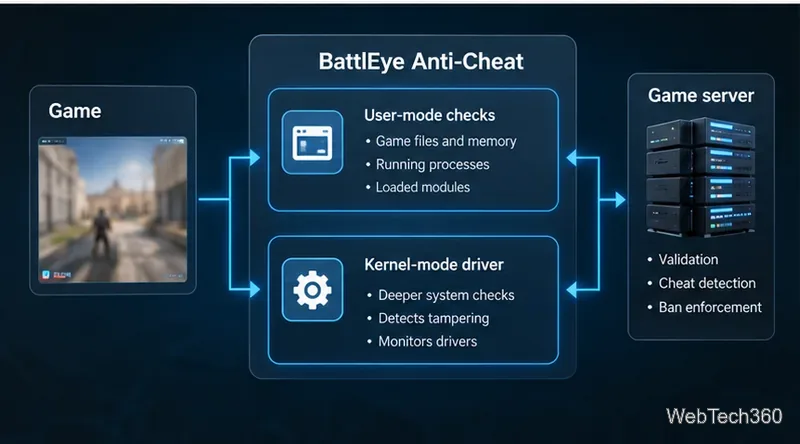
| Part | Role |
|---|---|
| Launcher and client | Starts the game and required anti-cheat components. |
| User-mode checks | Monitors game-related processes, modules, files, and memory. |
| Kernel-mode driver | Provides lower-level visibility into system activity cheats may abuse. |
| Server enforcement | Supports validation, kicks, and bans when violations are detected. |
Competitive games depend on players following the same rules. Aim assistance, wallhacks, injected code, automation, and memory tampering can undermine matchmaking and drive legitimate players away. Developers use anti-cheat systems such as BattlEye because they can protect the game at multiple levels and be updated as cheat techniques change.
BattlEye also provides server administration features. Its official documentation covers commands for viewing players, kicking users, managing ban lists, and using RCon in supported games.
Usually, no. If a game requires BattlEye, the necessary files are normally installed with the game. If the installation is damaged or was previously declined, BattlEye's FAQ points players to the game-provided installer or to repairing/verifying the game rather than downloading a generic standalone client.
On Windows, BattlEye installs a system service. BattlEye states that it is only active while you are playing a BattlEye-protected game with protection enabled. Removing it can prevent protected modes from starting until the service is restored.
Valve's Steamworks Proton documentation says Proton supports BattlEye, but each title needs a publisher-side configuration step. Support on Linux or Steam Deck is therefore game-specific; BattlEye compatibility does not guarantee that every protected game supports those platforms.
BattlEye's privacy policy says it may process IP addresses, game identifiers, hardware information, operating-system information, game- and OS-related files and memory, running processes, drivers, and executable code. The company says it follows data minimization and generally stores information only when something may indicate cheating.
It also says flagged executable code can be sent to its servers for analysis, while ordinary documents, passwords, and payment details are not the target of its anti-cheat processing.
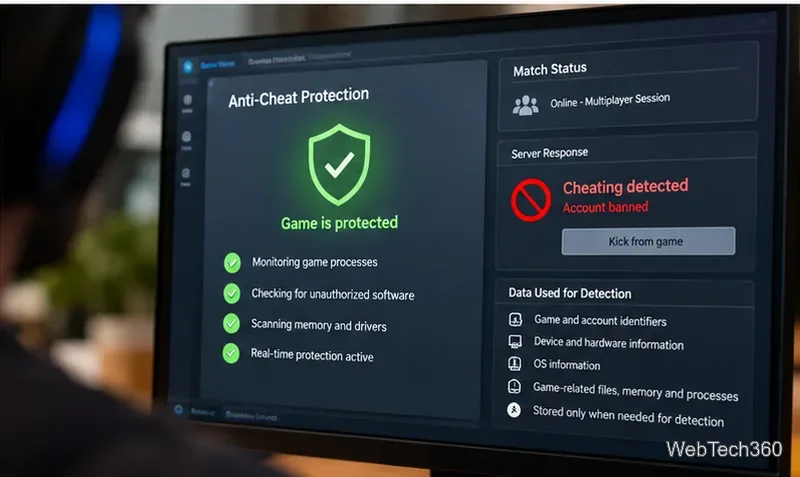
Not every BattlEye message means cheating was detected. Its FAQ says a notice that a file was blocked from loading does not itself cause a ban; it means the protected game tried to load a file BattlEye did not allow. Incompatible software can also cause kicks or launch errors without being treated as a cheat.
For confirmed cheating, BattlEye can issue enforcement actions. Its support page says BattlEye global bans are permanent and provides an appeal process for users who believe a ban was issued incorrectly.
There is no universal BattlEye launch switch that safely disables protection in every game. Some publishers provide an official unprotected or offline mode, but protected multiplayer modes may require BattlEye. Use only options documented by the game's publisher.
No anti-cheat can guarantee cheating is impossible. BattlEye is designed to make cheats harder to run and to detect new techniques over time. Trying to circumvent it can violate a game's terms and may lead to removal from protected servers or a ban.
BattlEye is legitimate anti-cheat software used by commercial games, but it does use a kernel-mode driver on Windows. BattlEye has stated that the driver is part of its protection system and is not intended to hide like a rootkit. If the driver conflicts with Windows security features or other low-level software, use the current BattlEye FAQ and the game's support page instead of old registry tweaks or unofficial bypasses.
The best free software for gaming PCs covers game libraries, chat, recording, monitoring, and practical utilities, with clear notes on what each can and can’t improve.
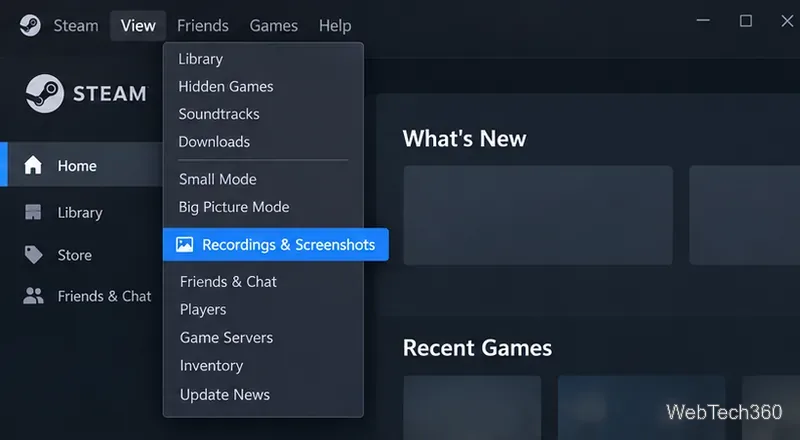
Find your Steam screenshot folder quickly with the current Steam client, Show on Disk, or the Windows userdata path, plus tips for missing screenshots.
Learn what BattlEye anti-cheat does, how its Windows service and kernel-level protection work, what data it processes, and what bans mean for players.
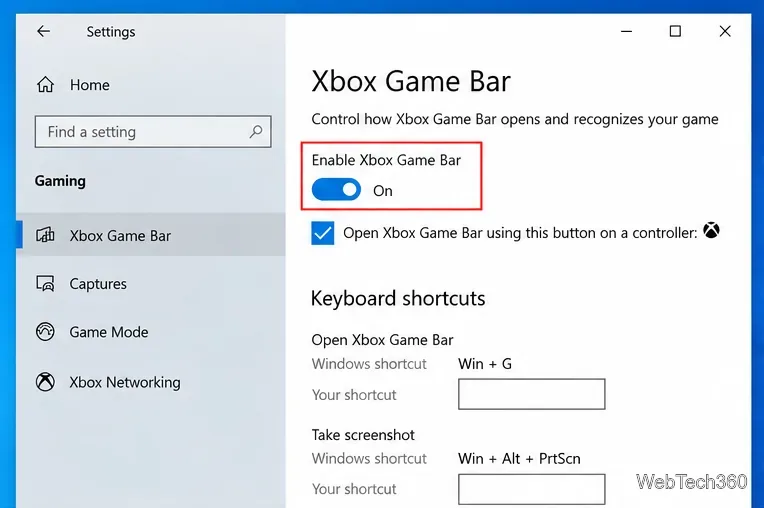
Learn how to enable and open Xbox Game Bar on Windows 10 with Win + G, use capture shortcuts, find saved clips, and fix common launch problems.
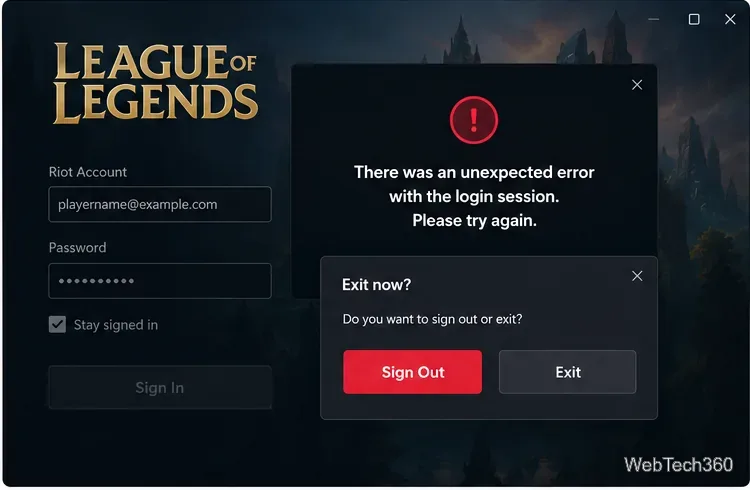
Fix League of Legends login errors such as an invalid or unexpected session by signing out fully, closing Riot processes, repairing the client, and checking your connection.
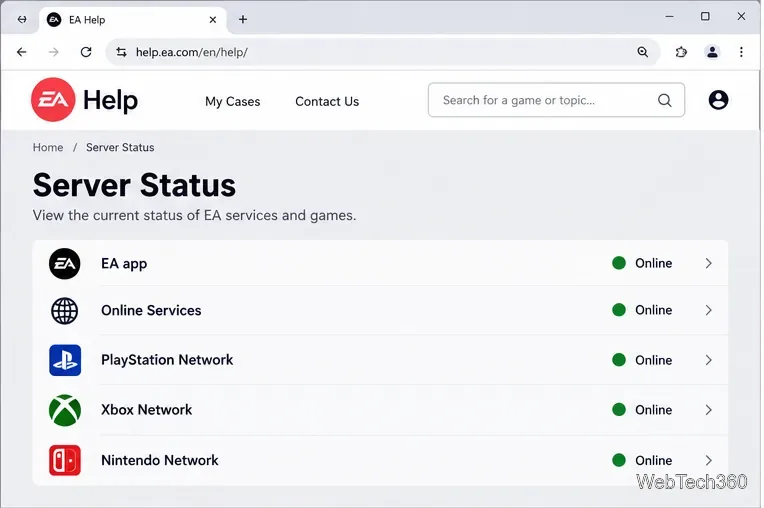
EA.com says it’s unable to connect? Check EA server status, your account, router, EA app cache, VPN, DNS, and device time with current troubleshooting steps.
Our Eldorado review explains how sellers earn from game currency, items, accounts, and boosting, plus current fees, payouts, TradeShield, and key risks.
Change your Epic Games display name for Fortnite on PC, Switch, and mobile. Follow the current steps and check email, console, and cooldown limits.