Home
» GAMING
»
How to Build a Fountain in Minecraft: A Beginner’s Guide
How to Build a Fountain in Minecraft: A Beginner’s Guide
To build a fountain in Minecraft, make a shallow, contained basin, raise a pillar in the middle, and place a water source at the top. Water will cascade down the pillar and collect in the pool. Start with the compact stone design below, then change the blocks, shape, lighting, and landscaping to suit your base.
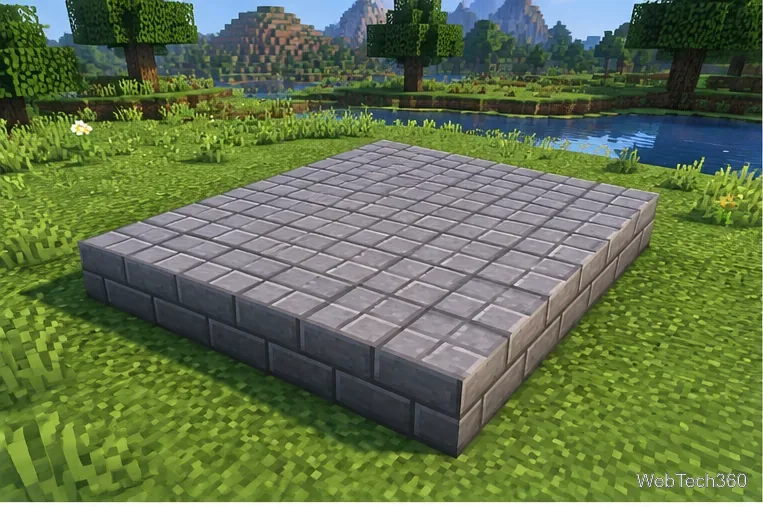
Start with a level, square footprint.
Materials for a beginner fountain
Gather these easy-to-find blocks before you start. Exact quantities depend on your layout, so treat this as a practical starter list rather than a strict recipe.
Stone bricks or another sturdy-looking building block
Stone-brick slabs or stairs for a shaped rim
A bucket of water
Optional glowstone, lanterns, or other lighting blocks
Optional leaves, flowers, and path blocks for landscaping
Stone bricks create a classic courtyard look, but deepslate bricks, quartz, sandstone, copper, or mixed stone textures can work too. Keep the basin walls solid so the water stays inside the intended footprint.
How to build a simple fountain
1. Choose a level site and mark the base
Pick an open area where the fountain will not interfere with doors, paths, crops, or other builds. Flatten the ground and outline a square footprint. A 5-by-5 area is a manageable starting size: use it as the overall footprint or make the outside edge slightly larger if you want a broad rim.
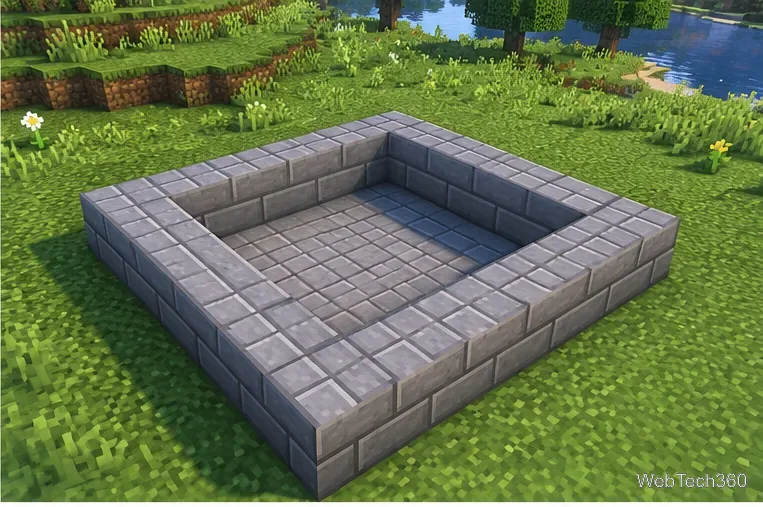
Build a rim and leave the center open.
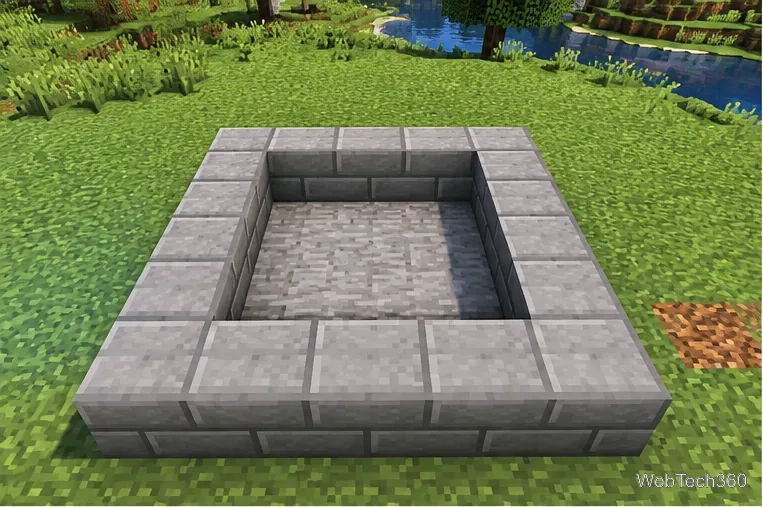
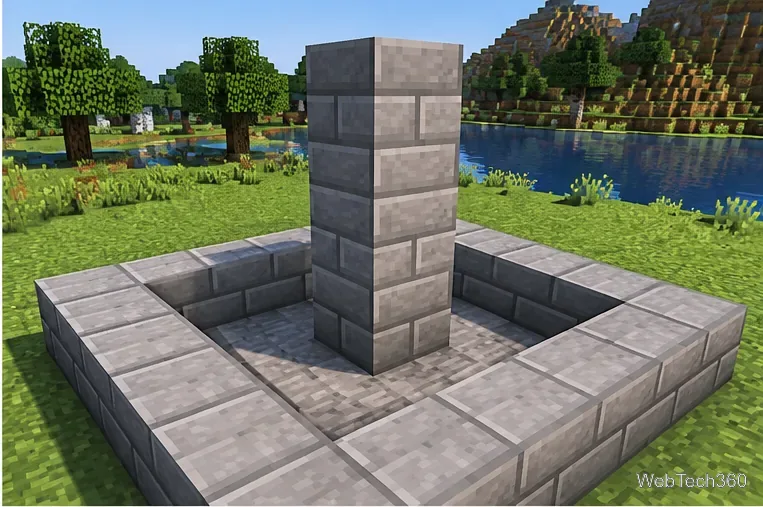
2. Build the rim and dig the basin
Place blocks around the outside to create a low border. Remove one layer of blocks from the inside, then cover the bottom with solid blocks if the terrain is uneven. The goal is a shallow bowl with no gaps in its sides or floor. Slabs can soften the top edge, but full blocks are easier for a first build.
Before adding water, check each corner and the ground around the fountain. If the basin is open to the surrounding terrain, water may spill out and spread across your build.
Make the basin watertight before adding water.
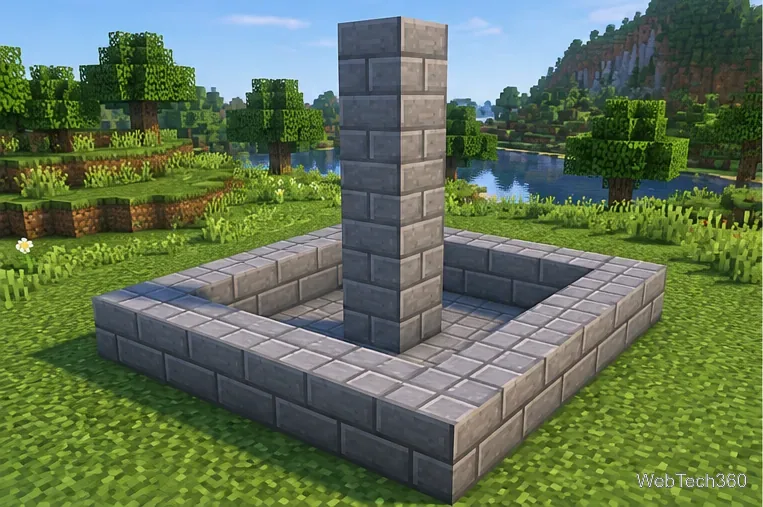
3. Add a pillar in the center
Build a vertical column from the basin floor. For a small fountain, try a pillar about four to six blocks tall above the pool floor. Keep it centered so the water falls evenly around it. You can make the column wider near the bottom or add stairs and slabs as trim, but a plain column is the easiest design to troubleshoot.
Raise the central pillar.Keep the pillar centered for a balanced look.
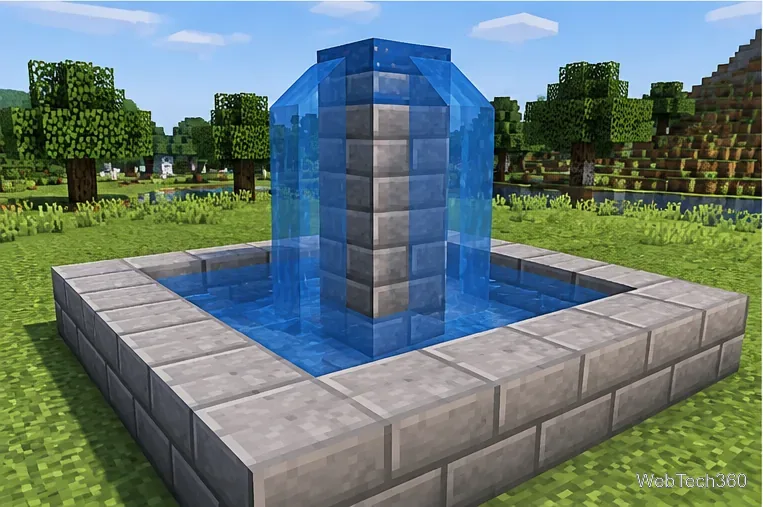
4. Place the water source
Fill a bucket by using it on a water source block, then select the water bucket and place the water at the top of the pillar. Water should flow down the sides and into the basin. A source placed on a flat, open top can spread sideways before falling, so use a small cap or a carefully chosen top block arrangement if you want to control the cascade.
Water behavior can vary with the blocks and spaces around the source. For background on source blocks and flow, see the Minecraft Wiki water reference.
Place water at the top of the pillar.
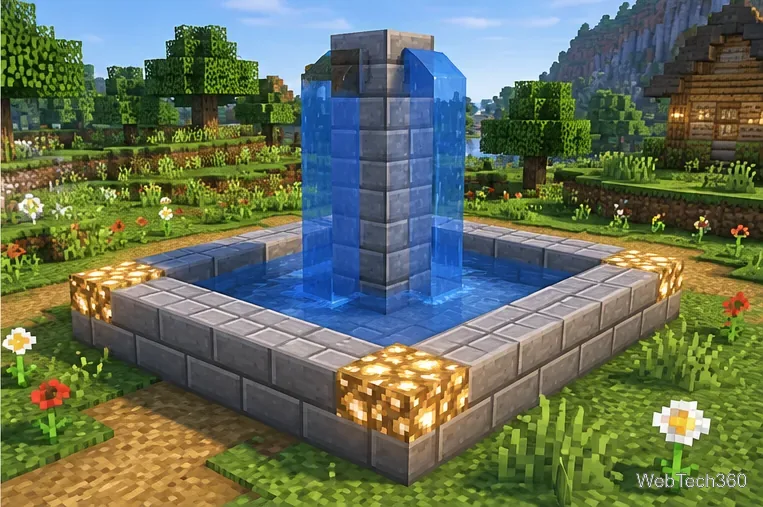
5. Light and decorate the fountain
Once the water stays inside the basin, add lighting around the corners or beneath selected blocks. Glowstone is bright and easy to incorporate; lanterns can create a softer courtyard style. Keep decorative blocks out of the main water path unless you intend to redirect the flow. Finish with a path, low hedges, flowers, benches, or a small garden around the outside.
Test the water flow and add lighting.
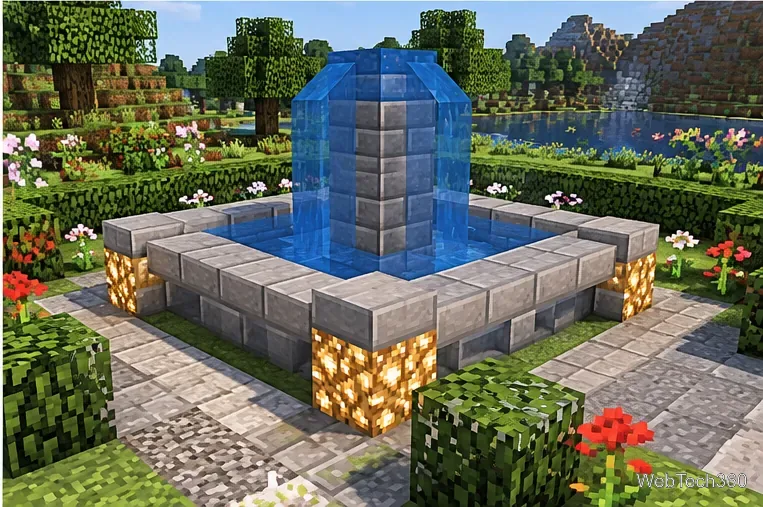
Make the design your own
Modern: use quartz or smooth stone, straight edges, and hidden lighting.
Natural: mix mossy stone bricks, cobblestone, leaves, and flowers.
Grand: widen the basin, add a second rim, and build a taller or tiered center.
Compact: use a 3-by-3 or 5-by-5 footprint and keep the pillar short.
Decorate the finished fountain to match your build.
Common fountain problems and fixes
Water floods the area: remove the source, seal gaps in the basin, and replace the water after checking the rim.
Water falls in only one direction: inspect the pillar top and nearby blocks; adjust the top surface or add a small cap to guide the flow.
The pool looks empty or uneven: add water sources across the basin rather than relying on a single source to fill every corner. Recheck the result after the flow settles.
The build feels too plain: vary the rim with slabs or stairs, add a contrasting block around the base, and use lighting sparingly to highlight the shape.
Build the structure first and decorate only after the water behaves as intended. That makes mistakes easier to spot and lets you expand the same basic plan into a larger, multi-tier fountain later.