10 Best Free Software Tools for Gaming PCs
The best free software for gaming PCs covers game libraries, chat, recording, monitoring, and practical utilities, with clear notes on what each can and can’t improve.
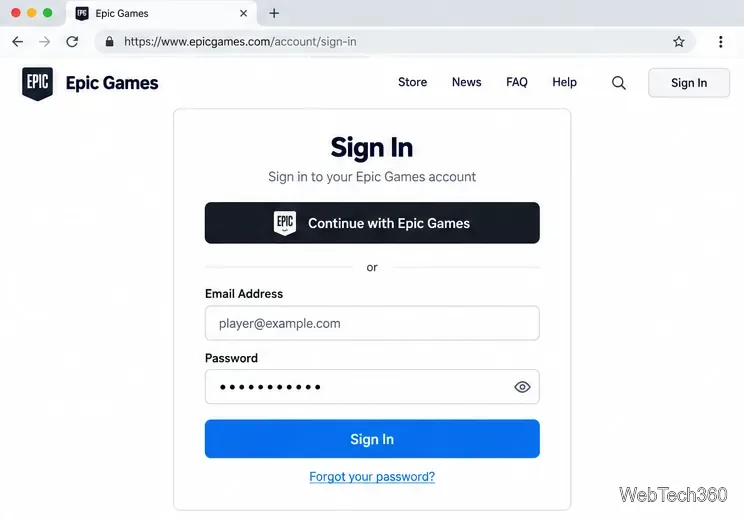
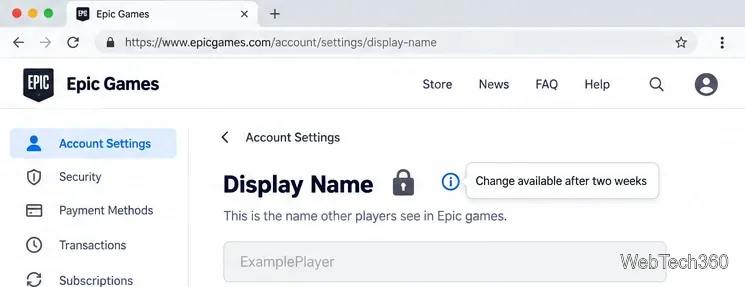
To change your Fortnite name, update the Epic Games display name on your Epic account. Sign in at Epic Games, open Account Settings, and edit the Display Name field. Epic requires a verified email address, and you can change the name only once every two weeks.
This changes the Epic display name used in Fortnite on PC, Mac, Nintendo Switch, and mobile. PlayStation and Xbox show your platform account name instead, so an Epic name change does not change your PSN Online ID or Xbox Gamertag.
Your Epic Games display name is the public name associated with your Epic account. It is separate from the email address you use to sign in. Where you see it in Fortnite depends on the platform:
| Where you play Fortnite | Name Fortnite displays |
|---|---|
| PC or Mac | Epic Games display name |
| Nintendo Switch or mobile | Epic Games display name |
| PlayStation | PlayStation Online ID |
| Xbox | Xbox Gamertag |
Epic confirms that PlayStation and Xbox names are controlled by those platforms. To change one, use the platform's own account settings: PlayStation's Online ID instructions or Xbox's Gamertag instructions.
Use the Epic account that is already linked to your Fortnite progress. The account page may look a little different depending on how you sign in.
The interface views below are illustrations. Epic may adjust the layout or labels over time.
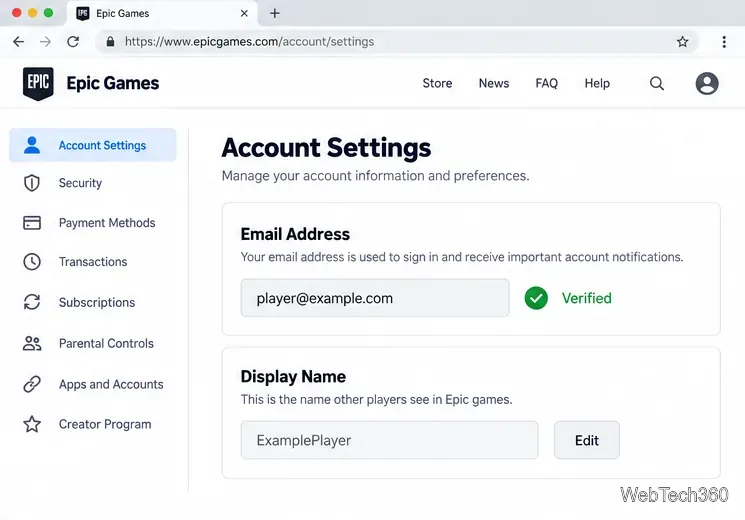
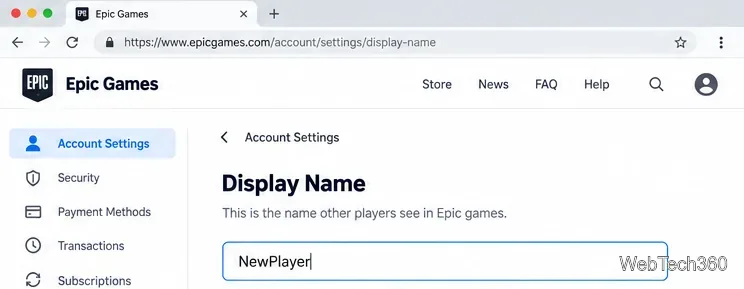
Epic's current rules require a display name to be 3 to 16 characters. It cannot contain vulgar, hateful, offensive, or derogatory language; direct references to Epic Games employees, products, services, or characters; or private personal information such as phone numbers, addresses, or real names. See Epic's display name rules if your choice is rejected.
You can make one display-name change every two weeks. If the field is locked, Epic says you likely changed it within the last two weeks. Hover over the information icon beside the name to check when the cooldown ends; you must wait until then before changing it again. Epic says in its support guidance that agents cannot change the display name for you.
First check where you are playing. On PlayStation and Xbox, Fortnite displays the platform ID or Gamertag, not the Epic display name. Change that name through the console platform if that is what you want to update. On PC, Mac, Switch, and mobile, make sure you signed into the Epic account linked to the correct Fortnite profile. Epic's platform name explanation describes the difference.
If the Epic account was created automatically the first time you played on a console, complete the account setup while signing in through that console provider. Do not create a separate Epic account or unlink the existing console account as a workaround. For a child or Cabined Account, some account features may be limited; follow the parent or guardian prompts shown by Epic.
For a straightforward Epic name change, the checklist is short: use the linked account, verify its email, change the Display Name, and wait out the two-week cooldown before the next change.
The best free software for gaming PCs covers game libraries, chat, recording, monitoring, and practical utilities, with clear notes on what each can and can’t improve.
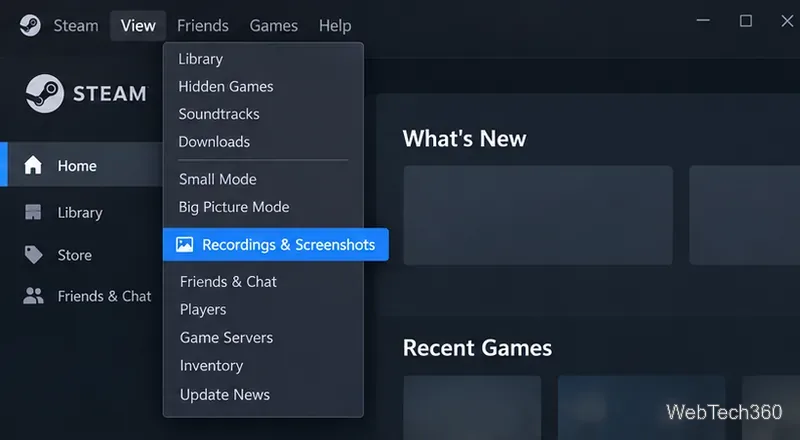
Find your Steam screenshot folder quickly with the current Steam client, Show on Disk, or the Windows userdata path, plus tips for missing screenshots.
Learn what BattlEye anti-cheat does, how its Windows service and kernel-level protection work, what data it processes, and what bans mean for players.
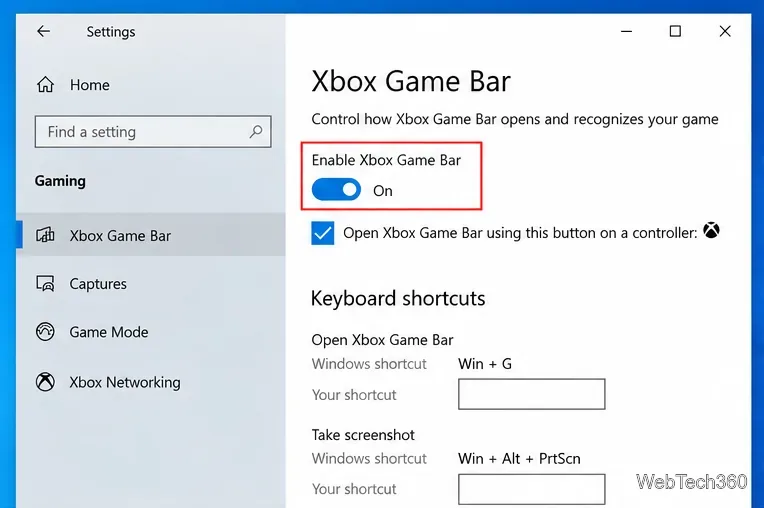
Learn how to enable and open Xbox Game Bar on Windows 10 with Win + G, use capture shortcuts, find saved clips, and fix common launch problems.
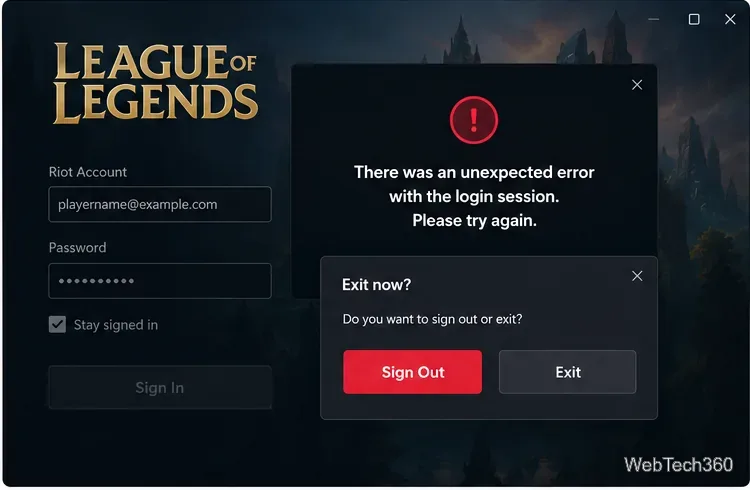
Fix League of Legends login errors such as an invalid or unexpected session by signing out fully, closing Riot processes, repairing the client, and checking your connection.
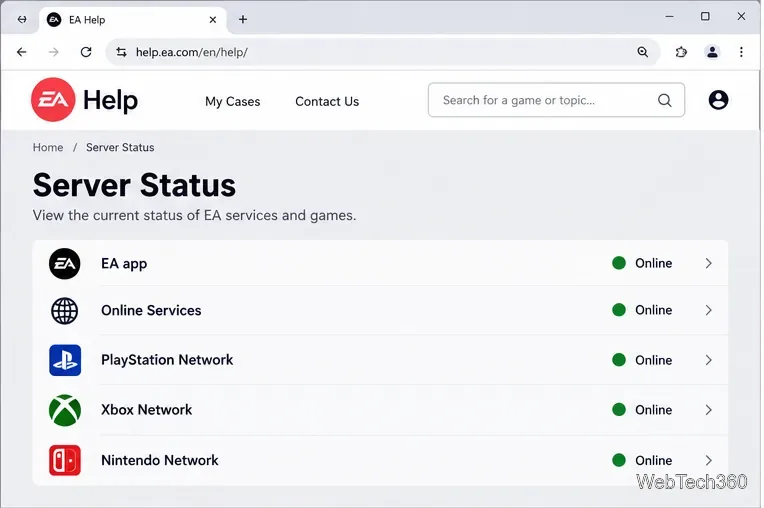
EA.com says it’s unable to connect? Check EA server status, your account, router, EA app cache, VPN, DNS, and device time with current troubleshooting steps.
Our Eldorado review explains how sellers earn from game currency, items, accounts, and boosting, plus current fees, payouts, TradeShield, and key risks.
Change your Epic Games display name for Fortnite on PC, Switch, and mobile. Follow the current steps and check email, console, and cooldown limits.