Home
» GAMING
»
How to Climb in Animal Crossing: New Horizons (Get and Use a Ladder)
How to Climb in Animal Crossing: New Horizons (Get and Use a Ladder)
To climb in Animal Crossing: New Horizons, you need the handheld ladder. You unlock its DIY recipe as you progress through Tom Nook’s early island-development tasks, craft it with wood, hardwood, and softwood, then hold it and press A beside a cliff. You do not need to buy a Nook Miles Ticket just to unlock the ladder recipe.
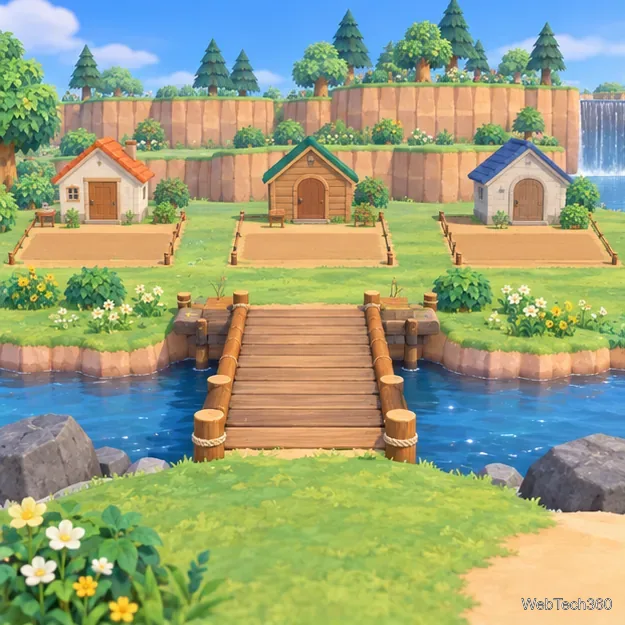
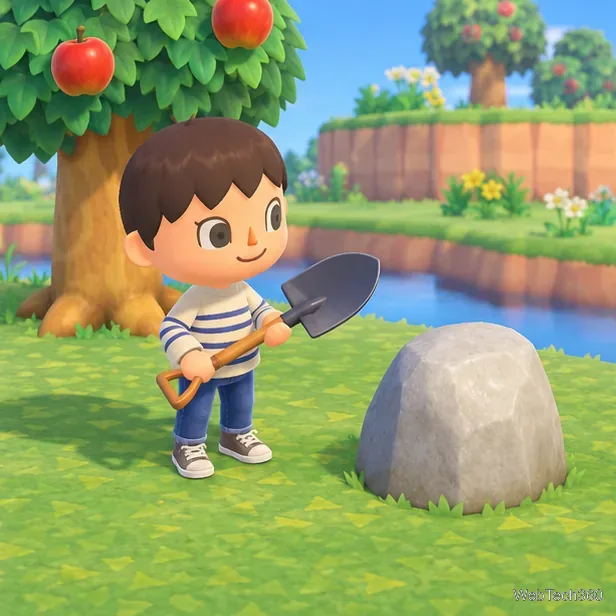
The ladder recipe arrives during the early bridge and housing-plot milestones.
How to unlock the ladder recipe
The ladder is tied to the first housing-development milestones. Keep following Tom Nook’s requests until you have built the first bridge and he asks you to prepare home sites for new residents. Nintendo’s beginner guide describes the same order: housing kits become available after the bridge, and the ladder recipe arrives around this stage so you can reach higher and lower ground.
Continue the island’s opening tasks. Complete the requests Tom Nook gives you at Resident Services. The exact sequence takes several in-game milestones, so having the airport or Nook’s Cranny alone does not necessarily mean the recipe is ready.
Build the first bridge. When Tom Nook gives you a bridge construction kit, place it across a river in a suitable spot and let construction finish.
Start the new housing plots. Speak with Tom Nook after the bridge is complete and place the housing kits he gives you. During this phase, he sends the ladder DIY recipe to your NookPhone. Open the DIY Recipes app and look for “Ladder.”
If you have just opened the shop and still cannot find the recipe, keep advancing the housing tasks and check in with Tom Nook again. A Nook Miles Ticket can help you visit a mystery island for other early-game activities, but purchasing one is not the ladder unlock itself.
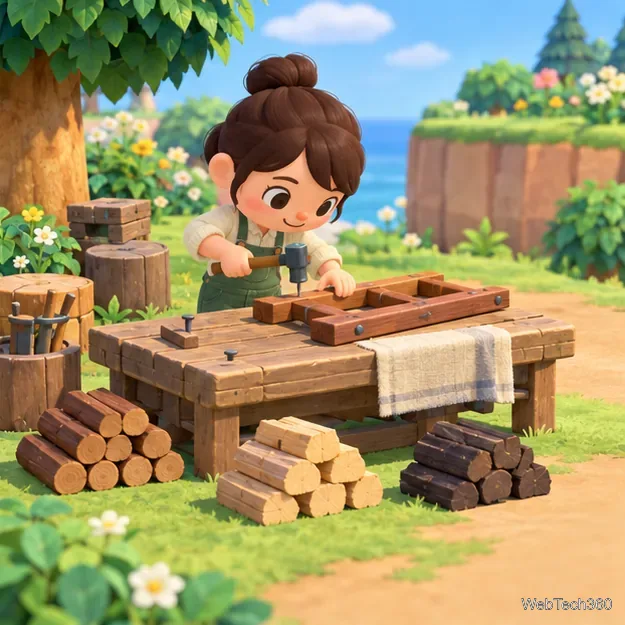
Strike trees with an axe to collect wood. Different hits can produce the three wood types, so gather enough of each before heading to a workbench. You can use a DIY workbench around the island or one at Resident Services. Select the ladder recipe and choose “Craft it!” Once it is made, the ladder is a tool you can carry in your pockets.
Gather regular wood, hardwood, and softwood before crafting the ladder.
Use the ladder to climb a cliff
Open your pockets and select the ladder, then choose Hold. If you use the Tool Ring, you can select the ladder there instead.
Walk to the foot of the cliff and face the raised wall. Stand close enough for the ladder to reach the ledge.
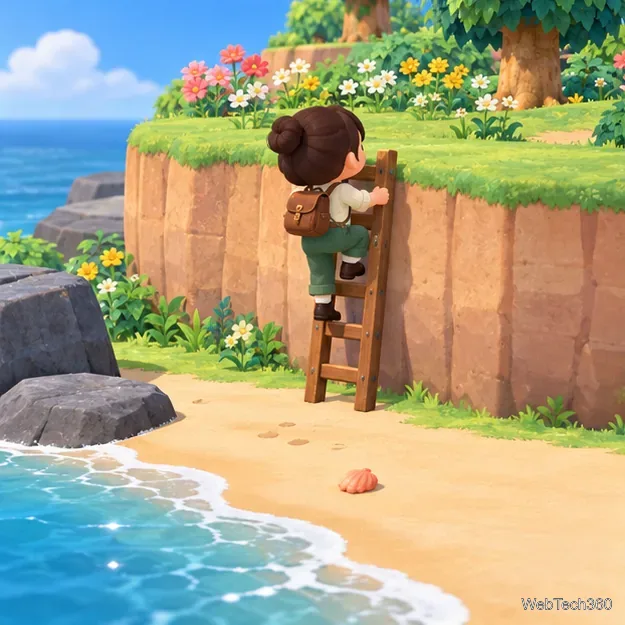
Press A to set the ladder against the cliff and climb up.
To return, approach the edge from the upper level, face the lower ground, and press A again.
The ladder lets you reach cliff areas that are otherwise blocked, including upper-level flowers and trees. Keep it in your pockets when exploring a new section so you can climb back down without retracing a long route.
Hold the ladder and use it at the base of a cliff to reach the upper level.
If you cannot climb
Check that you are holding the tool. Selecting “Place item” sets the ladder down; choose “Hold” to use it for climbing.
Try a different position. Move closer to the cliff and face its wall directly, then press A. At a narrow ledge, shift to an adjacent open space.
Check your story progress. If the ladder recipe is missing, return to Tom Nook and continue the bridge or housing-plot requests. The ladder is not unlocked simply by earning Miles.
Make sure you have the regular ladder. A Ladder Set-Up Kit is a separate item used to leave a fixed ladder on a cliff. It is optional; the handheld ladder is the tool you craft for climbing during the early story.
Optional: leave a ladder in place
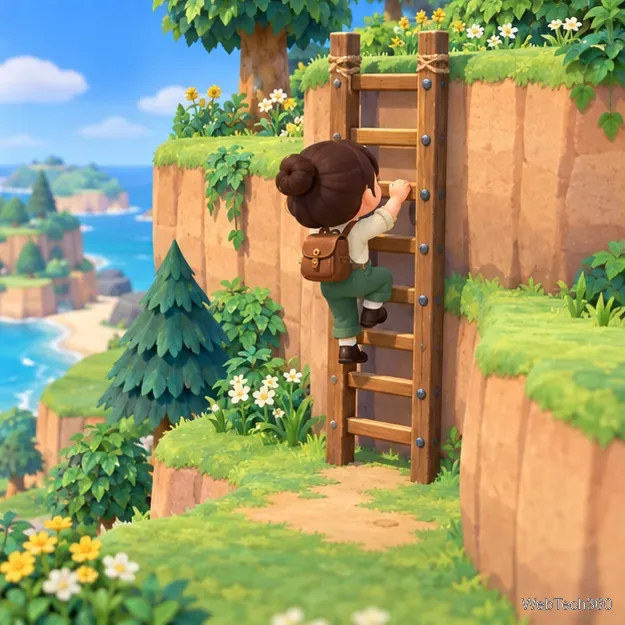
After you have the regular ladder, you can also use a Ladder Set-Up Kit to create a permanent route on a cliff you visit often. This saves you from carrying the handheld tool for that particular route, but it is not required to unlock the upper levels or finish the early housing tasks. Nintendo’s Animal Crossing: New Horizons update notes identify the Ladder Set-Up Kit as a separate item.
Ladder Set-Up Kits provide a fixed route once you have reached the cliff.
Quick recap
Progress through Tom Nook’s requests, finish the first bridge, and begin placing the housing kits to receive the ladder recipe. Craft it from 4 wood, 4 hardwood, and 4 softwood. Hold the ladder, stand beside a cliff, and press A to climb up or down.