Home
» GAMING
»
How to Get Pearls Faster in Animal Crossing: New Horizons
How to Get Pearls Faster in Animal Crossing: New Horizons
The fastest ways to get Pearls in Animal Crossing: New Horizons are to dive for them in the ocean and trade a freshly caught scallop with Pascal. If your game is updated to version 3.0.0 or later, Nintendo says Pascal gives you a Pearl every time you hand over a scallop.
Pearls are crafting materials, not sea creatures, so you will not find one by fishing or searching a river. The ocean is the place to look. There is no guaranteed diving route or time of day that makes Pearls appear; the practical shortcut is to cover more underwater finds each trip and use Pascal’s updated reward.
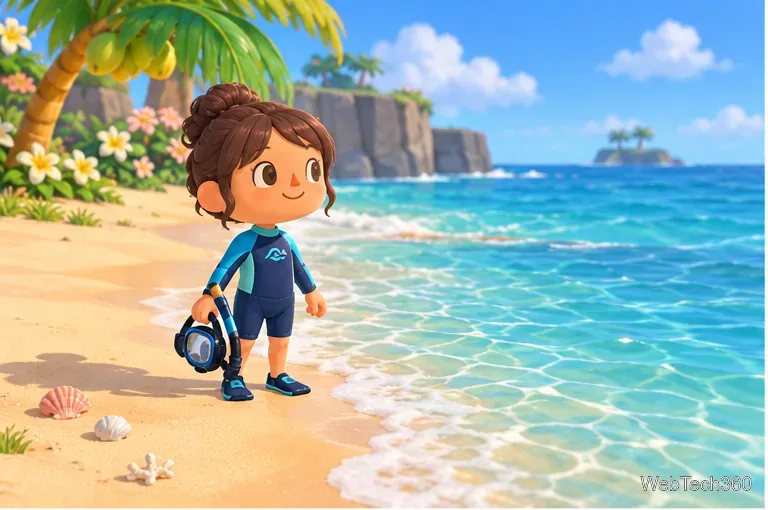
Equip a wetsuit before entering the ocean to search for underwater finds.
Get ready to dive
Buy a wetsuit at Nook’s Cranny and put it on from your pockets. Once you are wearing it, walk to a beach and enter the ocean. The official Nintendo beginner guide describes using a wetsuit to dive into the sea and discover more of the island. A snorkel is optional; the wetsuit is the essential gear.
How to find Pearls underwater
Swim away from shore. Press A to swim and scan the surface for bubbles. You need to search in the ocean, not in a river or pond.
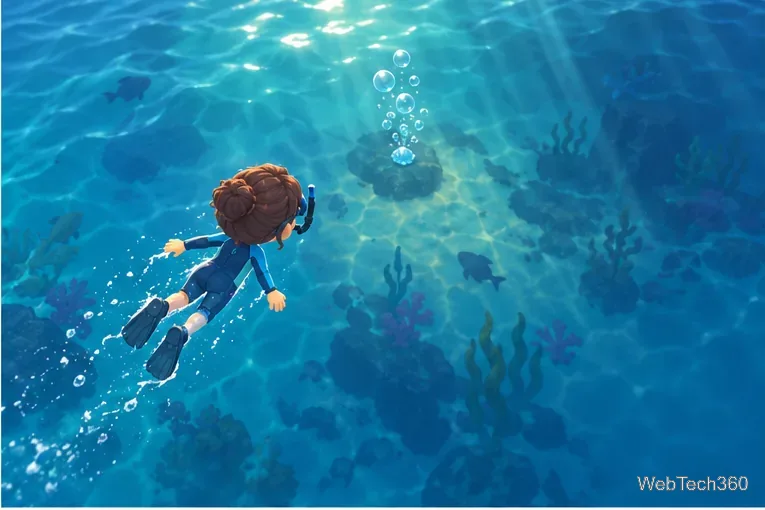
Move over a bubble trail. Bubbles mark an underwater find. Swim above them, then press Y to dive.
Follow the shadow. Underwater, steer toward the moving shadow and keep swimming until your character catches the item. A Pearl may be the result, but many dives turn up sea creatures instead.
Surface and continue along the coast. Pick up the find, then keep moving in one direction and check the next bubble trail. This gives you more chances without repeatedly returning to shore.
Swim over the bubbles, dive, and follow the shadow to collect the underwater find.
Tips to collect Pearls faster
Search in a steady loop. Sweep around the island’s shoreline instead of doubling back over water you have already checked. Bubbles are easier to track when you move methodically.
Leave pocket space. Start with a few empty slots so you can keep sea creatures and scallops without stopping to reorganize your inventory.
Do not wait for a “Pearl-only” bubble. The bubbles point to underwater catches; they are not a guarantee that the item will be a Pearl. Collect the finds you pass rather than relying on a visual trick.
Make the daily Pascal trade before you stop. A scallop can trigger Pascal’s visit. If he appears, accept the trade, then return to diving for additional Pearls.
Get a guaranteed Pearl from Pascal
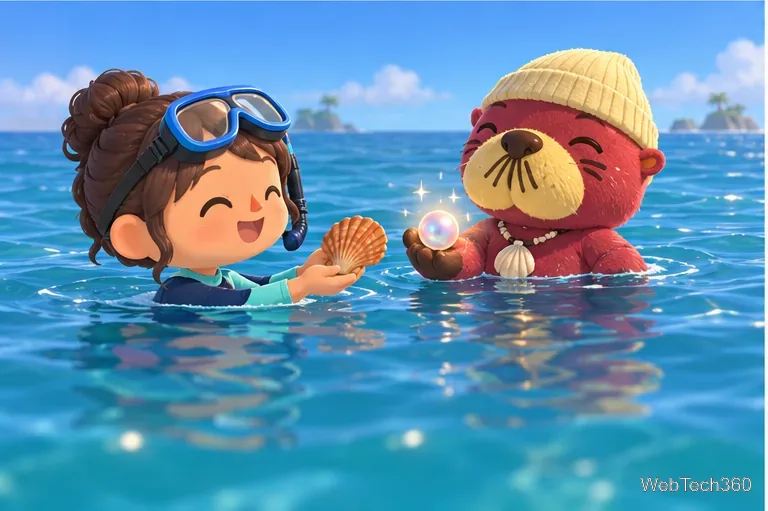
While diving, catch a scallop and watch for Pascal to surface. Give him the scallop when he asks. The game’s older reward behavior changed with version 3.0.0: Nintendo’s official update notes say you receive a Pearl every time you give a scallop to Pascal. Update the game if your version predates 3.0.0, and keep an open inventory slot so you can accept the reward.
Pascal is a daily encounter, so this is a dependable bonus rather than an unlimited exchange. After you have made the trade for the day, diving is the way to keep collecting. Nintendo’s update page also records the original addition of wetsuit diving, making it a useful reference if you need to check your game version or update instructions.
In version 3.0.0 and later, Pascal’s accepted scallop trade includes a Pearl.
What to do with Pearls
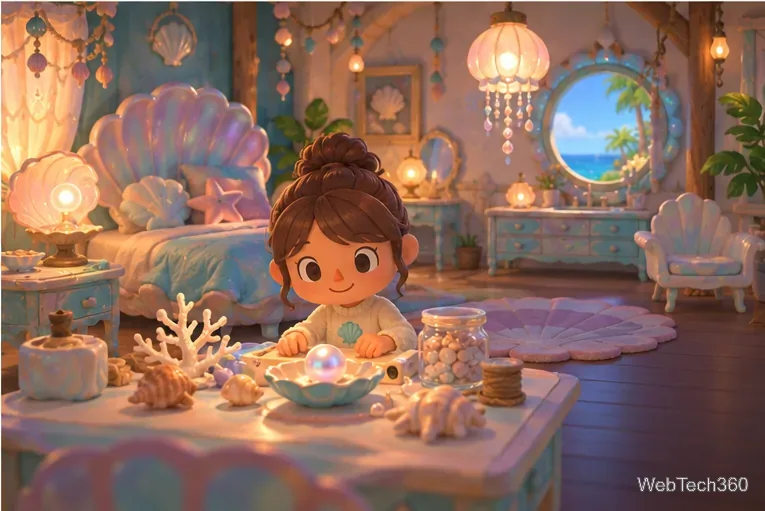
Most players save Pearls for Mermaid Series DIY recipes. The recipes can require different numbers of Pearls along with other materials, so check the ingredient list before crafting or selling. If you need Bells more than furniture, each Pearl sells for 10,000 Bells at Nook’s Cranny. A sensible plan is to keep enough for the Mermaid items you want, then sell extras.
Save Pearls for Mermaid DIY recipes, or sell extras when you need Bells.
Common Pearl questions
Is a Pearl Oyster the same as a Pearl?
No. A Pearl Oyster is a sea creature you can catch and donate to the museum. A Pearl is a separate crafting material. Catching a Pearl Oyster does not automatically add a Pearl to your pockets.
Can you grow or farm Pearls?
You cannot plant Pearls or craft them from other materials. Keep diving for underwater finds and take Pascal’s scallop trade when it is available. Those are the direct ways to add Pearls to your inventory.