Home
» GAMING
»
How to Make an Axe in Animal Crossing: New Horizons (Flimsy Axe Recipe)
How to Make an Axe in Animal Crossing: New Horizons (Flimsy Axe Recipe)
The first axe you can craft in Animal Crossing: New Horizons is the Flimsy Axe. Its DIY recipe needs five tree branches and one stone. Learn the recipe from Tom Nook during the early DIY tutorial, gather the materials, and make it at any available DIY workbench. The Flimsy Axe is useful for collecting wood; it will not fell a tree.
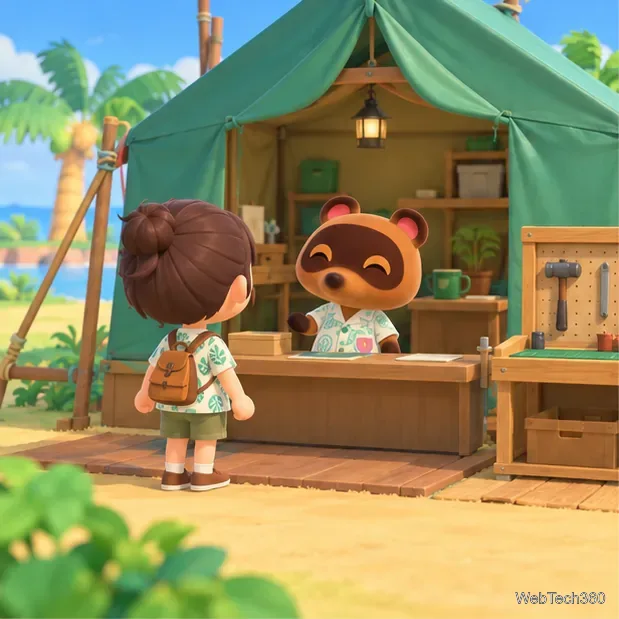
Visit Tom Nook at Resident Services to start the early DIY lesson.
Unlock the Flimsy Axe recipe
Continue through the opening tasks until Tom Nook offers his DIY Workshop. Resident Services is a tent at the start of the game and becomes a building later. Talk to Tom, choose the workshop, and follow the on-screen instructions. The lesson introduces the workbench and gives you the basic tool recipes, including the Flimsy Axe. If you already completed the lesson, open the DIY Recipes app on your NookPhone and look under the tools section before doing anything else.
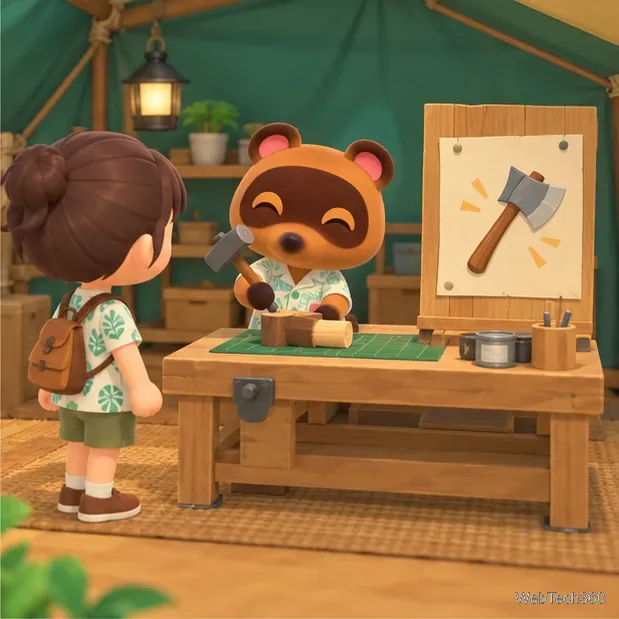
The early workshop introduces crafting at a DIY workbench.
If the recipe is not listed, speak with Tom Nook again and check the DIY items offered by Timmy as your island progresses. You may have learned the recipe without noticing it, so check your DIY app before trying to obtain it a second time.
You do not need to donate fish or bugs to unlock the Flimsy Axe. Showing creatures to Tom Nook advances the museum storyline and brings Blathers to the island; it is a separate task. The official Nintendo beginner guide describes showing Tom the island's creatures as part of that progression. For the axe, focus on the DIY lesson and recipe.
Gather the materials
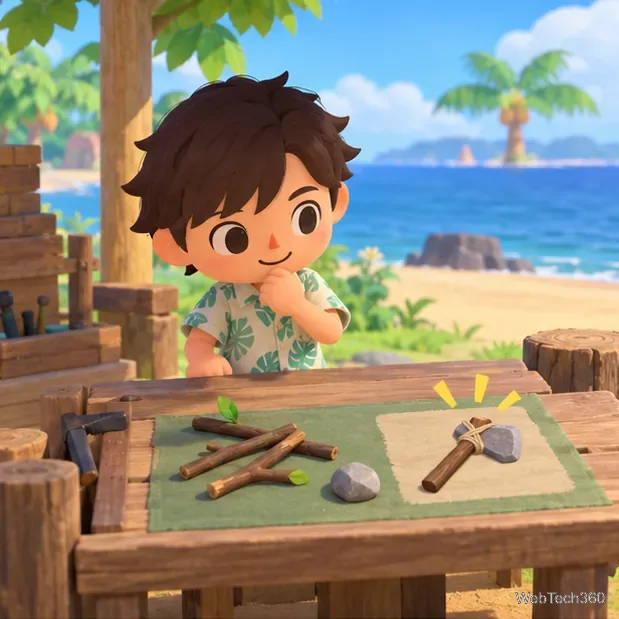
Once the recipe is in your DIY app, collect the ingredients below. You can carry more than you need, but only these two materials are required for one Flimsy Axe.
Material
Amount
Where to get it
Tree branch
5
Shake a tree or pick up a branch already on the ground.
Stone
1
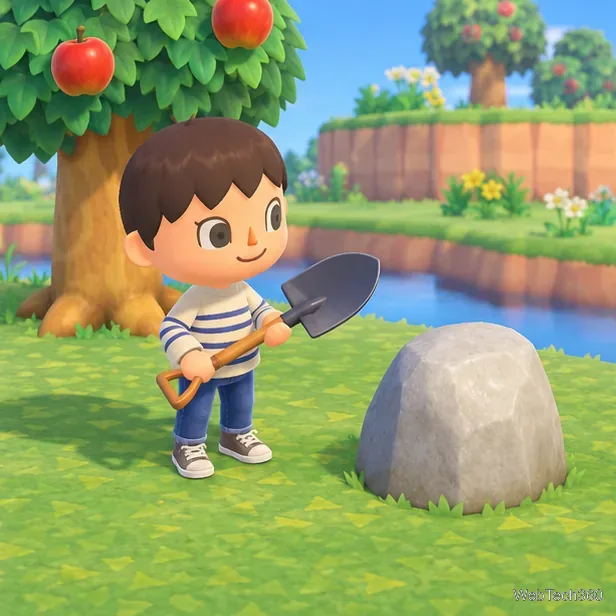
Hit a small island rock with a shovel or axe, or pick up a loose stone nearby.
Get five tree branches
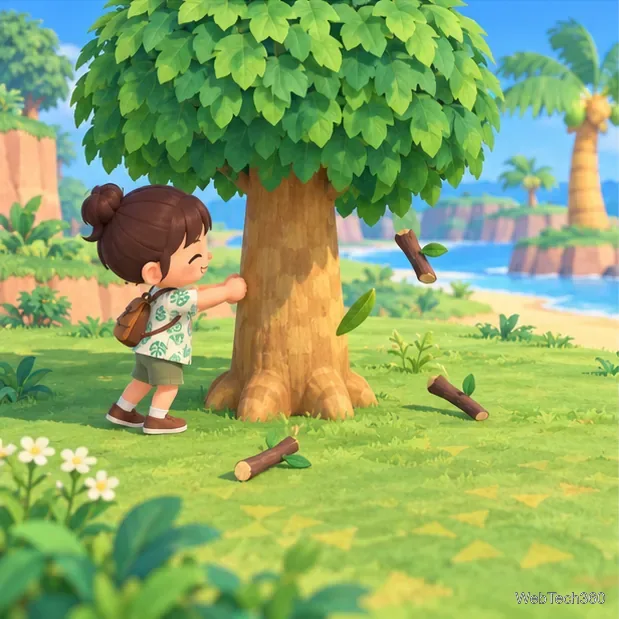
Stand beside a leafy tree and press A to shake it. Branches may fall to the ground; walk over each one and press Y to pick it up. Shake a few different trees until you have five. Branches also appear on the ground around the island, so collect those as you explore. If you are shaking trees, keep a net handy: a wasp nest can fall from some trees.
Shake trees and pick up the fallen branches until you have five.
Find one stone
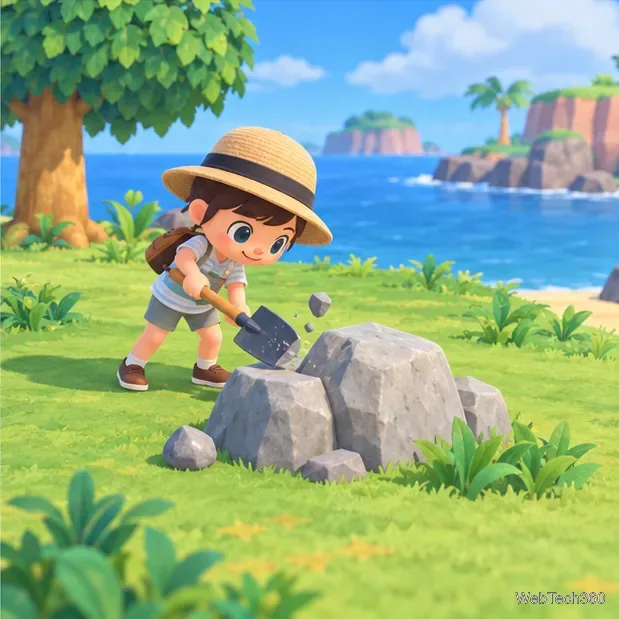
Use a shovel or an axe on one of the small gray rocks around your island. Stand close and press A to strike it; collect the materials that pop out and repeat if needed until you have a stone. The same rocks can produce other materials, so the first hit may not give you the item you need. Do not eat fruit before harvesting from a rock: fruit power lets your character break the rock instead of gathering several drops from it.
Strike a small rock with a shovel or axe to gather stone and other materials.
Nintendo's official island-life tips explain that shaking trees yields branches and striking rocks yields materials such as stone, clay, and iron. They also recommend avoiding fruit before hitting rocks because a powered-up strike can break one.
Craft the axe at a workbench
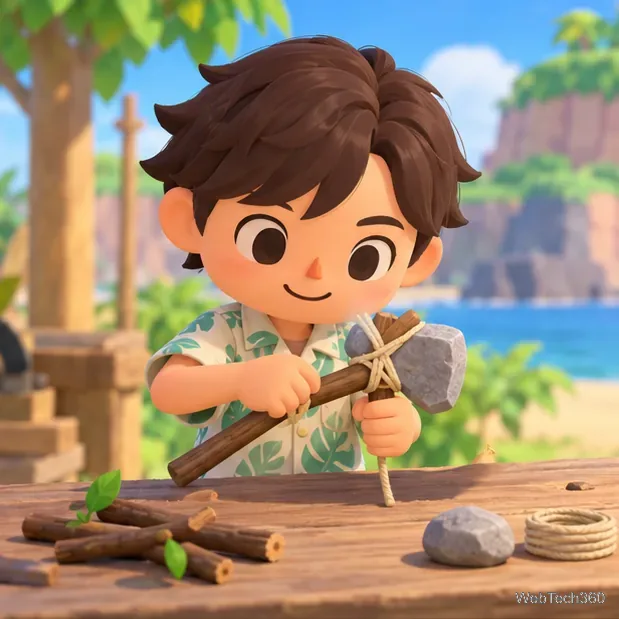
When your pockets contain five branches and one stone, go to a DIY workbench. Tom Nook's workbench at Resident Services is available early; you can also use a workbench you have placed elsewhere on the island. Interact with it, open the tool recipes, and select Flimsy Axe. The recipe screen shows the required materials. Choose the craft option to finish the tool.
The Flimsy Axe recipe combines five branches with one stone.Use a DIY workbench once both materials are in your pockets.
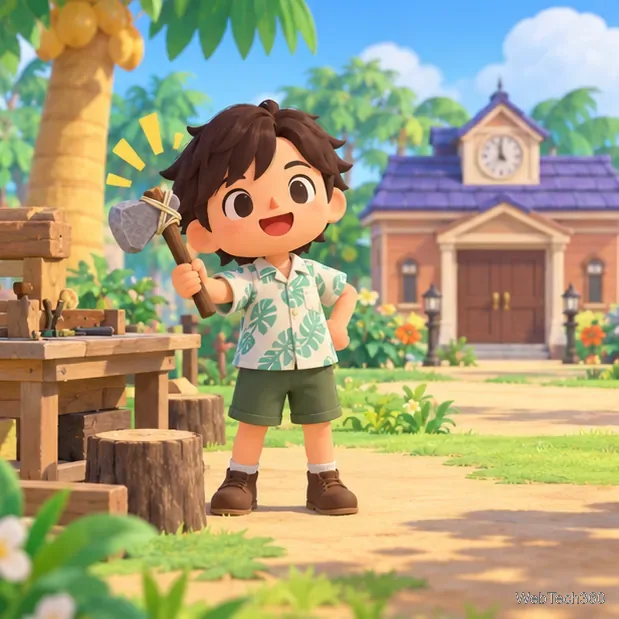
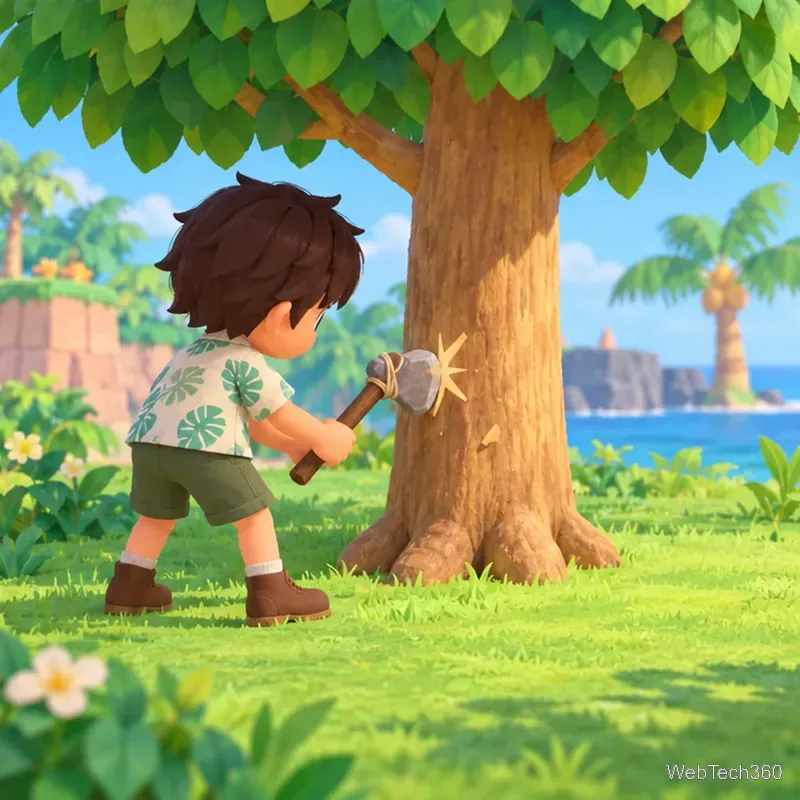
The finished tool goes into your pockets. Select it and choose to hold it, or equip it from your inventory, then stand by a tree and press A to swing. The first strike can produce wood without removing the tree. Nintendo describes the Flimsy Axe and Stone Axe as tools for getting wood while leaving the tree standing.
Your finished Flimsy Axe is ready to equip from your pockets.The Flimsy Axe gathers wood without felling the tree.
If crafting does not work
The axe is missing from the recipe list: Confirm that you completed Tom Nook's DIY Workshop and check the tools section in the NookPhone DIY Recipes app. If you are still in the opening sequence, talk to Tom again.
The recipe is visible but unavailable: Count your materials. You need five branches and one stone in your pockets; items stored in home storage do not count at the workbench.
You cannot find a stone: Try another small rock with a shovel or axe. If you ate fruit, wait until the strength is used or clear it by digging up a tree before striking rocks.
You expected the tree to fall: The Flimsy Axe is for gathering wood. A stronger axe is needed to cut a tree down, so use the flimsy tool when you want the tree to stay in place.
Once the Flimsy Axe recipe is learned, making another is straightforward: gather five branches and one stone, then use a workbench. That keeps the early-game tool easy to replace while you build up the rest of your island.