Home
» GAMING
»
How to Move Your House in Animal Crossing: New Horizons
How to Move Your House in Animal Crossing: New Horizons
Yes. You can move your own house in Animal Crossing: New Horizons without restarting your island. Once you have a completed house and Resident Services has upgraded from a tent to a building, ask Tom Nook about your home, pay the current 8,000-Bell relocation fee, and place the moving kit at a new location. Your house will appear there the next in-game day. Older guides that list 30,000 Bells reflect the original price and are out of date.
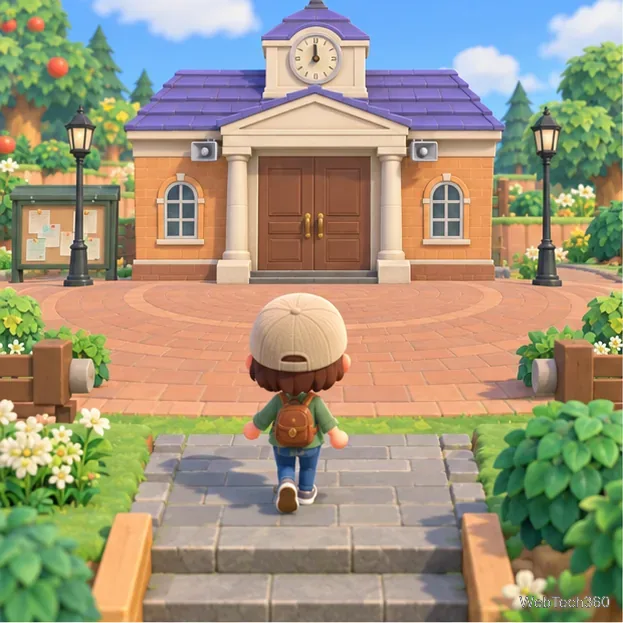
Resident Services is where you ask Tom Nook about relocating your own house.
What you need before moving
Your own home must be a house, not the starter tent. You also need the finished Resident Services building; Tom Nook does not offer the relocation option while the plaza is still a tent. The building upgrade is part of the island’s early story progression, so keep following Tom Nook’s requests until the new building opens.
Moving your own house costs 8,000 Bells each time in the current game. The fee is paid when you arrange the move, rather than added to your home loan. Some older guides say 30,000 Bells; check the amount Tom Nook shows before confirming if it differs on your software version. Moving another resident’s home or a facility is a separate service with a different charge.
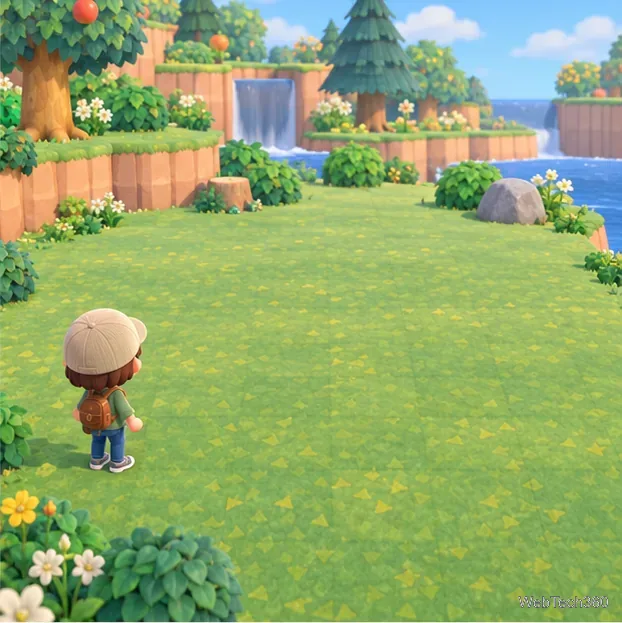
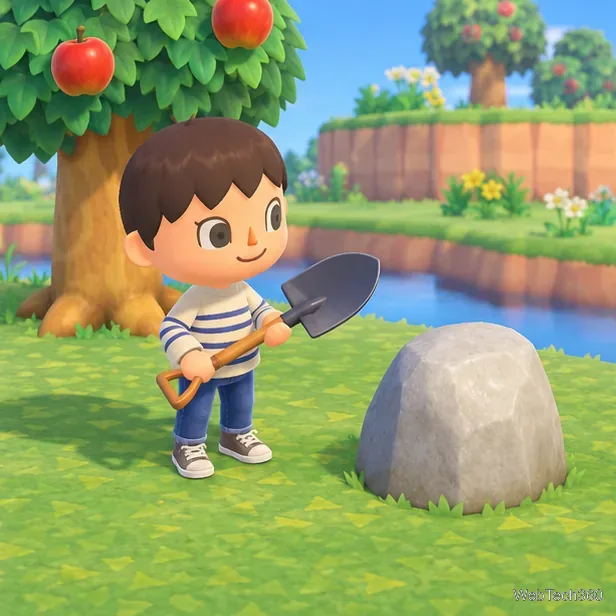
Pick a destination before you speak to Tom Nook. Your house occupies a 5-tile-wide by 4-tile-deep footprint. Choose a level, open area with room for the entire footprint, and leave a clear approach to the front door. Trees, rocks, another building, a river edge, or a cliff can make a spot invalid; if the game rejects the placement, try a larger clearing or remove the obstacle.
Choose a clear, level destination with room for the full house footprint.
How to move your house
Go to Resident Services. Enter the building, sit at the counter in front of Tom Nook, and start a conversation. Choose “About my home…”, then “I want to relocate.”
Confirm the fee and request the kit. Tom Nook will quote the cost. Choose the option to proceed and pay the 8,000 Bells. He gives you a moving kit to carry to the new spot. If your pockets are full, make room and speak with him again.
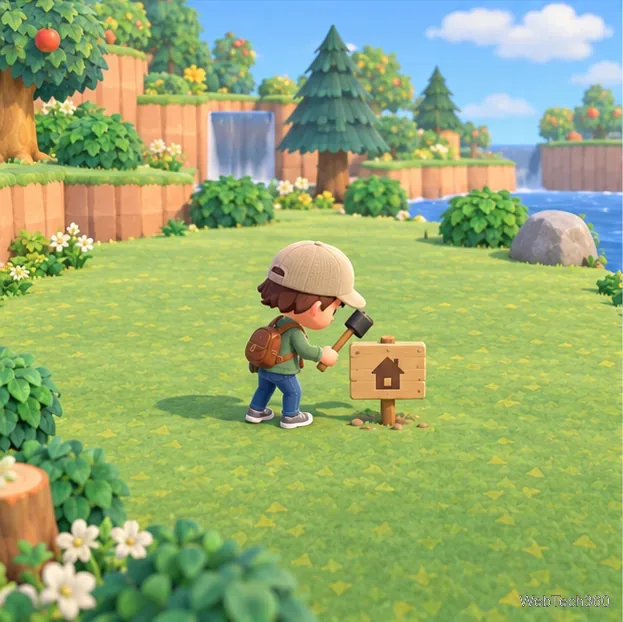
Place the moving kit. Leave Resident Services and stand where you want the house to go. Open your pockets, select the kit, and choose “Build Here.” Check the position before confirming: the house needs the full 5-by-4 area, and you will pay another fee if you decide to move it again later.
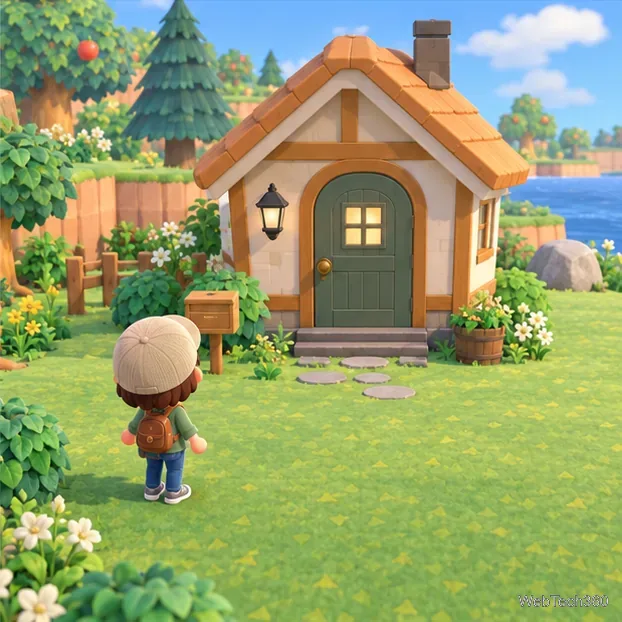
Return after the day changes. The relocation takes overnight in game. When you play the next in-game day, the house will be at the selected location. You do not need to pack your rooms first; the move changes the building’s location, not your home progress.
The moving kit marks the destination where the house will be rebuilt.The house appears at its new location after the next in-game day.
Choosing a spot that works
Use the island map to check how the new site will fit with paths, gardens, and nearby buildings. A little extra space makes it easier to place paths, fences, trees, or decorations later. If you are planning a row of homes, leave consistent gaps so the front doors remain accessible and the area does not feel crowded.
The game checks the placement when you use the kit. If it says the site cannot be used, try moving away from cliffs and water, clearing trees or dropped items, or choosing a broader patch of flat ground. You can carry the kit to another location before placing it; wait to confirm until the preview is where you want it.
If the relocation option is missing
You still live in a tent: pay off the initial move-in fees and let the game build your house first.
Resident Services is still a tent: continue the island’s early development tasks until the building opens.
The new site is rejected: clear enough level ground for the full house footprint and avoid overlapping a structure or construction plot.
You expected the move immediately: the building changes location after the next in-game day, not as soon as you place the kit.
Relocating your home is optional, and restarting the island is not necessary. You can make the move later whenever you have access to the building, enough Bells, and a destination ready. Nintendo’s island progression tips show Tom Nook’s home options, including the relocation choice.