Home
» GAMING
»
How to Start Over in Animal Crossing: New Horizons
How to Start Over in Animal Crossing: New Horizons
To start over with a completely new island in Animal Crossing: New Horizons, delete the game’s save data in the Nintendo Switch system settings, then launch the game again. This resets the shared island and its residents on that console. Nintendo warns that deleted save data cannot be recovered, so move anything you want to keep before confirming the deletion.
This process removes the island save, not the game itself. Nintendo’s current save-data instructions distinguish deleting save data from managing or deleting software.
What a full reset changes
Animal Crossing: New Horizons keeps one shared island on a Switch console, with the island’s player residents sharing that world. The option to delete save data for the software clears the game’s save for every user on the console. The island, residents, items, and progress start over together. This is not a way to reset only one player while keeping the island intact.
Moving to a new console? Use Nintendo’s island transfer guide to move the island and progress; deleting save data starts fresh.
Prepare before deleting the save
Make a short list of anything you want to keep
Once the save is erased, the old resident inventory and island progress are gone. A practical workaround is to ask a trusted player to hold a few items on their island while you reset. Drop only things the game allows you to drop, and ask the friend to confirm they can see and pick them up before you delete anything. After you begin again, visit them and collect the items.
This is a manual handoff, not a copy of your island. It will not preserve your map, buildings, museum progress, resident upgrades, learned DIY recipes, Nook Miles, or catalog progress. If there is a specific recipe you still need, keep its physical recipe card unlearned and arrange for your friend to hold it; a recipe already learned is resident progress, not an item you can retrieve later.
Know what island backup can and cannot do
Animal Crossing: New Horizons does not use the standard Nintendo Switch Online Save Data Cloud feature. Nintendo offers a separate island-backup feature, but it must have been enabled in the game beforehand and requires an active Nintendo Switch Online membership and an internet connection. Nintendo describes it as a way to recover an island if the console is lost, stolen, or damaged, not as a routine undo button for a reset. Read Nintendo’s island backup and restore instructions before relying on a backup.
Arrange the visit before the reset
To use a friend’s island as temporary storage, visit through the Airport while your old island is still available. Online visits require an internet connection and Nintendo Switch Online; local wireless play is an option when the consoles are nearby. Nintendo notes that the Airport opens on the second day of in-game play. See Nintendo’s multiplayer instructions for the current visit steps.
How to start over in Animal Crossing: New Horizons
When your item handoff is complete, use the console settings below. The English menu wording may vary slightly by system region, but choose the option that deletes save data for the entire software title.
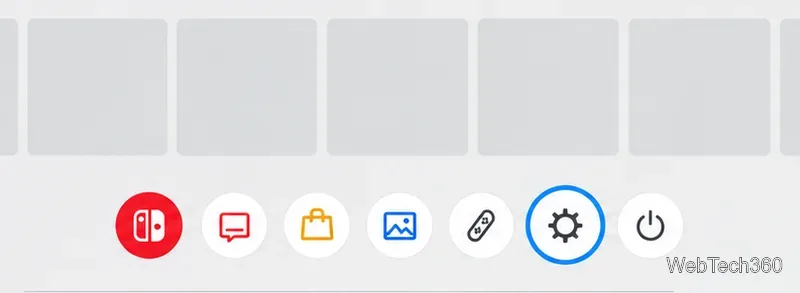
Open System Settings. Press the HOME Button to return to the HOME Menu, then select the System Settings gear.
System Settings is selected on the HOME Menu.
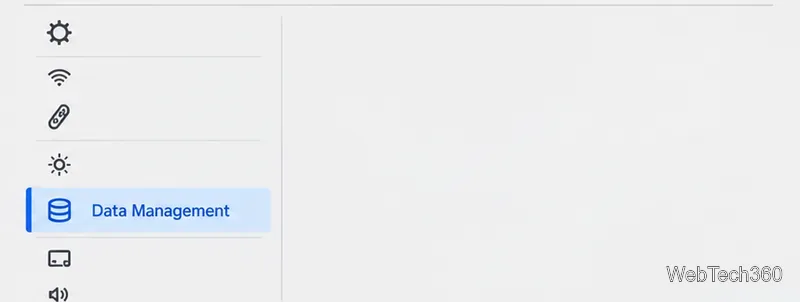
Open Data Management. In System Settings, select Data Management from the left-hand menu.
Select Data Management to reach the save-data controls.
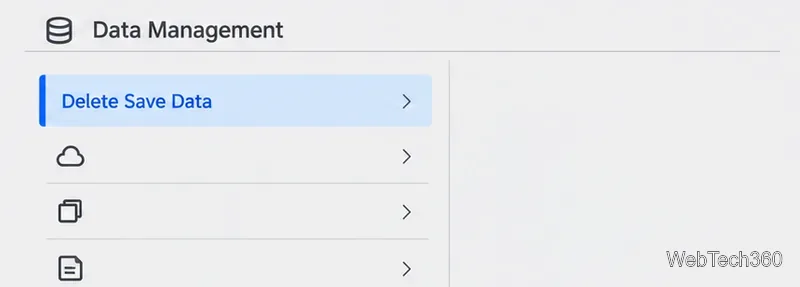
Select Delete Save Data. Choose this option in the Data Management menu. Do not choose Manage Software or Delete Software; those manage the game installation rather than resetting the island.
Delete Save Data is the option used to reset the island save.
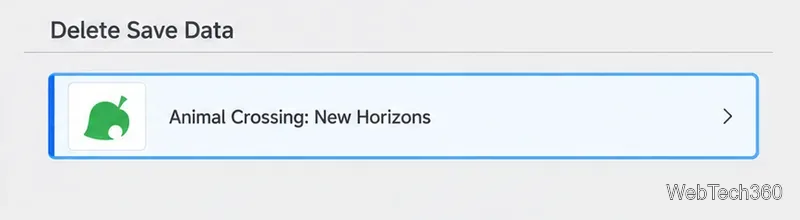
Choose Animal Crossing: New Horizons. Select the game from the list of titles with saved data.
Choose Animal Crossing: New Horizons from the title list.
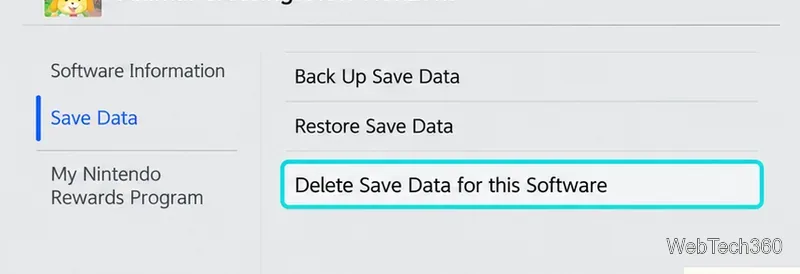
Choose Delete Save Data for this Software. This is the software-wide option, which removes save data for all users rather than just one profile.
The software-wide option clears save data for every user.
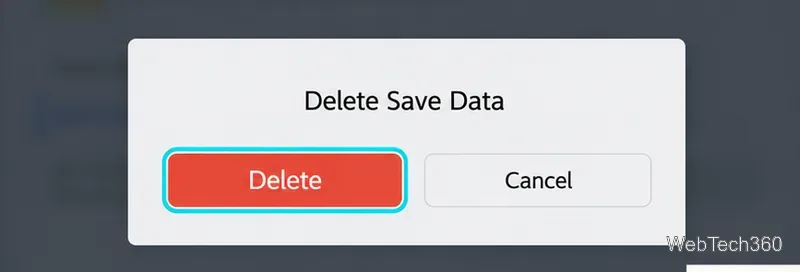
Read the warning and confirm. Select Delete Save Data when the confirmation appears. This is the irreversible step; do not continue unless you are ready to lose the old island.
Confirm only after checking that you are ready to erase the old island.
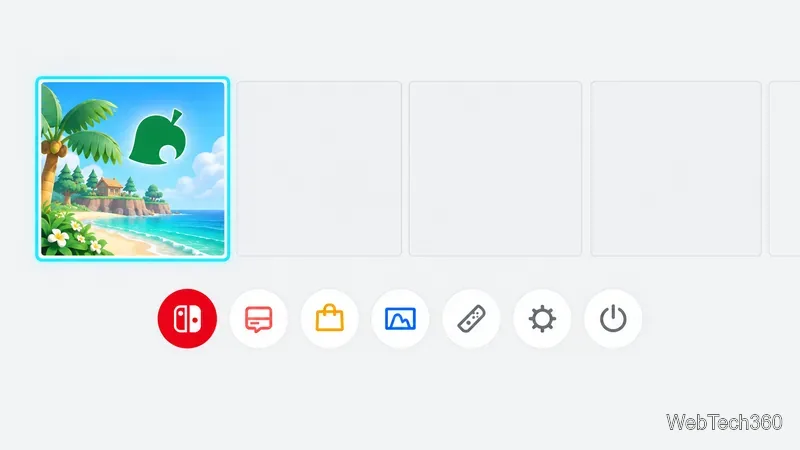
Return to the HOME Menu and open the game. The software remains installed, so select its icon and launch it as usual.
Select the Animal Crossing game tile to launch the new save.
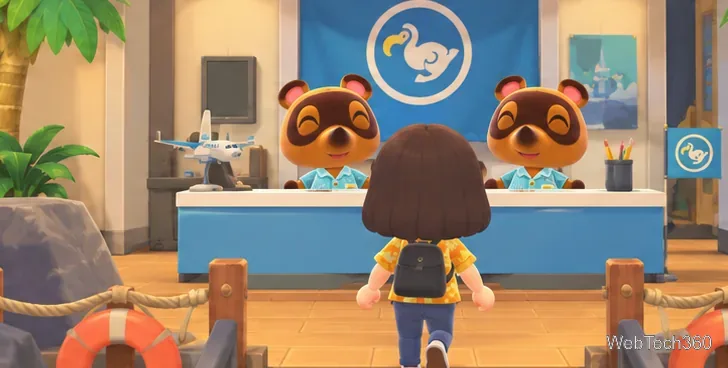
Complete the opening setup. Follow the game’s prompts to create a new resident and begin a new island. If a friend is holding items, wait until the Airport is available on the new island, then visit and retrieve them.
The opening sequence begins after the old island save is removed.
Check the result before you continue
After the game starts, you should see the opening setup rather than your former island. If the old island still appears, stop and check that you selected the software-wide save-data option on the correct console. Do not delete the game application or another title’s save data while troubleshooting.