Home
» GAMING
»
Minecraft Sink: How to Build a Working Kitchen Sink
Minecraft Sink: How to Build a Working Kitchen Sink
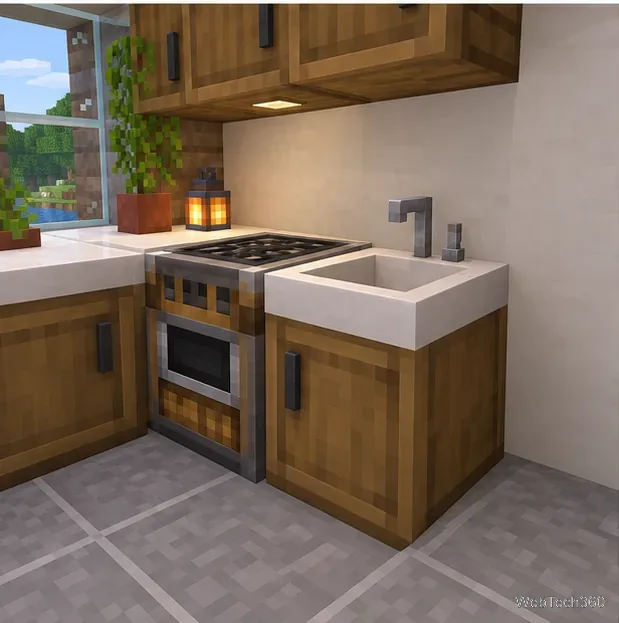
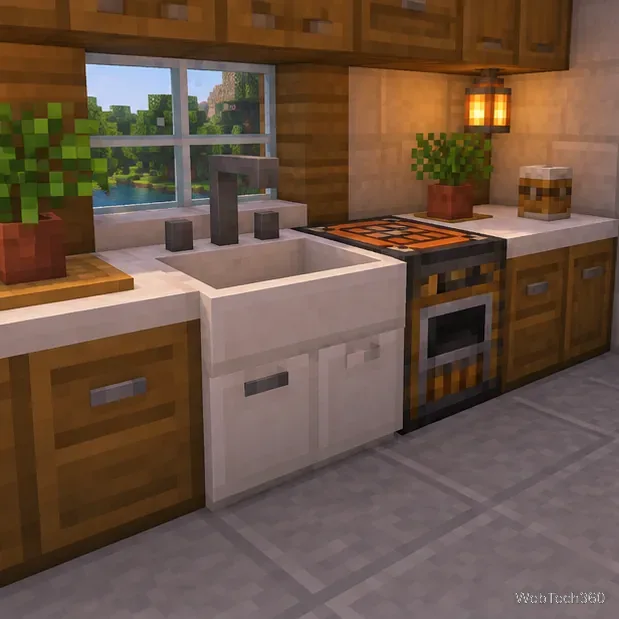
For a working Minecraft sink, use the Sink block from the Cooking for Blockheads mod in Java Edition. The block can fill an empty bucket with water and can supply water to compatible recipes when it is connected to a modded kitchen. A sink made from vanilla blocks can look convincing, but it does not add those interactions by itself.
Before you build
This guide uses a Java Edition mod, not a vanilla command-block design or a Bedrock add-on. The project currently lists multiple Java game branches—including 1.21.x and 26.x—and supports Forge, Fabric, and NeoForge, but not every game-version and loader combination has a matching release. Check the current Cooking for Blockheads project page before choosing a profile. The mod also requires Balm; install the matching game version and loader for both files.
Use a separate modded profile and back up an existing world before adding mods. For multiplayer, make sure the server and players are using compatible copies of the same mod setup. Minecraft’s Java Edition mod guidance explains that community mods are not official game support content.
Build and connect the sink
1. Choose a counter location
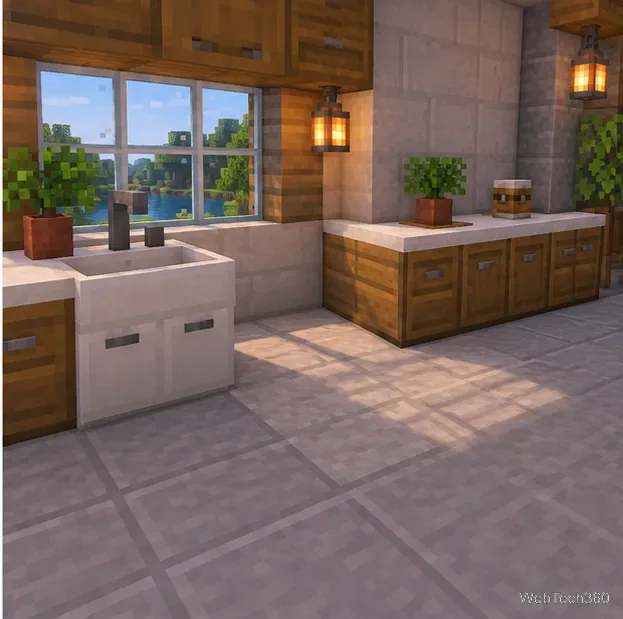
Pick a spot with room for a counter, the Sink block, and the Cooking Table if you want the sink to support kitchen recipes. The sink can work on its own for bucket filling, so a large room is unnecessary. Decide where you want players to stand and interact with it before you place cabinets or wall trim.
2. Set the counter and Cooking Table
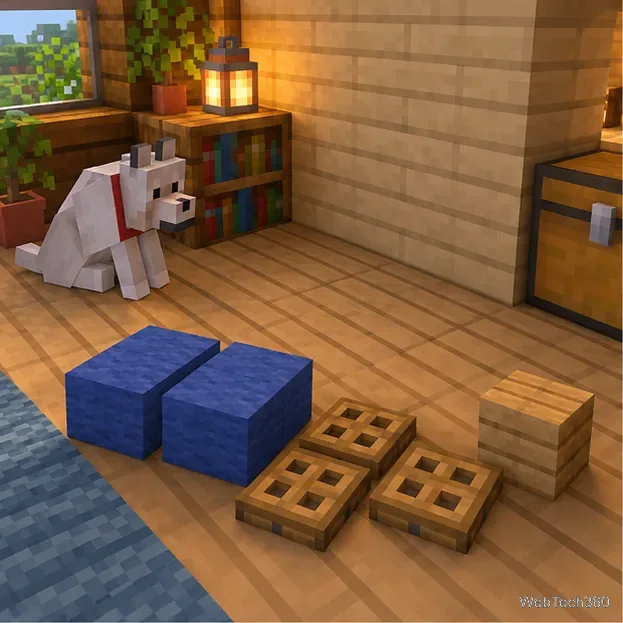
Build a counter run from any blocks that fit your room. Leave one full block of space for the sink and put the Cooking Table within the same connected kitchen. Add a fridge or another kitchen storage block if you want the Cooking Table to read ingredients stored nearby. The Cooking Table is the center of the mod’s kitchen system; use its recipe screen to see what your installed pack lets you make.
3. Get the Sink block
In Survival, craft the mod’s Sink using the recipe shown for your installed version. If your pack includes JEI, REI, EMI, or another recipe viewer, search for “Sink” to see the exact ingredients and grid. Recipes can be changed by a modpack, so use the recipe in your own game instead of copying an old ingredient list. In Creative, search the mod’s item list for “Sink.”
The mod’s Sink documentation describes the block’s water and cleaning functions. You do not need to fill a decorative basin with a water bucket to make the mod block work.
4. Place it against the kitchen
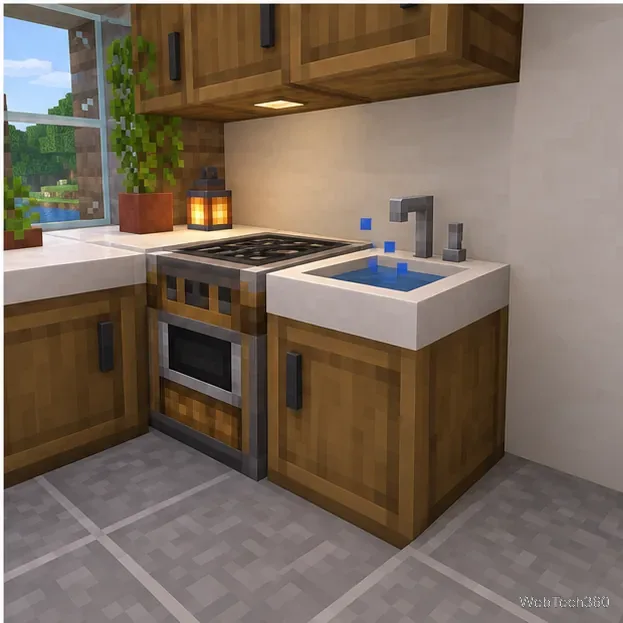
Set the Sink beside the Cooking Table or another Cooking for Blockheads kitchen block so the blocks touch. The connected layout is what lets the Cooking Table use the sink as a water provider. If your design turns a corner, use the mod’s Kitchen Connector. For a gap between sections, place Kitchen Floor blocks to connect the separated parts. The developer’s Cooking Table guide explains that kitchen blocks must touch unless a connecting floor is used.
5. Choose a color (optional)
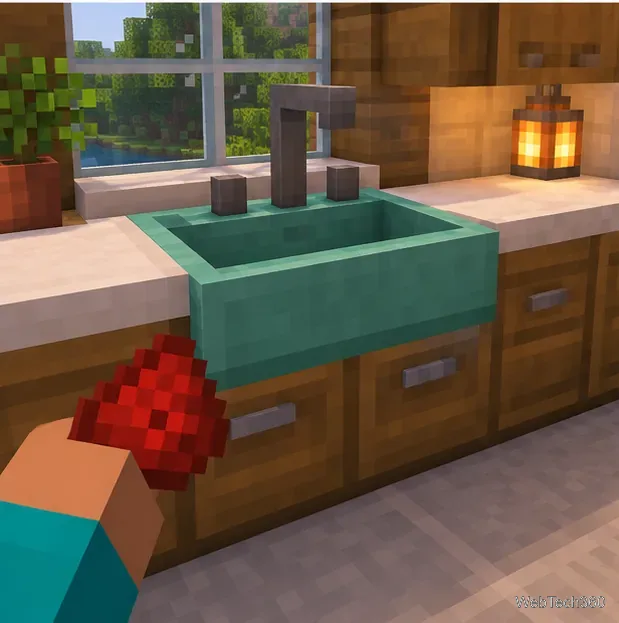
To personalize the build, right-click the Sink with a dye. This changes the block’s color without changing how it fills buckets or connects to the kitchen. Match the dye to your counter, backsplash, or storage blocks; you can leave the sink’s default color if you prefer a neutral kitchen.
6. Test the sink with a bucket
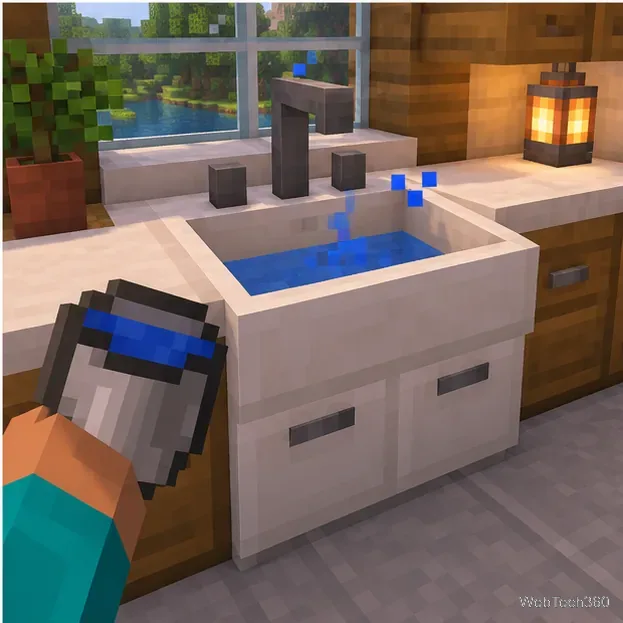
Hold an empty bucket and right-click the Sink. It should become a water bucket. This direct interaction works even when the sink is not part of a larger kitchen, according to the mod documentation. The block can also clean dyed wool or armor when right-clicked with those items, so it has a couple of uses beyond recipe support.
7. Check the connected kitchen
Open the Cooking Table and look for a recipe that uses water after you have supplied its other ingredients. The connected sink can provide water for recipes that call for a water bucket or compatible fresh-water item; some recipes may still require a bucket. A small splash in the basin is a useful visual detail, but the bucket and Cooking Table checks are the reliable ways to confirm the block’s functions.
If the sink does not work
The Sink item is missing: confirm you launched the modded Java profile, and check that Cooking for Blockheads and Balm match the game version and loader.
The bucket stays empty: some modpacks enable the sinkRequiresWater setting, which makes the sink require piped-in water. The developer lists this option as off by default; check the pack’s configuration or ask its administrator how water is supplied.
The Cooking Table ignores the sink: make sure the blocks touch, or connect the sections with Kitchen Floor blocks. A sink standing alone still fills buckets, but it will not provide kitchen ingredients across a disconnected layout.
A recipe still asks for a bucket: some mod recipes keep that requirement even when a sink is connected. Follow the recipe details shown in your pack.
Once the bucket test works and the kitchen connection is recognized, the sink is ready for everyday use. For a vanilla-only world, you can build the same counter and basin as decoration, but its working water behavior requires the mod.