How to Uninstall Kodi Repositories the Right Way

Learn how to uninstall a Kodi repository safely, remove its saved source URL separately, and check which installed add-ons or dependencies you still need.
Yes, you can watch a boxing pay-per-view event on a TV that also runs Kodi—but Kodi does not unlock PPV or provide the rights to a live fight. Kodi is a media center, and its official add-on catalog does not guarantee access to any particular broadcaster. To watch a major bout, first find the authorized seller for your country, buy access there, and use the seller’s supported app or website. Use Kodi for the stream only if the rights-holding provider offers a current, legitimate Kodi add-on.

Older tutorials often recommend add-ons such as BoB Unleashed, UK Turk Playlists, or cCloud TV and point readers to unofficial repositories. Those links and menus can disappear, and an add-on name alone does not establish that a stream is authorized. Avoid add-ons promising free access to paid channels or PPV fights without permission from the broadcaster. They can expose a device to untrusted code, stop working without notice, and may violate copyright rules where you live.
Kodi explains that it is a media center and that third-party add-ons are not produced, supported, or endorsed by Team Kodi. Its official explanation of Kodi and add-ons also makes clear that users are responsible for the media sources they choose. A VPN does not make an unauthorized stream legal or grant access to a PPV event; it also cannot replace the broadcaster’s account or purchase.
Broadcast rights are sold by event and territory. A fight shown on one service in one country may be carried by another broadcaster—or may not be available through the same service—in a different country. Before paying, check the event’s official promoter, sanctioning body, or broadcaster page. Confirm the provider, territory, event date and start time, whether a subscription is also required, the purchase deadline, and how long replays remain available.
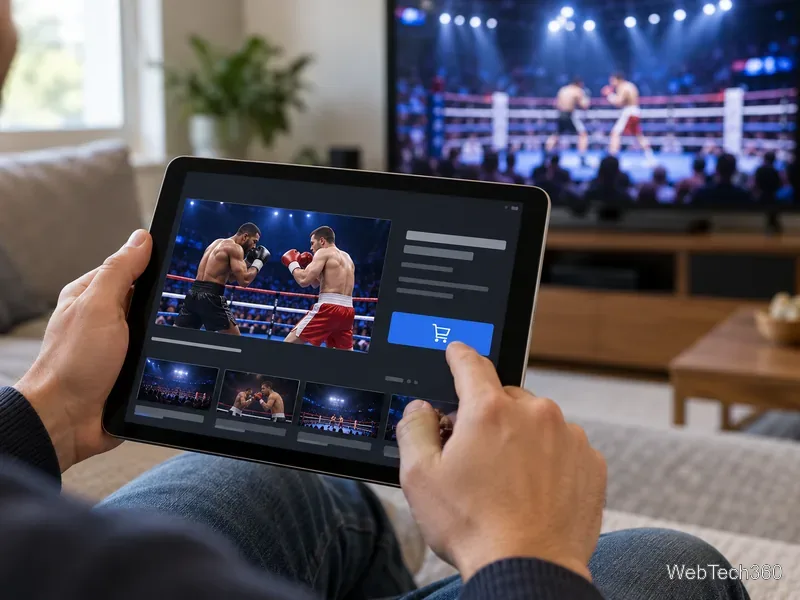
For example, DAZN’s official PPV help page describes buying and watching events on supported devices and casting from a phone. That page is specific to DAZN and its listed market; it is not a promise that every fight is available in every country. Always read the event page that applies to your location. A PPV purchase can also have device or simultaneous-stream limits.
Check the provider’s own device-support page for a Kodi add-on. If it lists a Kodi add-on, verify that it comes from the broadcaster or an authorized developer and is compatible with your Kodi version. Then check Kodi’s built-in catalog: open Add-ons → Install from repository, choose the official Kodi repository, and look for the provider’s add-on. Kodi’s official repository guide explains that the built-in catalog is version-aware.
Do not add an unfamiliar repository or install a ZIP file just because a tutorial supplies a URL. Kodi warns that installing from unknown sources requires enabling that option and makes the user responsible for the add-on; the add-on manager documentation explains the setting and its risks. If the broadcaster does not offer an official Kodi add-on, Kodi is not the right playback app for that PPV.
You can still use the same television and streaming setup. Install the official broadcaster app on a supported smart TV, streaming stick, game console, or set-top box, or connect a laptop to the TV with HDMI. If the provider supports casting, start the stream in its mobile app and cast to a compatible TV device. Follow the provider’s setup instructions; availability and purchase options vary by platform and country.
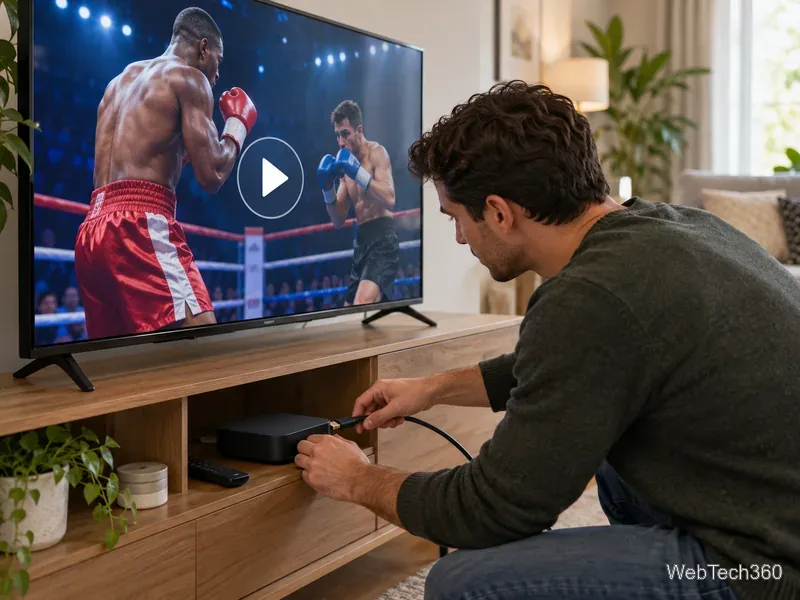
In short, Kodi can be part of a boxing setup, but it is not a source of free PPV streams. Use it only with a verified, authorized add-on; otherwise, purchase the event from its licensed provider and watch through the provider’s app, browser, casting feature, or an HDMI-connected computer.
Learn how to uninstall a Kodi repository safely, remove its saved source URL separately, and check which installed add-ons or dependencies you still need.
Find the safest way to watch live tennis with Kodi: learn what iPlayer WWW can stream, how to find licensed coverage, and which add-ons to avoid.
Learn how to watch movies on Kodi from your computer, USB drive, or NAS, add online video services, and fix missing titles with clear setup steps.
Set a Kodi Master Lock PIN, protect selected menus, and create a separate kids’ profile with media sources you choose.
Find the authorized stream for your country, check whether its provider supports Kodi, and watch a boxing PPV on your TV without relying on outdated add-ons.
Compare five Kodi skins in the official Omega catalog, then follow the current Settings path to install one, customize it, or switch back.
Looking for the 1Channel Kodi add-on? Learn why old PrimeWire installation guides are unreliable and how to install a supported video add-on safely.
Enable Kodi’s Chorus2 web interface, control your media from any browser, and learn how to connect remotely without exposing Kodi to the Internet.
Follow the original Nemesis Kodi installation process, learn what changed with Stream Army, and avoid outdated repository and PIN instructions.
Download Kodi safely on Windows using the official installer or Microsoft Store, then add your media library and set up trusted add-ons.







