Add a Date and Time Stamp to Photos on Your Android Phone

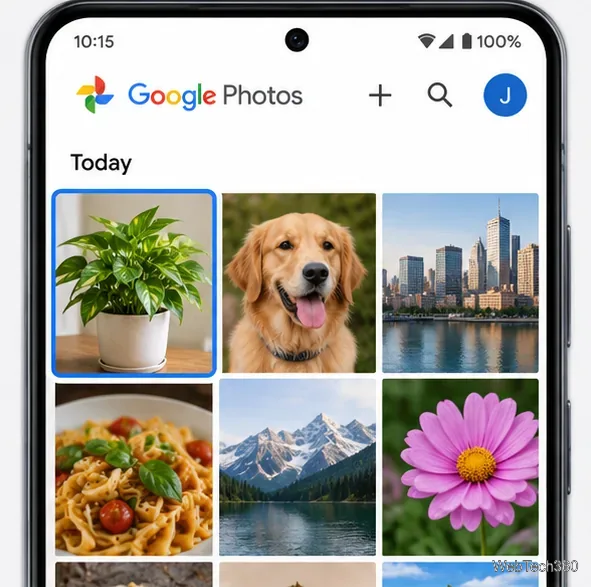
Learn how to add a visible date and time to new or existing Android photos with your camera's watermark setting or Google Photos Markup.
If you want an anonymous browser app for Android, first decide what you want to hide. Tor Browser routes traffic through the Tor network; other browsers on this list focus on blocking trackers or keeping a session out of your phone’s ordinary history. No browser makes you invisible to every website, network, or account provider.

Privacy has several layers. A private tab can limit what stays on your device after you close it. Tracker blocking can reduce cross-site profiling. Network privacy concerns your IP address and who can observe the connection. A browser may help with one layer and do little for another.
Google says Chrome Incognito mainly limits information saved locally after a session ends. Websites and network operators, including an internet service provider, may still observe activity. Downloads and bookmarks also remain on the device. See Google’s explanation of Incognito on Android.
The ten picks below are based on features documented by their developers, not a lab ranking. Availability and features can vary by country, device, and app version.
Tor Browser sends connections through the Tor network and is designed to resist tracking and fingerprinting. It can hide your IP address from sites, though pages may load more slowly or block Tor traffic. Signing in with a personal account can still identify you. Download it from the Tor Project’s official page; Android has some features unavailable on desktop, noted in its known-issues guide.
Brave Shields are on by default and block many ads and trackers. You can adjust protection for a site if it breaks. Brave is a useful daily browser, but its private tabs are not a Tor connection. See Brave Shields.
Tracker blocking and a Fire Button for clearing browsing data are built in. Optional App Tracking Protection blocks some third-party trackers in other Android apps. It uses Android’s VPN interface locally and cannot run alongside most other VPN apps; read DuckDuckGo’s explanation.
Focus is a simple browser for disposable sessions. It includes tracking protection and an erase control for clearing session data, so you do not need to manage many tabs or settings. Mozilla describes its Android privacy controls.
Firefox’s Enhanced Tracking Protection blocks known trackers by default, and Android Firefox supports extensions such as uBlock Origin. Choose it for a full-featured browser with more control. Extensions do not hide your IP address by themselves.
Cromite describes itself as a Chromium fork with ad blocking and privacy enhancements. It suits readers who want an open-source Chromium-style option and are comfortable managing installation and updates. Get builds only from the official Cromite project.
Vivaldi for Android has tracker and ad blocking, private tabs, and site-specific settings. It fits users who want customization with everyday browsing. Private tabs clear local tab data when closed; they do not make the network connection anonymous. See Vivaldi’s Android blocker guide.
Secret mode keeps a session separate from ordinary browsing history. Samsung says it does not save history, cookies, or search records after the mode is closed. Smart anti-tracking settings add another layer, but sites and your network may still see activity. Check Samsung’s Secret mode guide.
This open-source Android browser lets you control JavaScript, cookies, and DOM storage. Those controls can reduce what a site receives but may break page features. Review the project page and downloads before installing.
Aloha combines private browsing tools with an ad blocker and advertises a built-in VPN. Treat those as separate protections: a browser VPN may cover a different scope than a device-wide VPN, and a VPN shifts trust to its provider. Read Aloha’s browser and VPN privacy policies and check what your current plan includes.

A VPN encrypts traffic between your phone and the VPN service, which can help on untrusted networks. The provider becomes a party you must trust. A VPN does not erase cookies, stop every tracker, or prevent identification when you sign in.

For most people, a tracker-blocking browser is a sensible daily choice. Use Tor when network-level anonymity matters, and treat “incognito” as a limit on local history—not a promise of invisibility.
Learn how to add a visible date and time to new or existing Android photos with your camera's watermark setting or Google Photos Markup.
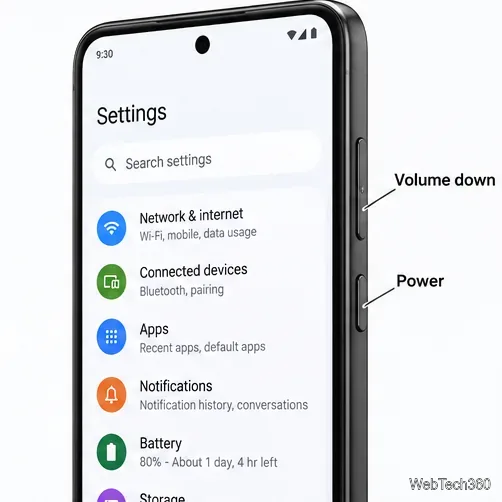
Learn how to screenshot on Android with button shortcuts, scrolling captures, and Pixel, Samsung, and Motorola gestures, plus where to find and share images.
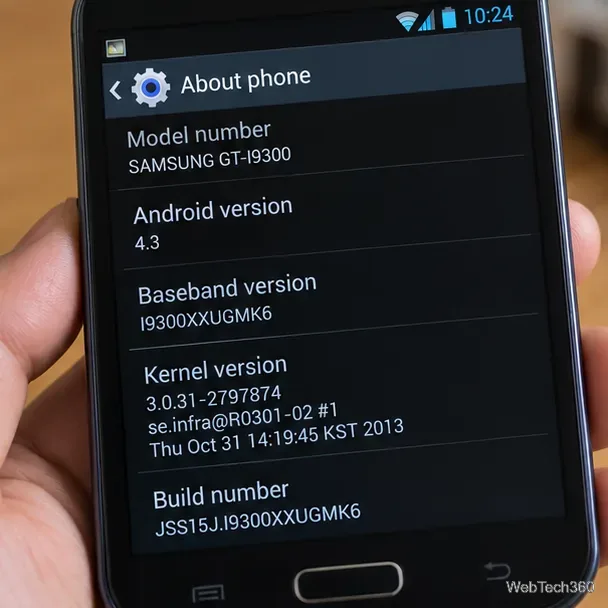
Learn how Framaroot rooted compatible older Android phones, what to check before installing its APK, and why it rarely works on newer devices.
See how the classic Search Now app used a floating search button for on-device and web searches, why its Play Store listing is gone, and what works today.
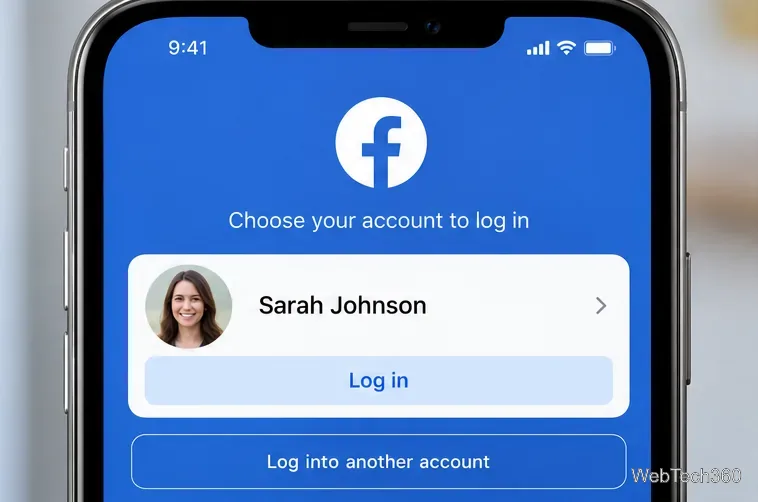
Learn how to turn Facebook profile picture login on or off, remove saved sign-ins on iPhone or Android, and find the current Saved login settings.
Learn how to identify plants, products, books, and other objects in photos with Google Lens on Android, iPhone, or a computer—and improve uncertain matches.
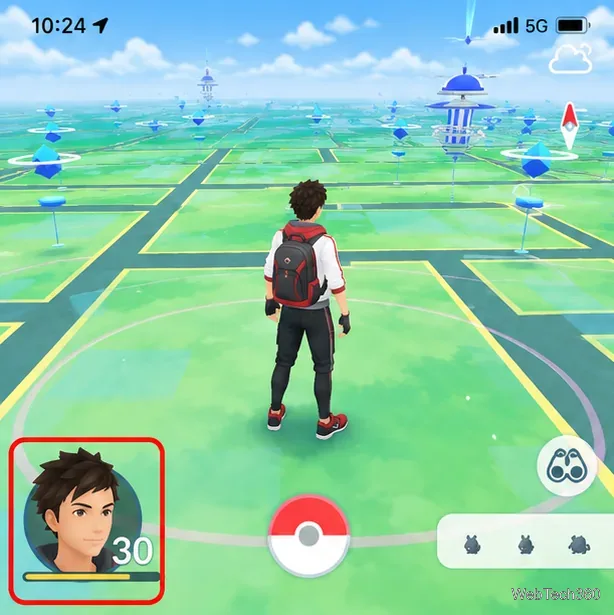
Remove your Pokémon GO avatar’s hat, gloves, and backpack using the Style menu. Follow the steps and fix missing no-item options without spending PokéCoins.
Understand what firmware and ROM mean on Android, how stock and custom ROMs differ, what flashing changes, and which risks to check before installing an image.
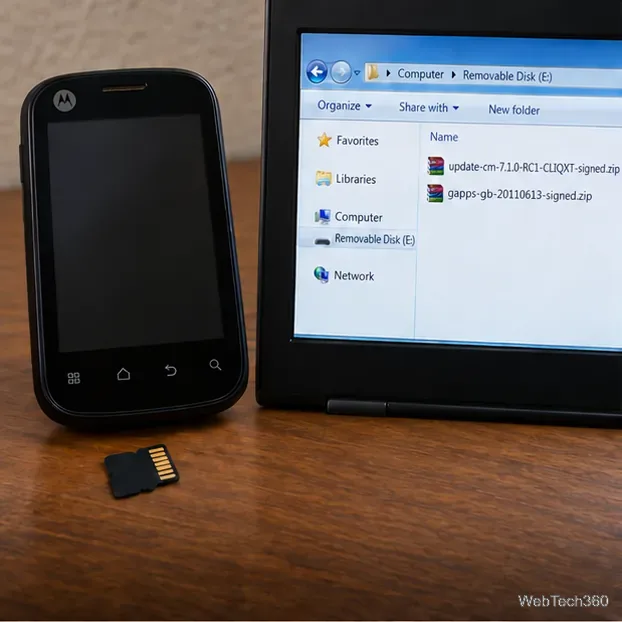
Learn what you need to install CyanogenMod 7.1 RC1 on the Motorola CLIQ XT, back up the MB501, flash the matching ZIPs, and avoid unverified files.
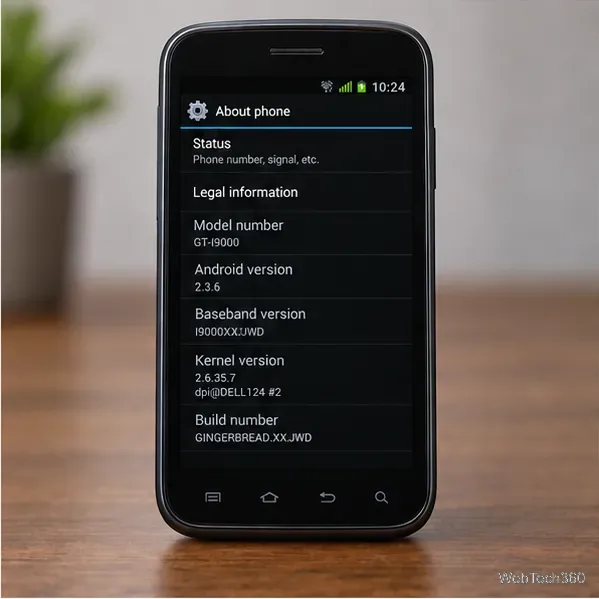
See what Android 2.3 Gingerbread keyboard language packs supported, how to verify a compatible ZIP, back up your phone, and avoid unsafe recovery flashes.