68 Best Android Apps of 2014: The Original List, Revisited

This 2014 Android apps roundup captured tools, launchers, and new arrivals. It is a historical list, not a current ranking.

The source repeats #65, so its title says 68 but names 69 apps. This rewrite keeps all entries and corrects the sequence.

Why these Android apps mattered in 2014

Android 5.0 Lollipop and Material Design shaped the year. Google’s 2014 Lollipop announcement describes the design shift and its cross-device focus.

These descriptions reflect the original picks. Apps can disappear or lose support, and Google says Play apps may not work on every device. Check current listings before installing.

Photo, video, and media apps

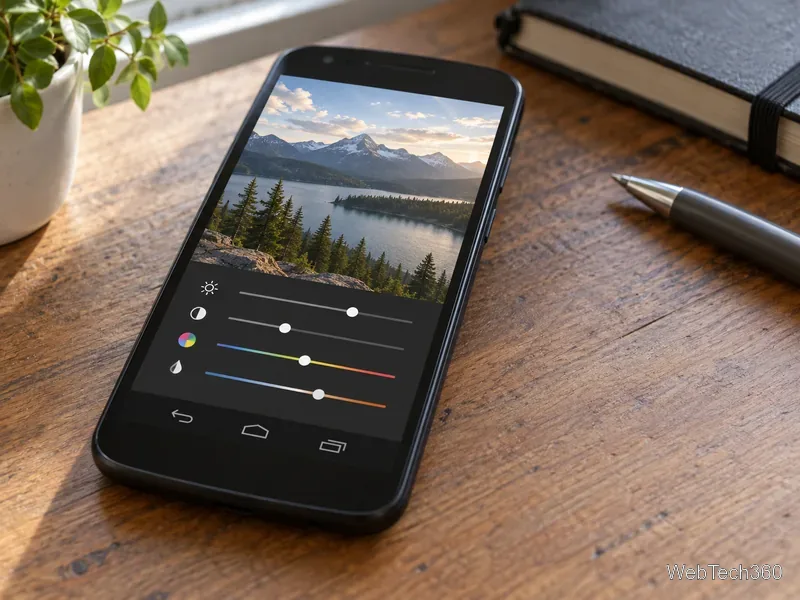
A 2014-era Android phone displays a landscape photo above simple exposure and color adjustment controls
Shift’s photo controls in context.
  • 1. Shift — Made filters with point-based exposure and color adjustments.
  • 2. Tunity — Played audio from nearby muted televisions on the phone.
  • 8. EZ UnEXIF Free — Removed EXIF metadata before sharing photos.
  • 9. Horizon — Kept video level as you rotated the phone.
  • 19. Smart Selfie — Used spoken prompts for rear-camera selfies.
  • 33. LenX — Took long-exposure photos and adjusted exposure.
  • 42. Party Player — Played guest song requests submitted by text.
  • 49. Whistle Camera – Selfie & More — Triggered the camera with a sound cue.
  • 52. KMPlayer for Android — Played video and other media files.
  • 55. Muzei — Rotated live wallpaper from configurable sources.
  • 60. Ashampoo Snap — Captured, edited, and annotated screenshots.
  • 62. GalleryNext — Previewed CyanogenMod’s GalleryNext app for other devices.

Calls, messages, notifications, and schedules

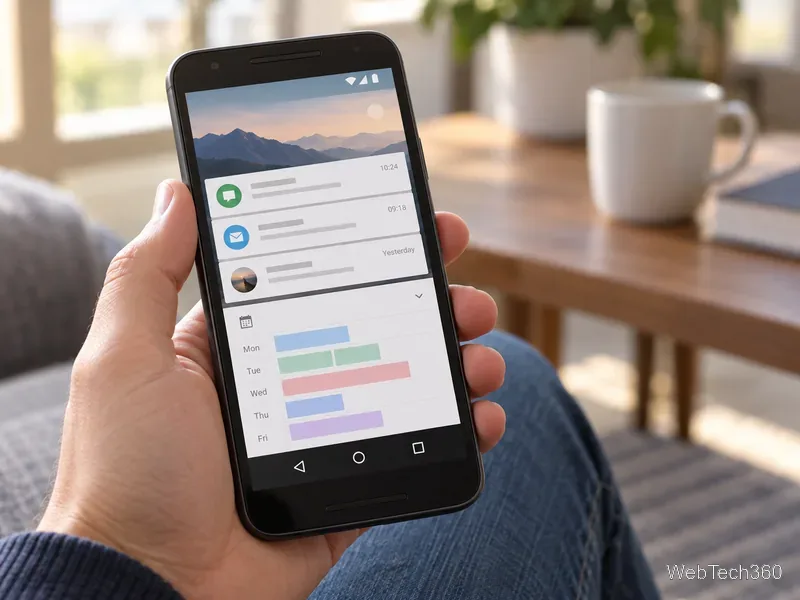
A hand holds an Android phone showing generic notification cards above a weekly calendar
Notification and calendar tools organized daily activity.
  • 4. Calltag — Added a short reason to an outgoing call.
  • 5. TakeOff — Scheduled Instagram posts at set intervals.
  • 10. Chat Lock — Locked selected messaging and social apps behind a passcode.
  • 11. Call Planner — Set reminders for calls to make later.
  • 13. Month: The Calendar Widget — Added a configurable calendar widget.
  • 14. Ignore No More — Let parents lock a child’s phone after unanswered calls.
  • 16. QwickNote — Captured text, photos, voice notes, and reminders with gestures.
  • 20. Mr. Silent, Auto Silent Mode — Automated silent or vibration modes by context.
  • 23. TimeAway — Managed children’s device use with parental controls.
  • 26. Shift Work Schedule — Organized rotating and nonstandard work shifts.
  • 27. Heads-up Notifications — Added pop-up alerts modeled on Lollipop.
  • 30. ContactBox — Shared contacts between Android and iOS.
  • 31. Echo Notification Lockscreen — Grouped lock-screen alerts for later review.
  • 32. Vibify — Added motion-triggered alerts inspired by TouchWiz.
  • 35. Whistle Phone Finder — Located a misplaced phone after a whistle.
  • 36. Sunrise Calendar — Brought a calendar and event view to Android.
  • 43. Notify! — Filtered alerts shown on the home or lock screen.
  • 45. IFTTT for Android — Automated actions across services and Android.
  • 56. Don’t Pause — Muted notification sounds during music playback.

Device controls, customization, and files

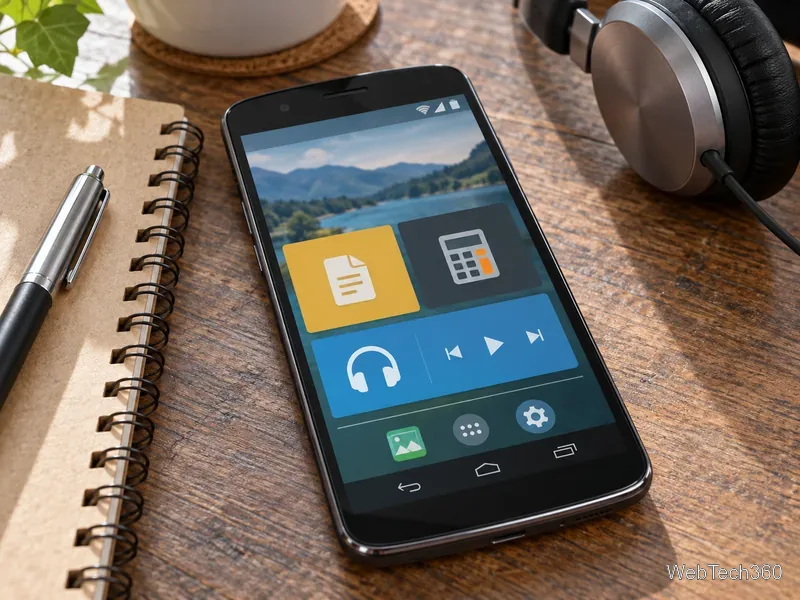
A generic Android phone on a desk shows large file, calculator, and media controls beside a notebook and headphones
Quick controls typified many picks.
  • 3. Now Gesture Tweaks — Remapped Google Now gesture to apps or actions.
  • 6. SwiP – ProfileSwitcher — Switched sound, display, Wi-Fi, and other profiles.
  • 12. Car Logbook — Tracked car costs, maintenance, and reminders.
  • 15. Andrognito — Hid files behind an in-app lock.
  • 17. Rotation — Set orientation rules for individual apps.
  • 18. Pale Moon — Brought the Pale Moon browser to Android.
  • 21. Search Everything — Indexed local storage for faster file searches.
  • 22. StuffMerge Message Wizard — Combined copied text into a single message.
  • 24. Sleep Timer — Timed music playback and device sleep.
  • 25. Smart Phone Lock — Created date- or time-based PINs, weaker than modern locks.

  • 28. APK Downloader Extension — Found APK files outside Play; not a safe-install recommendation. Google explains how Play Protect checks apps and warns about harmful software.
  • 29. Z Launcher — Used letter gestures to find apps and contacts.
  • 34. QuickClick — Mapped volume-button presses to shortcuts.
  • 37. Tomi File Manager — Managed files and removed apps in batches.
  • 39. Cobrets — Switched among brightness presets from a widget.
  • 40. Octo – Auto Settings — Changed sound profiles based on location.
  • 41. WiFi Manager — Automated Wi-Fi around networks and signal range.
  • 44. MultiWindow Sidebar — Launched apps in multiwindow layouts from a sidebar.
  • 48. Holo Label Widget — Added text labels to home-screen areas.
  • 51. Navigation Layer — Mapped edge gestures to navigation and app actions.
  • 53. Multitasking — Opened selected apps in movable window-like panels.
  • 54. Astrill VPN — Provided a mobile client for Astrill’s VPN service.
  • 57. AVG WiFi Assistant — Automated Wi-Fi switching based on network conditions.
  • 58. B1 Free Archiver — Created and extracted common archive files.
  • 59. MultiROM — Booted multiple ROMs on supported devices; a specialist modification.
  • 61. RootCloak Plus — Tried hiding root from apps; not a security fix.
  • 66. AcDisplay — Added an ambient notification screen to Android 4.4 devices.
  • 67. Auto Finder — Saved parked-car locations for later navigation.
  • 68. viaProtect — Aimed to show countries and organizations receiving app data.
  • 69. RAR for Android — Brought RAR’s archive utility to Android.

Learning, health, food, and paperwork

  • 7. Calc+ — Edited earlier calculation inputs and saved constants.
  • 38. Food Builder — Estimated nutrition from selected ingredients.
  • 46. Flo — Reviewed driving behavior with improvement feedback.
  • 47. Blood Alcohol Finder — Estimated blood alcohol; never use it to judge driving safety or legality.
  • 50. Coursera for Android — Accessed Coursera courses from Android.
  • 63. Udemy for Android — Accessed Udemy classes on a phone.
  • 64. ScanWritr — Scanned and annotated documents.
  • 65. Battery Kit — Displayed battery tests and status, not a cure for wear.

How to use this archive today

Revisit 2014’s notification filters, edge gestures, and home-screen controls. Availability varies. Google’s compatibility guidance notes support varies by device. Check permissions and publishers; avoid unfamiliar APK sites.

Leave a Comment

Add a Date and Time Stamp to Photos on Your Android Phone

Add a Date and Time Stamp to Photos on Your Android Phone

Learn how to add a visible date and time to new or existing Android photos with your camera's watermark setting or Google Photos Markup.

How to Screenshot on Android Devices: Buttons and Gestures

How to Screenshot on Android Devices: Buttons and Gestures

Learn how to screenshot on Android with button shortcuts, scrolling captures, and Pixel, Samsung, and Motorola gestures, plus where to find and share images.

How to Root Older Android Devices With Framaroot in a Few Taps

How to Root Older Android Devices With Framaroot in a Few Taps

Learn how Framaroot rooted compatible older Android phones, what to check before installing its APK, and why it rarely works on newer devices.

Search Now for Android: Search Your Phone or the Web From Anywhere

Search Now for Android: Search Your Phone or the Web From Anywhere

See how the classic Search Now app used a floating search button for on-device and web searches, why its Play Store listing is gone, and what works today.

How to Enable or Disable Facebook Profile Picture Login

How to Enable or Disable Facebook Profile Picture Login

Learn how to turn Facebook profile picture login on or off, remove saved sign-ins on iPhone or Android, and find the current Saved login settings.

How to Use Google Lens to Identify Objects in Photos

How to Use Google Lens to Identify Objects in Photos

Learn how to identify plants, products, books, and other objects in photos with Google Lens on Android, iPhone, or a computer—and improve uncertain matches.

How to Remove a Hat, Gloves, and Backpack From Your Pokémon GO Avatar

How to Remove a Hat, Gloves, and Backpack From Your Pokémon GO Avatar

Remove your Pokémon GO avatar’s hat, gloves, and backpack using the Style menu. Follow the steps and fix missing no-item options without spending PokéCoins.

Firmware, Stock ROMs, Custom ROMs, and Flashing Explained

Firmware, Stock ROMs, Custom ROMs, and Flashing Explained

Understand what firmware and ROM mean on Android, how stock and custom ROMs differ, what flashing changes, and which risks to check before installing an image.

How to Install CyanogenMod 7.1 RC1 on the Motorola CLIQ XT

How to Install CyanogenMod 7.1 RC1 on the Motorola CLIQ XT

Learn what you need to install CyanogenMod 7.1 RC1 on the Motorola CLIQ XT, back up the MB501, flash the matching ZIPs, and avoid unverified files.

Install Android 2.3 Gingerbread Keyboard Language Packs Safely

Install Android 2.3 Gingerbread Keyboard Language Packs Safely

See what Android 2.3 Gingerbread keyboard language packs supported, how to verify a compatible ZIP, back up your phone, and avoid unsafe recovery flashes.