How to Enable the Android Power Button Bug Report Shortcut
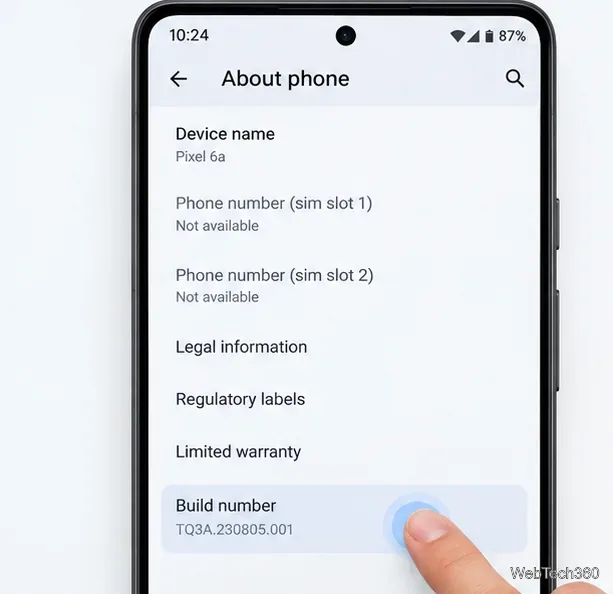
Enable Android’s power-menu bug report shortcut, capture a diagnostic report on your phone, and share it safely without relying on a desktop computer.
Short answer: a 144Hz Galaxy S27 Ultra display would be technically believable, but it would not automatically be a major upgrade over today's 120Hz Ultra. The result worth caring about is not the number printed on a spec sheet. It is whether the phone can deliver visibly smoother motion, sustain high frame rates without heating up, and still preserve battery life through aggressive adaptive refresh behavior.
As of September 14, 2026, Samsung has not officially announced a Galaxy S27 Ultra or confirmed a 144Hz panel for it. The current Galaxy S26 Ultra is the useful baseline: Samsung lists a 6.9-inch QHD+ Dynamic AMOLED 2X display with an adaptive 1–120Hz refresh range. See Samsung's official Galaxy S26 series specification table.
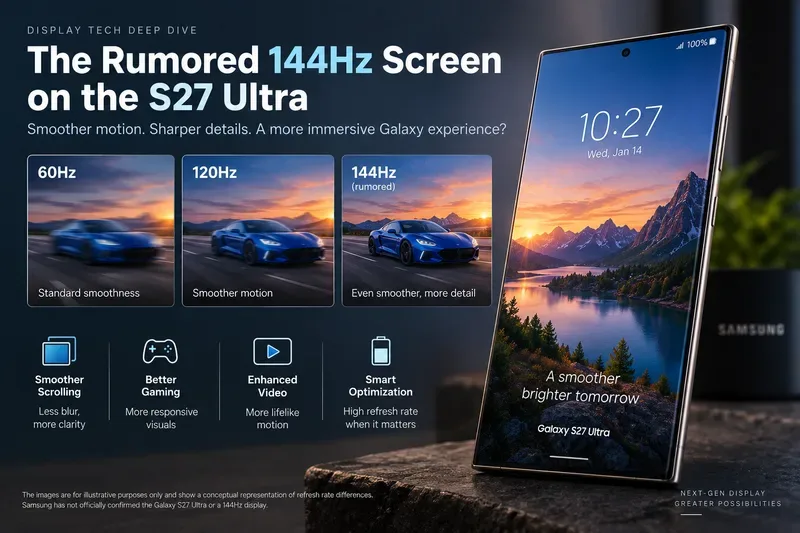
A successful implementation should make fast motion look a little cleaner than 120Hz without forcing obvious compromises elsewhere. For most people, the difference between 60Hz and 120Hz is dramatic. The jump from 120Hz to 144Hz is much smaller, so the quality of the implementation matters more than the headline figure.
At 120Hz, the display refreshes about once every 8.33 milliseconds. At 144Hz, that interval falls to about 6.94 milliseconds. That is roughly 1.39 milliseconds less between refreshes and 20 percent more refresh opportunities per second. In the best case, that can slightly reduce visible motion stepping and help very fast touch-driven games feel more immediate. It is not the kind of improvement most users should expect to transform ordinary messaging, reading, or video playback.
The signs of a genuinely strong 144Hz implementation would be:
For everyday scrolling, the difference would likely be subtle. Both 120Hz and 144Hz are already far beyond traditional 60Hz behavior, so text movement, menus, and system animations should already look very smooth on a well-tuned 120Hz display. The extra 24 refreshes per second are most useful when motion is extremely fast and the content source can keep up.
Competitive gaming is the clearest case. A game rendering at or near 144 frames per second can present a new frame on nearly every refresh. That can make camera pans, target tracking, and rapid directional changes appear slightly more continuous than at 120Hz. But if the same game is capped at 60, 90, or 120 fps, a 144Hz ceiling provides little or no visual advantage by itself.
Google's Android game-development guidance makes this limitation explicit. Android notes that higher refresh rates increase power use, and if a game's target frame rate is lower than the display refresh rate, the higher rate may provide no benefit. See the Android guidance on power-efficient refresh rates.
Yes, at least from the display-engine side, 144Hz is not an unrealistic target. The Galaxy S26 Ultra already uses Snapdragon 8 Elite Gen 5 for Galaxy, and Qualcomm's official platform brief lists on-device display support up to QHD+ at 240Hz. That does not mean Samsung will choose 144Hz for the S27 Ultra, but it shows that a modern flagship display pipeline can support refresh rates well above 120Hz. See Qualcomm's Snapdragon 8 Elite Gen 5 product brief.
The harder questions are panel efficiency, Samsung's chosen resolution and brightness targets, thermal limits, and software tuning. A specification can be supported by a chipset while still being unattractive for a shipping phone if it costs too much battery or cannot be sustained under load.
If the S27 Ultra really moves to 144Hz, the more important companion feature would be how intelligently it drops below that ceiling. The S26 Ultra already advertises a 1–120Hz adaptive range. That means Samsung is not simply running the panel at maximum speed all the time.
Samsung Display has been developing variable-refresh OLED technology for years specifically to reduce unnecessary display power. Its earlier Adaptive Frequency technology dynamically changed refresh rate according to content, establishing the basic principle that static or slower content should not be driven at gaming-class speeds. See Samsung Display's official Adaptive Frequency technology announcement.
Android now also includes Adaptive Refresh Rate behavior designed to match display refresh more closely to the rate at which content is actually rendered. Google's documentation explains that the system can reduce high-refresh residency and boost refresh only when necessary. See Android's Adaptive Refresh Rate documentation.
That is the quality target to watch. A 144Hz S27 Ultra should spend very little time at 144Hz when you are reading an email, looking at a static photo, or waiting on a home screen. If it stays near maximum refresh unnecessarily, the feature would be harder to justify.
A high-refresh phone needs three parts to cooperate: the panel, the Android display pipeline, and the game engine. Android 15 and later do not simply guarantee maximum refresh to every game. Google's current documentation says games may need to explicitly request high frame rates, and the system can still override those requests because of factors such as battery level or device temperature. See the Android guide to optimizing game refresh rates.
For that reason, a reviewer testing an eventual S27 Ultra should not stop after opening a refresh-rate counter in Settings. The useful test is a sustained gaming run. Does a supported title stay close to 144 fps for 20 or 30 minutes? Does frame pacing remain even? Does the device fall back to 120, 90, or 60 fps as it heats up? Does brightness drop? How much battery is consumed compared with 120Hz mode?
If 144Hz can only be reached briefly before thermal management pulls performance down, a well-tuned 120Hz mode may produce a better real-world result.
For most video, 144Hz is not a major reason to upgrade. Movies commonly use 24 frames per second, while online video is often 30 or 60 fps. Both 120Hz and 144Hz can present 24 fps cleanly because each is an exact multiple of 24. Streaming at 60 fps also works naturally at 120Hz, while a variable-refresh system can choose an appropriate mode instead of forcing 144Hz.
The practical quality signs for video are therefore elsewhere: accurate color, stable brightness, HDR performance, low power use, and smooth frame matching. A higher maximum refresh rate should not distract from those fundamentals.
It could if Samsung uses it aggressively. Refreshing a panel more frequently requires additional display activity, and rendering more frames puts extra work on the GPU. Android's own game guidance warns that higher refresh rates increase power consumption and can generate additional heat.
The right implementation would treat 144Hz as a short-duration performance state, not as a permanent default. Samsung could reserve it for fast scrolling, supported games, and other high-motion situations while dropping to much lower rates for static content. That would be more valuable than a fixed 144Hz mode that users end up disabling to protect battery life.
If an eventual S27 Ultra offers a user-selectable 120Hz option, switching down would make sense when long battery life matters more than the last bit of motion smoothness, when the phone is running hot, or when the games you play do not exceed 120 fps. For productivity, reading, navigation, photography, and most video, 120Hz is already a high-quality target.
| Test | Good sign | Warning sign |
|---|---|---|
| Maximum refresh | 144Hz works at the normal high-resolution mode | 144Hz requires a large resolution or quality reduction |
| Adaptive behavior | Refresh quickly drops for static content | The panel remains near 144Hz unnecessarily |
| Gaming | Supported titles sustain high fps with consistent pacing | Frequent throttling makes 120Hz smoother in practice |
| Battery | Everyday endurance stays close to 120Hz behavior | Noticeable battery loss during ordinary scrolling and apps |
| Thermals | Long sessions remain stable | Heat causes sharp brightness or performance reductions |
| App support | Popular games can request the higher mode | Most relevant apps remain capped below 144 fps |
Technically, yes. Product-wise, it remains unconfirmed. Samsung Display has long produced OLED panels aimed at high-refresh gaming, and current flagship mobile silicon already supports refresh rates beyond 144Hz at high resolution. Those facts make a 144Hz Galaxy flagship plausible.
But plausibility is not evidence that the S27 Ultra will ship with it. Samsung has not published an official S27 Ultra specification sheet as of September 14, 2026. Samsung support representatives have also stated on the company's community site that they do not have official information to share about unreleased S27 Ultra specifications. See this Samsung Community response regarding unreleased-device details.
A 144Hz S27 Ultra would be most meaningful for people who play fast competitive games and care about the lowest practical visual latency. For everyone else, the upgrade should be judged by the whole display system: smooth adaptive switching, sustained performance, battery efficiency, brightness, color quality, and thermal stability.
If Samsung eventually confirms 144Hz, the best outcome is not simply “24Hz more.” It is a display that can use 144Hz exactly when motion benefits from it, then quietly fall back to more efficient refresh rates when it does not. If that balance is missing, the existing 1–120Hz approach may remain the better everyday solution despite the smaller number.
Enable Android’s power-menu bug report shortcut, capture a diagnostic report on your phone, and share it safely without relying on a desktop computer.
Fix the ADB device unauthorized error by reauthorizing USB debugging, restarting the ADB server, and checking Platform-Tools, cables, and drivers.
If your Android power button is broken, try charging, a volume-key USB boot, or Fastboot. Learn what works when the phone is fully off and why ADB often won’t.
Is BlueStacks safe and legal? Learn what the official installer, privacy policy, antivirus behavior, game rules, and system requirements mean for you.
Learn three practical ways to hide your IP address on Android: a VPN, Tor Browser, or a trusted Wi-Fi proxy, with current setup steps and limits.
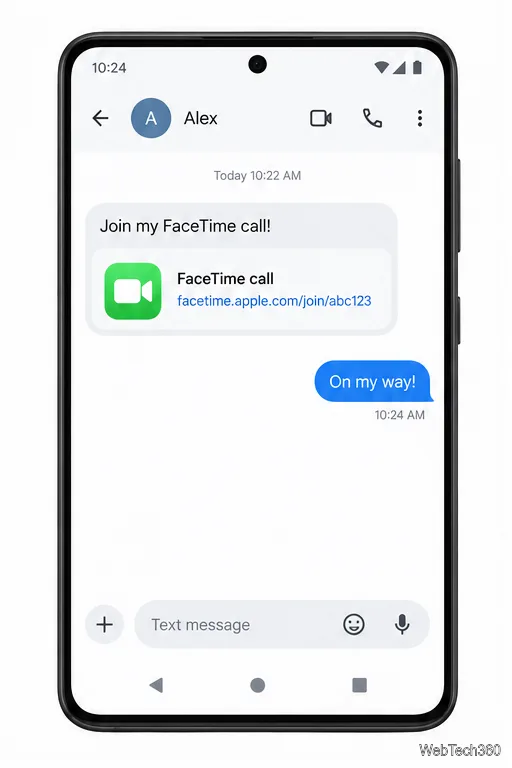
Join a FaceTime call on Android through Chrome or Edge. Get the link, set browser permissions, wait for the host, and fix common connection issues.
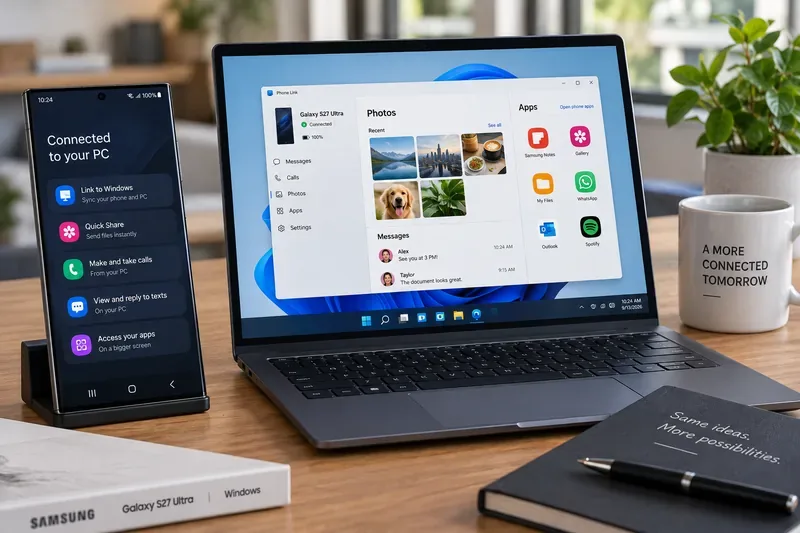
Galaxy S27 Ultra is unannounced, but Samsung and Microsoft already show the path: Phone Link, File Explorer, Quick Share, app streaming, and smarter handoff.
Samsung has not announced Galaxy S27 Ultra pricing. Here’s what the S22–S26 Ultra price history suggests, what is still unknown, and how to budget.
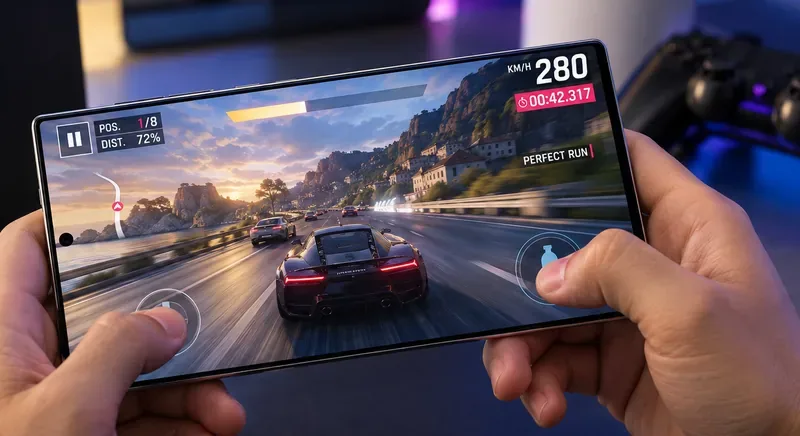
Samsung has not announced Galaxy S27 Ultra gaming specs. Here is what it would need to beat 2027 rivals, based on the confirmed S26 Ultra baseline.
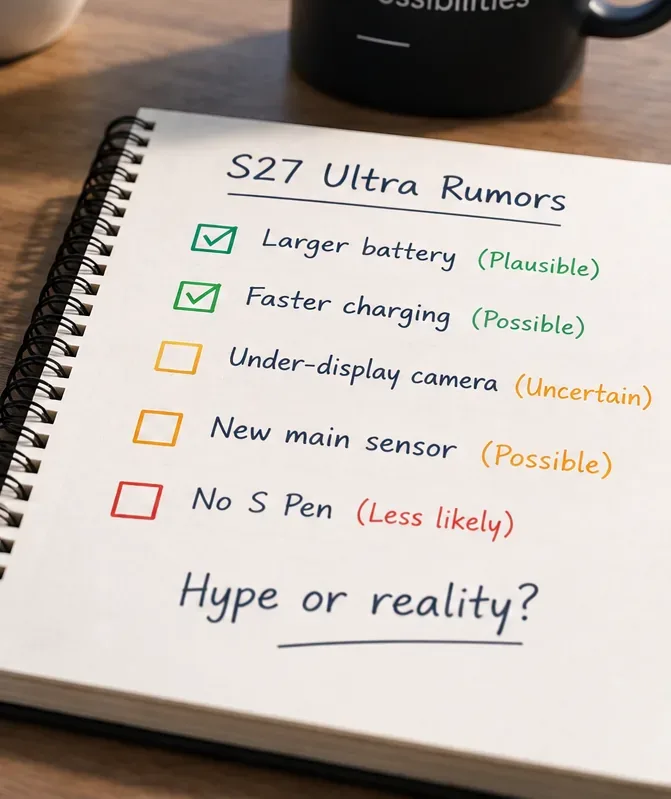
Which Galaxy S27 Ultra rumors deserve attention? We rank battery, camera, chipset, display, charging, S Pen, and AI claims against Samsung’s confirmed 2026 hardware.