How to Enable the Android Power Button Bug Report Shortcut
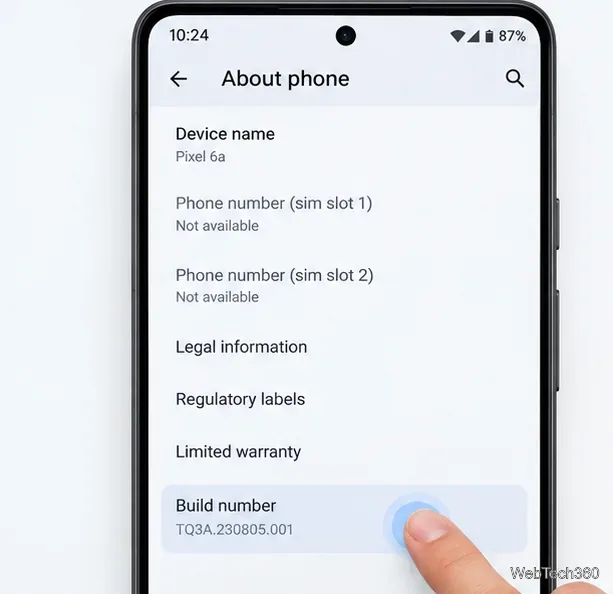
Enable Android’s power-menu bug report shortcut, capture a diagnostic report on your phone, and share it safely without relying on a desktop computer.
The most important answer: Samsung’s next flagship is likely to make Galaxy AI more agentic, more personalized, and more capable of completing tasks across apps — but “Galaxy AI 2.0” is not an official Samsung product name as of September 14, 2026. Samsung is currently talking about enhanced Galaxy AI in One UI 9, agentic AI, and assistants that understand context and take action with the user still in control.
That distinction matters because it keeps expectations realistic. Samsung has not announced the next Galaxy S flagship or published an official feature list for it. What we can do is look at the direction already visible in the Galaxy S26 series, One UI 9, and the Galaxy Z Fold8 family, then separate confirmed capabilities from reasonable expectations.
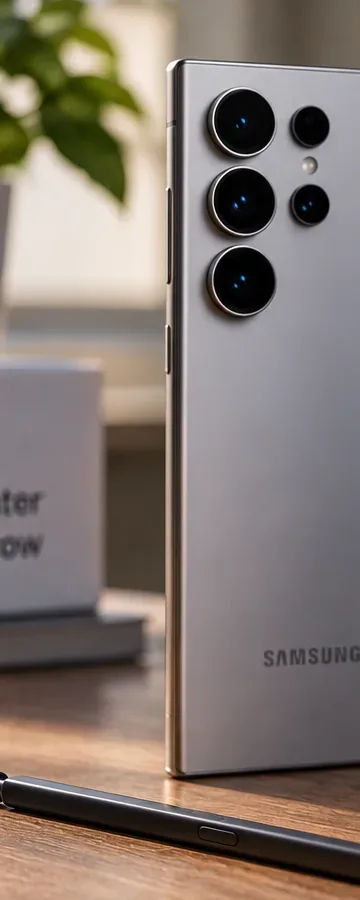
The clearest trend is that Samsung wants Galaxy AI to move beyond isolated tools that translate a call, edit one photo, or summarize one note. The company’s 2026 language centers on agentic AI: software that understands what you are doing, connects relevant information, and helps complete multi-step tasks.
That direction is already visible on the Galaxy S26 series. Samsung says the phones can use upgraded Bixby as a conversational device agent and also give users access to assistants including Gemini and Perplexity. Samsung describes these agents as capable of handling more complex tasks across apps, while keeping final confirmation with the user. You can review Samsung’s official Galaxy S26 announcement.
What this could mean on the next flagship: instead of asking your phone for information and then manually copying it between apps, you should expect Samsung to keep reducing the number of steps between a request and the finished result.
Example: imagine saying, “Find the dinner reservation in my messages, check travel time from the office, and remind me when I need to leave.” Today’s Galaxy AI direction already supports contextual suggestions and cross-app agent behavior. A future flagship could make this flow faster, broader, or more reliable. The exact apps and actions supported on the next S-series device remain unknown.
One of Samsung’s biggest shifts is from AI you deliberately open to AI that notices when help may be useful. The Galaxy S26 introduced Now Nudge, which can use on-screen context and information already on the device to suggest a relevant next action. Samsung’s own example is a conversation about a date: the phone can recognize the context, check what is already on the calendar, and offer to add an event without forcing you to leave the conversation.
The newest One UI 9 materials push this further. Samsung describes Now Nudge as offering richer suggestions across the keyboard and different apps, while Now Brief has gained more personalized layouts and recommendations. See Samsung’s official One UI 9 overview.
Who this is useful for: people who regularly jump among Messages, Calendar, Notes, Gallery, maps, and travel apps stand to gain more than someone who mainly uses a phone for calls, social media, and web browsing. Proactive AI is most valuable when your daily workflow already involves many small transitions.
Samsung launched the One UI 9 beta for the Galaxy S26 series in May 2026 and said the full experience would arrive with upcoming Galaxy flagship devices later in the year. By July, Samsung’s latest foldables launched with One UI 9 and an “enhanced AI” experience. That gives us a much stronger foundation for predicting the next Galaxy S flagship than vague rumors about a mysterious new AI generation.
One UI 9 already includes several ideas that are likely to matter on the next S-series phone:
Samsung’s One UI 9 beta announcement and the company’s live One UI page are the best current references for what has actually shipped or been formally announced.
Samsung has been steadily building a personal-data layer underneath Galaxy AI. Its Personal Data Engine, or PDE, is designed to learn from user preferences and routines on the device so features such as Now Brief can become more relevant to the individual.
Samsung says PDE works with Knox Enhanced Encrypted Protection, or KEEP, to isolate and protect sensitive information used by personalized AI features. The company also uses Knox Vault for hardware-backed protection of credentials and other sensitive data. Samsung explains this architecture in its official Galaxy AI privacy overview.
What to expect: a future flagship will probably try to feel less generic over time. Suggestions may become more relevant because the phone understands recurring locations, communication patterns, stored information, and routines. What Samsung has not confirmed is a specific new personalization engine or exclusive S27-only capability.
When this matters: if you keep calendar events, travel information, photos, notes, reminders, and Samsung Account data on your phone, deeper personalization could save real time. If you intentionally keep very little personal information on the device or disable personalization, the benefit may be smaller.
Agentic AI is more useful when it can access context, but that also makes transparency essential. One UI 9 includes AI Assistant Activity, which Samsung says can show which apps an AI assistant accessed, what actions it performed, and when those actions occurred. Samsung also continues to offer controls over on-device versus cloud processing for supported Galaxy AI features.
This is important because not every Galaxy AI function works the same way. Samsung’s support documentation states that most translation is handled on the device, while many other AI functions use cloud processing in some way. Availability can also vary by model, software version, region, and language. See Samsung’s Galaxy AI support page.
Practical takeaway: if privacy is a major buying criterion, do not judge the next flagship only by how many AI features it advertises. Check which features can run locally, which require a Samsung or Google account, which use cloud processing, and whether the phone lets you review or revoke an assistant’s access.
Samsung has already moved photo editing away from tool-by-tool controls. On the Galaxy S26 series, Photo Assist accepts natural-language editing requests. Samsung gives examples such as changing a scene from day to night, restoring a missing part of an object, or making an iterative edit that can be reviewed and undone step by step.
Creative Studio also combines prompts, photos, and sketches into a single creation workflow for items such as stickers and wallpapers. On One UI 9, Samsung says Photo Assist can accept spoken descriptions for edits on supported devices.
What to expect next: the next flagship is more likely to improve the speed, consistency, and range of these conversational editing workflows than to reinvent photo editing from zero.
Example: a parent could ask the phone to remove distracting objects from a vacation photo, adjust the mood, and prepare a version for sharing without learning several separate editing tools. A creator who already edits in Lightroom or another professional app may see less benefit unless Samsung adds better professional workflow integration.
Audio Eraser is another useful clue. It began as a way to clean up recorded content, but Samsung expanded it on the Galaxy S26 series to work with live streamed content and third-party services. Users can reduce background sound or emphasize voices while content is playing.
This evolution suggests that the next flagship could use AI increasingly as a continuous processing layer for media — not just something you run after recording is finished. Samsung details the current implementation in its official Audio Eraser feature story.
Who benefits: commuters, frequent travelers, students watching lectures, and anyone consuming video in noisy spaces may notice this type of AI more than flashy generative features they rarely use.
The Galaxy Z Fold8 family is especially useful as a preview of Samsung’s current thinking because it launched after the Galaxy S26 series. Samsung says Galaxy AI now works across more apps and services, is optimized for different form factors, and is becoming more personal, proactive, and action-oriented.
The company also emphasizes user control: people should be able to understand what AI is doing on their behalf and keep authority over important decisions. That philosophy is likely to carry into the next Galaxy S flagship even if the hardware form factor is different. See Samsung’s official Galaxy Z Fold8 series announcement.
| Status | What we know | How to use it when judging the next flagship |
|---|---|---|
| Confirmed now | One UI 9 includes enhanced Galaxy AI, richer Now Nudge and Now Brief behavior, AI activity visibility, and stronger privacy controls. | Expect these ideas to form the baseline rather than disappear. |
| Confirmed now | Galaxy S26 supports more agentic, cross-app behavior through Bixby, Gemini, and Perplexity. | Look for broader app coverage and fewer manual steps on the next flagship. |
| Reasonable expectation | More proactive suggestions, deeper personalization, faster local AI, and tighter assistant integration. | Treat these as likely directions, not guaranteed features. |
| Unknown | The next Galaxy S model’s exact AI feature list, exclusive functions, language support, regional limits, and hardware requirements. | Wait for Samsung’s official launch materials before treating any specific feature as confirmed. |
| Not official terminology | “Galaxy AI 2.0” has not been announced by Samsung as the formal name of a new AI platform. | Use the phrase as shorthand, not as proof of a branded software generation. |
For many Galaxy S25 and S26 owners, the answer may be not automatically. Samsung is already rolling newer One UI and Galaxy AI capabilities to existing devices, although individual features vary by model. If your current phone receives the important One UI 9 functions you care about, a hardware upgrade may not dramatically change your day-to-day AI experience.
Upgrading makes more sense if Samsung introduces capabilities that depend on newer hardware — for example, faster on-device models, camera processing that requires a new image signal processor, or exclusive agent functions tied to newer security hardware. Those possibilities are reasonable, but Samsung has not confirmed them for the next Galaxy S flagship.
Simple decision rule: do not upgrade for the phrase “next-generation AI.” Upgrade only if the new phone performs a task you actually do, does it materially faster or better than your current device, and supports it in your language and region.
If people use “Galaxy AI 2.0” to mean the next major step in Samsung’s phone intelligence, the most realistic expectation is not a single dramatic chatbot upgrade. It is a phone that does more work in the background, understands more context, connects more apps, offers stronger personalization, and gives users clearer visibility into what its assistants are doing.
The strongest evidence comes from features Samsung has already shipped in the Galaxy S26 series, One UI 9, and the Galaxy Z Fold8 family. What remains unknown is how much of that experience the next Galaxy S flagship will make faster, more local, more exclusive, or more capable. Until Samsung announces the phone, that is the line between a useful forecast and speculation.
Enable Android’s power-menu bug report shortcut, capture a diagnostic report on your phone, and share it safely without relying on a desktop computer.
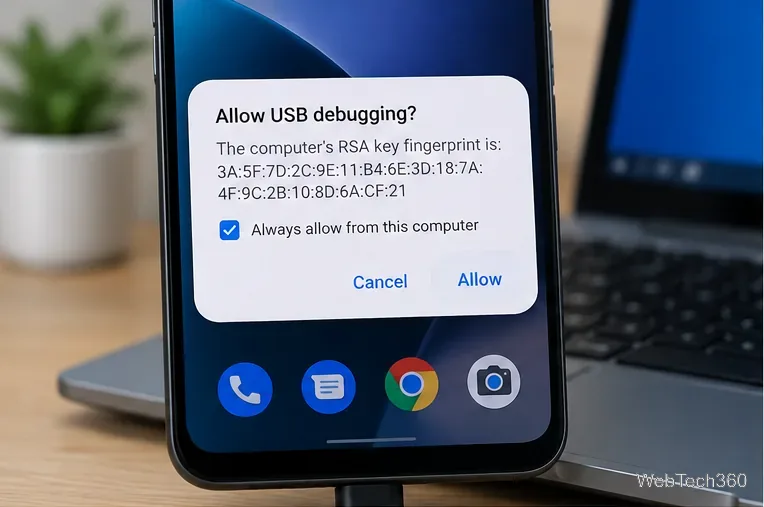
Fix the ADB device unauthorized error by reauthorizing USB debugging, restarting the ADB server, and checking Platform-Tools, cables, and drivers.
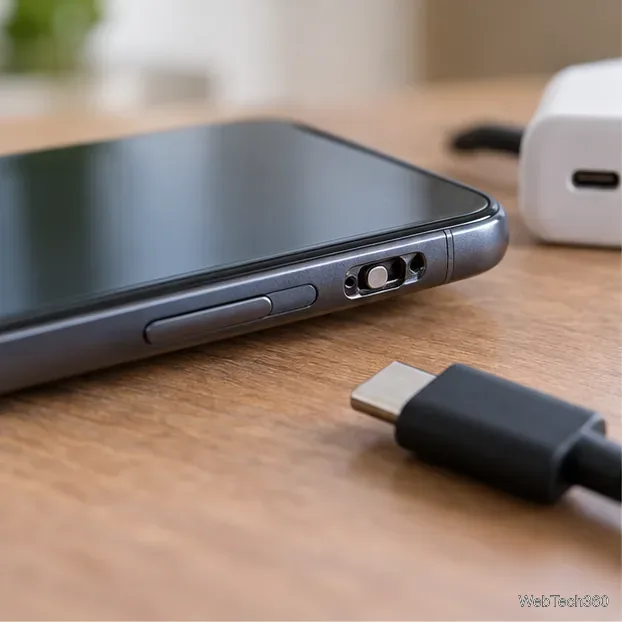
If your Android power button is broken, try charging, a volume-key USB boot, or Fastboot. Learn what works when the phone is fully off and why ADB often won’t.
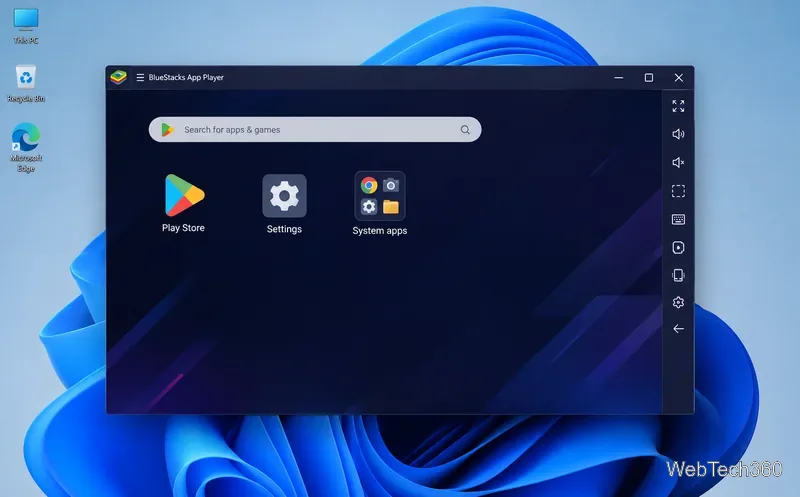
Is BlueStacks safe and legal? Learn what the official installer, privacy policy, antivirus behavior, game rules, and system requirements mean for you.
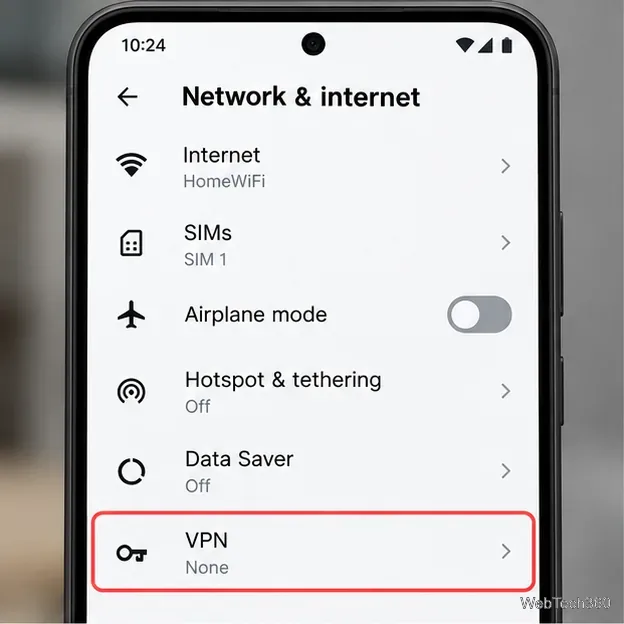
Learn three practical ways to hide your IP address on Android: a VPN, Tor Browser, or a trusted Wi-Fi proxy, with current setup steps and limits.
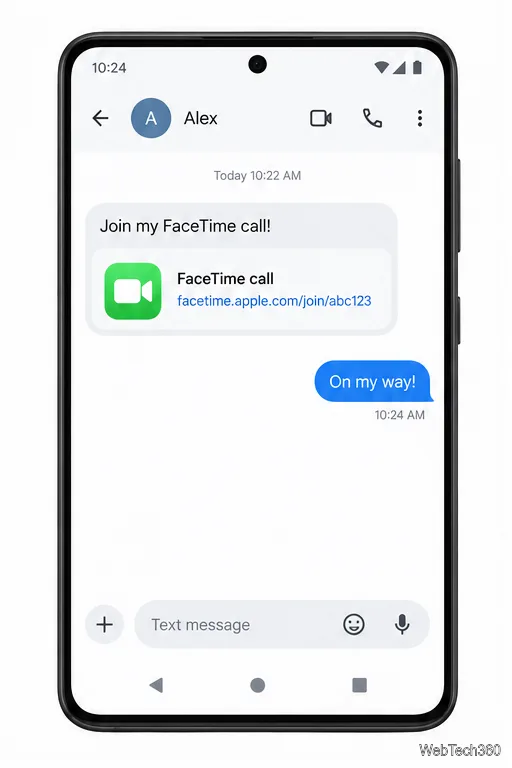
Join a FaceTime call on Android through Chrome or Edge. Get the link, set browser permissions, wait for the host, and fix common connection issues.
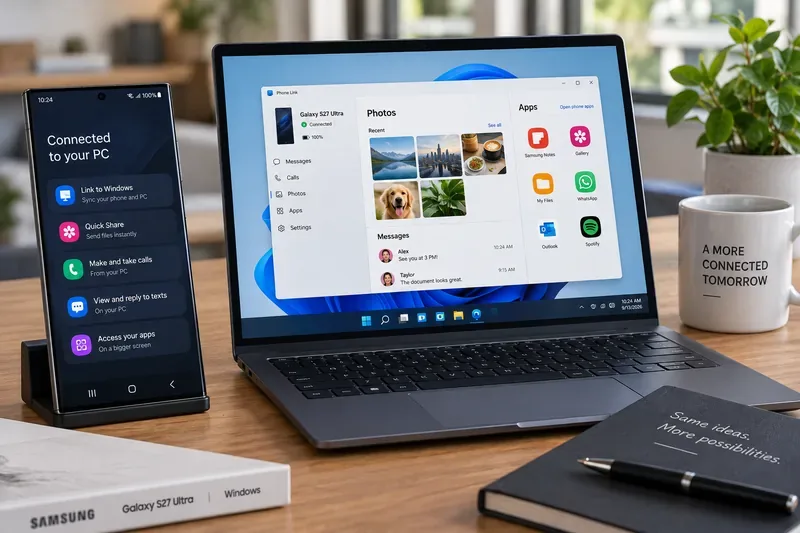
Galaxy S27 Ultra is unannounced, but Samsung and Microsoft already show the path: Phone Link, File Explorer, Quick Share, app streaming, and smarter handoff.
Samsung has not announced Galaxy S27 Ultra pricing. Here’s what the S22–S26 Ultra price history suggests, what is still unknown, and how to budget.
Samsung has not announced Galaxy S27 Ultra gaming specs. Here is what it would need to beat 2027 rivals, based on the confirmed S26 Ultra baseline.
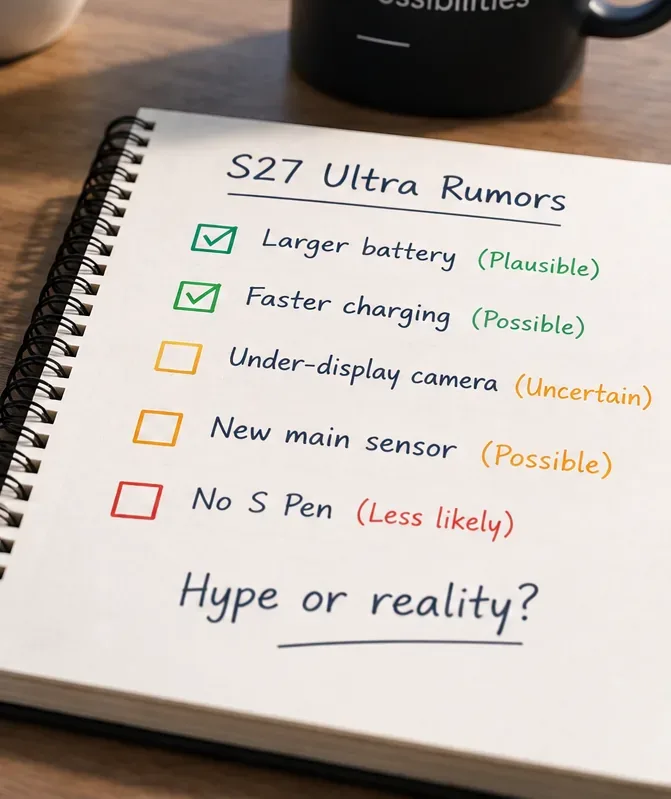
Which Galaxy S27 Ultra rumors deserve attention? We rank battery, camera, chipset, display, charging, S Pen, and AI claims against Samsung’s confirmed 2026 hardware.