How to Enable the Android Power Button Bug Report Shortcut
Enable Android’s power-menu bug report shortcut, capture a diagnostic report on your phone, and share it safely without relying on a desktop computer.
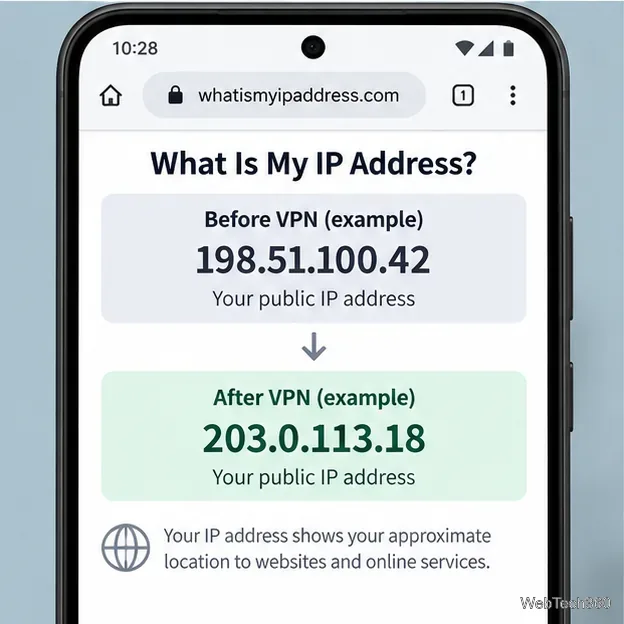
The easiest way to hide your IP address on Android is to use a VPN. A VPN routes your internet traffic through a VPN server, so websites and most apps see the server's public IP address instead of the one assigned to your current Wi-Fi or mobile connection. Two useful alternatives are Tor Browser for private browsing and a trusted proxy for a specific Wi-Fi network.
Hiding your public IP can reduce simple IP-based tracking and change the network location visible to a website, but it does not make you anonymous. Accounts you sign in to, cookies, browser fingerprinting, GPS permissions, and other identifiers can still reveal information about you.
| Method | What it covers | Best for |
|---|---|---|
| VPN | Most device traffic, depending on app and VPN settings | Everyday privacy on Wi-Fi and mobile data |
| Tor Browser | Traffic inside Tor Browser | Private web browsing without routing every app through a VPN |
| Wi-Fi proxy | Traffic that honors that network's proxy setting | Work, school, or other trusted networks that provide a proxy |
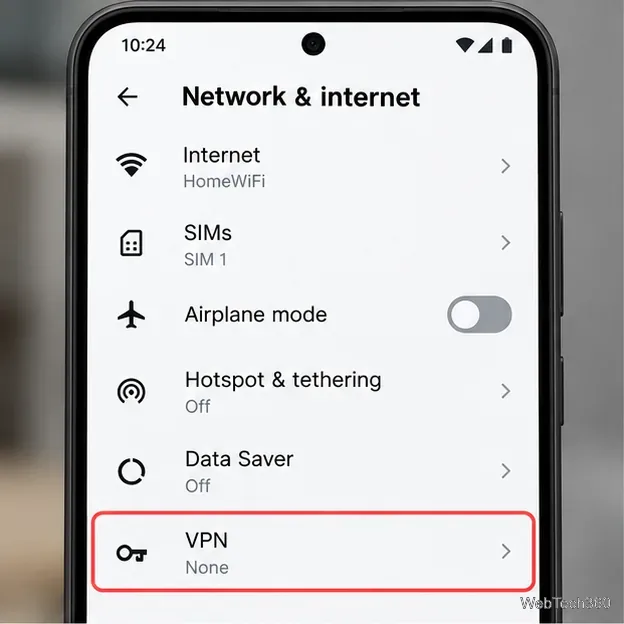
For most people, a reputable VPN app is the simplest option. Android supports VPN apps and manually configured VPN profiles. Google's current Android VPN instructions place saved VPN connections under Settings > Network & internet > VPN. If that path is different on your phone, search Settings for “VPN.”
Install the VPN app you have chosen, complete its setup, and connect to a server. Android shows a VPN indicator in the status area while a VPN is active. If you use a manually configured work or school VPN, enter the server and authentication details supplied by your administrator rather than guessing them.
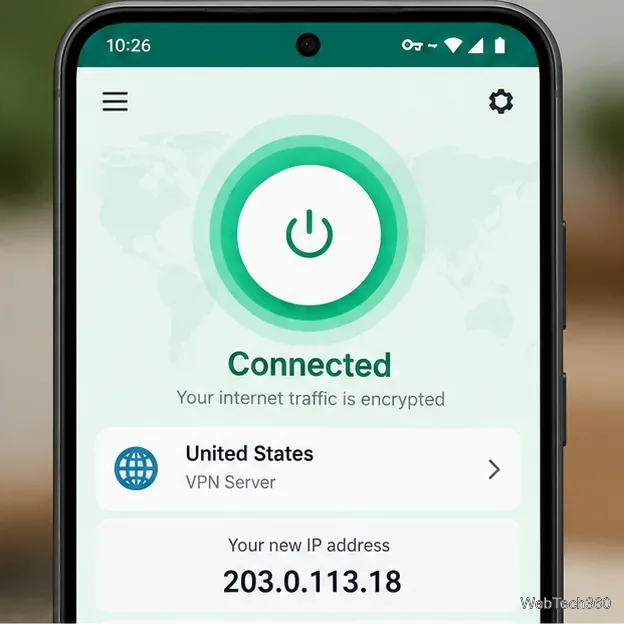
For stronger leak protection, look for Always-on VPN and, where supported, Block connections without VPN. Google documents these controls for compatible Android VPN configurations in its Android VPN administration guidance. Be careful with split tunneling or excluded apps: traffic from an excluded app uses the regular connection and therefore its regular public IP.
Pixel 7 and later phones and the Pixel Tablet also have VPN by Google in supported countries and for eligible accounts. It can mask your IP for privacy, but Google notes that it does not let you choose another IP location for accessing region-specific content.
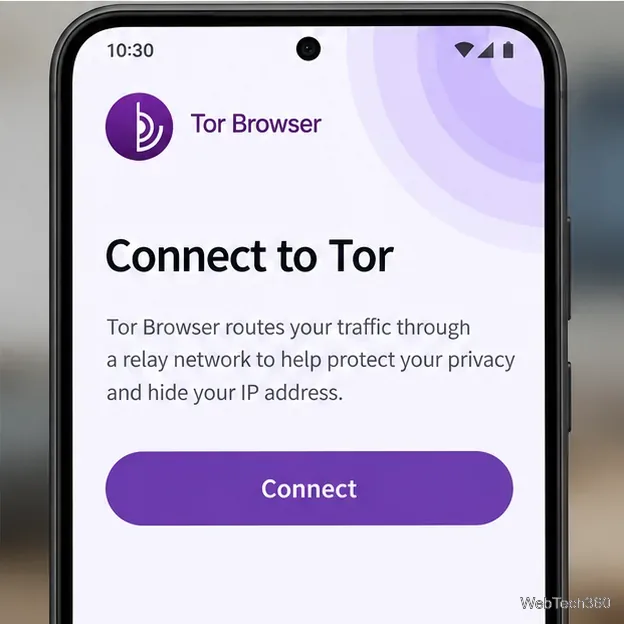
If you mainly want to hide your IP while browsing the web, Tor Browser is a good alternative. The Tor Project provides an official Android version for Android 5.0 or newer through Google Play, F-Droid, and its own website. See the official Tor Browser installation guide.
Open Tor Browser and choose Connect. Once connected, websites opened inside Tor Browser see the IP address of a Tor exit relay rather than your normal public IP. Tor can be slower than a direct connection because traffic passes through multiple relays. Most importantly, this method protects Tor Browser traffic only; your email app, games, streaming apps, and other Android apps continue using their normal network path unless separately protected.
Android also supports a proxy setting for individual Wi-Fi networks. On Pixel devices, Google documents the path as Settings > Network & internet > Internet, select the network, choose Edit > Advanced options, then select a proxy type and enter the settings. See Google's advanced network settings guide. Other Android manufacturers may label the menus differently.
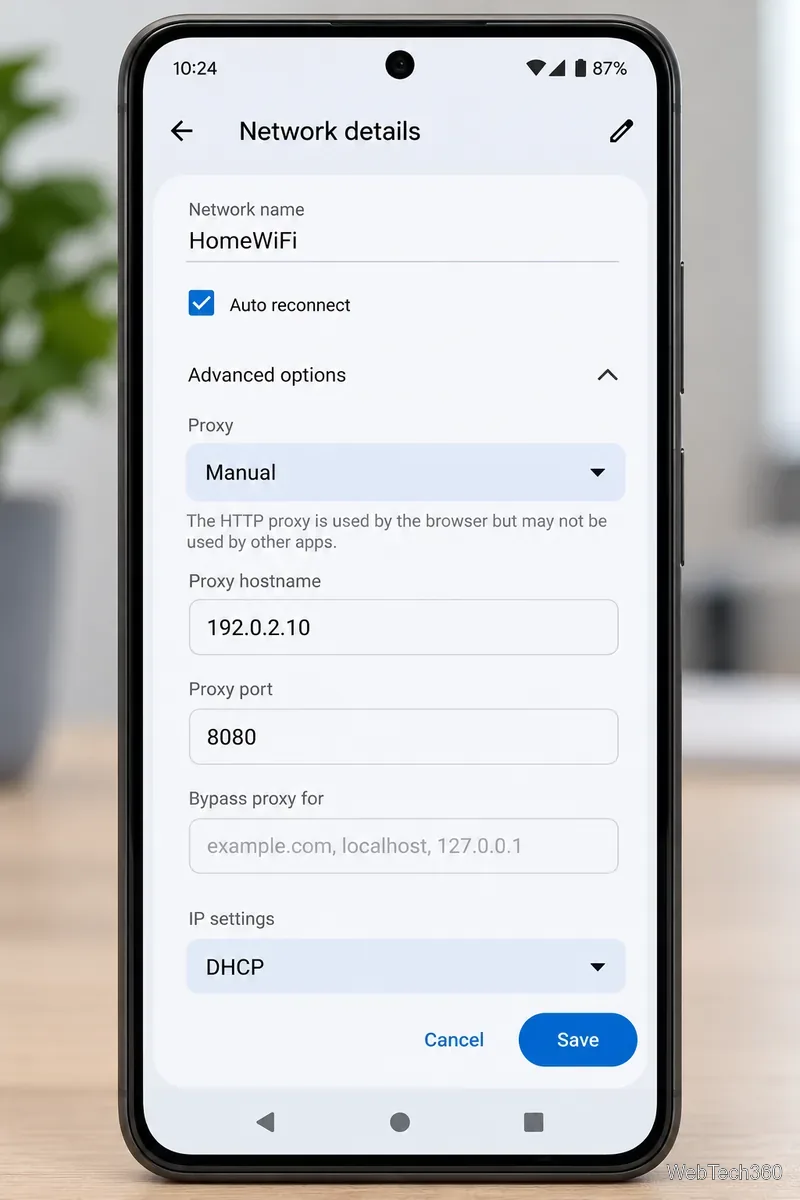
A proxy is more limited than a VPN. It usually applies only to the selected Wi-Fi network, not mobile data, and some apps may ignore the system proxy. A basic proxy also does not add VPN-style encryption by itself. Use this method only when you have a legitimate, trusted proxy endpoint and understand what traffic it will handle.
Incognito or private browsing does not hide your public IP. It mainly changes what the browser saves locally. Likewise, Android's Private DNS can encrypt or authenticate DNS lookups, but websites and internet services still need your IP connection to communicate with your device, so Private DNS is not an IP-hiding tool.
Switching from Wi-Fi to mobile data, or joining a different Wi-Fi network, may give you a different public IP address, but that is only an address change—not a privacy tunnel. For consistent IP masking across Android apps, a properly configured VPN remains the most practical choice.
Enable Android’s power-menu bug report shortcut, capture a diagnostic report on your phone, and share it safely without relying on a desktop computer.
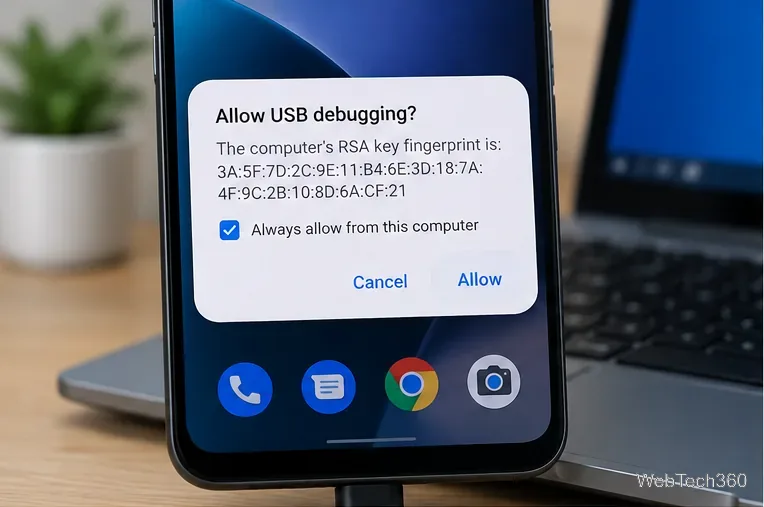
Fix the ADB device unauthorized error by reauthorizing USB debugging, restarting the ADB server, and checking Platform-Tools, cables, and drivers.
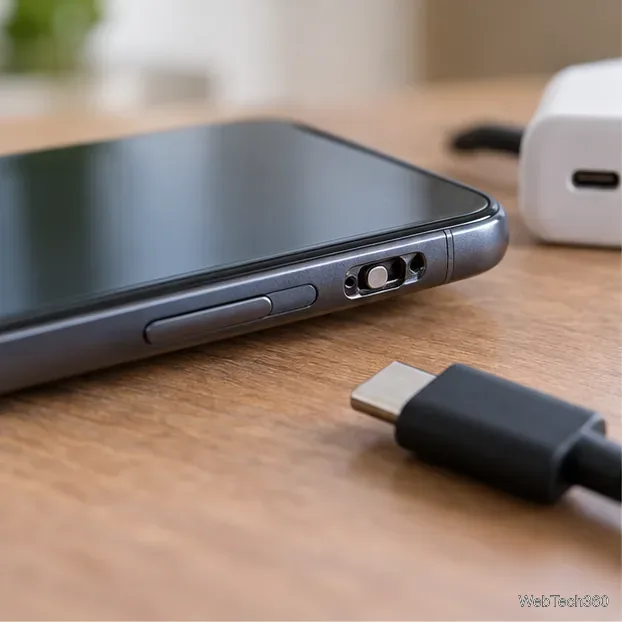
If your Android power button is broken, try charging, a volume-key USB boot, or Fastboot. Learn what works when the phone is fully off and why ADB often won’t.
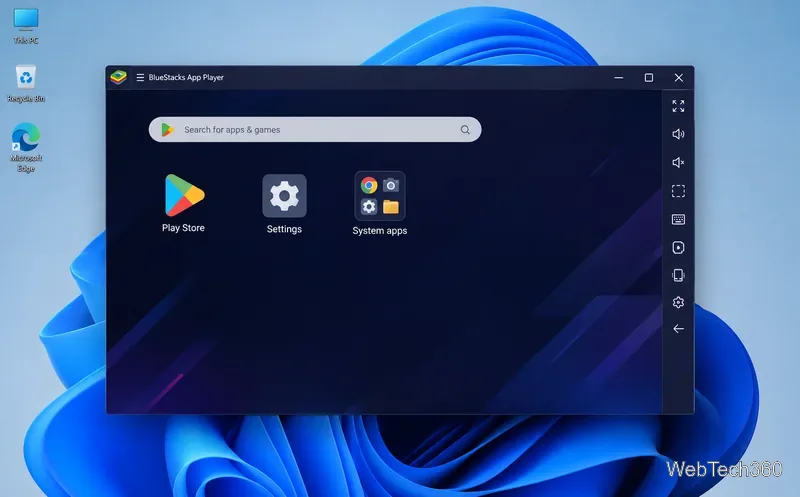
Is BlueStacks safe and legal? Learn what the official installer, privacy policy, antivirus behavior, game rules, and system requirements mean for you.
Learn three practical ways to hide your IP address on Android: a VPN, Tor Browser, or a trusted Wi-Fi proxy, with current setup steps and limits.
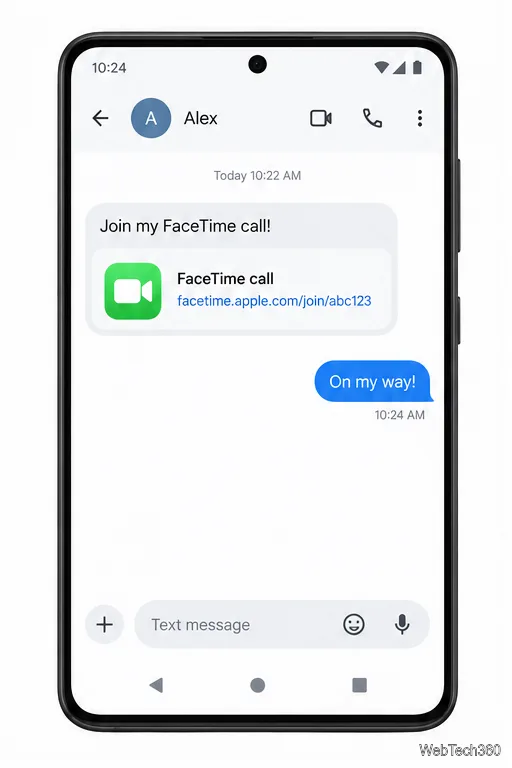
Join a FaceTime call on Android through Chrome or Edge. Get the link, set browser permissions, wait for the host, and fix common connection issues.
Galaxy S27 Ultra is unannounced, but Samsung and Microsoft already show the path: Phone Link, File Explorer, Quick Share, app streaming, and smarter handoff.
Samsung has not announced Galaxy S27 Ultra pricing. Here’s what the S22–S26 Ultra price history suggests, what is still unknown, and how to budget.
Samsung has not announced Galaxy S27 Ultra gaming specs. Here is what it would need to beat 2027 rivals, based on the confirmed S26 Ultra baseline.
Which Galaxy S27 Ultra rumors deserve attention? We rank battery, camera, chipset, display, charging, S Pen, and AI claims against Samsung’s confirmed 2026 hardware.