How to Enable the Android Power Button Bug Report Shortcut
Enable Android’s power-menu bug report shortcut, capture a diagnostic report on your phone, and share it safely without relying on a desktop computer.
Yes, you can join a FaceTime call on an Android phone or tablet through a web browser, but you can’t start or host a FaceTime call from Android. Ask someone with an iPhone, iPad, or Mac to send you a FaceTime link. Open it in the latest version of Google Chrome or Microsoft Edge, enter your name, allow the camera and microphone if prompted, tap Join, and wait for the host to admit you. You don’t need to install a FaceTime app or sign in with an Apple Account to join on the web, according to Apple’s Android and Windows joining instructions.
Have these ready before the call starts:
FaceTime links are created on an Apple device. Apple says links can be created from an iPhone or iPad using iOS 15 or later, or from a Mac using macOS Monterey or later. On an iPhone, the host opens FaceTime, taps New Call, taps Create Link, and chooses how to share it, such as Messages or Mail. See Apple’s iPhone steps for creating a FaceTime link.
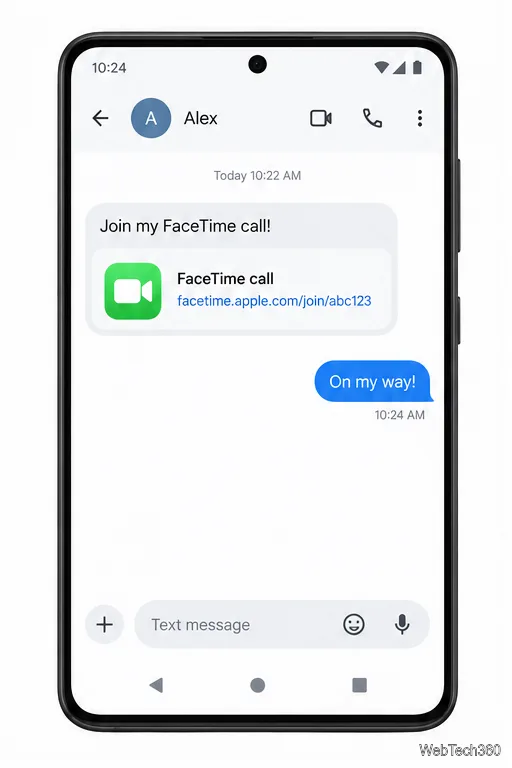
Ask the person with an Apple device to send the complete FaceTime link to you by text, email, or another private message. Keep the link handy; it is the way you enter the call. If the message shows a preview card, tap the link itself rather than trying to open the FaceTime app on Android.
Tap the invitation on your Android device. If it opens in a messaging app’s built-in browser and the FaceTime page doesn’t load, use that app’s Open in Chrome or Open in Edge option if available. You can also copy the entire link and paste it into Chrome or Edge’s address bar.
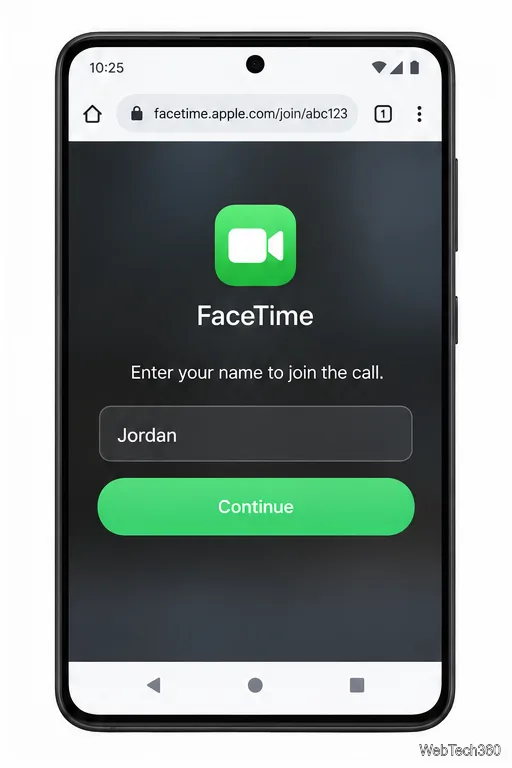
On the FaceTime web page, type the name you want the host and other callers to see, then tap Continue. Apple’s iPhone guide says browser participants can join one-to-one and group calls without logging in.
When Chrome or Edge asks for permission, allow the camera and microphone for this visit if you want to use video and voice. Android may also ask separately. If you block access, FaceTime may not be able to use that device; you can still try joining with the unavailable control turned off.
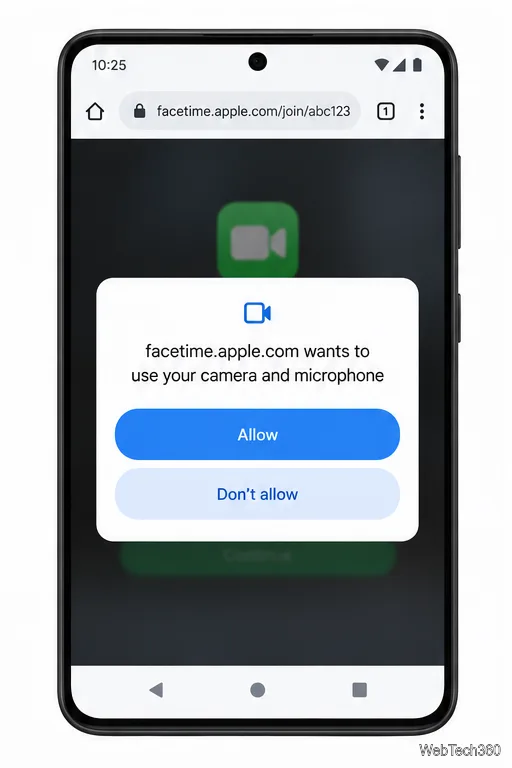
Tap Join on the FaceTime page. A FaceTime link doesn’t automatically put you into the conversation: the host must let you in. Leave the page open while you wait. If you remain on a waiting screen, message the host and ask them to check the pending request.
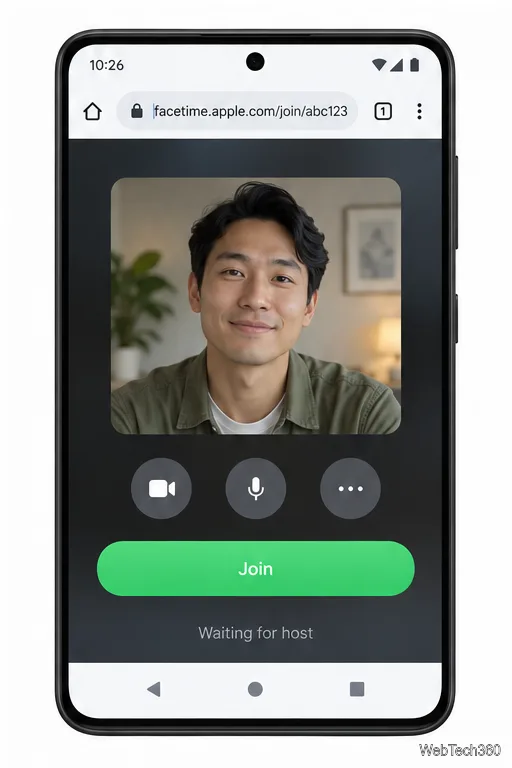
After you’re admitted, you can use the browser controls to mute or unmute your microphone, turn the camera on or off, and switch between the front and rear camera when the option appears. Group calls can show participants in a grid. The web version has limits: SharePlay and screen sharing aren’t available in FaceTime on the web, and an Android participant can’t create a FaceTime link or host a call. Those options require someone using an Apple device.
For current requirements and browser controls, see Apple’s FaceTime web guide and Google’s Chrome site-permissions guide for Android.
Enable Android’s power-menu bug report shortcut, capture a diagnostic report on your phone, and share it safely without relying on a desktop computer.
Fix the ADB device unauthorized error by reauthorizing USB debugging, restarting the ADB server, and checking Platform-Tools, cables, and drivers.
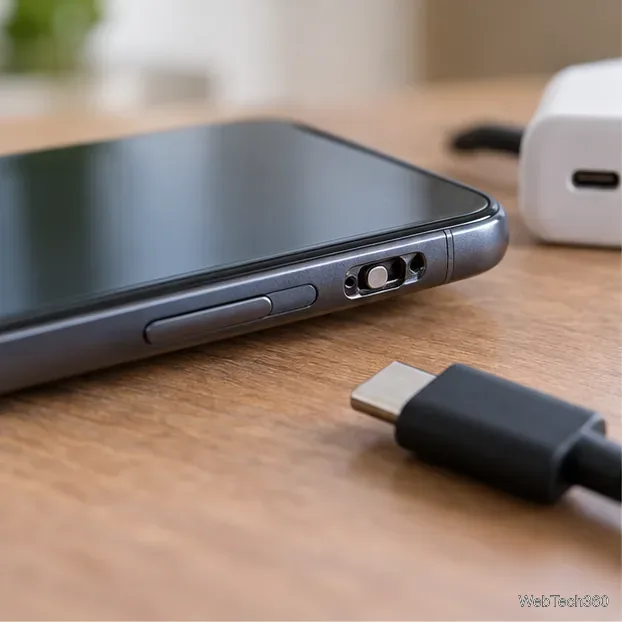
If your Android power button is broken, try charging, a volume-key USB boot, or Fastboot. Learn what works when the phone is fully off and why ADB often won’t.
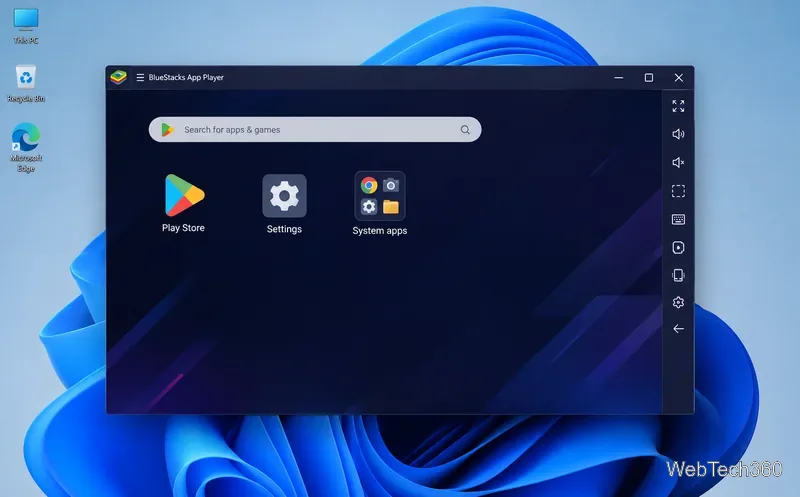
Is BlueStacks safe and legal? Learn what the official installer, privacy policy, antivirus behavior, game rules, and system requirements mean for you.
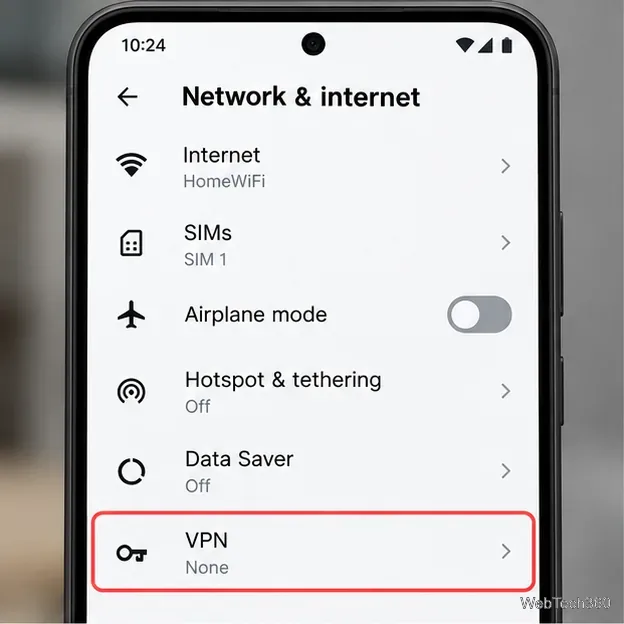
Learn three practical ways to hide your IP address on Android: a VPN, Tor Browser, or a trusted Wi-Fi proxy, with current setup steps and limits.
Join a FaceTime call on Android through Chrome or Edge. Get the link, set browser permissions, wait for the host, and fix common connection issues.
Galaxy S27 Ultra is unannounced, but Samsung and Microsoft already show the path: Phone Link, File Explorer, Quick Share, app streaming, and smarter handoff.
Samsung has not announced Galaxy S27 Ultra pricing. Here’s what the S22–S26 Ultra price history suggests, what is still unknown, and how to budget.
Samsung has not announced Galaxy S27 Ultra gaming specs. Here is what it would need to beat 2027 rivals, based on the confirmed S26 Ultra baseline.
Which Galaxy S27 Ultra rumors deserve attention? We rank battery, camera, chipset, display, charging, S Pen, and AI claims against Samsung’s confirmed 2026 hardware.