Add a Date and Time Stamp to Photos on Your Android Phone

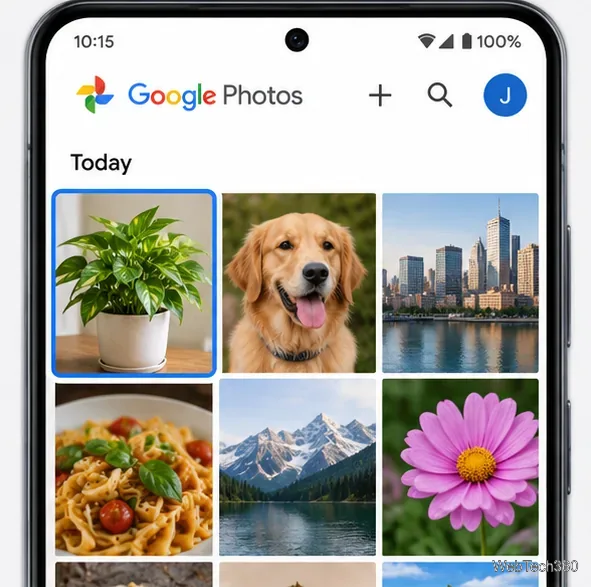
Learn how to add a visible date and time to new or existing Android photos with your camera's watermark setting or Google Photos Markup.
If your Twitter (now X) feed jumps to new posts while you are reading, the first setting to check is Reduce motion. X lists this accessibility control for Android and the web, but its current help pages do not say that it disables timeline refreshing or locks your scroll position. Treat it as a possible workaround for disruptive movement, not a guaranteed auto-refresh switch. If the timeline still shifts, use the Following view and save posts you want to revisit.
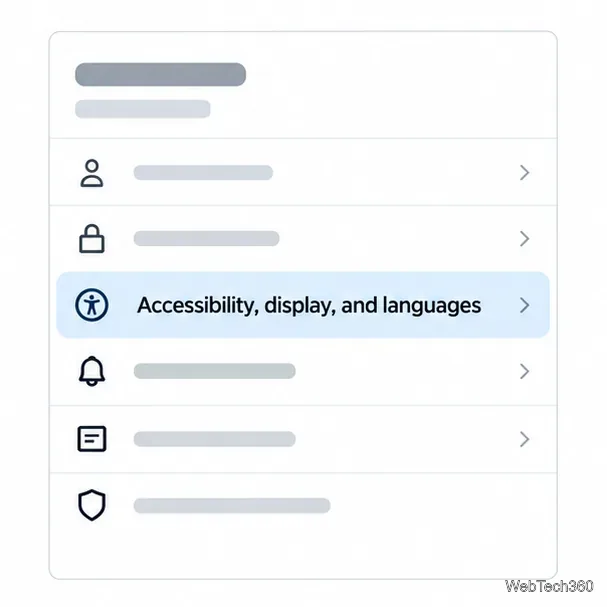
X's accessibility guide lists Reduce motion in the settings for Android and the web. The guide does not give one universal tap path for every release, so menu wording may vary. Use these current section names as a guide; if your layout differs, look through X's accessibility settings for the same control.
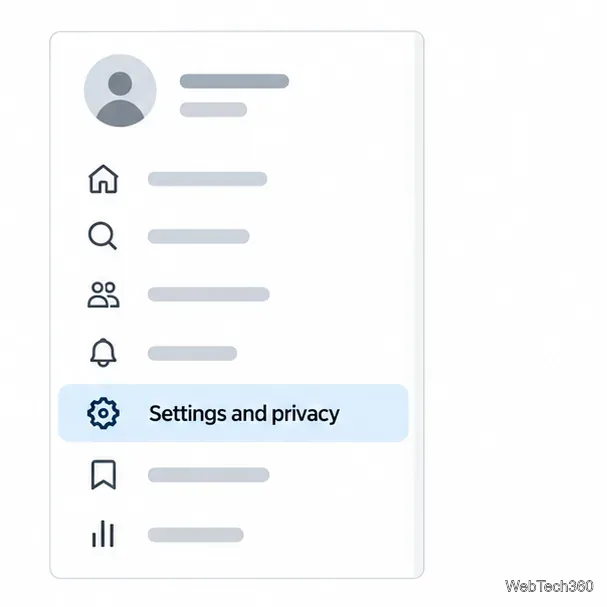
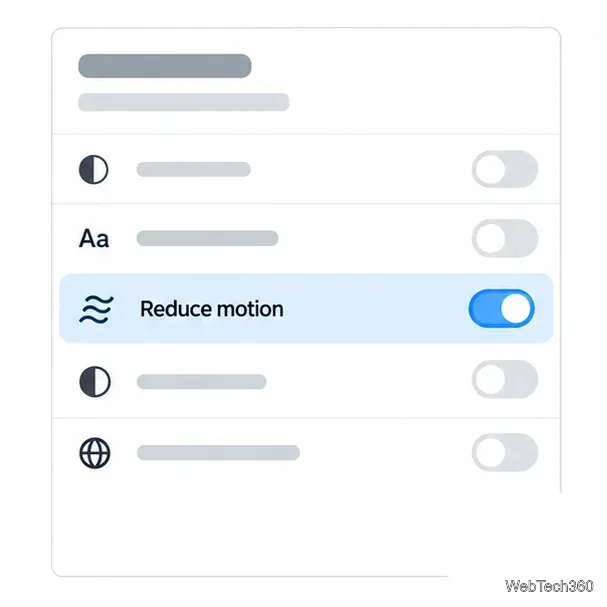
X's current accessibility list includes an in-app Reduce motion option for Android and web, but does not list it under iOS. iPhone and iPad have a separate system control: open Settings > Accessibility > Motion and turn on Reduce Motion. Apple describes this as reducing certain screen effects and transitions. It may make motion across apps less pronounced, but it is not a documented X control for stopping new posts or preserving a feed position. Use it if you want fewer system animations, not as a guaranteed fix for timeline refresh.
Apple's instructions for Reduce Motion on iPhone and iPad explain what the device-level option changes.
X's Home screen has For you and Following timelines. For you can include recommendations based on accounts and topics you follow, along with other suggested posts. Following is limited to accounts you follow, and X says those posts are shown in reverse chronological order. To switch, tap or click the Following tab at the top of Home; on a narrow screen, swipe between the tabs.
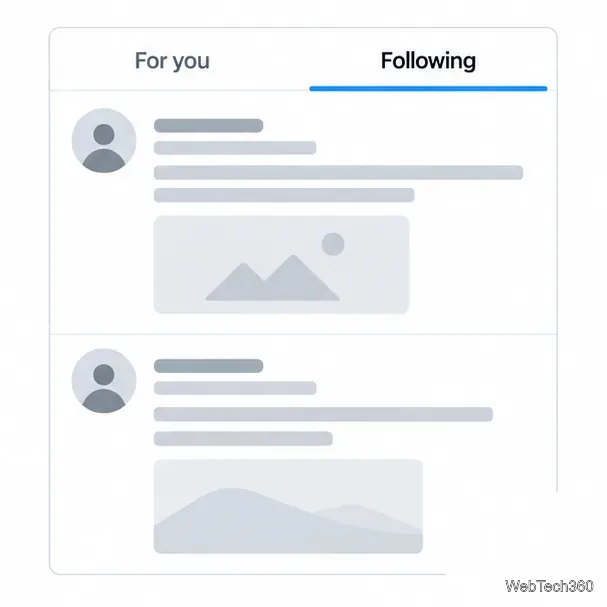
This does not disable refresh or guarantee that X will hold the exact scroll position. It does make the stream easier to read in time order than a recommendation feed. X also says that when you close the app on either Home tab, it returns to whichever timeline you last had open, so leave it on Following if that is your preferred view.
For the official description, see About your For you timeline on X and X's explanation of For You and Following recommendations.
If you are partway through a long post or conversation, save it before switching apps or refreshing. On Android and the web, open the post's share menu and choose Add post to Bookmarks. On iOS, X's help page says to open the post details and tap the bookmark icon. Bookmarks give you a private place to return to saved posts; they do not change how the live timeline updates, but they protect a useful post from being hard to find again.
See X's instructions for using Bookmarks for the current platform-specific steps.
First confirm that Reduce motion is still enabled, then close and reopen X. If you use the app, install its available update; if you use the website, reload it after saving anything you need. Compare the same account in the app and on X.com. If the jump happens in only one place, use the other client while you read and report the behavior through X Help. App and web controls can differ, and X's public documentation does not describe a universal setting to freeze the Home timeline.
In short: Reduce motion is worth checking, but X does not document it as an off switch for automatic feed refresh. Following and Bookmarks are the reliable built-in ways to make reading and returning to posts easier.
Learn how to add a visible date and time to new or existing Android photos with your camera's watermark setting or Google Photos Markup.
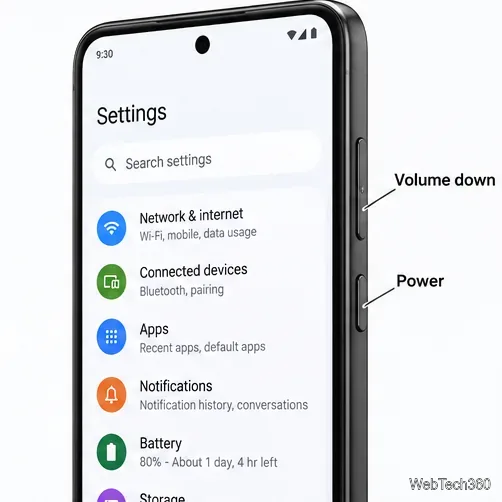
Learn how to screenshot on Android with button shortcuts, scrolling captures, and Pixel, Samsung, and Motorola gestures, plus where to find and share images.
Learn how Framaroot rooted compatible older Android phones, what to check before installing its APK, and why it rarely works on newer devices.
See how the classic Search Now app used a floating search button for on-device and web searches, why its Play Store listing is gone, and what works today.
Learn how to turn Facebook profile picture login on or off, remove saved sign-ins on iPhone or Android, and find the current Saved login settings.
Learn how to identify plants, products, books, and other objects in photos with Google Lens on Android, iPhone, or a computer—and improve uncertain matches.
Remove your Pokémon GO avatar’s hat, gloves, and backpack using the Style menu. Follow the steps and fix missing no-item options without spending PokéCoins.
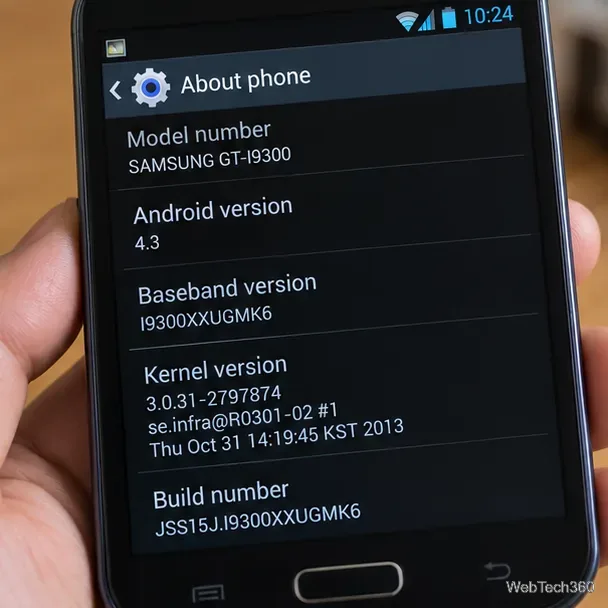
Understand what firmware and ROM mean on Android, how stock and custom ROMs differ, what flashing changes, and which risks to check before installing an image.
Learn what you need to install CyanogenMod 7.1 RC1 on the Motorola CLIQ XT, back up the MB501, flash the matching ZIPs, and avoid unverified files.
See what Android 2.3 Gingerbread keyboard language packs supported, how to verify a compatible ZIP, back up your phone, and avoid unsafe recovery flashes.