How to Enable the Android Power Button Bug Report Shortcut
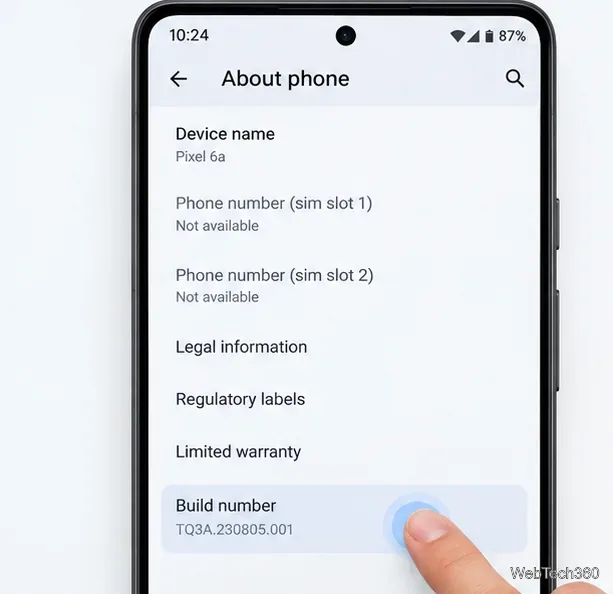
Enable Android’s power-menu bug report shortcut, capture a diagnostic report on your phone, and share it safely without relying on a desktop computer.
If an Android phone is completely powered off and the power button no longer activates its internal switch, there is no universal Android shortcut that can always turn it on. Your best options are to charge it, see whether it starts automatically from USB power, try the manufacturer’s boot-key combination, or use Fastboot if the phone can reach a compatible bootloader. If none works, the power-button assembly usually needs repair.
If only the outer button cap has fallen off but the tiny switch underneath is intact, you may be able to press that switch gently with a clean, nonconductive plastic tool. Use very light pressure and press straight inward. Do not use a metal pin or dig into the opening. Stop if you see torn flex cable, exposed circuitry, corrosion, or other damage.
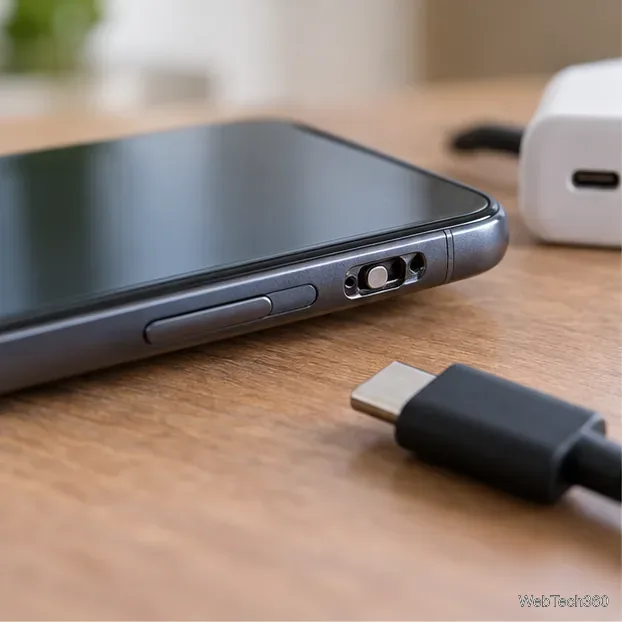
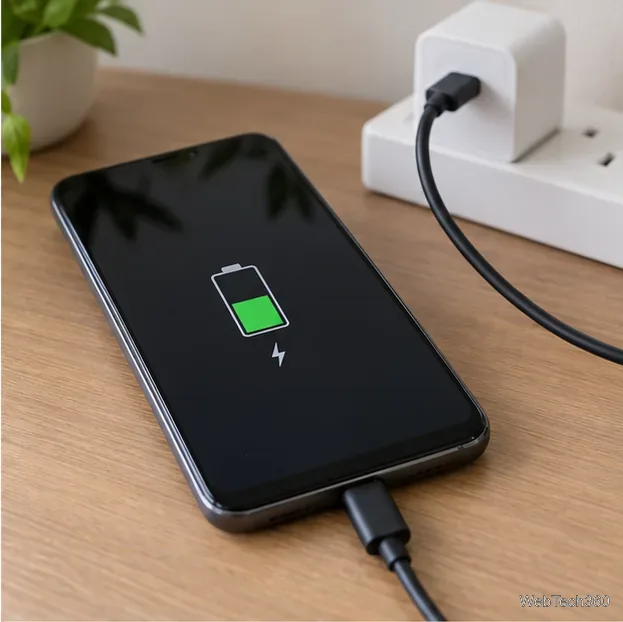
A deeply discharged battery can make a phone look completely dead. Connect it to a known-good wall charger and cable and leave it for at least 30 minutes. Google’s Android support guidance recommends checking the cable, adapter, charging port, and outlet; a very low battery may need several minutes before the screen responds. See Google’s Android charging and power troubleshooting guide.
Some Android phones start automatically when external power is connected. Others only show a charging screen and still require the power key, so this is worth trying but is not guaranteed.
On some Android devices, a hardware key combination can enter the bootloader, Fastboot, Recovery, or another service mode. The exact combination varies by model. The Android Open Source Project bootloader documentation notes that some phones can enter the bootloader with a key combination, commonly involving Volume Down while the device boots.
If nothing happens, disconnect it and check the manufacturer’s support page for your exact model before trying another combination. Volume Up is used on some devices. Do not select Factory reset, Wipe data, Unlock bootloader, or flashing options.
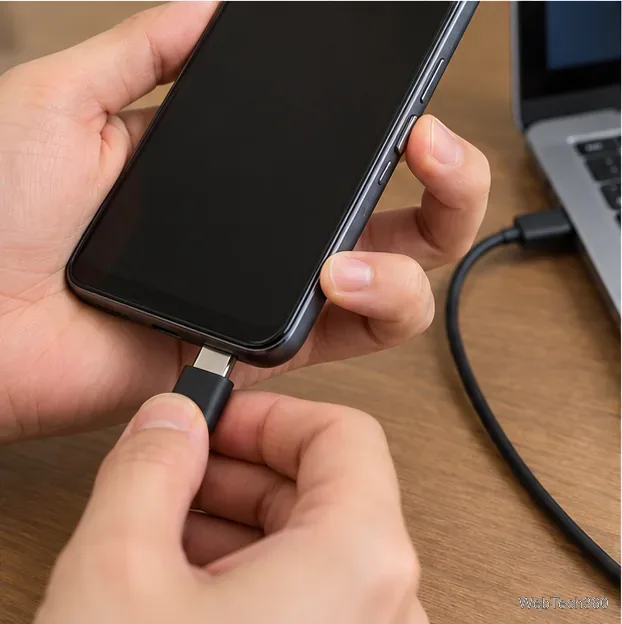
If the screen shows standard Fastboot or bootloader mode and the computer can detect the phone, you can restart it without using the broken power key. Download the current Android SDK Platform-Tools, open a terminal in the platform-tools folder, and run:
fastboot devices
fastboot reboot
The first command checks whether Fastboot sees the device. The second asks a compatible bootloader to reboot normally. You do not need to unlock the bootloader for a normal reboot, and you should not run unlock or flash commands.
Samsung Galaxy phones commonly use Download Mode rather than standard Fastboot. Samsung describes it as a technician-oriented service mode, so these Fastboot commands generally are not the right path for a Galaxy that only enters Download Mode. See Samsung’s Download Mode support page.
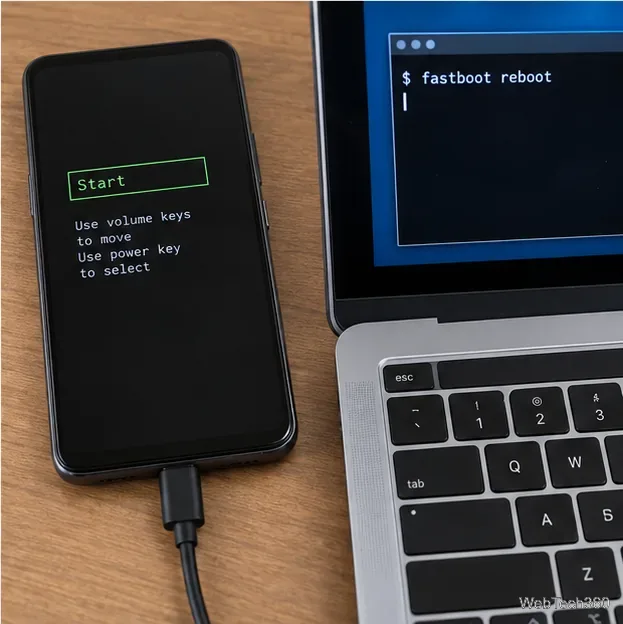
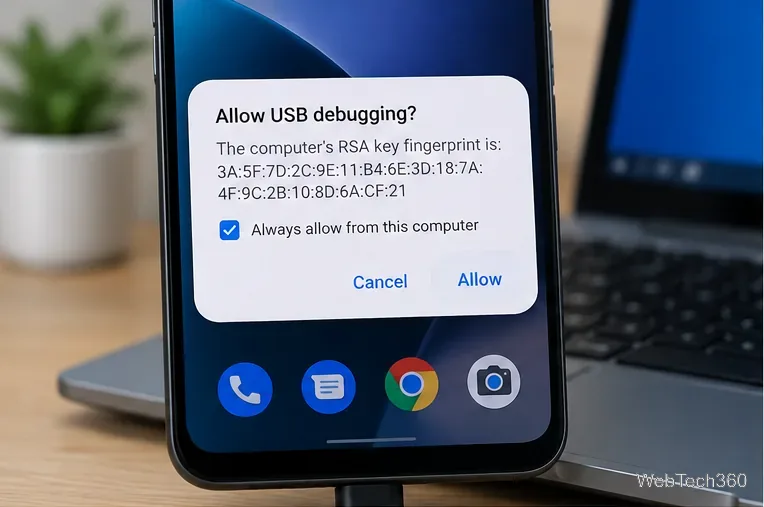
fastboot reboot; bootloader screens differ by manufacturer.The old advice to “turn on a dead phone with ADB” is misleading. ADB communicates with Android only when the operating system or an ADB-capable recovery environment is already running. For normal Android use, USB debugging must have been enabled, and the computer generally must already be authorized. Google documents this in its USB debugging instructions.
If the phone is still running but the screen is off, and ADB was already configured, adb reboot can restart it. ADB cannot supply power to a fully shut-down phone.
If the button broke while Android is still running, avoid letting the battery reach zero. Use a fingerprint sensor, tap-to-wake, lift-to-wake, or another screen-wake feature your model supports. Back up important data now, because once the phone powers off you may lose access until the button is repaired.
If the phone is fully off, does not auto-start from charging, cannot enter a usable boot mode with the remaining buttons, and the power switch itself is physically broken, software cannot replace the missing electrical button press. A power-button flex cable or side-key assembly repair is then the dependable fix. If the phone is swollen, unusually hot, wet, corroded, or physically deformed, stop trying to power it on and have it inspected professionally.
Enable Android’s power-menu bug report shortcut, capture a diagnostic report on your phone, and share it safely without relying on a desktop computer.
Fix the ADB device unauthorized error by reauthorizing USB debugging, restarting the ADB server, and checking Platform-Tools, cables, and drivers.
If your Android power button is broken, try charging, a volume-key USB boot, or Fastboot. Learn what works when the phone is fully off and why ADB often won’t.
Is BlueStacks safe and legal? Learn what the official installer, privacy policy, antivirus behavior, game rules, and system requirements mean for you.
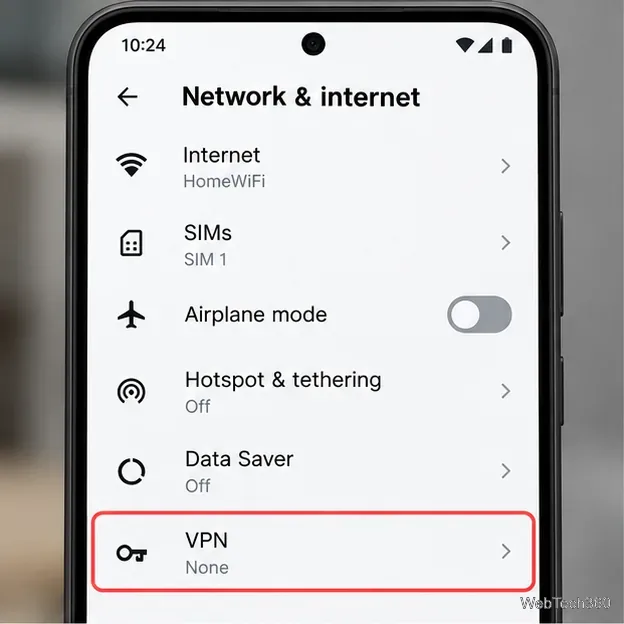
Learn three practical ways to hide your IP address on Android: a VPN, Tor Browser, or a trusted Wi-Fi proxy, with current setup steps and limits.
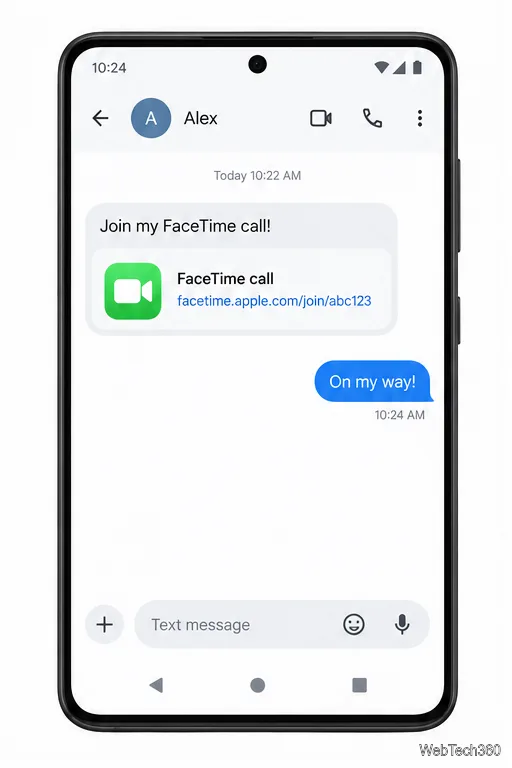
Join a FaceTime call on Android through Chrome or Edge. Get the link, set browser permissions, wait for the host, and fix common connection issues.
Galaxy S27 Ultra is unannounced, but Samsung and Microsoft already show the path: Phone Link, File Explorer, Quick Share, app streaming, and smarter handoff.
Samsung has not announced Galaxy S27 Ultra pricing. Here’s what the S22–S26 Ultra price history suggests, what is still unknown, and how to budget.
Samsung has not announced Galaxy S27 Ultra gaming specs. Here is what it would need to beat 2027 rivals, based on the confirmed S26 Ultra baseline.
Which Galaxy S27 Ultra rumors deserve attention? We rank battery, camera, chipset, display, charging, S Pen, and AI claims against Samsung’s confirmed 2026 hardware.