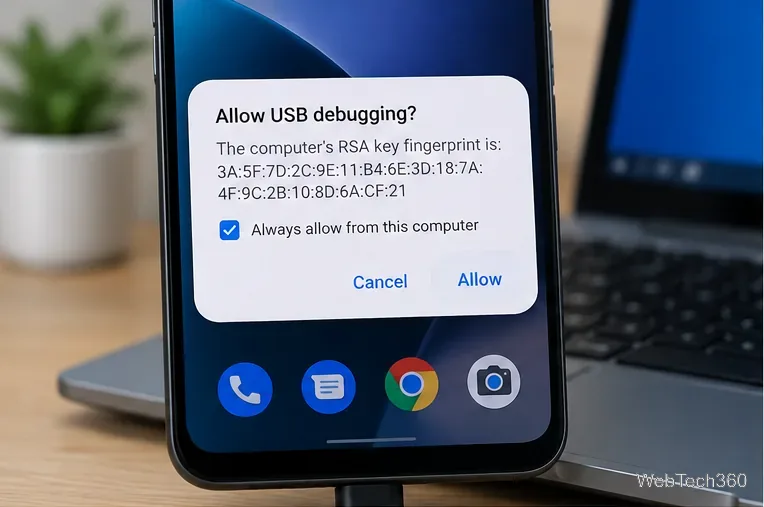
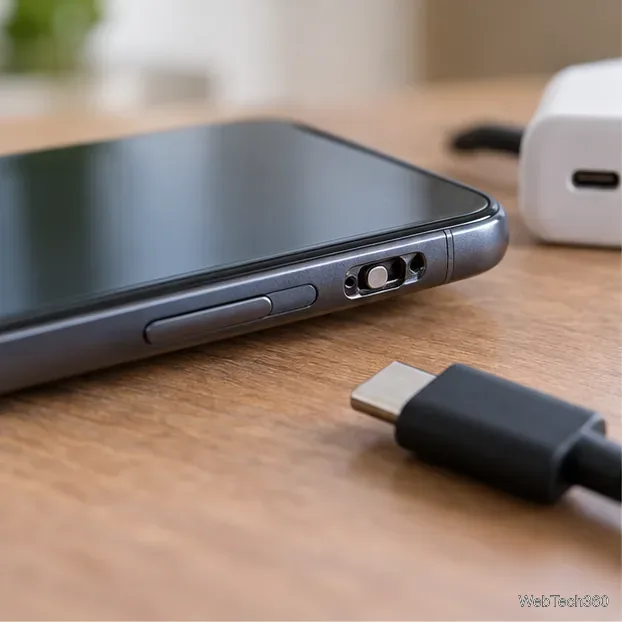
How to Enable the Android Power Button Bug Report Shortcut
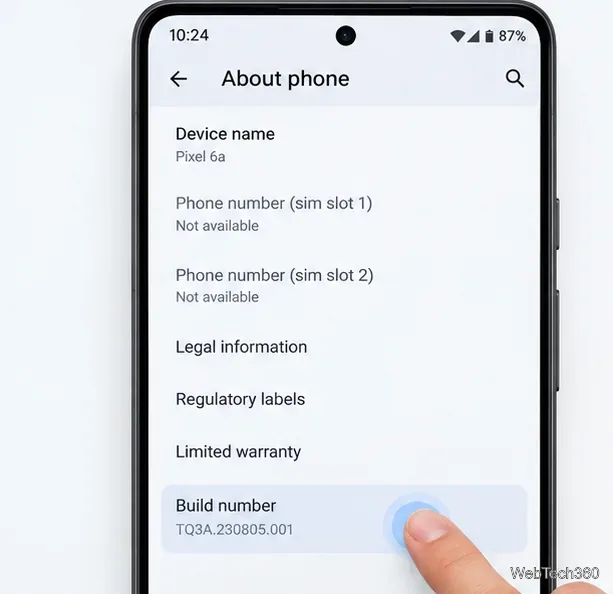
Enable Android’s power-menu bug report shortcut, capture a diagnostic report on your phone, and share it safely without relying on a desktop computer.
Yes—BlueStacks is generally safe to use when you download it from the official BlueStacks website, keep it updated, and treat the apps you install with the same caution you would on a phone. Using BlueStacks itself is also generally legal for normal personal use. The important caveat is that individual games, apps, and services can set their own rules about emulators.
The old idea that an Android emulator is automatically suspicious or illegal is too simplistic. The better questions are where the installer came from, what data the software collects, how much access you give third-party apps, and whether a particular game permits emulator use.
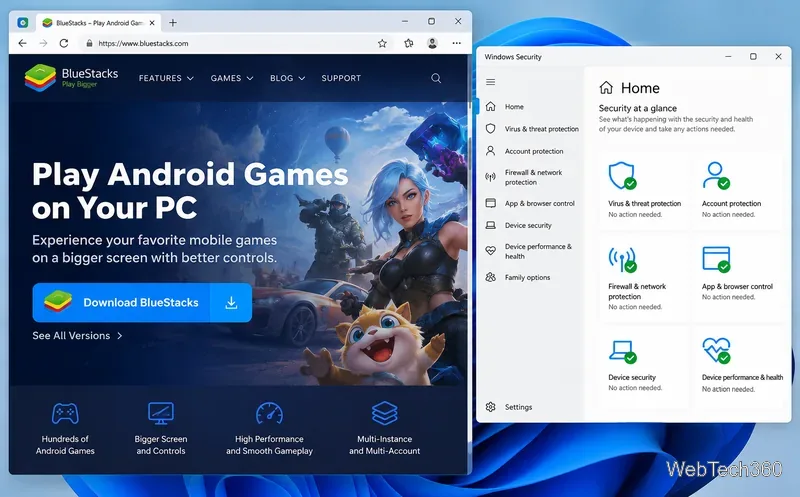
BlueStacks App Player runs Android apps and games on a desktop computer. On Windows, the current product line is BlueStacks 5; on Apple Silicon Macs, BlueStacks offers BlueStacks Air. BlueStacks continues to publish active BlueStacks 5 release notes, so you should use a current build rather than an installer copied from an old download site.
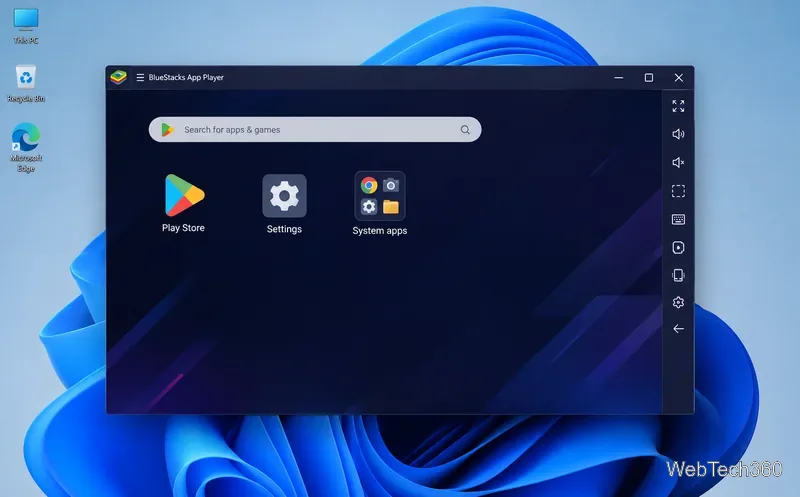
The official BlueStacks installer is a legitimate commercial software download. BlueStacks itself tells users to get the installer from its official website, and its support documentation is actively maintained.
That does not mean you should ignore every security warning. BlueStacks uses virtualization and installs background components needed to run Android, so security software can sometimes interfere with installation or operation. BlueStacks has an antivirus configuration guide. If your antivirus flags a file, however, do not automatically assume the alert is a false positive. Confirm that you downloaded from bluestacks.com, update your security software, and scan the installer before allowing it.
BlueStacks can install apps from Google Play and can also work with APK files. An emulator does not make an untrusted APK safe. Avoid cracked games, modified APKs, unofficial “premium unlocked” packages, and download pages that bundle extra installers. The same rule applies to account credentials: use strong passwords and two-factor authentication where supported.
“Safe” and “private” are not the same thing. The BlueStacks Terms of Service and Privacy Policy says the service may collect information such as IP address, device identifiers, browser information, app activity, transaction information, country-level location, system configuration, crash data, and metadata about Android apps.
If you are uncomfortable with that level of telemetry, read the policy before signing in. Also remember that Google Play and every app you install may have separate privacy practices. Avoid granting Android apps permissions they do not need.
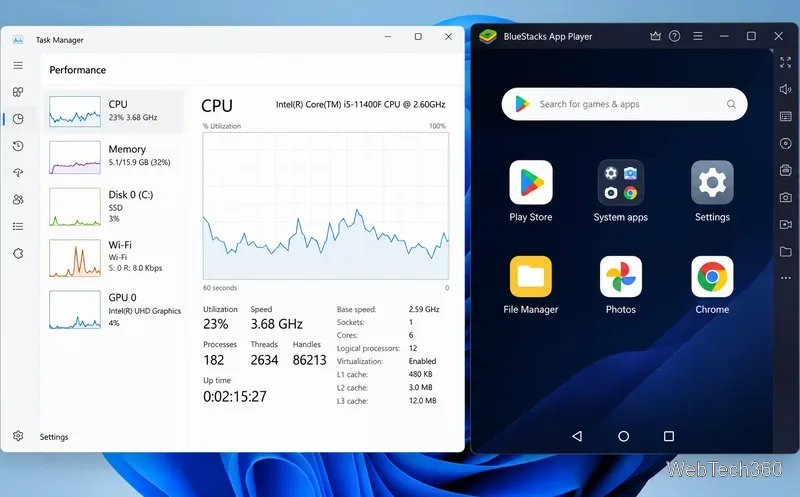
High CPU or memory use is not, by itself, evidence of malware. Emulating Android is resource-intensive. BlueStacks' current Windows system requirements list 4GB RAM and 5GB free storage as minimums, while 8GB RAM, an SSD, and hardware virtualization are recommended for a better experience. The latest BlueStacks 5 builds require Windows 10 or newer.
If the computer becomes sluggish only while BlueStacks is running, check Task Manager, close unnecessary apps, enable virtualization if your hardware supports it, and reduce the CPU or memory assigned to the emulator if needed.
Installing and using an Android emulator is not inherently piracy. The Android Open Source Project explains that most Android source code is available under the permissive Apache License 2.0. BlueStacks also publishes its own terms allowing use of its service for personal, non-commercial purposes, subject to applicable law.
But that does not give you unlimited rights to everything you run inside the emulator. BlueStacks' terms specifically state that third-party services remain governed by their own licenses and conditions. Google Play also has its own Terms of Service. A game developer may prohibit emulators, automation, macros, multiple accounts, or other behavior even when the BlueStacks software itself is lawful to install.
In other words, BlueStacks being legal does not guarantee that every use of BlueStacks complies with a game's rules. Check the publisher's terms before using it for competitive or account-sensitive games.
For most users, BlueStacks is a legitimate Android emulator that is reasonably safe when obtained from the official source and used with normal security precautions. Its heavier CPU and RAM use is expected for virtualization, not proof of crypto-mining or malware. It is also generally legal for personal use, but individual apps and games can impose stricter terms. Treat BlueStacks as you would any other powerful desktop application: keep it current, install software from trusted sources, and understand what data and account permissions you are sharing.
Enable Android’s power-menu bug report shortcut, capture a diagnostic report on your phone, and share it safely without relying on a desktop computer.
Fix the ADB device unauthorized error by reauthorizing USB debugging, restarting the ADB server, and checking Platform-Tools, cables, and drivers.
If your Android power button is broken, try charging, a volume-key USB boot, or Fastboot. Learn what works when the phone is fully off and why ADB often won’t.
Is BlueStacks safe and legal? Learn what the official installer, privacy policy, antivirus behavior, game rules, and system requirements mean for you.
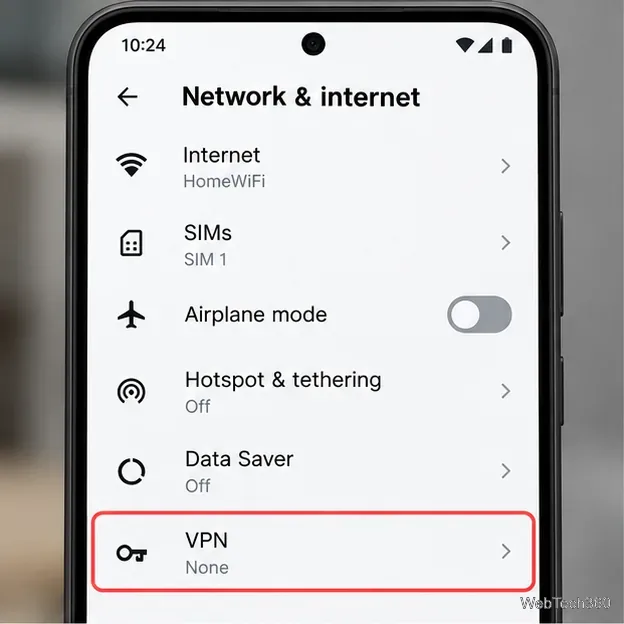
Learn three practical ways to hide your IP address on Android: a VPN, Tor Browser, or a trusted Wi-Fi proxy, with current setup steps and limits.
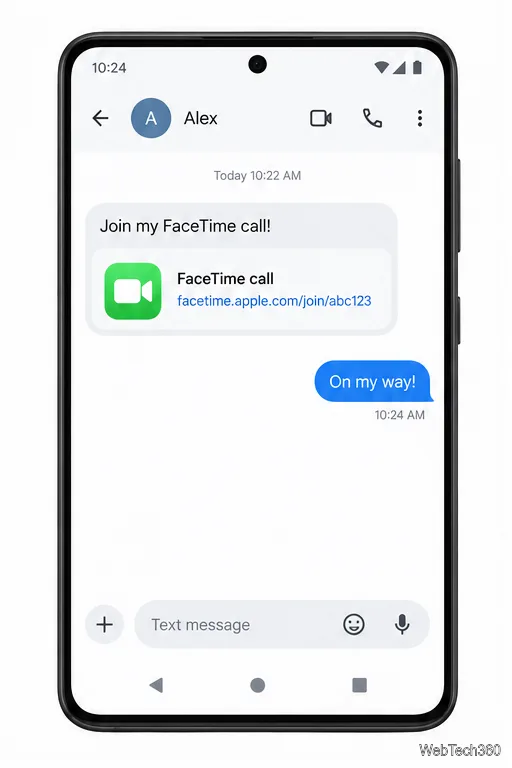
Join a FaceTime call on Android through Chrome or Edge. Get the link, set browser permissions, wait for the host, and fix common connection issues.
Galaxy S27 Ultra is unannounced, but Samsung and Microsoft already show the path: Phone Link, File Explorer, Quick Share, app streaming, and smarter handoff.
Samsung has not announced Galaxy S27 Ultra pricing. Here’s what the S22–S26 Ultra price history suggests, what is still unknown, and how to budget.
Samsung has not announced Galaxy S27 Ultra gaming specs. Here is what it would need to beat 2027 rivals, based on the confirmed S26 Ultra baseline.
Which Galaxy S27 Ultra rumors deserve attention? We rank battery, camera, chipset, display, charging, S Pen, and AI claims against Samsung’s confirmed 2026 hardware.