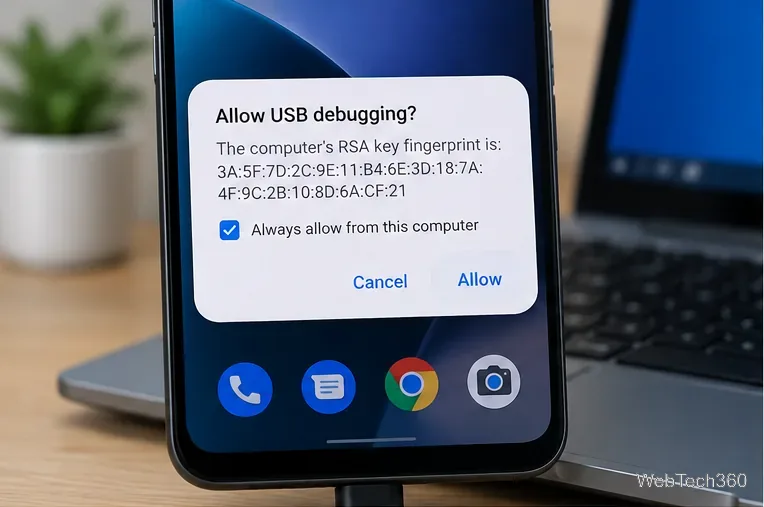
How to Enable the Android Power Button Bug Report Shortcut
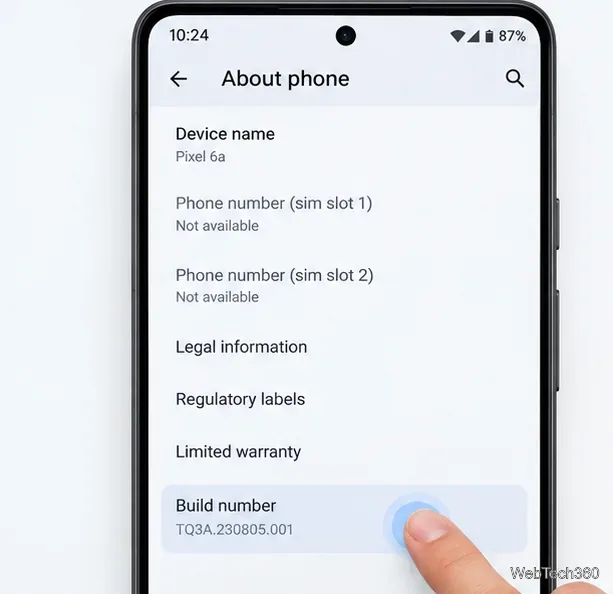
Enable Android’s power-menu bug report shortcut, capture a diagnostic report on your phone, and share it safely without relying on a desktop computer.
If the S Pen is one of the main reasons you buy a Galaxy Ultra, the upgrade question for the Galaxy S27 Ultra is unusually important. Samsung has not been moving in a straight line. The Galaxy S24 Ultra’s built-in S Pen supported Bluetooth Low Energy (BLE), Air Actions, remote camera control, pairing, and charging. With the Galaxy S25 Ultra, Samsung removed BLE from the built-in pen. The Galaxy S26 Ultra continues that simpler, battery-free approach.
As of September 14, 2026, Samsung has not announced the Galaxy S27 Ultra or confirmed any S Pen specifications for it. So there is no verified answer yet about whether Bluetooth, Air Actions, new pressure sensitivity, a redesigned pen body, or new AI features are coming. The useful question is what Samsung would actually need to improve based on the S26 Ultra’s confirmed capabilities and the features Galaxy Ultra users have already lost.
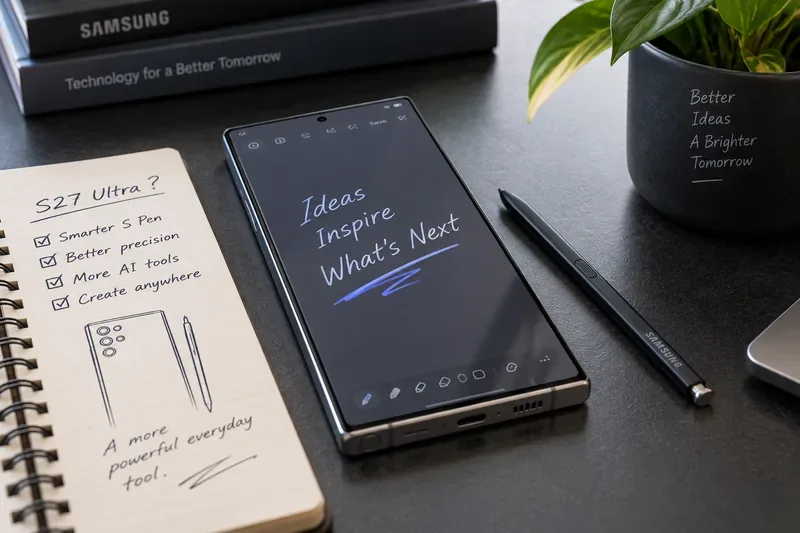
The current S26 Ultra gives Samsung a strong baseline. According to Samsung’s official Galaxy S26 accessories guide, the built-in S Pen uses a Wacom digitizer solution, supports 4,096 pressure levels, has a 0.7 mm fine tip, and carries an IP68 water-resistance rating. It does not require charging or pairing.
Samsung’s S26 Ultra S Pen support page also confirms familiar productivity features such as Air Command, AI Select, Translate, handwriting input, Screen off memo, and note-taking. The pen can hover above the display for Air View and can use its side button for on-screen S Pen functions.
| Capability | Galaxy S26 Ultra built-in S Pen | What we would want on S27 Ultra |
|---|---|---|
| Pressure sensitivity | 4,096 levels | Keep at least the same precision; improve consistency if possible |
| Tip | 0.7 mm | Preserve fine control and improve feel on glass |
| Bluetooth | No | Optional return of BLE for remote features |
| Air Actions | No | Restore camera and presentation remotes if they can be reliable |
| Charging | Not required | Keep basic writing battery-free even if BLE returns |
| Air Command | Yes | Faster, more contextual shortcuts |
| AI Select | Yes | More pen-first AI actions with fewer taps |
| Water resistance | IP68 | Retain durability |
There is no confirmation that it is. This is the single most important S Pen rumor to treat carefully because Samsung deliberately removed Bluetooth from the built-in S Pen starting with the S25 Ultra and kept that decision on the S26 Ultra.
Samsung’s S25 Ultra S Pen support page states that the pen does not support BLE, pairing, charging, or remote features such as Air Actions. Samsung’s current S26 documentation says the same thing.
That is a clear contrast with the S24 Ultra. Samsung’s S24 Ultra S Pen guide says that model could pair and charge the pen, use Air Actions, control compatible apps with gestures, and use the S Pen button as a remote camera shutter.
If Samsung restores Bluetooth on the S27 Ultra, the most useful implementation would not be to make every S Pen function depend on a battery. Writing, drawing, Air Command, and basic button actions should still work passively. Bluetooth should be an optional layer for remote control only.
For some users, yes—especially for camera and presentation control. Air Actions were not essential to handwriting, but they solved specific problems that are hard to replace elegantly.
The strongest example is remote photography. On the S24 Ultra, users could set the phone on a tripod or prop it against a surface, step into the frame, and click the S Pen button to take a picture without touching the phone. That is useful for group photos, long-exposure shots, product photography, and self-recording.
Remote media and presentation controls were also useful when the phone was connected to a display. The gesture system itself was sometimes more ambitious than necessary, but the underlying ability to send a wireless command from the pen was practical.
A smarter S27 implementation could simplify the concept. Samsung does not need to bring back every gesture. A reliable shutter button, slide forward/back controls, and a customizable press-and-hold action would deliver most of the value with less complexity.
No, not according to Samsung’s current dedicated S Pen Pro support documentation. This matters if you were considering an external pen as a workaround. Samsung’s S Pen Pro features page specifically notes that Air Actions are not supported on the Galaxy S26 Ultra or S25 Ultra.
The S Pen Pro can still be useful for writing and other compatible S Pen functions, but buyers should not assume that purchasing a Bluetooth-capable external pen restores the old remote experience on current Ultra phones.
Not necessarily. Higher numbers sound impressive, but pressure-level count is only one part of drawing quality. Samsung already provides 4,096 pressure levels on the S26 Ultra, which is enough for fine line-weight variation in many drawing and note-taking applications.
For the S27 Ultra, improvements to the complete input chain would matter more than doubling an advertised number. That includes initial activation force, diagonal-line stability, edge accuracy, hover precision, palm rejection, and the consistency of pressure response from one app to another.
Artists would also benefit from a more natural friction profile between the tip and glass. A stylus can be technically precise while still feeling slippery. Samsung could improve the tactile experience through the tip material, display coating, or software smoothing without changing the pressure-level specification.
Yes in principle, but any S27 latency figure would need official confirmation or measurement. Perceived pen latency is influenced by the digitizer, display refresh behavior, app rendering, prediction algorithms, and how quickly software draws the stroke behind the tip.
A future upgrade should focus on making handwriting feel consistently immediate across Samsung Notes, PENUP, third-party drawing apps, and text fields rather than chasing one best-case latency number.
For buyers, this is an area where hands-on testing matters. If Samsung announces the S27 Ultra, compare slow handwriting, rapid hatching, small circles, and diagonal strokes rather than relying only on a specification sheet.
The biggest S Pen gains in 2027 may come from software rather than hardware. Samsung Notes already supports handwriting, moving and editing handwritten content, and converting handwriting to text. Samsung documents these functions in its Samsung Notes handwriting guide.
For the S27 Ultra, the most valuable improvements would be workflows that preserve the speed of handwriting instead of forcing the user through multiple menus. Good examples would include:
The important point is that AI should assist the pen workflow rather than interrupt it.
Samsung already connects the S Pen to AI Select. On the S26 Ultra, Samsung says users can open AI Select from Air Command, outline an area or object, and receive context-sensitive actions such as extracting text, editing images, creating GIFs, opening Maps, or using Photo Assist. The workflow is documented on Samsung’s Galaxy S26 AI support page.
The next improvement should make the S Pen itself the fastest way to express intent. Instead of opening a feature and choosing an action, a user might circle text and immediately see summarize, translate, define, or add-to-notes options. Circling an address could offer navigation. Marking a date could offer a calendar event. Drawing a rough shape around an object could offer an image-editing action.
Those ideas are not confirmed S27 features. They are examples of where Samsung could make pen input more useful than simply tapping the same AI buttons with a stylus.
Only if the redesign improves comfort without sacrificing the internal silo. The built-in storage slot is one of the S Pen’s biggest advantages. You always know where the pen is, it travels with the phone, and pulling it out can immediately start a note.
A thicker pen would be more comfortable for long drawing sessions, but a larger pen would also consume more internal phone volume that could otherwise go to the battery, cooling system, antennas, or cameras. Samsung therefore has a difficult packaging problem.
A realistic S27 upgrade would be subtle: slightly better grip texture, a more tactile side button, a tip that is easier to replace, and improved durability around the click mechanism. Samsung should avoid making the built-in pen substantially larger unless the phone can absorb that change without compromising other hardware.
Absolutely. This is one of the best aspects of the S25 and S26 approach. The current pen is ready whenever it is removed because writing functions do not depend on a battery or wireless connection.
If Bluetooth returns, Samsung should preserve that behavior. An empty S Pen battery should disable only wireless remote features, not handwriting, drawing, Air Command, or Screen off memo.
That hybrid design would combine the simplicity of the S26 Ultra with the remote-control convenience of the S24 Ultra.
Even without dramatic hardware changes, several current functions deserve to remain:
Samsung’s current S Pen settings also include Screen off memo, Quick notes, S Pen to text, Air View, removal behavior, and Air Command customization. These are documented in Samsung’s S Pen settings guide.
| If you mainly use the S Pen for... | The most valuable S27 upgrade would be... |
|---|---|
| Notes and meetings | Better handwriting recognition, search, and automatic structure |
| Drawing and illustration | Lower perceived latency, better edge accuracy, and improved tip feel |
| Photography | Return of a reliable Bluetooth camera shutter |
| Presentations | Simple remote slide controls |
| Text selection and research | Faster pen-first AI Select actions |
| Occasional quick notes | Keep the pen battery-free and instantly ready |
If you regularly use Air Actions or the remote camera shutter, you should wait for Samsung’s official S27 S Pen documentation before upgrading. Moving from an S24 Ultra to an S25 or S26 Ultra means giving up those built-in BLE features.
If you primarily write, draw, annotate, translate, or use Screen off memo, the current S26 Ultra already preserves the core pen experience without requiring charging or pairing. In that case, an S27 upgrade would need to deliver meaningful improvements in writing quality, software intelligence, battery life, cameras, or other phone hardware—not simply another generation number.
For these users, the answer depends heavily on Bluetooth. If Samsung restores remote controls on the S27 Ultra while keeping passive writing battery-free, that would be a genuine functional upgrade over both current generations.
If Bluetooth stays absent, look for improvements to digitizer accuracy, latency, tip feel, AI workflows, Samsung Notes, and physical pen ergonomics. Those upgrades can still be valuable, but they need hands-on testing to prove.
Do not rely on a render showing an S Pen or a rumor saying “new stylus.” Check Samsung’s official specifications and support pages for these specific details:
The S27 Ultra does not need a radically different stylus. Samsung already has a highly capable foundation: 4,096 pressure levels, a fine 0.7 mm tip, Wacom-based input, Air Command, Screen off memo, AI Select, handwriting conversion, and a pen that works without pairing or charging.
The strongest upgrade would be to combine that simplicity with the best capability Samsung removed after the S24 Ultra: optional Bluetooth remote control. A battery-free core plus a rechargeable BLE layer for the camera shutter and presentation controls would give users more capability without making ordinary writing less dependable.
After that, the biggest opportunities are software: lower perceived latency, better handwriting recognition, smarter pen-first AI actions, stronger Samsung Notes workflows, and small ergonomic improvements to the physical pen.
As of September 14, 2026, none of those S27 upgrades is confirmed. If the S Pen is central to your buying decision, wait for Samsung to publish the actual S27 Ultra support documentation. The most important question is not whether Samsung calls the next S Pen “new.” It is whether it restores useful capabilities while preserving the instant, precise writing experience the Ultra line already does well.
Enable Android’s power-menu bug report shortcut, capture a diagnostic report on your phone, and share it safely without relying on a desktop computer.
Fix the ADB device unauthorized error by reauthorizing USB debugging, restarting the ADB server, and checking Platform-Tools, cables, and drivers.
If your Android power button is broken, try charging, a volume-key USB boot, or Fastboot. Learn what works when the phone is fully off and why ADB often won’t.
Is BlueStacks safe and legal? Learn what the official installer, privacy policy, antivirus behavior, game rules, and system requirements mean for you.
Learn three practical ways to hide your IP address on Android: a VPN, Tor Browser, or a trusted Wi-Fi proxy, with current setup steps and limits.
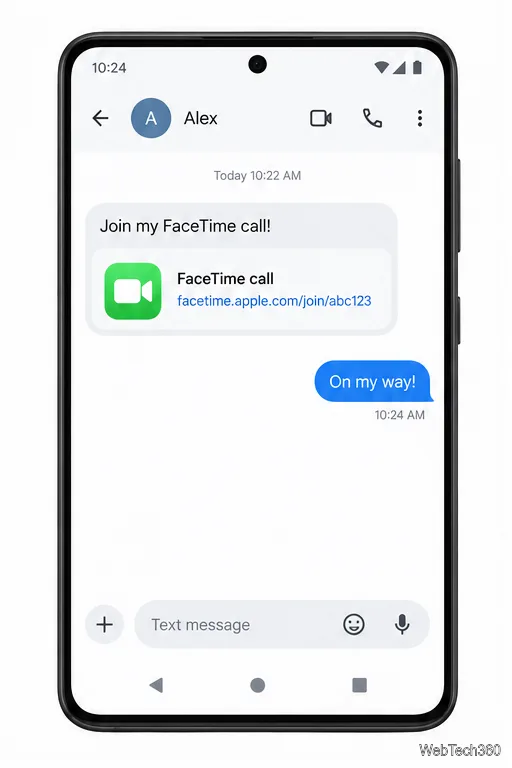
Join a FaceTime call on Android through Chrome or Edge. Get the link, set browser permissions, wait for the host, and fix common connection issues.
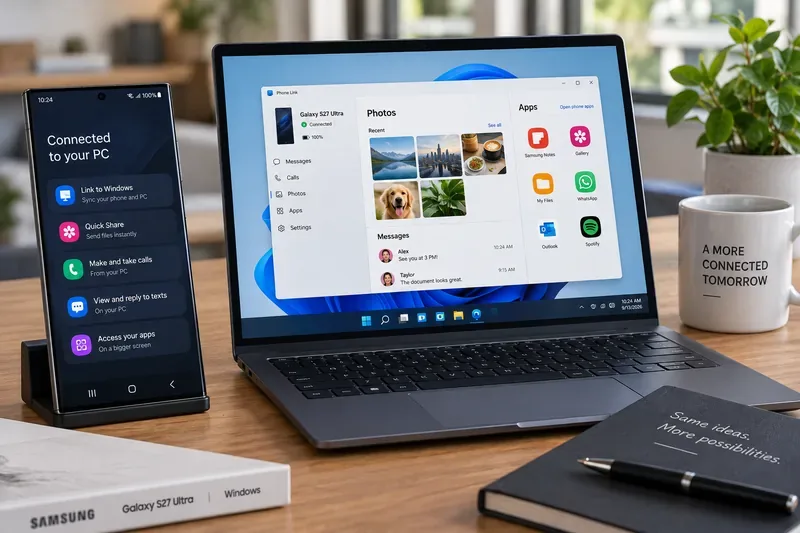
Galaxy S27 Ultra is unannounced, but Samsung and Microsoft already show the path: Phone Link, File Explorer, Quick Share, app streaming, and smarter handoff.
Samsung has not announced Galaxy S27 Ultra pricing. Here’s what the S22–S26 Ultra price history suggests, what is still unknown, and how to budget.
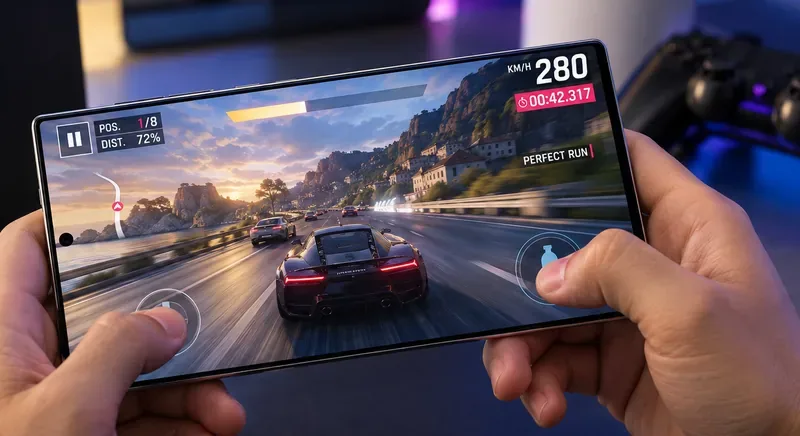
Samsung has not announced Galaxy S27 Ultra gaming specs. Here is what it would need to beat 2027 rivals, based on the confirmed S26 Ultra baseline.
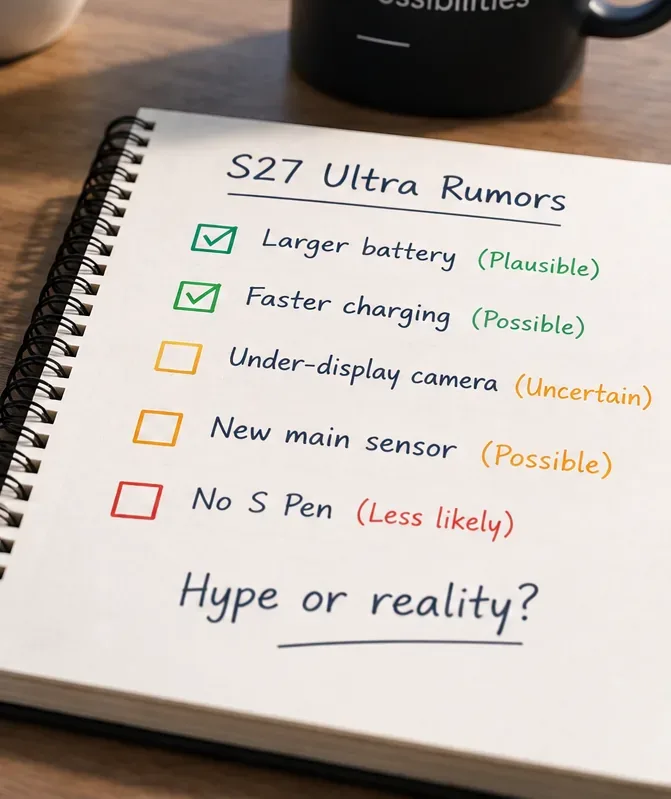
Which Galaxy S27 Ultra rumors deserve attention? We rank battery, camera, chipset, display, charging, S Pen, and AI claims against Samsung’s confirmed 2026 hardware.