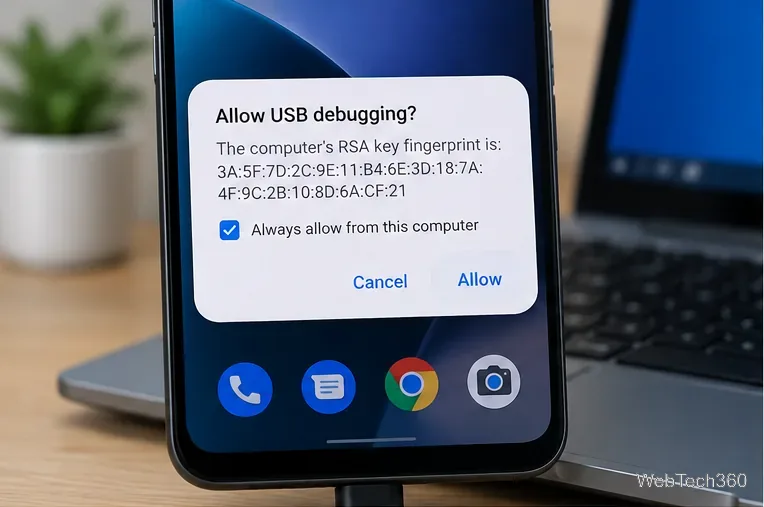
How to Enable the Android Power Button Bug Report Shortcut
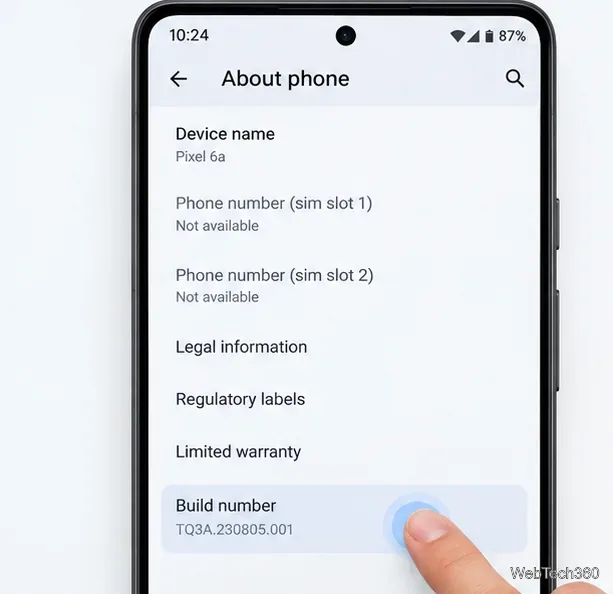
Enable Android’s power-menu bug report shortcut, capture a diagnostic report on your phone, and share it safely without relying on a desktop computer.
The most important answer: if the Galaxy S27 Ultra improves the Windows experience, the biggest change is unlikely to be a brand-new Samsung-only PC mode. The more credible path is deeper integration with the Windows features Samsung and Microsoft already support: Phone Link and Link to Windows, wireless file access in File Explorer, cross-device copy and paste, Android app access, connected-camera support, Quick Share, and broader activity handoff.
That distinction matters because the Galaxy S27 Ultra has not been officially announced by Samsung as of September 14, 2026, and Samsung has not published S27-specific Windows features in the official materials reviewed for this article. So the useful question is not “Which leaked feature is guaranteed?” It is “What is Samsung’s current direction, what already works on the Galaxy S26 generation, and which improvements would logically make a future Ultra feel more seamless with a Windows 11 PC?”
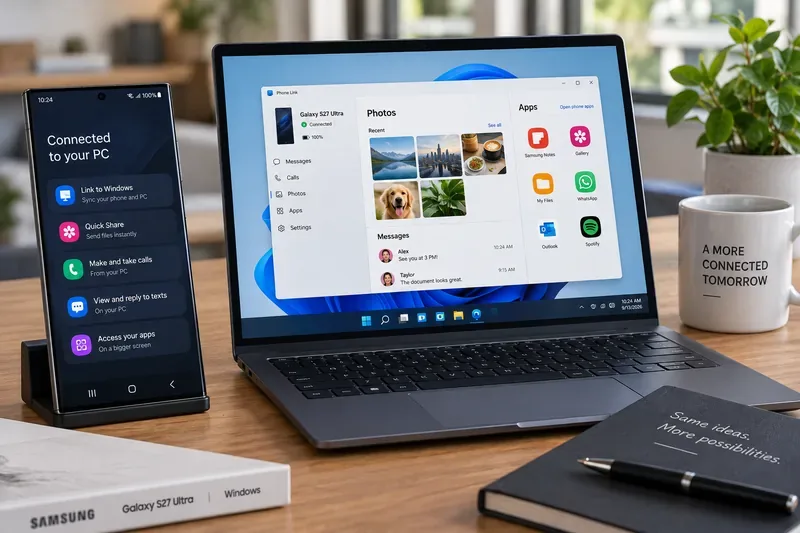
For most people, “better Windows integration” should mean fewer moments where you have to stop working, pick up the phone, move a file manually, or reopen the same task on another screen. Samsung’s current flagship direction already points there.
Samsung documents Phone Link with Galaxy phones and Windows PCs as a way to mirror a phone screen, manage notifications, transfer files and media, respond to messages, and handle calls from Windows. Microsoft’s current Phone Link requirements and setup page likewise describes access to messages, recent photos, mobile apps, calls, and notifications.
Microsoft’s supported-device list already includes the Galaxy S26 Ultra for Phone Screen and related Phone Link experiences. That does not prove anything about the S27 Ultra, but it establishes a strong baseline: Samsung’s current Ultra line is part of the group receiving the deeper Android-to-Windows features rather than just basic Bluetooth pairing.
One of the clearest signs of Samsung’s strategy is what it has stopped doing. Samsung says DeX for PC is no longer supported on Galaxy devices released with or updated to One UI 7 or later. Instead, Samsung directs users toward Link to Windows for calls, texts, and access to certain apps on a Windows PC. Samsung also notes that some old DeX-for-PC behaviors are not replicated, including the Android desktop view inside a PC window, USB connection for DeX for PC, and full-screen mode in the App window.
You can verify that direction in Samsung’s current DeX support documentation. The practical takeaway is simple: if you are hoping the S27 Ultra will reconnect to Windows mainly through a revived desktop-style DeX app, current evidence points the other way. If you want Windows itself to become the front end for your phone’s files, notifications, apps, camera, and activity, Samsung’s current direction fits your needs much better.
On Windows 11, Microsoft now allows a linked Android phone to appear in File Explorer. The official File Explorer setup documentation says users can browse folders, open files, copy or move them, rename them, delete them, and transfer files wirelessly between phone and PC. It requires Android 11 or later, Link to Windows 1.24072.258.0 or later, and Windows 11.
That is a more important ecosystem improvement than a flashy one-off sharing animation. Imagine taking several RAW or high-resolution photos on the phone during a site visit. Back at your desk, you open File Explorer and treat the phone as another device in the left navigation pane instead of emailing the files to yourself or hunting through a separate utility. A future S27 Ultra would not need a proprietary Windows file manager to benefit from this; it would mainly need Samsung and Microsoft to keep the integration reliable and fast.
Cross-device clipboard support is another feature that can make the ecosystem disappear into the background. Microsoft’s cross-device transfer documentation says supported Samsung devices can copy and paste text and images between Android and Windows through Phone Link.
A concrete example: you receive an address, verification code, product description, or small image on the phone while writing a document on the PC. The useful experience is not opening an extra sync app. It is copying once and pasting where you are already working. For an S27 Ultra owner, improvements in connection stability, latency, permissions, and supported content types would be more valuable than simply adding another “ecosystem” badge.
Windows 11 can also use a linked Android phone as a connected camera. Microsoft says this requires Windows 11, Android 10 or later, and Link to Windows 1.24022.0 or later. The phone then appears as a camera option for compatible Windows applications.
This is especially relevant to an Ultra-class phone because camera quality is one of the reasons people buy it. If you regularly join video calls from a laptop with a mediocre built-in webcam, using the phone’s camera can be a practical upgrade without buying separate hardware. See Microsoft’s connected-camera instructions for the current requirements.
Phone Link’s Apps feature lets supported Android apps open in windows on the PC, and Microsoft lists recent Galaxy flagships among supported devices. That can matter more than full phone mirroring because it lets you keep one or more mobile apps next to native Windows applications instead of constantly shifting attention to a second physical screen.
For example, a salesperson could keep a messaging app from the phone open beside a PowerPoint deck; a researcher could keep a mobile authenticator or chat app nearby while working in a browser; a creator could reference a mobile-only service while editing on the PC. The limitation is important: app availability depends on device, software version, market, and configuration, so no S27-specific app-streaming capability should be assumed before Microsoft or Samsung lists it.
Phone Link is not the only bridge. Samsung’s Quick Share documentation says Galaxy devices can exchange images, videos, and documents with supported Windows PCs. Samsung lists Windows 10 version 2004 or later and compatible Bluetooth/Wi-Fi drivers for supported PC configurations, and notes that performance can vary by hardware, network conditions, and environment.
This gives a future Galaxy Ultra two complementary Windows workflows: use File Explorer or Phone Link when the phone is already linked as part of your daily PC setup, and use Quick Share when you simply need to push a file to a nearby computer. That is useful even if the PC is not a Galaxy Book, provided the hardware and driver requirements are met.
Microsoft is also building a broader Cross-device Resume feature for Windows 11. Its official Cross-device Resume documentation describes a taskbar alert that can reopen a supported activity from a linked Android phone on the PC. As of the January 2026 support information, Microsoft lists a limited set of supported apps and actions, including Spotify and WhatsApp, with vivo Browser support for vivo devices.
This is exactly the kind of area where a future S27 Ultra could become meaningfully better with Windows without needing special PC hardware. Imagine opening a document, conversation, browser session, media queue, or editing task on the phone and having the relevant Windows app or web experience ready to continue when you sit down. That broader Samsung-specific expansion is not confirmed today, but the Windows platform capability now exists.
| User or setup | How strong is the fit? | Why |
|---|---|---|
| Windows 11 user with a personal Galaxy phone | Strong | Gets access to the widest current set of Phone Link, File Explorer, connected-camera, and cross-device features. |
| Galaxy Book owner | Strong | Combines Microsoft integration with Samsung’s own PC ecosystem and Quick Share support. |
| Windows 11 PC from another brand | Generally strong | Phone Link works across Windows PCs, while Quick Share depends on supported hardware and drivers. |
| Windows 10 user | Mixed | Basic Phone Link features remain useful, but several newer integrations are specifically tied to Windows 11. |
| Locked-down corporate PC | Variable | IT policy may restrict Bluetooth, local device access, Microsoft accounts, app installation, or wireless sharing. |
| User who wants a full Android desktop inside a Windows app | Weak fit | Samsung has discontinued DeX for PC on newer One UI generations and points users to Link to Windows instead. |
When Samsung eventually announces the device, the strongest evidence of a genuinely better Windows ecosystem would be measurable workflow improvements rather than vague “seamless” branding. Look for four things.
Those are the signals that matter because they reduce friction in real work. A new animation, a renamed menu, or a feature limited to one Galaxy Book model would be much less significant.
Even the existing Galaxy–Windows stack is not the same as owning one operating system across both devices. Microsoft notes that Phone Link features vary by device and software, some experiences require the same Wi-Fi network, and Phone Link does not currently support multiple Android profiles or work/school accounts in the same way as a fully managed enterprise platform. Quick Share also has PC hardware and driver requirements. App streaming and phone-screen features are limited to supported devices and markets.
There is also an important difference between “accessing the phone from Windows” and “continuing a native Windows version of the same task.” File transfer, notifications, and app streaming are already mature enough to be useful. Universal activity handoff is still a more limited experience. That is why Cross-device Resume is worth watching: it addresses continuity, not just remote access.
The Galaxy S27 Ultra does not need a dramatic new Windows mode to become a better PC companion. The stronger possibility is that it arrives into a Windows ecosystem that has already become more capable: File Explorer can reach phone files, Phone Link can handle communication and supported apps, the phone can act as a webcam, cross-device copy and paste reduces manual transfers, Quick Share covers nearby sharing, and Windows has started building app-to-app activity resume.
If you use Windows 11 every day, that direction is promising. If you are waiting specifically for a revived DeX-for-PC desktop, current Samsung documentation suggests that is the wrong expectation. The feature to watch is not whether the S27 Ultra can imitate a PC inside a window. It is whether Samsung and Microsoft can make the boundary between the phone and Windows matter less.
Enable Android’s power-menu bug report shortcut, capture a diagnostic report on your phone, and share it safely without relying on a desktop computer.
Fix the ADB device unauthorized error by reauthorizing USB debugging, restarting the ADB server, and checking Platform-Tools, cables, and drivers.
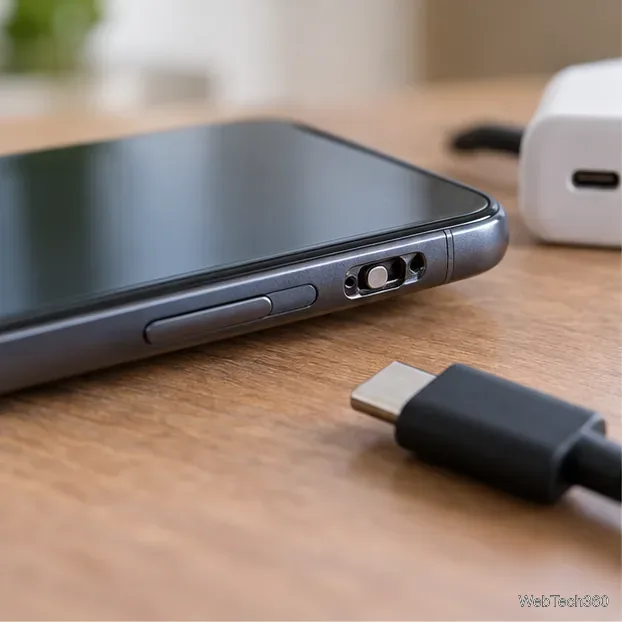
If your Android power button is broken, try charging, a volume-key USB boot, or Fastboot. Learn what works when the phone is fully off and why ADB often won’t.
Is BlueStacks safe and legal? Learn what the official installer, privacy policy, antivirus behavior, game rules, and system requirements mean for you.
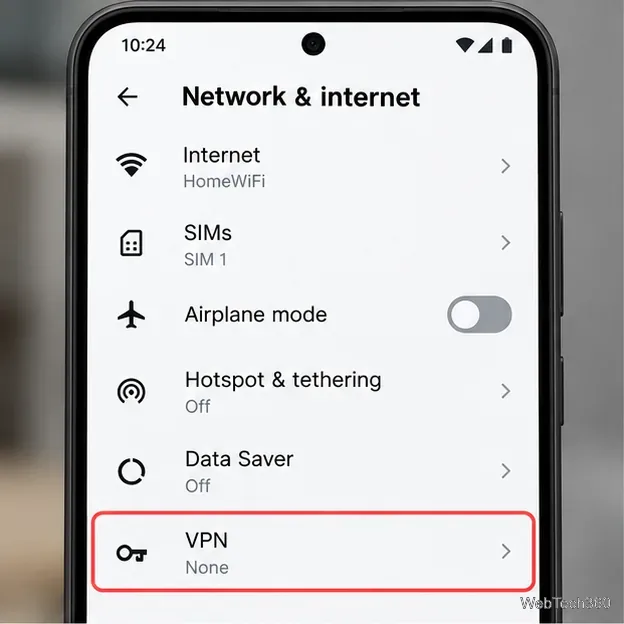
Learn three practical ways to hide your IP address on Android: a VPN, Tor Browser, or a trusted Wi-Fi proxy, with current setup steps and limits.
Join a FaceTime call on Android through Chrome or Edge. Get the link, set browser permissions, wait for the host, and fix common connection issues.
Galaxy S27 Ultra is unannounced, but Samsung and Microsoft already show the path: Phone Link, File Explorer, Quick Share, app streaming, and smarter handoff.
Samsung has not announced Galaxy S27 Ultra pricing. Here’s what the S22–S26 Ultra price history suggests, what is still unknown, and how to budget.
Samsung has not announced Galaxy S27 Ultra gaming specs. Here is what it would need to beat 2027 rivals, based on the confirmed S26 Ultra baseline.
Which Galaxy S27 Ultra rumors deserve attention? We rank battery, camera, chipset, display, charging, S Pen, and AI claims against Samsung’s confirmed 2026 hardware.