How to Uninstall Kodi Repositories the Right Way

Learn how to uninstall a Kodi repository safely, remove its saved source URL separately, and check which installed add-ons or dependencies you still need.
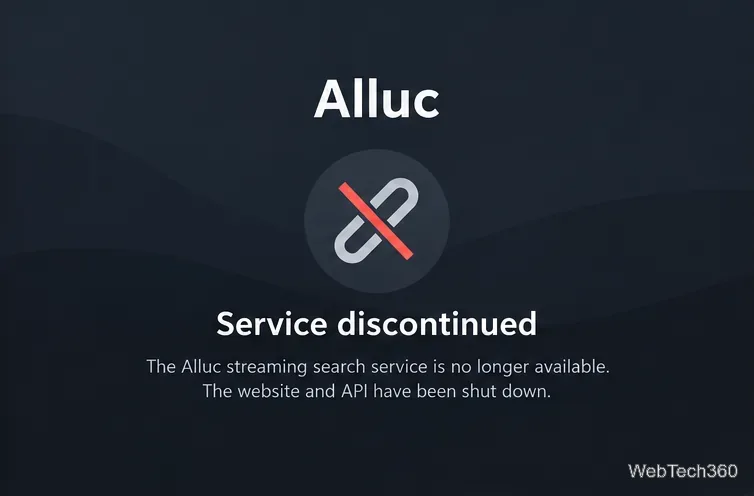
Can you still add the Alluc provider to Covenant to get more streaming links? No. Alluc discontinued its search engine in March 2018, and its operators said the API used by third-party apps would shut down at the end of that month. An old Alluc API key, new registration instructions, or a different results limit cannot restore that service. If you still have Covenant installed in Kodi, you can check its outdated provider settings and move to a supported source instead.
Alluc was a link-search service, not a video host. It indexed links hosted elsewhere and exposed some of its search results through an API. Older versions of Covenant, a third-party Kodi video add-on derived from Exodus, could query that API alongside other link providers. The idea was simple: querying more providers could produce a longer list of possible playback sources.
That historical setup required an Alluc account and API key, entered under Covenant’s account settings. But a longer list never guaranteed that a link would play, remain available, or be authorized for viewing. The March 9, 2018 shutdown report, based on statements from Alluc’s operators, also explained that the API was scheduled to close by month’s end. See the original Alluc shutdown reporting.
The steps below are for identifying and cleaning up a legacy installation, not for activating Alluc. Menu labels can differ by Kodi version, skin, and the particular Covenant build. Do not install old add-on ZIP files or submit passwords and API keys to sites claiming to have revived Alluc.
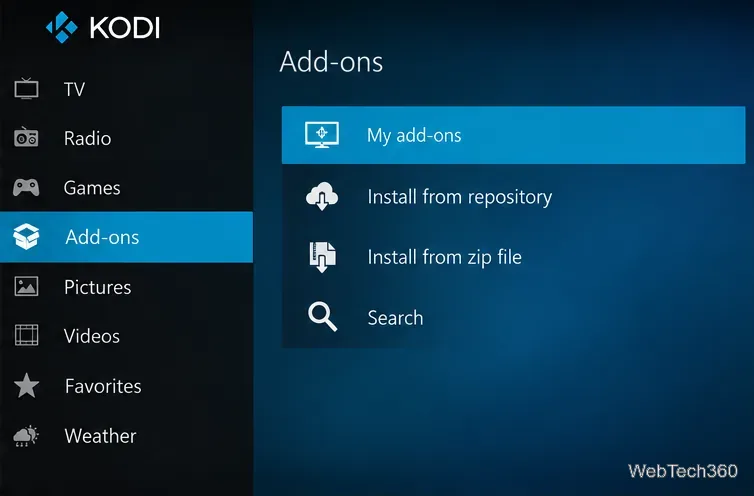
Open Kodi and navigate to Add-ons → My add-ons → Video add-ons. Look for Covenant. Kodi’s add-on manager lists installed add-ons, including disabled ones, and lets you inspect their information. If Covenant is absent, there is no Alluc configuration in that add-on to change; you do not need to reinstall Covenant just to follow this guide.
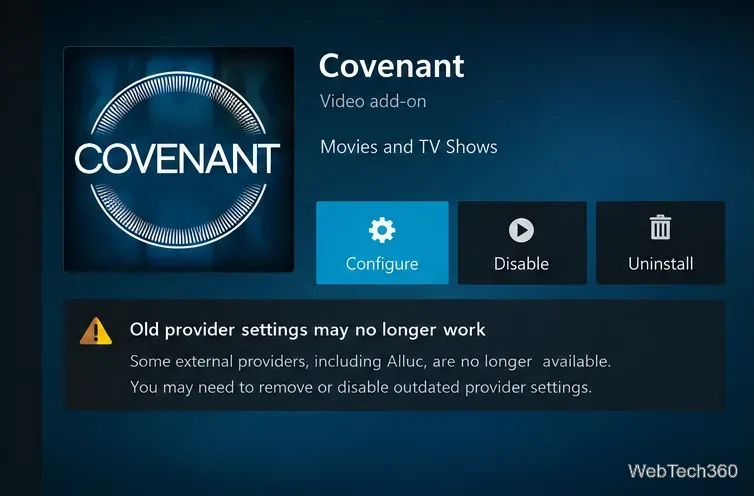
Highlight Covenant and open its context menu or information page, then choose Settings or Configure if offered. Kodi documents the context-menu method in its add-on settings guide. Historical Covenant builds placed the Alluc API field on an Accounts tab. If that field is still visible, treat it as an obsolete setting. Its presence does not mean the Alluc endpoint still exists.
Some old Covenant builds will not open or show their settings correctly in a newer Kodi installation. That alone is not evidence of an account problem, and there is no valid Alluc registration procedure to retry.
If the build offers an Alluc enable/disable switch, turn it off. If it permits clearing the stored API key, remove the key. Do not enter credentials from lookalike websites or pay for supposed replacement Alluc API access. If Covenant is broken or you no longer use it, return to its add-on information page and choose Disable or Uninstall, as appropriate.
Before removing shared dependencies or repositories, check whether another installed add-on uses them. Kodi’s add-on settings documentation explains dependency management and identifies orphaned dependencies that are no longer required.
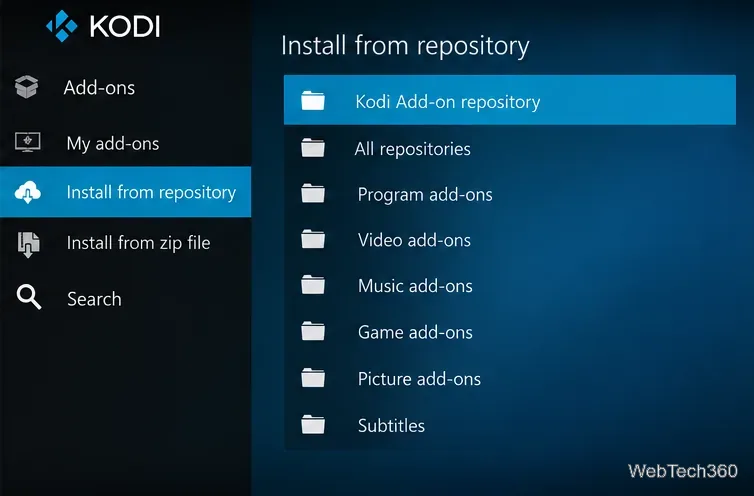
For online video, go to Add-ons → Install from repository → Kodi Add-on repository → Video add-ons and browse the services available for your Kodi version. Review each add-on’s description and any required provider account before installing. You can also use Kodi to play media files you own or are authorized to access. The official Kodi add-on catalog describes the repository and notes that available add-ons depend on Kodi version.
This is not a one-for-one replacement for Covenant’s scraper list. An official add-on generally accesses a specific service or lawful media source rather than gathering arbitrary movie links across the web.
Older articles reported large increases in search results after enabling Alluc. Those figures were tied to a specific add-on, titles, and moment in time; they are not reproducible measurements today. In practice, source count is not stream quality. A returned URL may be dead, unsupported, duplicated, unavailable in your region, or unauthorized. Changing a historical “results limit” value will not fix an unavailable API.
Covenant and Exodus were third-party projects, not built-in Kodi features. Team Kodi states that it does not endorse third-party add-ons supplying unlicensed streams and that third-party sources are not covered by its official repository review. See Kodi’s explanation of add-on legality and trust. A VPN may offer privacy benefits, but it does not reactivate Alluc, repair a discontinued API, or grant permission to access copyrighted content.
Not for the original discontinued Alluc service. Instructions directing you to its former account portal, email-verification flow, or paid API plan describe a historical process. Avoid entering personal information on unverified replacement domains.
No. Kodi is a maintained media-center application, and Alluc was only an external provider used by certain older add-ons. If you need a fresh copy of Kodi, use the official Kodi download page and select the stable release for your device. You can continue using Kodi with compatible add-ons and media sources you are entitled to access.
Learn how to uninstall a Kodi repository safely, remove its saved source URL separately, and check which installed add-ons or dependencies you still need.
Find the safest way to watch live tennis with Kodi: learn what iPlayer WWW can stream, how to find licensed coverage, and which add-ons to avoid.
Learn how to watch movies on Kodi from your computer, USB drive, or NAS, add online video services, and fix missing titles with clear setup steps.
Set a Kodi Master Lock PIN, protect selected menus, and create a separate kids’ profile with media sources you choose.
Find the authorized stream for your country, check whether its provider supports Kodi, and watch a boxing PPV on your TV without relying on outdated add-ons.
Compare five Kodi skins in the official Omega catalog, then follow the current Settings path to install one, customize it, or switch back.
Looking for the 1Channel Kodi add-on? Learn why old PrimeWire installation guides are unreliable and how to install a supported video add-on safely.
Enable Kodi’s Chorus2 web interface, control your media from any browser, and learn how to connect remotely without exposing Kodi to the Internet.
Follow the original Nemesis Kodi installation process, learn what changed with Stream Army, and avoid outdated repository and PIN instructions.
Download Kodi safely on Windows using the official installer or Microsoft Store, then add your media library and set up trusted add-ons.








