How to Uninstall Kodi Repositories the Right Way

Learn how to uninstall a Kodi repository safely, remove its saved source URL separately, and check which installed add-ons or dependencies you still need.
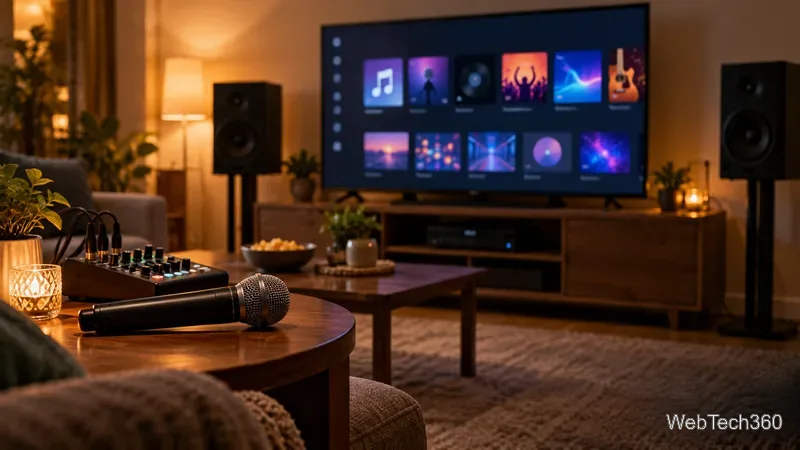
Yes, Kodi can power a home karaoke night, but the most reliable choice depends on your song files. PocketCDG, listed in Kodi’s add-on catalog, is the dedicated option for MP3+CDG karaoke tracks you already own. For online sing-along videos, Kodi’s official YouTube add-on can help you search and play available karaoke videos. Kodi itself does not provide a microphone mixer, so you will need separate audio gear if you want your voice mixed with the backing track.
| Option | Best for | What to know |
|---|---|---|
| PocketCDG | MP3+CDG song files stored locally | Displays timed lyrics and highlights the current line; it does not supply a song catalog. |
| YouTube | Searching for karaoke videos online | Results, video quality, and availability vary. Some lyric videos still include the original singer. |
| Kodi Video Library | Karaoke videos you have permission to play | Use Kodi’s regular video library and playlists; no karaoke-specific add-on is required. |
As of October 24, 2026, Kodi 21.3 “Omega” is Team Kodi’s stable release, while Kodi 22 “Piers” is a release candidate. Check compatibility on prerelease builds: Kodi 21.3 “Omega” release notes and the Kodi 22 “Piers” RC 1 announcement.
PocketCDG fits a local MP3+CDG collection: an audio file paired with a CD+G graphics file that carries lyrics. Kodi lists it as a game client and recommends installing through its in-app catalog.
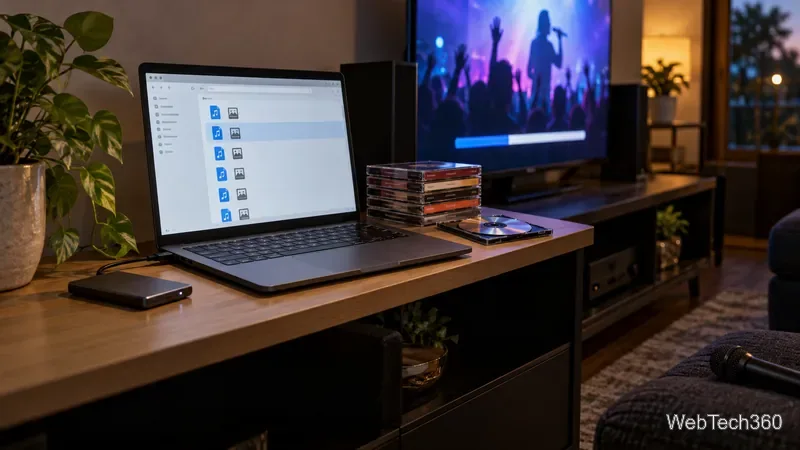
.mp3 and matching .cdg file together in your local folder or network share. The PocketCDG core requires both; its documentation says the lyrics display in time with the music and highlight as the song plays.Check the Kodi’s PocketCDG add-on listing and Libretro’s PocketCDG setup notes for the current listing and file requirements. Kodi’s original built-in karaoke interface was removed in version 16, so current setups rely on add-ons or compatible media files; see Kodi’s archived karaoke page.
The YouTube add-on is the practical choice when you do not already have karaoke files. Install it from Kodi’s official repository by opening Settings → Add-ons → Install from repository → Video Add-ons → YouTube, then choose Install. Kodi’s documentation notes that the add-on may need a personal API key configured; follow its linked setup instructions if playback or search does not work on your device.
Search a song title with “karaoke” or “instrumental,” then preview it before adding it to a queue: a lyric video may still include the original singer. Availability changes, so keep a playlist or use a licensed local video for a dependable queue. The official Kodi’s YouTube add-on documentation page explains installation and setup.

Older guides list FTG Karaoke, Kodi Karaoke Lite, and Okie’s Karaoke with repository URLs and ZIP steps. I could not confirm them as maintained, compatible choices in Kodi’s current official catalog, so treat those instructions as unverified. Kodi identifies its built-in repository as the trusted default; add-ons from other sources require enabling unknown sources. Review Kodi’s add-on security settings before changing that setting.
For karaoke videos, add their folder as a Kodi video source and build a playlist. See Kodi’s video library guide covers Kodi’s local and network video collection.
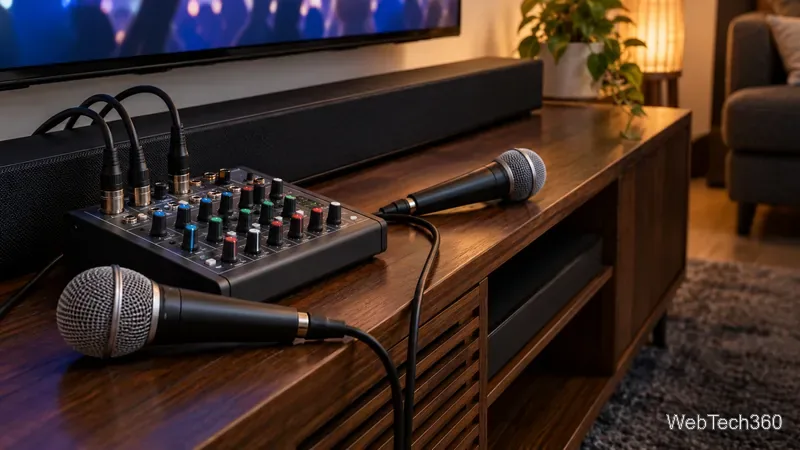
Kodi plays the accompaniment but does not mix live microphone audio. Use a karaoke amplifier or mixer that accepts both microphone and playback audio, then route it to speakers. Start with low gain and keep mics pointed away from speakers to reduce feedback. Shure explains how placement and gain affect it in the Shure’s sound-system feedback guide.
Quick pick: use PocketCDG for MP3+CDG tracks, YouTube for online discovery, or Kodi’s video library for karaoke videos you already have. Play media you are authorized to use.
Learn how to uninstall a Kodi repository safely, remove its saved source URL separately, and check which installed add-ons or dependencies you still need.
Find the safest way to watch live tennis with Kodi: learn what iPlayer WWW can stream, how to find licensed coverage, and which add-ons to avoid.
Learn how to watch movies on Kodi from your computer, USB drive, or NAS, add online video services, and fix missing titles with clear setup steps.
Set a Kodi Master Lock PIN, protect selected menus, and create a separate kids’ profile with media sources you choose.
Find the authorized stream for your country, check whether its provider supports Kodi, and watch a boxing PPV on your TV without relying on outdated add-ons.
Compare five Kodi skins in the official Omega catalog, then follow the current Settings path to install one, customize it, or switch back.
Looking for the 1Channel Kodi add-on? Learn why old PrimeWire installation guides are unreliable and how to install a supported video add-on safely.
Enable Kodi’s Chorus2 web interface, control your media from any browser, and learn how to connect remotely without exposing Kodi to the Internet.
Follow the original Nemesis Kodi installation process, learn what changed with Stream Army, and avoid outdated repository and PIN instructions.
Download Kodi safely on Windows using the official installer or Microsoft Store, then add your media library and set up trusted add-ons.








