How to Uninstall Kodi Repositories the Right Way

Learn how to uninstall a Kodi repository safely, remove its saved source URL separately, and check which installed add-ons or dependencies you still need.
Looking for the best Kodi add-ons for movies? The strongest current choices serve different jobs: Internet Archive and YouTube can bring online video into Kodi, IMDb Trailers is for previews, Plex connects to a Plex Media Server, and The Movie Database adds artwork and details to a personal film library. Kodi is a media center, not a movie subscription service, and it does not supply films. Start with Kodi’s built-in official repository and check that each add-on is listed for your Kodi version.
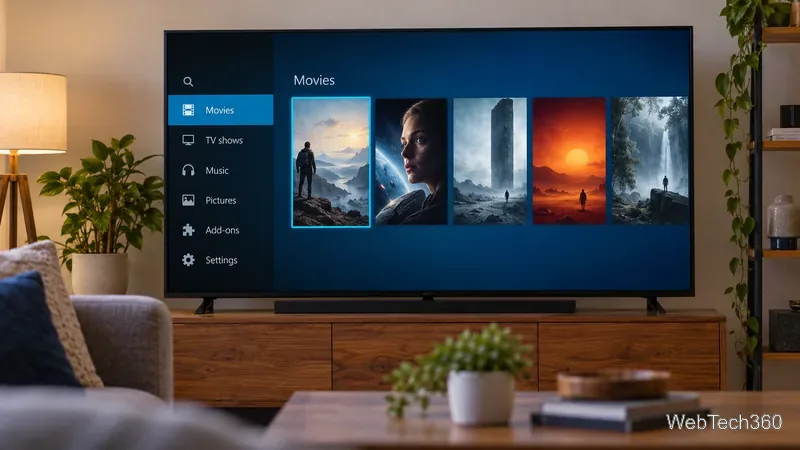
Kodi add-ons are extensions: some connect to video services, while others add metadata or library tools. They can only show a title when the provider makes it available and your account, region, and rights allow access. Kodi itself supplies no movies or streaming service.
The add-ons below appear in Kodi’s official Omega catalog at the time of writing. Availability may differ by Kodi release, so check the catalog for the version installed on your device.
The Internet Archive add-on lets you browse media archived by the Internet Archive, including older films and public-interest recordings. It is not a catalog of current releases. Check an item's rights information before treating it as free to use or redistribute; being archived does not grant every kind of permission. See the Internet Archive add-on in Kodi’s catalog and browse the archive directly.
Kodi’s YouTube add-on brings YouTube into the media-center interface. Use it for trailers and films shared by authorized publishers. It is not a curated movie service: titles vary by country, can disappear, or may require sign-in. Find the version-compatible YouTube add-on in Kodi’s official catalog.
IMDb Trailers plays movie previews available on IMDb. It helps with discovery, but does not provide full movies. Kodi’s listing links to IMDb Trailers.
If you manage movie files with a Plex Media Server, the official Plex for Kodi add-on can connect that collection to Kodi. It is a client for your server, not a free catalog of new releases. Check server access and Kodi-version compatibility before setup. Kodi’s Plex for Kodi listing identifies the add-on and its source.
For local or network files, the The Movie Database Python provider retrieves movie metadata, posters, and fan art. It enriches Kodi’s library but does not stream movies. TMDb Helper adds movie, TV, and actor details and browsable lists. Both are useful when Kodi already has access to your files. See The Movie Database Python and TMDb Helper.
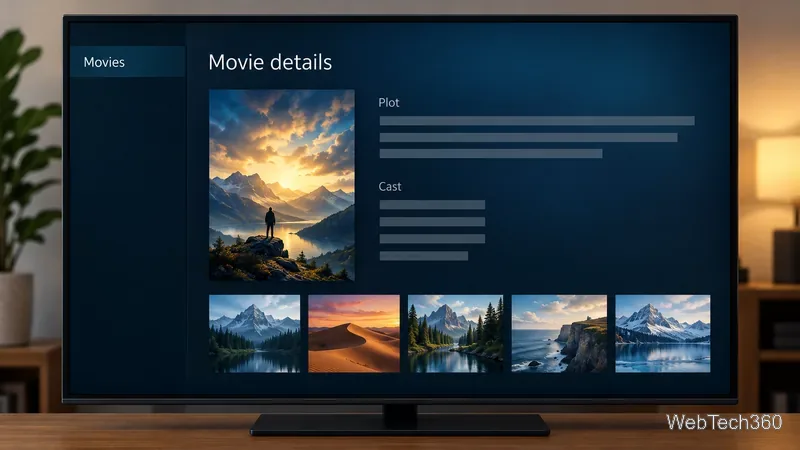
Labels vary by skin and release. Kodi’s built-in repository separates add-ons by compatible release; ZIP installs and outside repositories require you to verify source and compatibility.
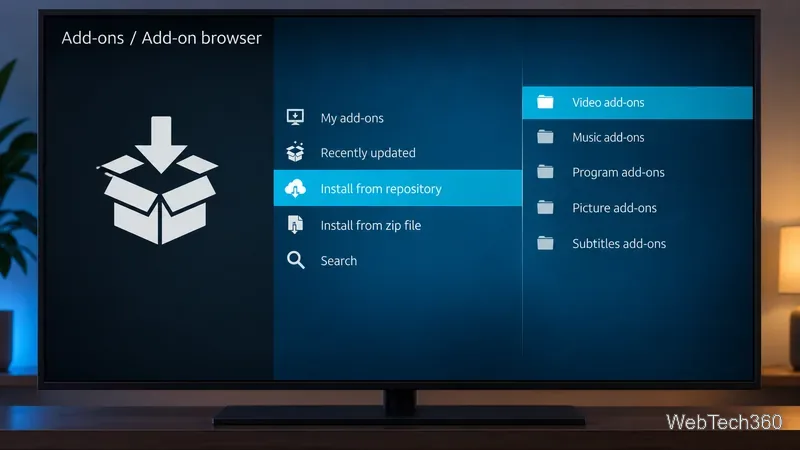
The 2022 article named SALTS, Velocity, Specto, Openload Movies, Quasar, and cCloud TV. I could not verify them as supported, version-compatible recommendations in Kodi’s current official catalog, so this update does not repeat their install links. Check any old repository instructions, provider, and content permissions independently. Avoid preloaded “builds” that promise every new movie; Kodi warns that bootleg add-ons are unsupported.
A practical setup combines authorized video sources with library tools: Internet Archive or rights-holder YouTube uploads for selected films, Plex for a server you maintain, and TMDb metadata for your files. Check Kodi’s version-specific add-on catalog before installing anything.
Learn how to uninstall a Kodi repository safely, remove its saved source URL separately, and check which installed add-ons or dependencies you still need.
Find the safest way to watch live tennis with Kodi: learn what iPlayer WWW can stream, how to find licensed coverage, and which add-ons to avoid.
Learn how to watch movies on Kodi from your computer, USB drive, or NAS, add online video services, and fix missing titles with clear setup steps.
Set a Kodi Master Lock PIN, protect selected menus, and create a separate kids’ profile with media sources you choose.
Find the authorized stream for your country, check whether its provider supports Kodi, and watch a boxing PPV on your TV without relying on outdated add-ons.
Compare five Kodi skins in the official Omega catalog, then follow the current Settings path to install one, customize it, or switch back.
Looking for the 1Channel Kodi add-on? Learn why old PrimeWire installation guides are unreliable and how to install a supported video add-on safely.
Enable Kodi’s Chorus2 web interface, control your media from any browser, and learn how to connect remotely without exposing Kodi to the Internet.
Follow the original Nemesis Kodi installation process, learn what changed with Stream Army, and avoid outdated repository and PIN instructions.
Download Kodi safely on Windows using the official installer or Microsoft Store, then add your media library and set up trusted add-ons.








