How to Uninstall Kodi Repositories the Right Way

Learn how to uninstall a Kodi repository safely, remove its saved source URL separately, and check which installed add-ons or dependencies you still need.
If you want mature movies, uncensored stand-up, or TV episodes without broadcast edits, Kodi can organize media from legitimate services and your own library. However, the add-ons often promoted in older “best Kodi adult add-ons” lists—including Neptune Rising, Covenant, and UK Turk Playlists—are legacy projects, and their old repository links should not be treated as working or safe in 2026. There is no reliable, officially maintained list of third-party add-ons that guarantees uncensored streams.
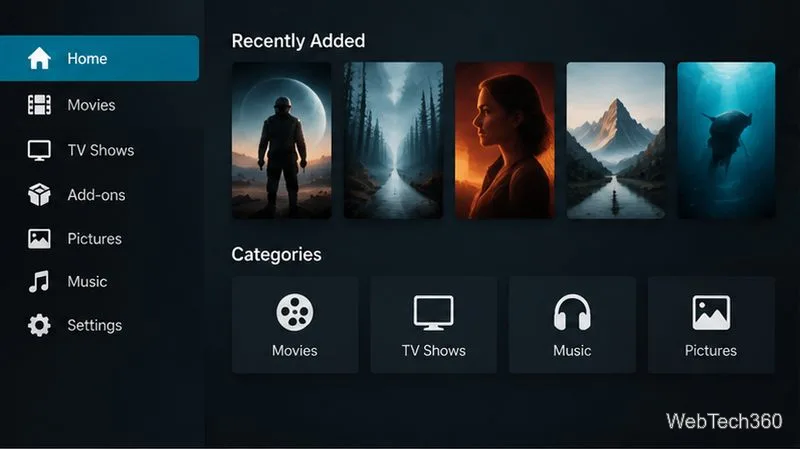
Neptune Rising was distributed through the Blamo repository. That repository has been reported offline, so the original installation path is no longer dependable. Avoid downloading a replacement ZIP from an unfamiliar mirror just because a guide still lists it.
Covenant was a popular community add-on for browsing movies and TV, including horror and crime titles. Its old repository instructions are historical rather than a current recommendation. A repository ZIP found on an unofficial site may be outdated, modified, or incompatible with your Kodi release.
Older guides highlighted UK Turk Playlists for categories such as stand-up comedy and live channels. Its current maintenance, source availability, and licensing can vary, and we could not verify a dependable official distribution path. Do not assume a stream is authorized just because it appears in an add-on menu.
Kodi itself is a media-center application, not a streaming service. Team Kodi explains that third-party add-ons are not produced, supported, or endorsed by the project, and some can provide access to unauthorized streams. Read the official Kodi guidance on legality before installing unknown software.
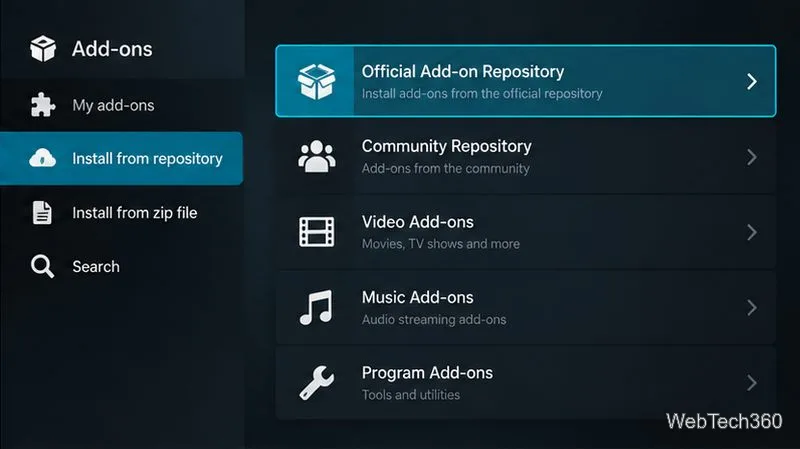
Menu labels can differ slightly by Kodi version, device, or skin. If the add-on is missing, do not assume an unrelated ZIP file is a safe substitute. Kodi’s add-on manager guide describes the installation options.
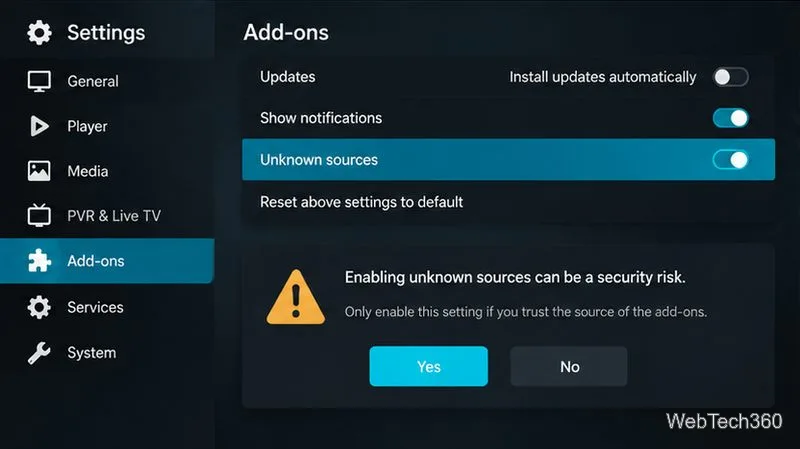
Installing a third-party repository requires enabling Unknown sources in Kodi’s add-on settings. This lowers a security barrier and can allow software that has not been reviewed by Team Kodi. Only proceed if you have independently verified the developer and repository, understand what the add-on can access, and accept the risk. Never paste a repository address from a random comment or video description.
A VPN is not a guarantee of legality, malware protection, or anonymity. It may encrypt traffic between your device and the VPN server, but it cannot make an unauthorized stream lawful or make an untrusted add-on safe. Keep Kodi and your device updated, avoid entering account credentials into unfamiliar add-ons, and remove extensions you no longer trust.
Kodi profiles can maintain separate libraries and settings for different household members, but profiles alone are not a complete security boundary. The official profiles documentation notes their intended uses and limitations.
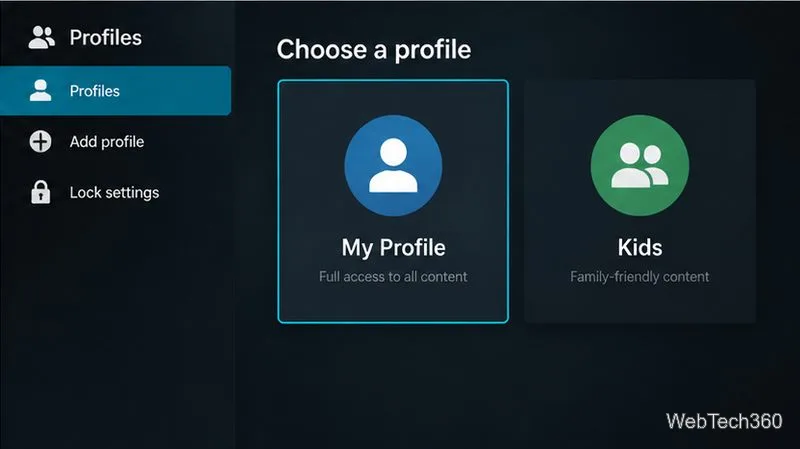
For stronger protection, keep adult media in a separate operating-system account or device and secure the device itself. Kodi’s master-lock documentation explains that interface locks have limitations and may not protect files outside Kodi.
The names Neptune Rising, Covenant, and UK Turk Playlists belong to an older era of Kodi add-on guides; their old install links are not reliable recommendations today. For mature films and uncensored comedy, choose a verifiable, authorized source, install from Kodi’s official repository where possible, and treat third-party ZIP files cautiously. Profiles and PINs can help separate household viewing, but they should be combined with device-level safeguards.
Learn how to uninstall a Kodi repository safely, remove its saved source URL separately, and check which installed add-ons or dependencies you still need.
Find the safest way to watch live tennis with Kodi: learn what iPlayer WWW can stream, how to find licensed coverage, and which add-ons to avoid.
Learn how to watch movies on Kodi from your computer, USB drive, or NAS, add online video services, and fix missing titles with clear setup steps.
Set a Kodi Master Lock PIN, protect selected menus, and create a separate kids’ profile with media sources you choose.
Find the authorized stream for your country, check whether its provider supports Kodi, and watch a boxing PPV on your TV without relying on outdated add-ons.
Compare five Kodi skins in the official Omega catalog, then follow the current Settings path to install one, customize it, or switch back.
Looking for the 1Channel Kodi add-on? Learn why old PrimeWire installation guides are unreliable and how to install a supported video add-on safely.
Enable Kodi’s Chorus2 web interface, control your media from any browser, and learn how to connect remotely without exposing Kodi to the Internet.
Follow the original Nemesis Kodi installation process, learn what changed with Stream Army, and avoid outdated repository and PIN instructions.
Download Kodi safely on Windows using the official installer or Microsoft Store, then add your media library and set up trusted add-ons.








