How to Uninstall Kodi Repositories the Right Way

Learn how to uninstall a Kodi repository safely, remove its saved source URL separately, and check which installed add-ons or dependencies you still need.
Looking for the best unofficial add-ons for SPMC in 2025? There is an important catch: SPMC stopped development in 2018. Its legacy Kodi-based engine cannot be assumed to run modern Kodi add-ons, and several names in older recommendation lists are now on Kodi’s unsupported piracy-add-on lists. There is no reliably verified list of actively maintained, safe third-party streaming add-ons for SPMC to recommend today.
That does not make an existing SPMC installation useless for local media. It means choosing extensions requires more care than following an old repository URL. The SPMC developer’s site confirms development stopped and lists version 16.7.4, released February 26, 2018, as its last Jarvis build.
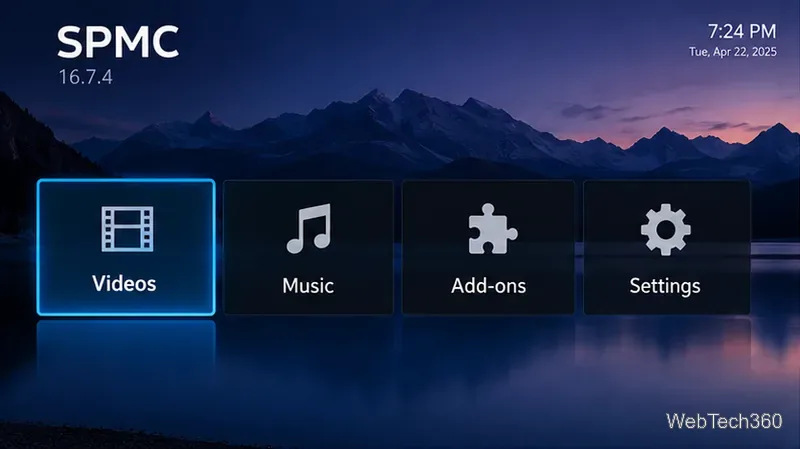
SPMC was an Android-focused fork of Kodi, designed for devices such as Android TV boxes and Fire TV hardware. It offered interface and playback tweaks, but it is no longer maintained. For a comparison of the original products, see our SPMC vs. Kodi overview.
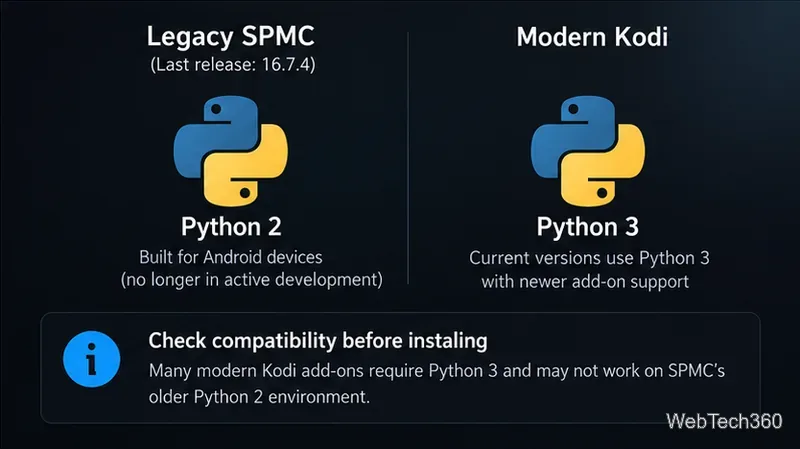
Its older builds relied on Python 2-era add-ons. Kodi switched its Python add-on environment to Python 3 in Kodi 19, and the official Kodi project has stopped accepting Python 2 add-on updates. An extension advertised for a recent Kodi release can fail to install or run under SPMC even when the names and repository format look familiar. See Kodi’s Python 3 migration documentation.
These names appeared in older SPMC guides. They are included for identification, not as installation recommendations. Their current distribution and reliable operation on SPMC could not be verified.
| Historical add-on or repository | What it promised | What to do now |
|---|---|---|
| FTFA | Live channels, IPTV, movies, and shows | Do not reuse old Brettus repository addresses; the source is not verified as a maintained SPMC option. |
| UK Turk Playlists | Movies, TV, and sports playlists | Avoid old installer instructions; UK Turk is listed under Kodi’s banned add-ons and repositories. |
| Placenta | Searchable film and TV links based on Exodus | Do not install the historical Blamo package; both Placenta and Blamo appear on Kodi’s restricted-support lists. |
| Maverick / SportsDevil | Live sports and IPTV feeds | Old repository URLs do not establish a legitimate or working stream; both names appear on Kodi’s banned lists. |
| Kodil | A large collection of third-party extensions | A large catalog is not evidence of active maintenance; Kodil is on Kodi’s repository blacklist. |
Kodi’s published banned-add-ons list explains that these listings concern its forum and support rules for piracy-related extensions; it is not a universal malware verdict on every file using those names. Still, it is a strong reason not to direct readers to their abandoned download links.
If you want modern third-party integrations rather than aging stream-scraping add-ons, switch to a supported Kodi release first. These are Kodi alternatives, not confirmed SPMC-compatible add-ons:
For Android devices, start with the official Kodi Android download page rather than an unofficial APK mirror. Moving to Kodi is especially sensible if your priority is continuing security updates and compatibility with maintained extensions.
The legacy menus may differ from screenshots of current Kodi. Use the following checks only for an add-on whose author, distribution, rights, and SPMC compatibility you can independently establish.
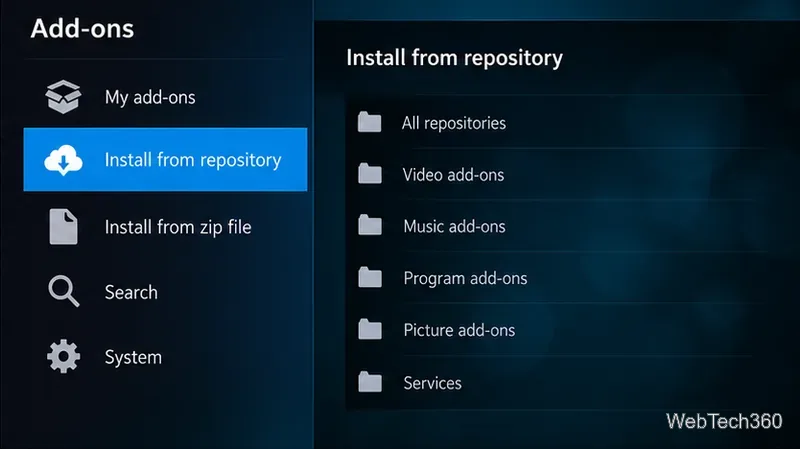
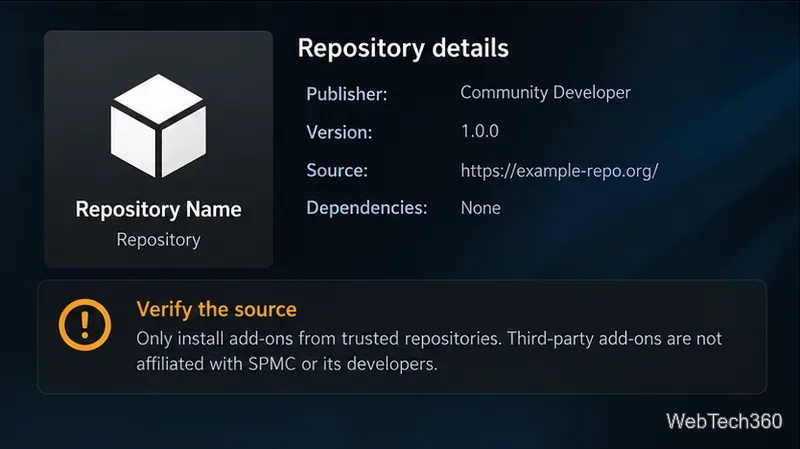
Kodi cautions that enabling Unknown sources allows third-party code access to data on the device. Its add-on manager guide explains the general ZIP and repository workflow, while the add-on security settings document the warning. These instructions describe current Kodi concepts; the exact SPMC controls may differ.
A reputable VPN can protect traffic between your device and the VPN provider, but it does not make a malicious add-on safe, verify streaming rights, or guarantee anonymity. Use authorized media sources and keep your device software up to date. No VPN purchase is required just to use a local media library.
Bottom line: Treat old FTFA, UK Turk, Placenta, Maverick, and Kodil recommendations as historical references rather than working installation recipes. If you need maintained add-ons for Android streaming today, supported Kodi plus a legitimate media server or licensed IPTV source is the more dependable path.
Learn how to uninstall a Kodi repository safely, remove its saved source URL separately, and check which installed add-ons or dependencies you still need.
Find the safest way to watch live tennis with Kodi: learn what iPlayer WWW can stream, how to find licensed coverage, and which add-ons to avoid.
Learn how to watch movies on Kodi from your computer, USB drive, or NAS, add online video services, and fix missing titles with clear setup steps.
Set a Kodi Master Lock PIN, protect selected menus, and create a separate kids’ profile with media sources you choose.
Find the authorized stream for your country, check whether its provider supports Kodi, and watch a boxing PPV on your TV without relying on outdated add-ons.
Compare five Kodi skins in the official Omega catalog, then follow the current Settings path to install one, customize it, or switch back.
Looking for the 1Channel Kodi add-on? Learn why old PrimeWire installation guides are unreliable and how to install a supported video add-on safely.
Enable Kodi’s Chorus2 web interface, control your media from any browser, and learn how to connect remotely without exposing Kodi to the Internet.
Follow the original Nemesis Kodi installation process, learn what changed with Stream Army, and avoid outdated repository and PIN instructions.
Download Kodi safely on Windows using the official installer or Microsoft Store, then add your media library and set up trusted add-ons.








