How to Uninstall Kodi Repositories the Right Way

Learn how to uninstall a Kodi repository safely, remove its saved source URL separately, and check which installed add-ons or dependencies you still need.
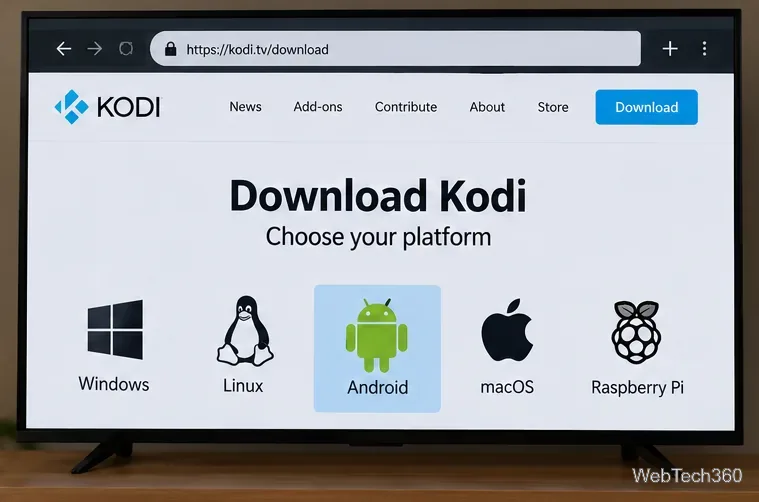
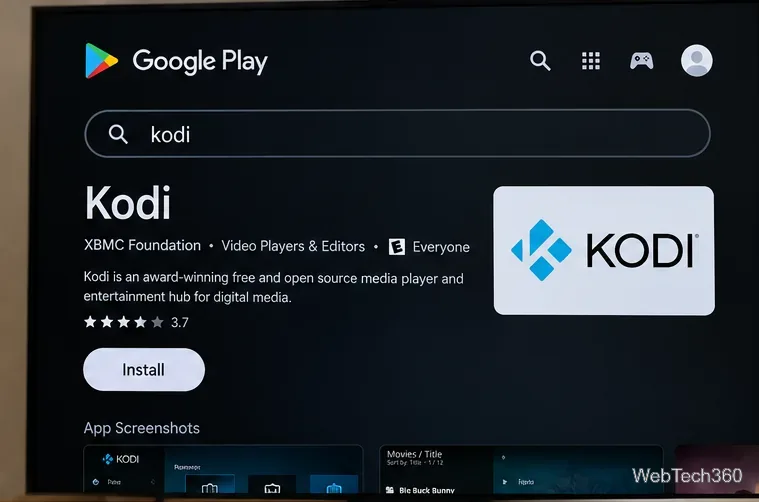
To install Kodi on an Android TV box, open Google Play, search for Kodi, select the official app, and choose Install. If your box does not offer a compatible Play Store listing, you can download Kodi’s Android APK from its official website and install it manually. Neither approach requires rooting the device.
These instructions apply to compatible Android TV and Google TV boxes. Menus can differ on generic boxes that run phone-style Android rather than Google's TV interface.
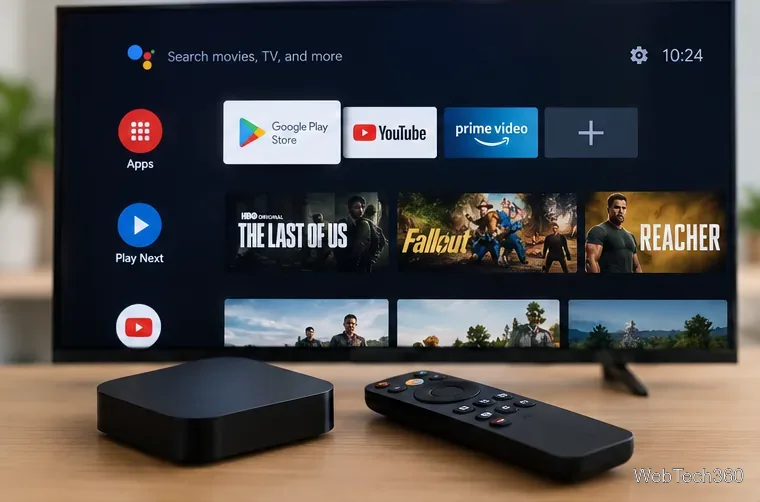
Connect the box to the internet, check that it has free storage, and have its remote ready. For Play Store installation, sign in with a Google account. If you're using a USB drive to transfer an APK, you'll also need a file manager that can open the downloaded file.
As of October 29, 2026, Kodi’s official Android download page lists Kodi 21.3 Omega as the recommended release; Kodi 22 Piers has a release candidate available separately. For an everyday installation, choose the recommended stable version rather than a prerelease. Availability through Google Play can lag behind the website.
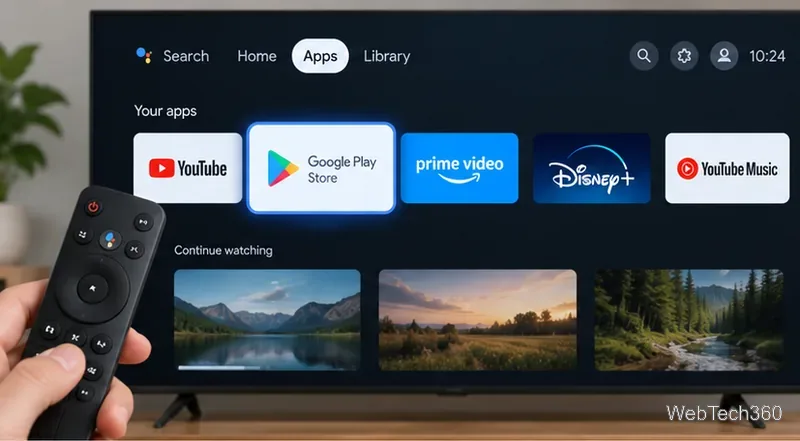
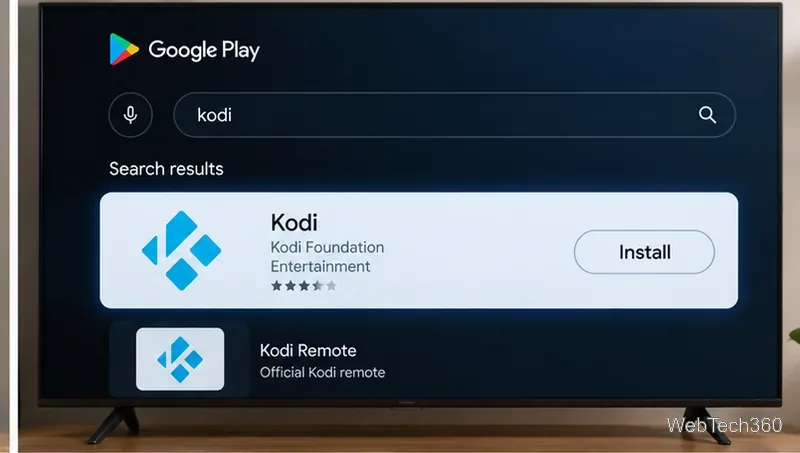
Google Play determines the compatible app package and ordinarily handles subsequent updates. You can open the official Kodi listing on Google Play to verify you have the right app.
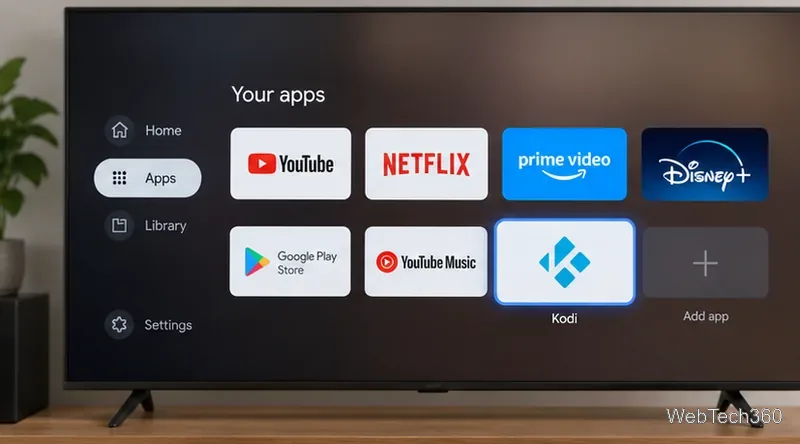
If typing on a TV remote is inconvenient, Google Play can remotely install eligible apps on another device associated with your account.
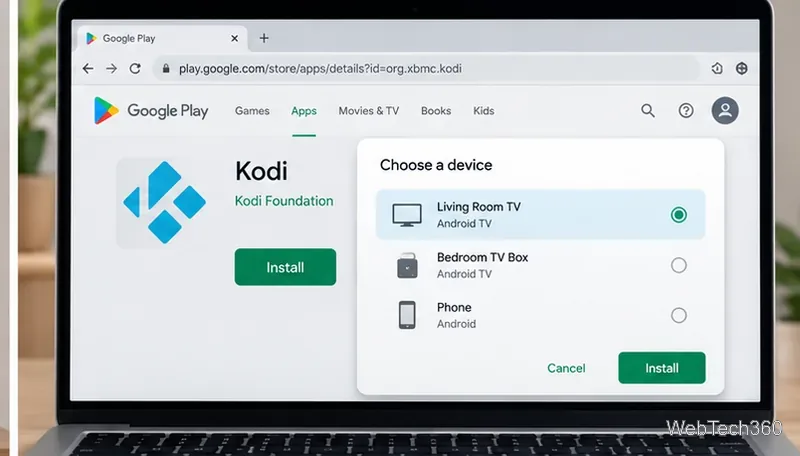
On an Android phone, the Play Store may show a device selector next to Install. If the box is missing or marked incompatible, check the account and compatibility rather than assuming the install succeeded. Google explains this feature in its remote app installation instructions.
Use this route if your device lacks Play Store access or the official listing is unavailable. Download only from Kodi’s own website; a random “Kodi build” package may contain unwanted changes.
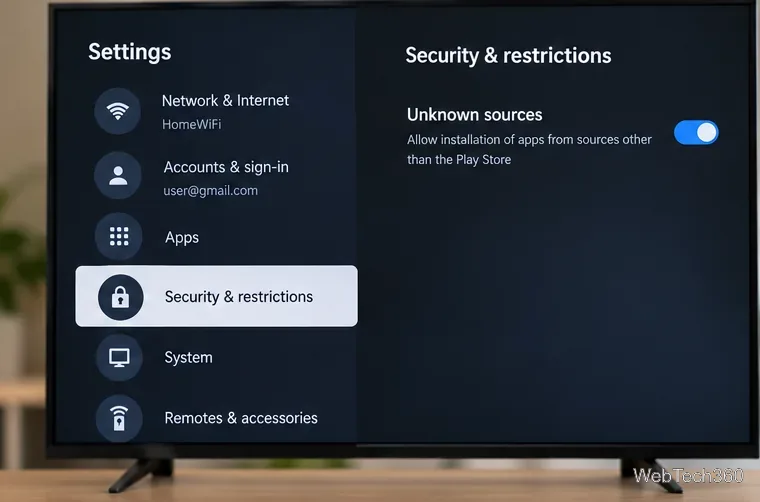
Keep Google Play Protect enabled. Google's Android TV security guidance recommends leaving its checks on, even when installing apps outside the Play Store.
Kodi is a media player, not a subscription to movies or TV channels. To access your own files, open Videos > Files > Add videos and select a permitted local or network folder. To browse supported extensions, go to Add-ons > Download, or open the add-on browser and select Install from repository. The built-in Kodi repository works without enabling unknown sources inside Kodi.
Third-party repositories are optional and come with separate security, compatibility, and content-rights considerations. Start with the official Kodi add-on repository and the official Android installation guide if your device has unusual menus.
Learn how to uninstall a Kodi repository safely, remove its saved source URL separately, and check which installed add-ons or dependencies you still need.
Find the safest way to watch live tennis with Kodi: learn what iPlayer WWW can stream, how to find licensed coverage, and which add-ons to avoid.
Learn how to watch movies on Kodi from your computer, USB drive, or NAS, add online video services, and fix missing titles with clear setup steps.
Set a Kodi Master Lock PIN, protect selected menus, and create a separate kids’ profile with media sources you choose.
Find the authorized stream for your country, check whether its provider supports Kodi, and watch a boxing PPV on your TV without relying on outdated add-ons.
Compare five Kodi skins in the official Omega catalog, then follow the current Settings path to install one, customize it, or switch back.
Looking for the 1Channel Kodi add-on? Learn why old PrimeWire installation guides are unreliable and how to install a supported video add-on safely.
Enable Kodi’s Chorus2 web interface, control your media from any browser, and learn how to connect remotely without exposing Kodi to the Internet.
Follow the original Nemesis Kodi installation process, learn what changed with Stream Army, and avoid outdated repository and PIN instructions.
Download Kodi safely on Windows using the official installer or Microsoft Store, then add your media library and set up trusted add-ons.








