How to Uninstall Kodi Repositories the Right Way

Learn how to uninstall a Kodi repository safely, remove its saved source URL separately, and check which installed add-ons or dependencies you still need.
You can stream Fox News Channel without cable or a satellite dish. The most direct option is a FOX One subscription, which includes the live Fox News channel. Other options include live-TV streaming services such as Sling TV and Hulu + Live TV. If you only want occasional headlines and clips, Fox News also publishes videos you can watch without paying for a full live channel.
The options below are intended primarily for viewers in the United States. Availability, subscriptions, and some programming vary by location.
FOX One is Fox's direct-to-consumer streaming service, so you do not need to sign up for a conventional cable or satellite package. According to the official Fox News streaming page, subscriptions start at $19.99 per month and include a three-day free trial for eligible new subscribers. The service also carries other Fox news, sports, and entertainment programming. Check the current offer and renewal terms before entering payment details.
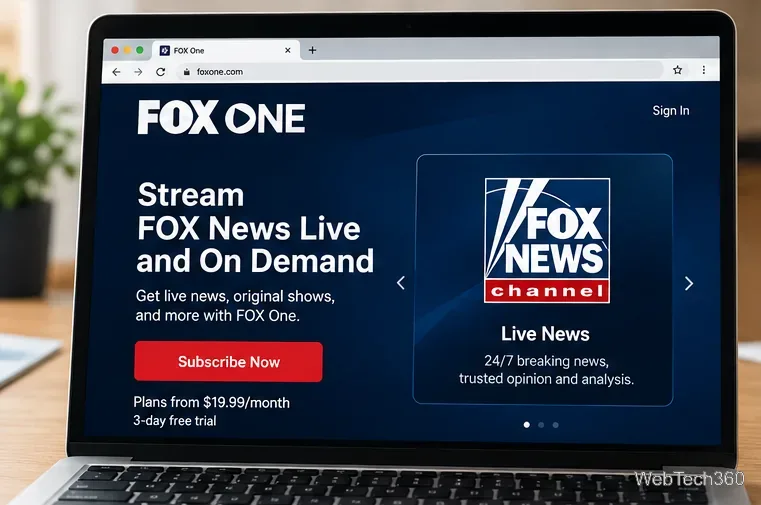
FOX One is separate from a standalone FOX Nation subscription. FOX Nation focuses on its own shows and documentaries; do not assume that buying FOX Nation by itself unlocks the full Fox News Channel live feed. If you already have an eligible TV provider package, FOX One also supports signing in with those provider credentials.
You can use FOX One on supported Roku, Apple TV, Fire TV, Android TV/Google TV, certain Samsung, LG, and Vizio smart TVs, Xbox Series S/X, and mobile devices. Device requirements vary. For example, Fox lists Roku OS 11 or later and tvOS 17 or later among its minimum requirements.
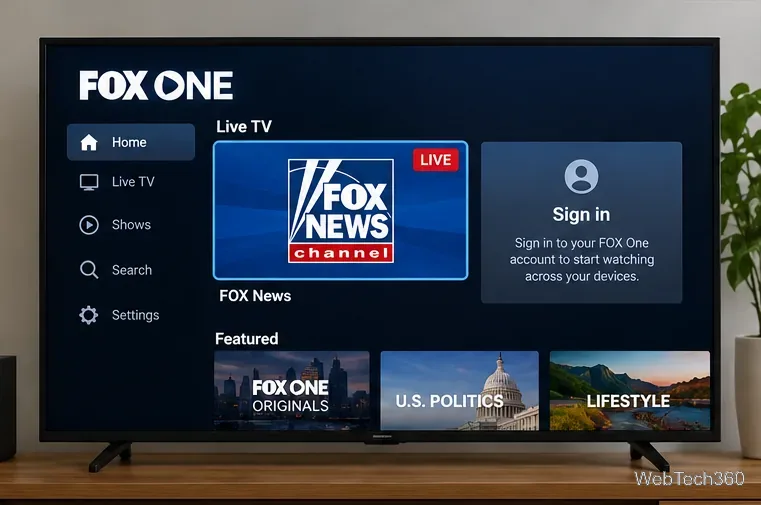
Fox's device and setup guide provides platform-specific instructions. If the app is not listed, verify that your device's model, operating system, and region are supported before subscribing.
If you want several cable-style channels in one subscription, compare live-TV providers rather than purchasing FOX One alone. Check the channel lineup for the exact plan and ZIP code before paying.
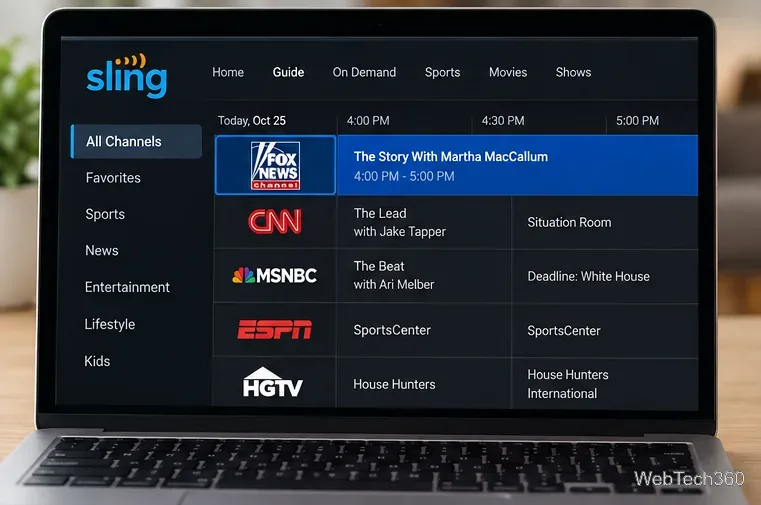
To watch, sign up through the provider's official site, install its app or open its website, and find Fox News Channel in the live guide. Unlike the free FOX broadcast network in some areas, Fox News Channel is a separate national cable news service.
Free clips are available; a reliable free 24/7 Fox News Channel feed is not the same thing. The official Fox News video section has news reports, interviews, and highlights. Fox News has also said that it may make major breaking-news events available without a subscription, but that does not guarantee ongoing access to the full channel.
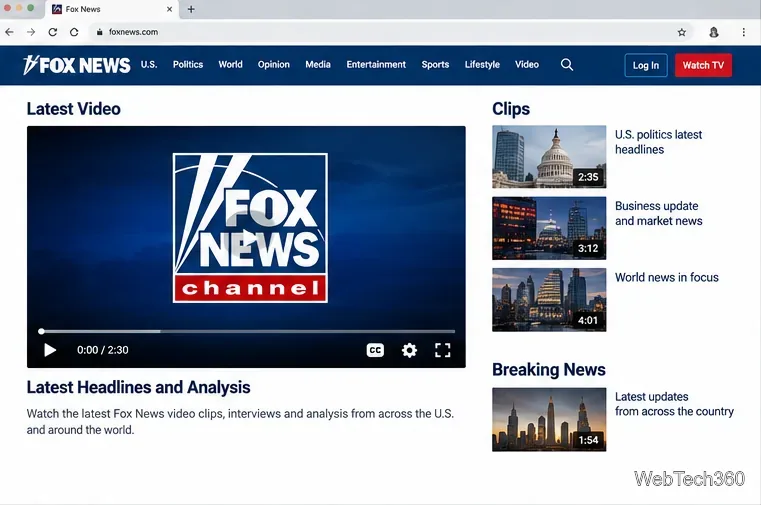
For the free option, open the video page, choose a report or clip, and play it in your browser. The live channel may prompt you to sign in or subscribe. A claimed ten-minute free preview is not a dependable subscription substitute, and preview rules can change.
Older instructions often recommended cCloud TV, SportsDevil, third-party Kodi repositories, or unofficial streaming sites. Those methods do not offer a verified, stable way to watch the authorized Fox News live feed. Repositories and stream links can disappear, and installing unknown add-ons creates security and copyright concerns.
Kodi is legitimate media-center software, but it does not give you Fox News viewing rights by itself. A VPN can help secure a connection on an untrusted network; it does not replace a subscription or remove regional licensing restrictions. FOX One's terms of use specify a United States service area and possible location-based limits.
Choose FOX One if live Fox News is your main reason for subscribing. Choose Sling or another live-TV service if you also want a broader channel guide. Choose official Fox News clips if you only check the news occasionally and do not need uninterrupted live coverage.
Pricing and service details checked October 28, 2026. Provider offers and channel availability can change.
Learn how to uninstall a Kodi repository safely, remove its saved source URL separately, and check which installed add-ons or dependencies you still need.
Find the safest way to watch live tennis with Kodi: learn what iPlayer WWW can stream, how to find licensed coverage, and which add-ons to avoid.
Learn how to watch movies on Kodi from your computer, USB drive, or NAS, add online video services, and fix missing titles with clear setup steps.
Set a Kodi Master Lock PIN, protect selected menus, and create a separate kids’ profile with media sources you choose.
Find the authorized stream for your country, check whether its provider supports Kodi, and watch a boxing PPV on your TV without relying on outdated add-ons.
Compare five Kodi skins in the official Omega catalog, then follow the current Settings path to install one, customize it, or switch back.
Looking for the 1Channel Kodi add-on? Learn why old PrimeWire installation guides are unreliable and how to install a supported video add-on safely.
Enable Kodi’s Chorus2 web interface, control your media from any browser, and learn how to connect remotely without exposing Kodi to the Internet.
Follow the original Nemesis Kodi installation process, learn what changed with Stream Army, and avoid outdated repository and PIN instructions.
Download Kodi safely on Windows using the official installer or Microsoft Store, then add your media library and set up trusted add-ons.








