How to Uninstall Kodi Repositories the Right Way

Learn how to uninstall a Kodi repository safely, remove its saved source URL separately, and check which installed add-ons or dependencies you still need.
You can watch some Rai TV outside Italy through RaiPlay without a VPN. Rai makes Rai News 24 live and selected on-demand titles available internationally. Most other live channels and licensed programs are restricted by territory. A VPN connected to Italy may change the location a website sees, but it cannot guarantee access or override Rai’s content rights.
RaiPlay is the official free streaming service from Italy’s public broadcaster. It includes live channels such as Rai 1, Rai 2, Rai 3, Rai News 24, and Rai Sport, plus movies, series, documentaries, and catch-up programs. That full lineup is not available everywhere.
Rai’s current RaiPlay app description explicitly identifies Rai News 24 and on-demand works for which Rai holds online distribution rights as the content accessible abroad. Availability can vary by program and territory. A title shown in the catalog may still refuse playback in your location.
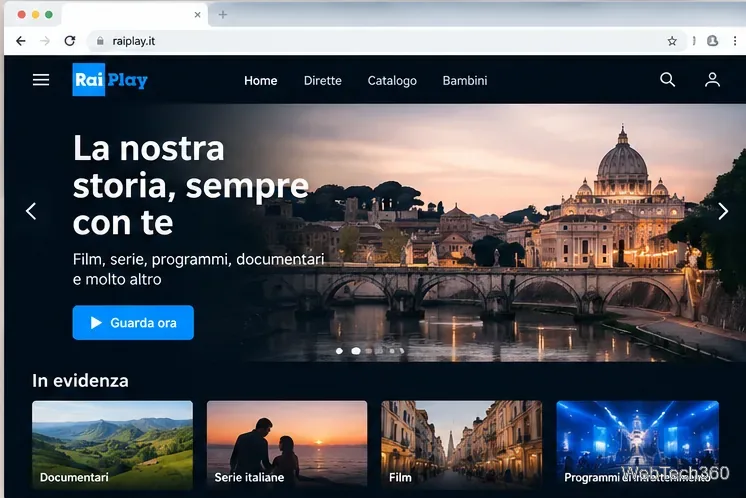
Visit RaiPlay on your computer, or use the official RaiPlay app on a supported phone, tablet, or TV. You can browse the website from abroad; location restrictions generally apply when you attempt to play particular videos. Avoid third-party sites asking you to download special players.
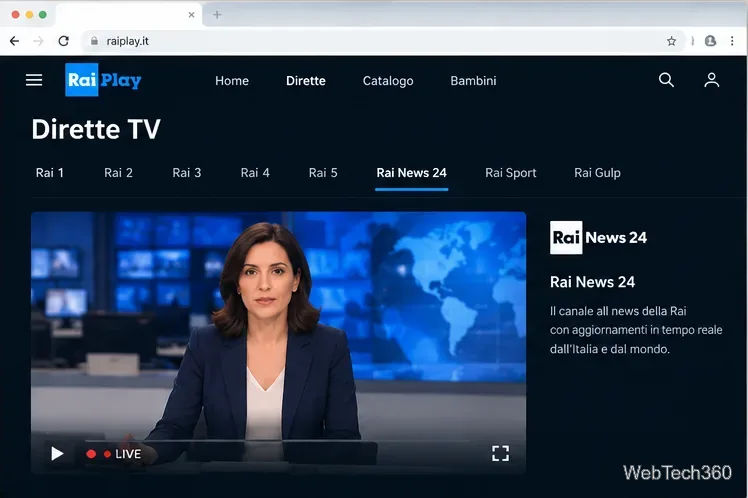
Open Dirette (live TV) and choose Rai News 24. Rai says its live streams do not require registration, although most channels other than Rai News 24 are geographically restricted outside Italy. If the stream fails, refresh the page and check your network before assuming the channel is unavailable.
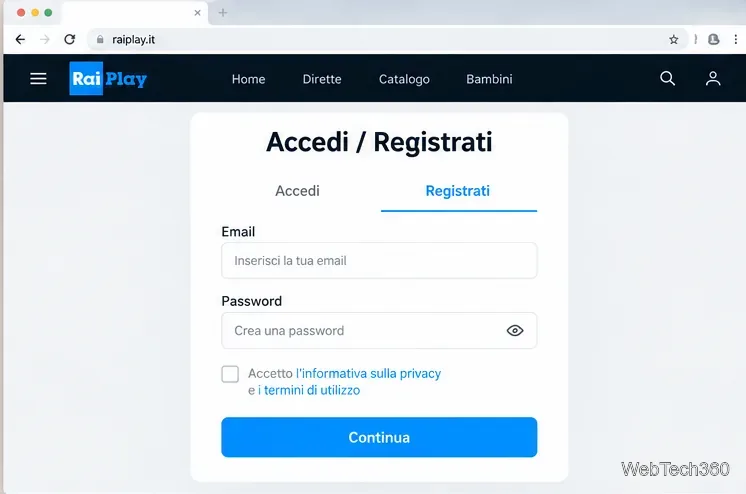
For full on-demand playback, choose Accedi / Registrati (Sign in / Register). Register on the website or mobile app, submit the required details, and confirm the email link if registering by email. Rai says that confirmation link expires after 48 hours. You can also use a supported social sign-in option. An account does not remove regional restrictions.
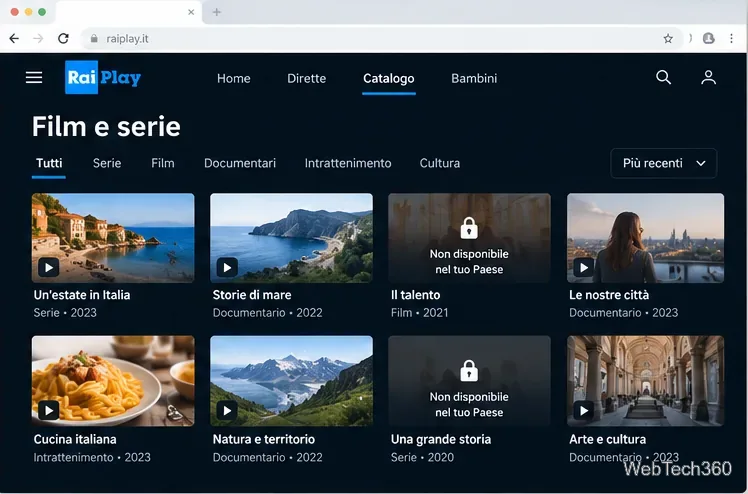
Search the catalog for a series, documentary, or news program. If a playback notice says the video is unavailable in your country, that usually reflects distribution rights rather than a failed registration. Try other Rai-produced titles, or browse the Rai Italy collection for programming designed for audiences abroad.
A virtual private network, or VPN, routes your connection through a server and makes the destination website see that server’s public IP address. An Italian VPN server may therefore appear to place your connection in Italy. However, RaiPlay or its delivery partners may detect VPN traffic or apply other licensing restrictions. No commercial VPN is verified here as consistently working with RaiPlay, and there is no guarantee that a blocked stream will play.
Choose a reputable VPN service with an Italy location, install its official app, and connect to an Italian server. Check its subscription terms, security practices, and any relevant local rules. Do not buy a long-term plan solely on a promise that it will unlock a particular Rai channel.
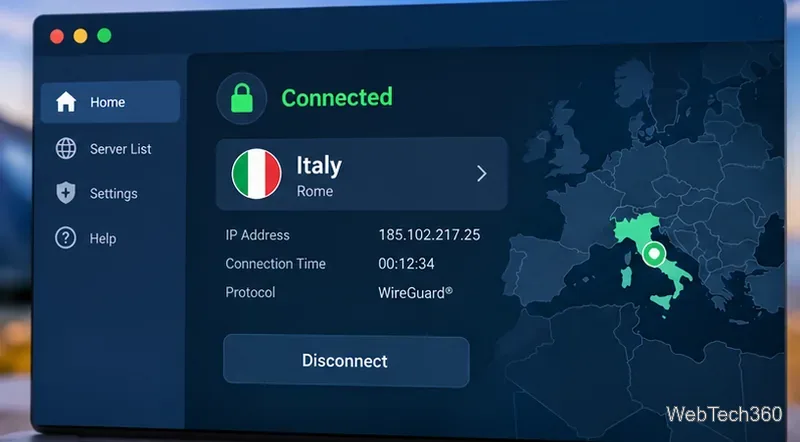
With the connection active, reopen RaiPlay and attempt the video. If you still see a country restriction, the VPN may be recognized or that program may not be authorized for your viewing location. Changing your IP address does not grant a license to restricted content; review RaiPlay’s terms and choose an authorized option if access is denied.
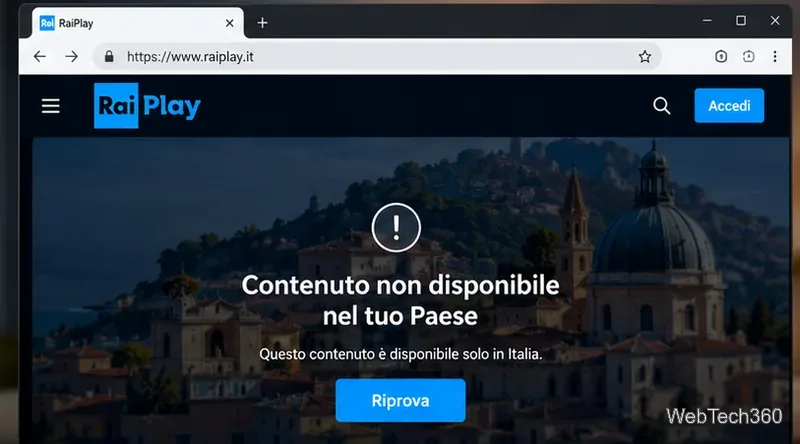
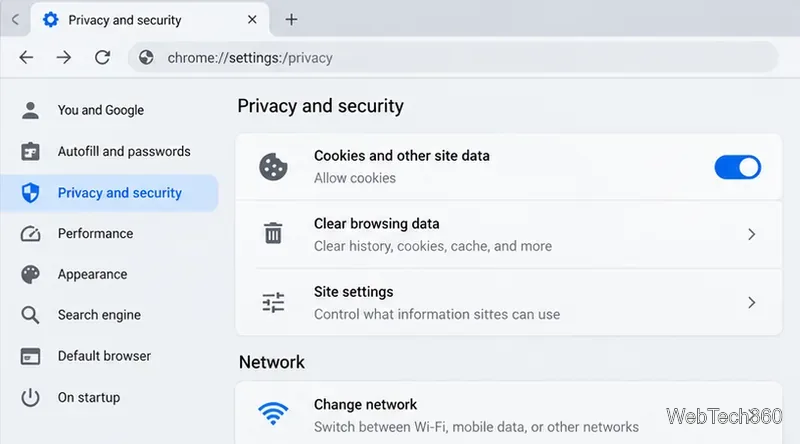
If an eligible video fails for reasons other than regional rights, try the following checks:
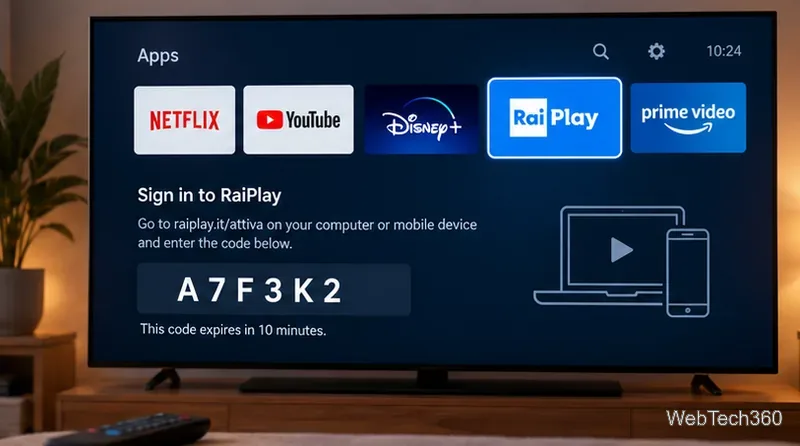
Install the official RaiPlay TV app where supported. Rai says you can sign in using your account credentials, pair the TV through a QR code, or enter a numeric code displayed by the TV in the Associa TV area of your RaiPlay account. Create an account on the web or mobile app first; Rai says account creation is not available directly in the TV app. TV access does not change territorial permissions.
For a broader selection, check whether your local cable, satellite, or IPTV provider carries Rai Italia, the broadcaster’s international service. Its schedule and availability differ from Rai 1 or Rai 2. Rai’s international distribution overview is available through Rai Com. The Rai Italy section on RaiPlay also offers selected on-demand programs aimed at international viewers.
Do not rely on old Kodi instructions for the Bennu or Rai On Demand add-ons. Their presence in an older guide does not establish that they are maintained, compatible with modern Kodi versions, or authorized to provide restricted streams. The official RaiPlay apps and licensed local distributors are safer starting points.
EU portability rules guarantee access to qualifying paid online-content subscriptions while temporarily in another EU country. For free services, portability is optional for the provider. Therefore, an Italian address or an EU trip does not automatically entitle a viewer to every RaiPlay program. See the European Commission’s consumer guidance for the distinction.
Bottom line: start with RaiPlay’s free, officially available international streams and programs. Consider a VPN only with realistic expectations and respect for content licensing; if the program remains blocked, look for a licensed service in your country.
Learn how to uninstall a Kodi repository safely, remove its saved source URL separately, and check which installed add-ons or dependencies you still need.
Find the safest way to watch live tennis with Kodi: learn what iPlayer WWW can stream, how to find licensed coverage, and which add-ons to avoid.
Learn how to watch movies on Kodi from your computer, USB drive, or NAS, add online video services, and fix missing titles with clear setup steps.
Set a Kodi Master Lock PIN, protect selected menus, and create a separate kids’ profile with media sources you choose.
Find the authorized stream for your country, check whether its provider supports Kodi, and watch a boxing PPV on your TV without relying on outdated add-ons.
Compare five Kodi skins in the official Omega catalog, then follow the current Settings path to install one, customize it, or switch back.
Looking for the 1Channel Kodi add-on? Learn why old PrimeWire installation guides are unreliable and how to install a supported video add-on safely.
Enable Kodi’s Chorus2 web interface, control your media from any browser, and learn how to connect remotely without exposing Kodi to the Internet.
Follow the original Nemesis Kodi installation process, learn what changed with Stream Army, and avoid outdated repository and PIN instructions.
Download Kodi safely on Windows using the official installer or Microsoft Store, then add your media library and set up trusted add-ons.








