How to Uninstall Kodi Repositories the Right Way

Learn how to uninstall a Kodi repository safely, remove its saved source URL separately, and check which installed add-ons or dependencies you still need.
Kodi keyboard shortcuts make everyday navigation and playback quicker. Start with Esc to go back, Space to pause or resume, S to open the shutdown menu, and the backslash (\) key to switch between windowed and fullscreen modes. Other keys depend on whether Kodi is showing a menu, playing a video, handling Live TV, or displaying photos.
These are default mappings. The active screen and custom keymaps can change a key’s behavior. The interface examples are illustrative; your skin may arrange menus differently.
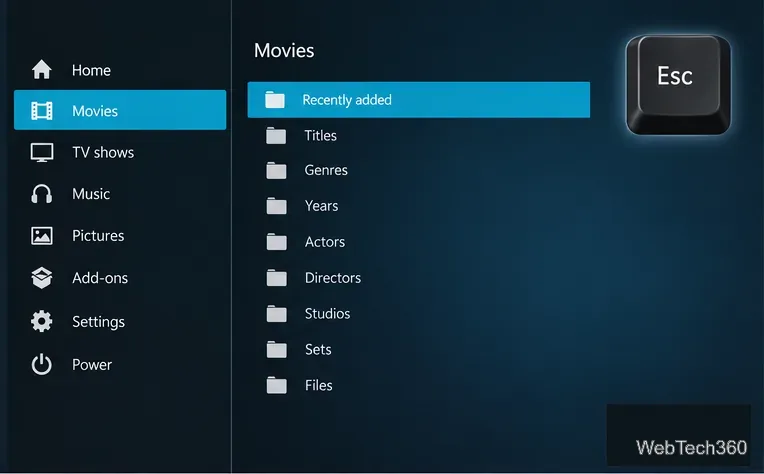
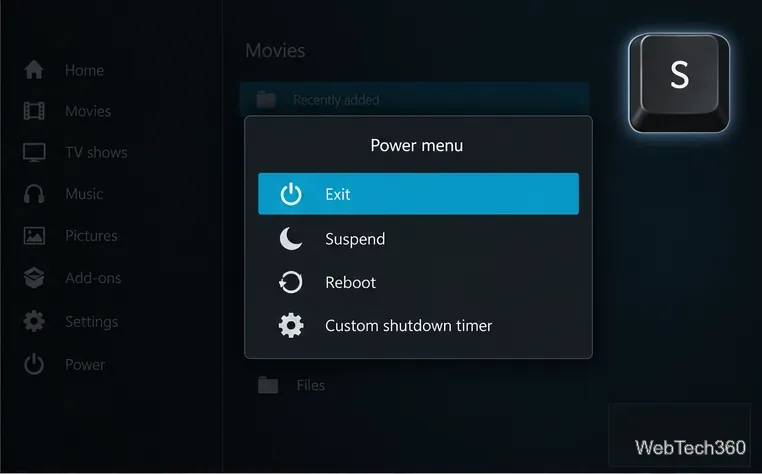
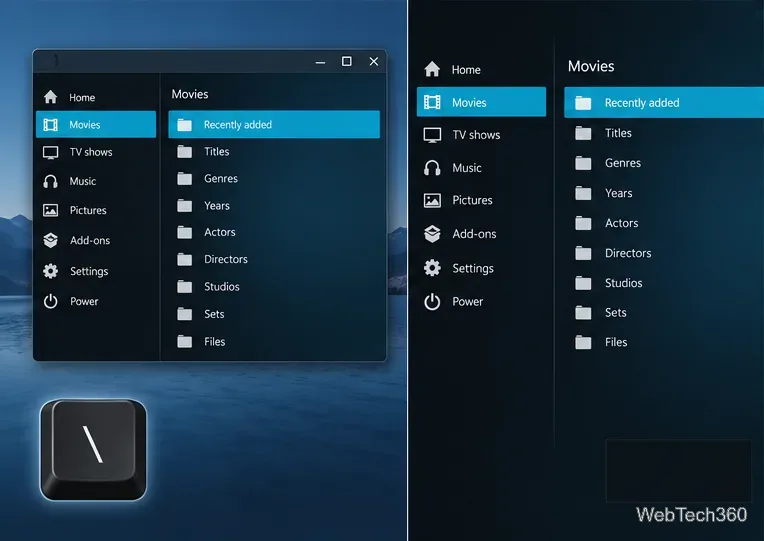
One commonly repeated shortcut claim is incorrect: Z does not change video resolution or aspect ratio. Kodi’s keyboard reference assigns Z to display information. Use the playback on-screen display and video settings for picture and scaling options; available controls vary by file, hardware, and skin.
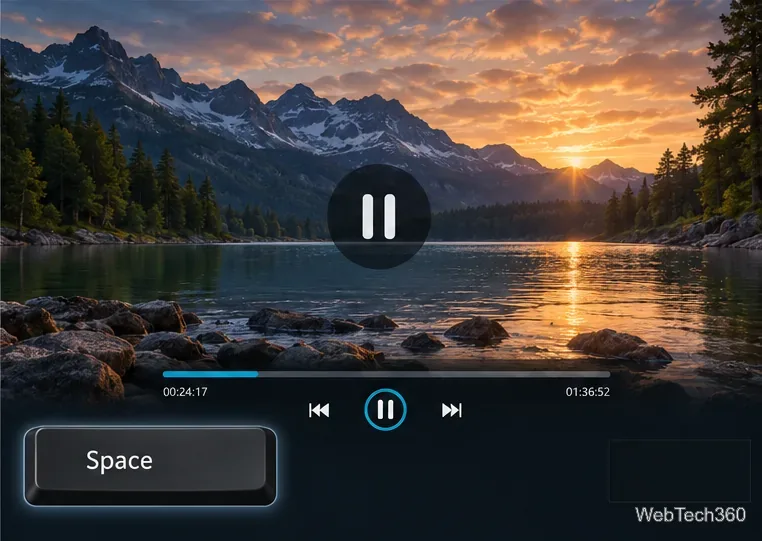
Audio delay changes sync for the current playback session; it does not repair the media file itself. If the audio option has no effect, the output device or audio passthrough settings may be controlling volume outside Kodi.
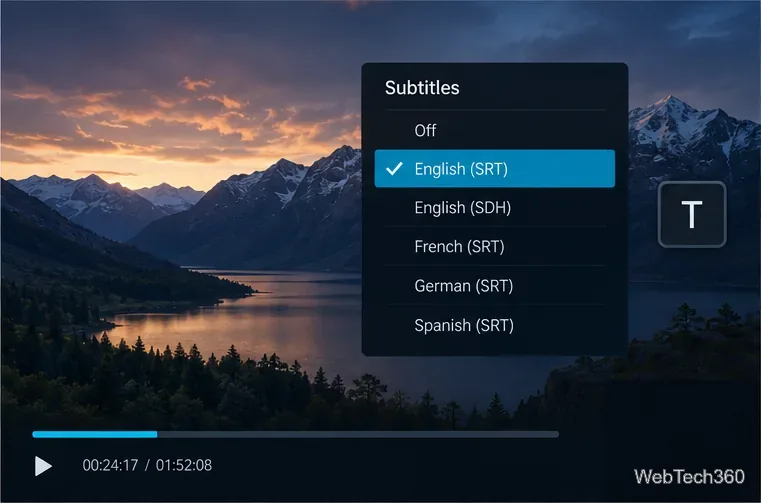
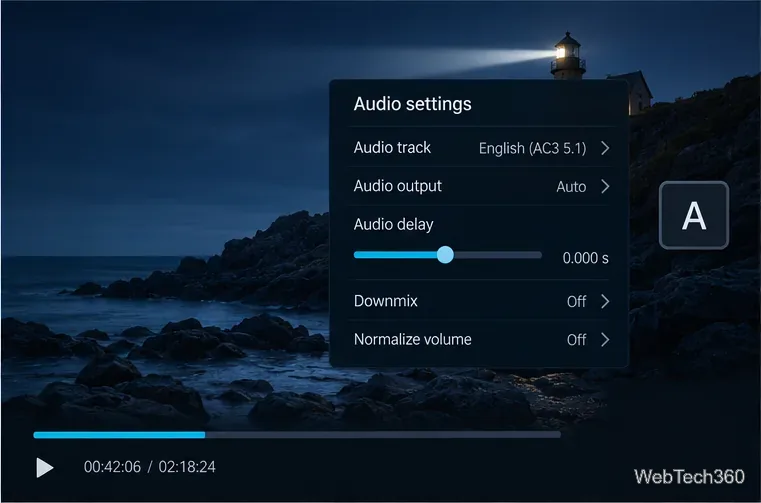
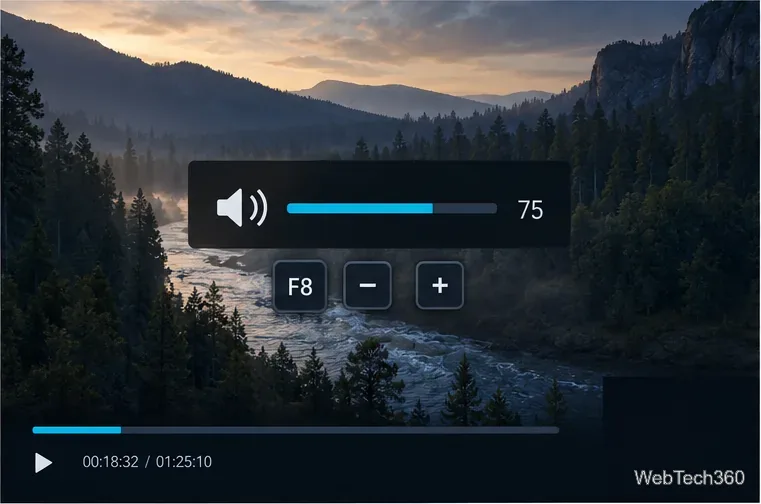
When a Live TV or PVR service is configured, these keys open its common screens:
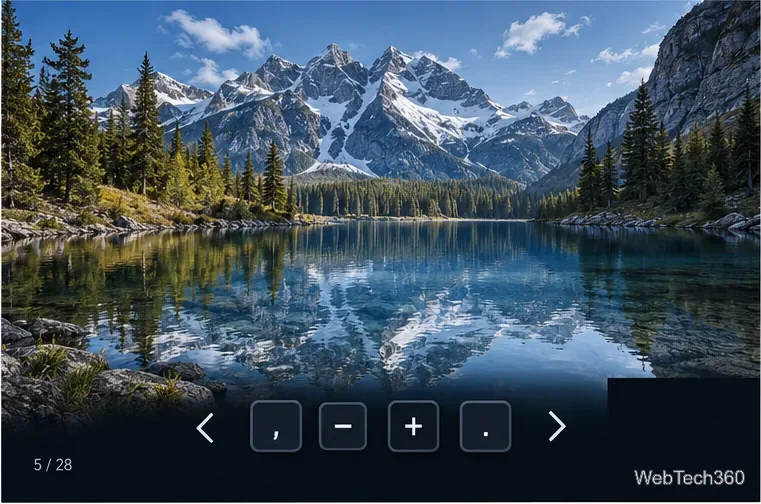
In Kodi’s picture slideshow, Period advances to the next photo and Comma returns to the previous one. Plus zooms in, Minus zooms out, and 0 returns to normal zoom. Press R to rotate the displayed picture. These picture-specific actions apply while the slideshow viewer is active.
Kodi’s platform notes list Command + Q to quit on Mac, Command + H to hide, Command + M to minimize, Command + F to toggle fullscreen, and Command + S to take a screenshot. macOS or another window manager may intercept some combinations, so their behavior can vary by setup. Kodi also lists Ctrl + S and Print Screen for screenshots; the save location or handoff depends on the platform.
For custom bindings, Kodi uses XML keymap files. User changes belong in the profile’s userdata/keymaps folder; Kodi’s installed default files should not be edited directly. A custom mapping can add to or override the default, which explains why a shortcut may behave differently between two installations.
keyboard.xml.Kodi’s official keyboard-controls page notes its list was updated for v14. Verify less common bindings against the keymap for your installed version. See the Kodi keyboard-controls reference, the default keyboard.xml in Kodi’s source repository, and the Kodi keymap guide.
Learn how to uninstall a Kodi repository safely, remove its saved source URL separately, and check which installed add-ons or dependencies you still need.
Find the safest way to watch live tennis with Kodi: learn what iPlayer WWW can stream, how to find licensed coverage, and which add-ons to avoid.
Learn how to watch movies on Kodi from your computer, USB drive, or NAS, add online video services, and fix missing titles with clear setup steps.
Set a Kodi Master Lock PIN, protect selected menus, and create a separate kids’ profile with media sources you choose.
Find the authorized stream for your country, check whether its provider supports Kodi, and watch a boxing PPV on your TV without relying on outdated add-ons.
Compare five Kodi skins in the official Omega catalog, then follow the current Settings path to install one, customize it, or switch back.
Looking for the 1Channel Kodi add-on? Learn why old PrimeWire installation guides are unreliable and how to install a supported video add-on safely.
Enable Kodi’s Chorus2 web interface, control your media from any browser, and learn how to connect remotely without exposing Kodi to the Internet.
Follow the original Nemesis Kodi installation process, learn what changed with Stream Army, and avoid outdated repository and PIN instructions.
Download Kodi safely on Windows using the official installer or Microsoft Store, then add your media library and set up trusted add-ons.








