Watch Rai TV Outside Italy: How RaiPlay Access Works Abroad

Watch Rai TV Outside Italy: How RaiPlay Access Works Abroad

You can open RaiPlay outside Italy, but the full Italian lineup is not guaranteed to play abroad. Rai's online catalog and live streams are subject to territorial rights, so availability varies by program and country. Start with the official RaiPlay site and check the specific title. If it is restricted, a VPN connection to an Italian server may help in some cases, but it cannot grant rights or guarantee that RaiPlay will accept the connection.

Why RaiPlay blocks some programs abroad

RaiPlay is Rai's official streaming service for live channels and on-demand shows. Some pages load worldwide while an individual video may not. Rai's Rai Uno FAQ explains that rights for some programs—especially films and sporting events—may cover Italy only. A broadcaster can therefore show one program internationally while limiting another, even on the same channel.

Traveling within the European Union does not automatically remove this restriction. EU rules require portability for paid online content subscriptions during temporary travel, but providers can choose whether to extend the same access to free services. RaiPlay offers free content, so check RaiPlay's own availability for each program rather than assuming the paid-service rule applies.

If you want programming selected for viewers abroad, open the Rai Italy section on RaiPlay. It has an international catalog, including English-language news. The lineup is not a mirror of every Rai channel or Italian-only title. Rai Italia is also distributed through regional TV and streaming partners; Rai Com's international channel page is a starting point for checking local availability.

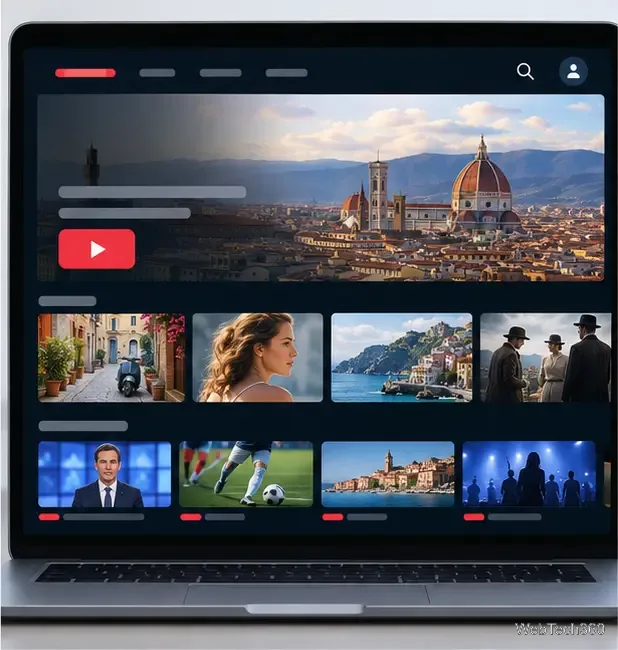
A laptop displays an Italian streaming catalog with live and on-demand video rows.
Illustrative streaming catalog; available titles vary by location and rights.

How to try RaiPlay from outside Italy

  1. Check the title without a VPN first. Visit RaiPlay, search for the show or channel, and try the video. Check the Rai Italy section too. This confirms whether the program is already available in your country and avoids extra setup when it is not needed.
  2. If appropriate, connect through an Italian VPN server. Install a reputable VPN from the provider's official website or your device's app store. Choose Italy in the location list, connect, and wait until the app confirms the connection. A VPN routes your traffic through its server and gives websites an Italian exit IP address. RaiPlay may still recognize or block VPN traffic, and the title's rights restriction still applies. Follow local law and the service's terms.
  3. Open RaiPlay after connecting. Refresh the browser or fully close and reopen the app, then sign in. Rai provides a free account that works across phones, tablets, computers, and smart TVs. Its account help says registration must be completed on a phone, tablet, or computer; you cannot create the account on a smart TV. See Rai's account and registration guide for current steps.
  4. Select a live channel or on-demand program. Use RaiPlay's “In Diretta” area for available live streams, or open the program page and choose an episode. Availability can still vary by title. If you are watching on a TV, you may need to install the official RaiPlay app and sign in there after creating your account on another device.
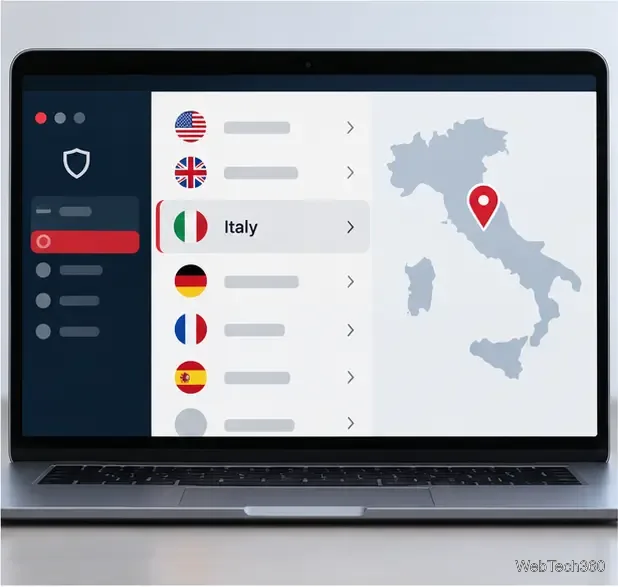
A laptop shows a generic VPN server list with Italy highlighted and a map pin over the country.
Illustrative VPN server list; labels and controls vary by provider.
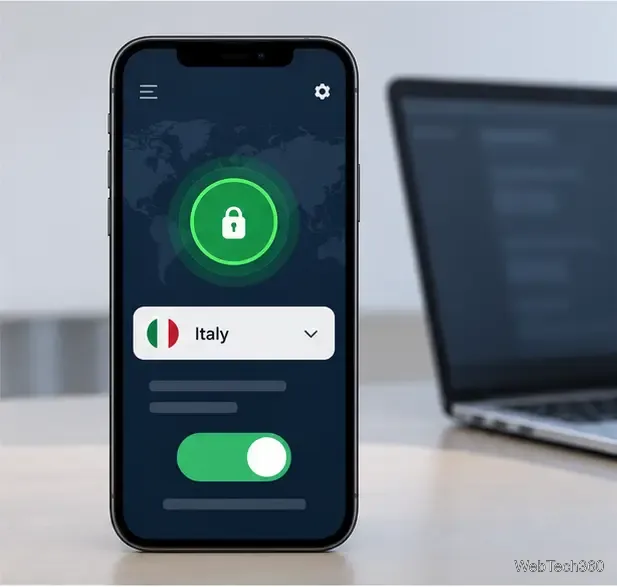
A phone displays a generic VPN app connected to Italy with a green status indicator.
Confirm the connection before opening RaiPlay.
A tablet video player appears above a help card with a globe icon and support symbol.
Illustrative player and help panel; RaiPlay messages vary by title.

If a video still will not play

  • Only one title fails: it may be subject to Italy-only rights. Try another program and check RaiPlay's international selection or Rai Italia through a local partner.
  • The whole service fails: confirm the VPN says connected to Italy, then reload RaiPlay. If needed, try one other Italian server from the same provider. A different server may have a different IP address, but success is not assured.
  • You see an old location or a login loop: close RaiPlay, clear its site data or app cache, reopen it after the VPN is connected, and sign in again. This can refresh a stale session; it will not override content rights.
  • Playback is choppy: test your regular connection and another available stream. VPN routing can add distance and congestion, so video quality may fall even when access works.

For account, device, or playback faults, use the official RaiPlay site and help links. Avoid old Bennu or Rai On Demand ZIP instructions from the previous version of this guide: they rely on third-party Kodi add-ons rather than a Rai-supported app. Kodi itself distinguishes its reviewed official repository from third-party add-ons, and the old Rai add-on route is not verified here as maintained or authorized. Do not install a ZIP from an unknown repository just to reach a stream.

In short: use RaiPlay's own site or app first, and expect access to vary by program and location. An Italian VPN server is only a possible connection workaround; Rai Italy, Rai Italia, and official regional distributors are the dependable alternatives to check when a particular broadcast remains unavailable.

Leave a Comment

How to Uninstall Kodi Repositories the Right Way

How to Uninstall Kodi Repositories the Right Way

Learn how to uninstall a Kodi repository safely, remove its saved source URL separately, and check which installed add-ons or dependencies you still need.

Live Tennis on Kodi: Best Add-Ons and Legal Ways to Watch

Live Tennis on Kodi: Best Add-Ons and Legal Ways to Watch

Find the safest way to watch live tennis with Kodi: learn what iPlayer WWW can stream, how to find licensed coverage, and which add-ons to avoid.

How to Watch Movies on Kodi: A Complete Beginner’s Tutorial

How to Watch Movies on Kodi: A Complete Beginner’s Tutorial

Learn how to watch movies on Kodi from your computer, USB drive, or NAS, add online video services, and fix missing titles with clear setup steps.

How to Turn On Kodi Parental Controls and Lock a Kids’ Profile

How to Turn On Kodi Parental Controls and Lock a Kids’ Profile

Set a Kodi Master Lock PIN, protect selected menus, and create a separate kids’ profile with media sources you choose.

How to Watch Boxing PPV Streams on Kodi—Legally and Reliably

How to Watch Boxing PPV Streams on Kodi—Legally and Reliably

Find the authorized stream for your country, check whether its provider supports Kodi, and watch a boxing PPV on your TV without relying on outdated add-ons.

5 Best Kodi Skins and How to Change Kodi’s Look in Minutes

5 Best Kodi Skins and How to Change Kodi’s Look in Minutes

Compare five Kodi skins in the official Omega catalog, then follow the current Settings path to install one, customize it, or switch back.

1Channel Kodi Add-on: Can You Still Install It for Movies and TV Shows?

1Channel Kodi Add-on: Can You Still Install It for Movies and TV Shows?

Looking for the 1Channel Kodi add-on? Learn why old PrimeWire installation guides are unreliable and how to install a supported video add-on safely.

How to Control Kodi With the Web Interface, at Home or Away

How to Control Kodi With the Web Interface, at Home or Away

Enable Kodi’s Chorus2 web interface, control your media from any browser, and learn how to connect remotely without exposing Kodi to the Internet.

Nemesis Kodi Add-on: How to Install It and Check Availability

Nemesis Kodi Add-on: How to Install It and Check Availability

Follow the original Nemesis Kodi installation process, learn what changed with Stream Army, and avoid outdated repository and PIN instructions.

How to Download and Set Up Kodi on Windows

How to Download and Set Up Kodi on Windows

Download Kodi safely on Windows using the official installer or Microsoft Store, then add your media library and set up trusted add-ons.