10 Best Ping Sweep Tools for Finding Devices on Your Network
Compare 10 ping sweep tools for quick LAN discovery, cross-platform scanning, and IP address management. Learn what a sweep can—and can’t—tell you.
For a quick list of devices on a small LAN, start with Angry IP Scanner or Fing Desktop. For deeper host discovery and port checks, consider Nmap or SoftPerfect Network Scanner. If you need a maintained business inventory or IP address management, compare Lansweeper, ManageEngine OpUtils, and SolarWinds IP Address Manager. The best network scanner depends on whether you need a one-time device check, a technical scan, or an ongoing IP inventory.
This shortlist is organized by use case rather than lab performance. Scan only networks you own or are authorized to administer.
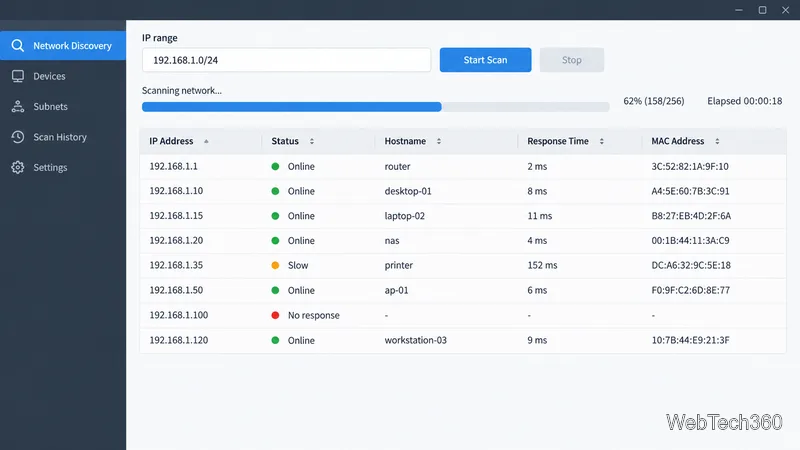
A scanner sends probes to an IP range and records responses. Depending on the tool and configuration, it may use ARP on the local network, ICMP echo requests, TCP checks, SNMP, or authenticated queries. A ping-only scan is not a complete inventory: a firewall, client isolation, a sleeping device, or a different VLAN can prevent a host from replying. Nmap documents several discovery methods and lets you separate host discovery from port scanning.
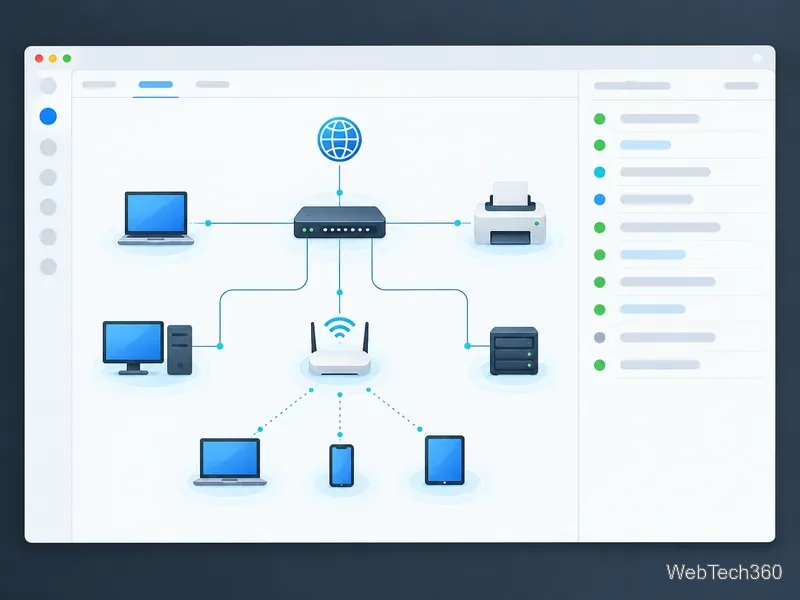
Nmap is the most configurable option for administrators who need host discovery and optional port or service checks. It runs on Windows, macOS, and Linux. Its discovery-only mode identifies responding hosts without continuing to a port scan.
Angry IP Scanner is free and open-source, and runs on Windows, macOS, and Linux. It scans IP ranges and ports, displays results in a table, and supports plug-ins for extra host details—useful for quick checks without centralized inventory.
Advanced IP Scanner is a Windows LAN utility that shows discovered devices and MAC addresses and exports results to CSV. Choose it for a quick desktop scan; it is not a cross-platform inventory service.
SoftPerfect Network Scanner runs on Windows, macOS, and Linux, with IPv4 and IPv6 support. It can query devices through SNMP, WMI, HTTP, SSH, and PowerShell, making it suitable when a simple responding-host list is not enough.
Fing Desktop provides home-network discovery and troubleshooting on Windows and macOS, free for personal use. Continuous monitoring and advanced security checks require a subscription, so verify current plan details if you need 24/7 alerts.
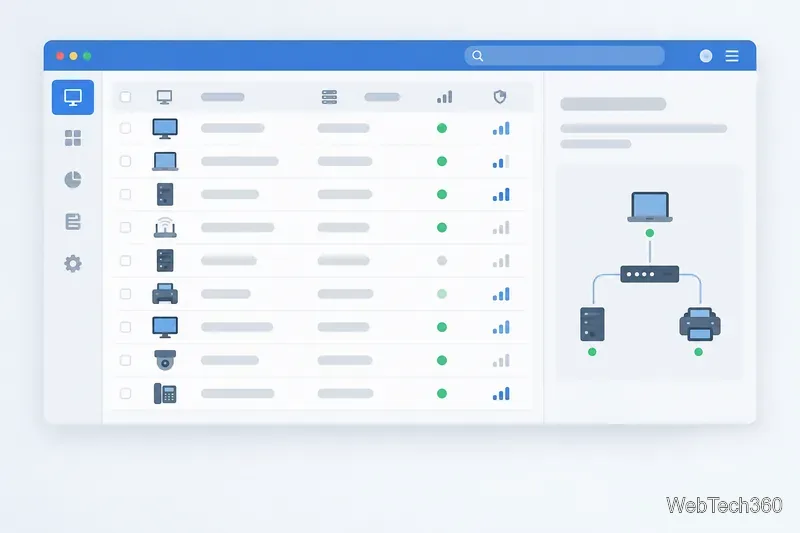
Lansweeper Network Discovery targets ongoing IT, OT, and IoT asset inventory. Its IT/OT sensors scan defined IP ranges; a separate traffic sensor passively detects devices on visible network segments. It suits business inventories, not a one-off home scan.
ManageEngine OpUtils combines scanning with IP and switch-port management. It supports IPv4/IPv6 and enriches results with MAC, DNS, status, and response details. Choose it for centralized, recurring tracking across subnets.
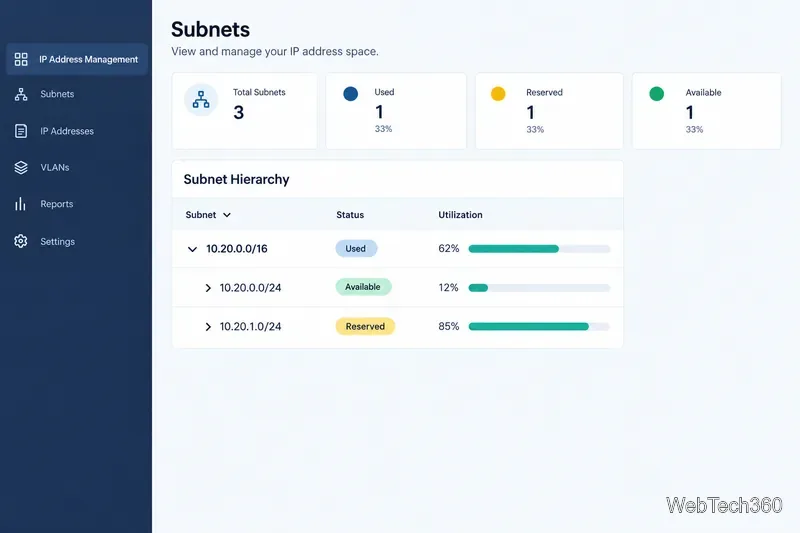
SolarWinds IP Address Manager automates IP tracking and adds DHCP/DNS management, subnet discovery, utilization views, and conflict alerts. It fits administrators maintaining address space over time, not a quick scan of one Wi-Fi network.
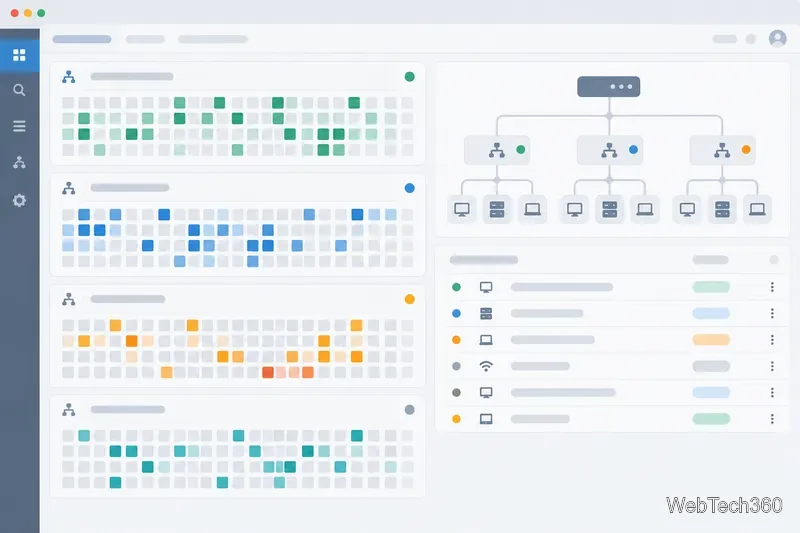
arp-scan uses ARP to discover IPv4 hosts on a local network and supports Linux, BSD, macOS, and Solaris. It is a focused command-line tool; ARP cannot cross routers to other subnets.
Netdiscover is a Kali Linux active/passive ARP scanner. It can listen for ARP traffic or send requests to find local hosts. It suits authorized lab checks, not general asset inventory.
Before scanning, confirm the approved IP ranges and the device where the scanner should run. A scan launched from one VLAN may not see devices on another. Compare the results with authoritative records such as DHCP leases, switch data, or an existing asset system, and investigate unexpected devices through your normal process. A single scan is a snapshot, not proof that every device has been found or that an unlisted device is unauthorized.
Compare 10 ping sweep tools for quick LAN discovery, cross-platform scanning, and IP address management. Learn what a sweep can—and can’t—tell you.
Compare six network management tools for performance monitoring, including SNMP coverage, mapping, alerts, deployment models, and cost tradeoffs.
Compare Wi-Fi analyzer picks for Windows, iPhone, and Android, including tools for channel congestion, signal coverage, heat maps, and network troubleshooting.
Compare seven free, open-source ping monitors, from full network suites to focused latency probes, and choose the right fit for availability, packet loss, and history.
Learn what QoS means in networking, how DSCP markings and traffic queues prioritize voice, video, and business applications, and what QoS cannot fix.
Compare reliable SFTP server software for Windows and Linux, including OpenSSH, Bitvise, SolarWinds, and SFTPGo. Find the right fit for your security and file-transfer needs.
Compare seven IP address manager tools for subnet discovery, DNS and DHCP coordination, network inventory, and open-source IPAM.
Build practical network monitoring with clear device coverage, useful performance metrics, actionable alerts, and a comparison of SolarWinds NPM, PRTG, and OpManager.
Compare network scanner tools for quick device discovery, cross-platform IP scans, and enterprise IPAM, with guidance on matching each option to your network.
Use Nmap’s --traceroute option to map hops to an authorized host, understand hop and RTT output, and troubleshoot missing responses without over-scanning.