10 Best Ping Sweep Tools for Finding Devices on Your Network
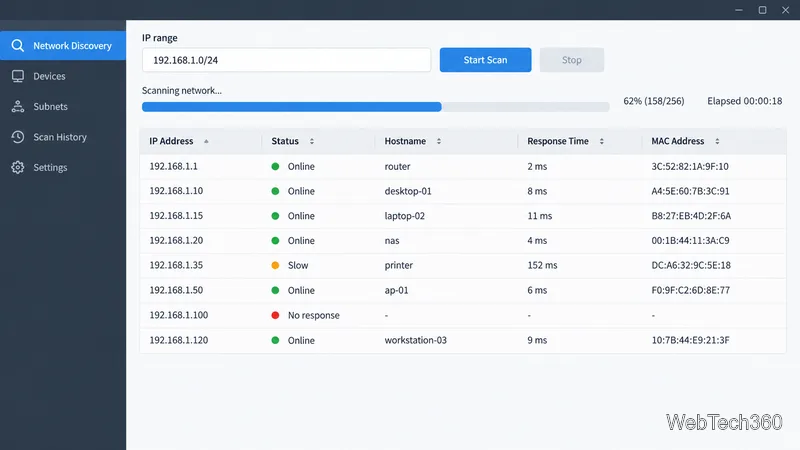
Compare 10 ping sweep tools for quick LAN discovery, cross-platform scanning, and IP address management. Learn what a sweep can—and can’t—tell you.
For an all-around ping monitor, start with Zabbix or LibreNMS; choose SmokePing when long-term latency and packet-loss graphs matter most, or Prometheus Blackbox Exporter if you already use Prometheus. The best fit depends on whether you need a simple up/down check or a broader network monitoring platform.
These seven free, open-source tools cover both needs. The list focuses on projects with documented ICMP monitoring, rather than including paid products or time-limited trials.
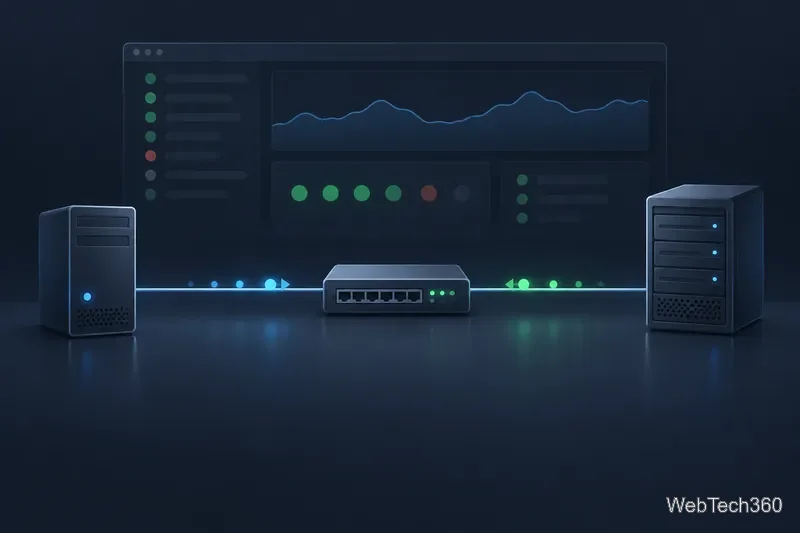
Ping sends an ICMP Echo Request and waits for an Echo Reply, recording whether a response arrived and how long the round trip took. ICMP defines these request and reply messages; the monitor sees only the path between itself and the target, not the health of every service on that target. See the RFC Editor’s ICMP specification.
A server can answer ping while its website, database, or application is failing. Conversely, a firewall or host policy can block or deprioritize ICMP even when the service works. Treat a missed reply as a signal to investigate, not proof of a complete outage. For user-facing services, pair ping with a TCP-port, HTTP, DNS, or application check.
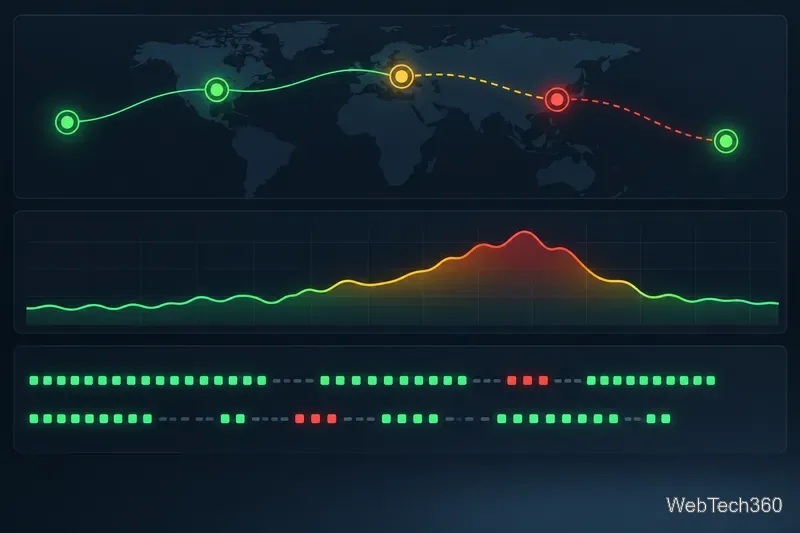
Best for: One platform for network, server, and service monitoring. Zabbix’s simple checks include ICMP reachability, packet loss, retry count, and response-time items. Its server or proxy uses the separate fping utility, so install it and confirm the Zabbix process has the required permissions before relying on the checks. Zabbix ICMP check documentation.
Best for: Monitoring SNMP-capable routers, switches, and other network devices, with ICMP availability alongside device metrics. LibreNMS also supports ping-only devices. Its optional fast-ping path is useful for quicker up/down status, but that path does not measure average response time or packet loss; use the regular polling graphs or another check when those measurements matter. LibreNMS ping-only device setup and fast ping documentation.
Best for: Teams that want an open-source monitoring engine and are comfortable configuring checks. Nagios Core schedules checks, evaluates thresholds, and sends notifications; the official Nagios Plugins package includes check_ping for ICMP response time and packet loss. Core is flexible, but expect more manual setup than with an all-in-one appliance-style tool. Nagios Core and official plugins.
Best for: Configurable host and service monitoring with alert retries. Icinga’s hostalive check uses ping, and its check templates expose warning and critical thresholds for round-trip time and packet loss. You can also add TCP or application checks to the same host, which helps distinguish a reachable machine from a healthy service. Icinga monitoring basics and check command reference.
Best for: Free, open-source monitoring of SNMP-capable network devices when you want interface and device data in addition to reachability. Observium Community is distributed under its QPL open-source license. Check the edition boundary before choosing it for standalone targets: Observium documents ping-only monitoring of non-SNMP hosts as a subscription feature. Observium editions and Community details and ping-only host feature requirements.
Best for: Finding changes in latency over time. SmokePing stores and graphs latency, latency variation, and packet loss, and supports master/slave deployments that probe a target from multiple locations. It is a focused measurement and graphing tool rather than a full infrastructure inventory system. SmokePing features and documentation.
Best for: Prometheus users who want to probe endpoints over ICMP as well as HTTP, DNS, TCP, or gRPC. The exporter exposes probe metrics; pair it with Prometheus to scrape, store, query, graph, and alert on them. It is a building block, not a standalone monitoring dashboard. Blackbox Exporter documentation and source.
A ping monitor reports connectivity from the machine running the check. If users connect from several networks or regions, probes from more than one location can reveal a routing or access problem that a single central monitor misses.
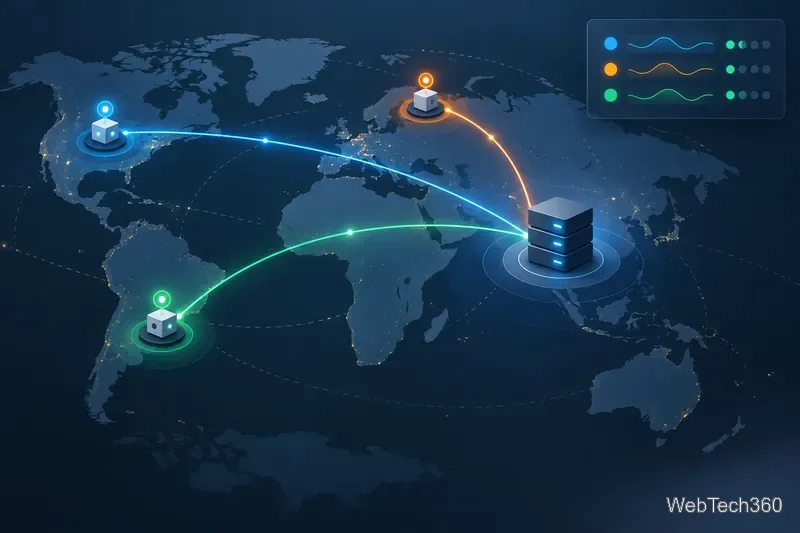
Before enabling alerts, confirm that the target and network allow the relevant ICMP traffic. Set thresholds from your normal baseline, allow a suitable number of retries to reduce noise from one dropped packet, and document maintenance windows. If ping fails, compare from another vantage point and test the actual service port or URL. If ping succeeds but users still report errors, move up the stack to DNS, TLS, HTTP, or application-level monitoring.
For a broad free monitoring system, shortlist Zabbix and LibreNMS. For classic plugin-based checks, compare Nagios Core with Icinga 2. For latency history, use SmokePing; for Prometheus environments, use Blackbox Exporter. Choose Observium Community when SNMP device visibility is the priority and its edition limits match your targets.
Compare 10 ping sweep tools for quick LAN discovery, cross-platform scanning, and IP address management. Learn what a sweep can—and can’t—tell you.
Compare six network management tools for performance monitoring, including SNMP coverage, mapping, alerts, deployment models, and cost tradeoffs.
Compare Wi-Fi analyzer picks for Windows, iPhone, and Android, including tools for channel congestion, signal coverage, heat maps, and network troubleshooting.
Compare seven free, open-source ping monitors, from full network suites to focused latency probes, and choose the right fit for availability, packet loss, and history.
Learn what QoS means in networking, how DSCP markings and traffic queues prioritize voice, video, and business applications, and what QoS cannot fix.
Compare reliable SFTP server software for Windows and Linux, including OpenSSH, Bitvise, SolarWinds, and SFTPGo. Find the right fit for your security and file-transfer needs.
Compare seven IP address manager tools for subnet discovery, DNS and DHCP coordination, network inventory, and open-source IPAM.
Build practical network monitoring with clear device coverage, useful performance metrics, actionable alerts, and a comparison of SolarWinds NPM, PRTG, and OpManager.
Compare network scanner tools for quick device discovery, cross-platform IP scans, and enterprise IPAM, with guidance on matching each option to your network.
Use Nmap’s --traceroute option to map hops to an authorized host, understand hop and RTT output, and troubleshoot missing responses without over-scanning.