10 Best Ping Sweep Tools for Finding Devices on Your Network
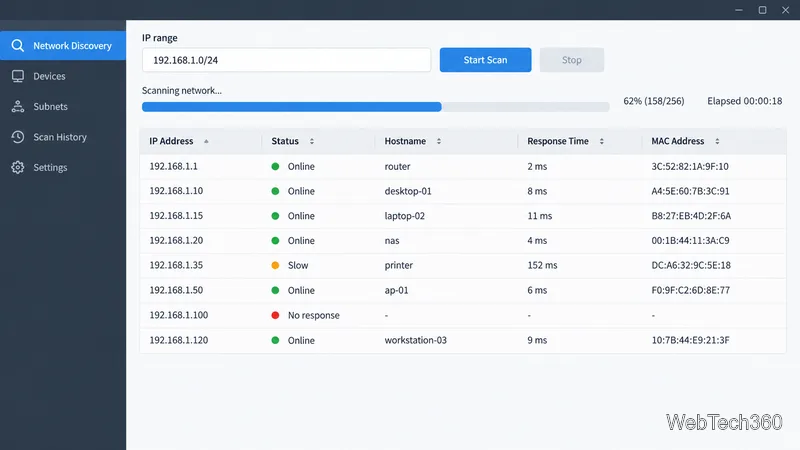
Compare 10 ping sweep tools for quick LAN discovery, cross-platform scanning, and IP address management. Learn what a sweep can—and can’t—tell you.
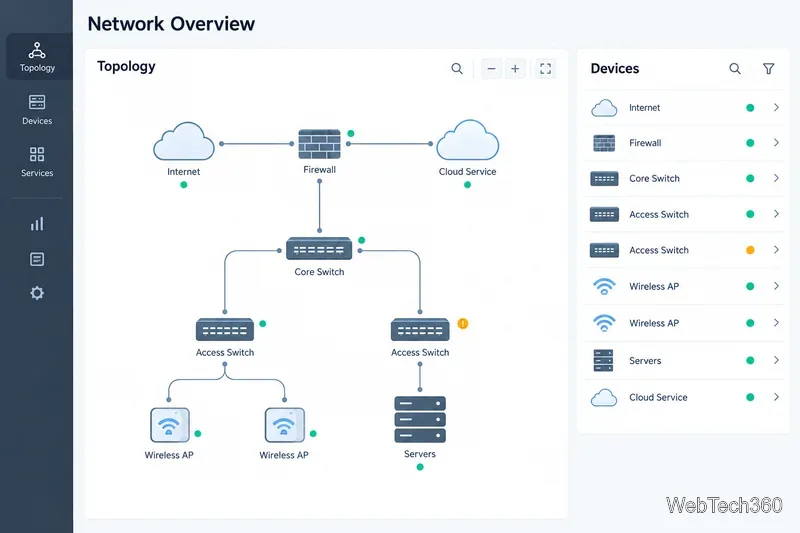
Use network management software to watch link availability, latency, packet loss, interface utilization, and device health in one place. For a mixed network, compare SolarWinds Network Performance Monitor (NPM), Paessler PRTG, ManageEngine OpManager, WhatsUp Gold, Auvik, and Zabbix. Your best fit depends on device coverage, deployment, and how much alert tuning your team can manage.
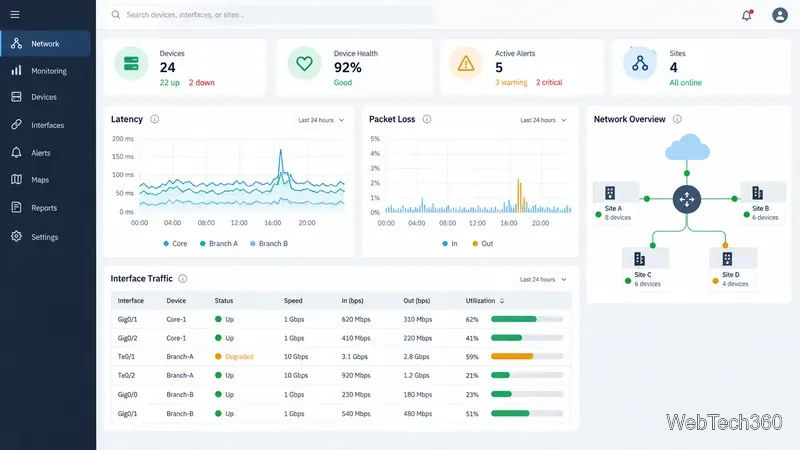
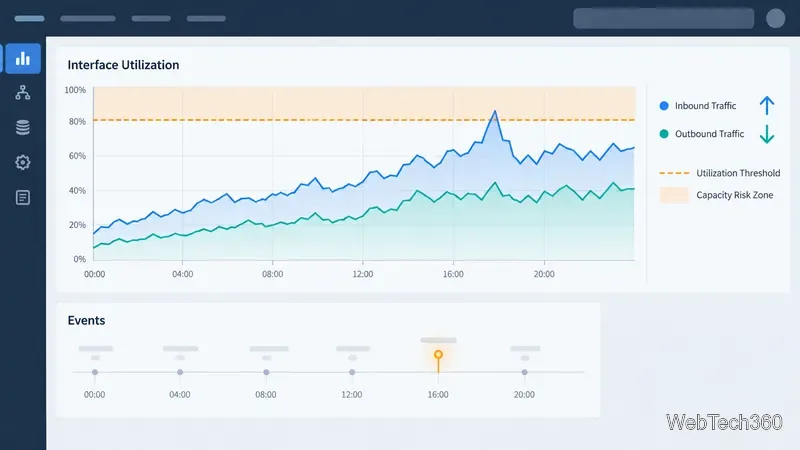
Start with metrics that explain what users experience and where the bottleneck sits:
SNMP is common, but monitoring suites also use ICMP, flow data, agents, and vendor APIs. The IETF architecture defines SNMP; metrics and templates still vary by tool and device. Polling samples data at an interval, while notifications can send events between polls. Prefer SNMPv3 security where devices support it, and restrict credentials and collector access.
| Tool | Good fit | Check before choosing |
|---|---|---|
| SolarWinds NPM | Large, multi-vendor networks and path troubleshooting | Self-hosted platform requirements and licensing |
| Paessler PRTG | Teams that want broad monitoring from one sensor-based system | How many sensors each device and metric will consume |
| ManageEngine OpManager | Device discovery, maps, and operational dashboards | Which edition includes the features you need |
| WhatsUp Gold | Visual network status and topology monitoring | Package and add-on coverage for advanced monitoring |
| Auvik | Cloud-managed visibility across sites or customer networks | Collector placement, credentials, and data flow |
| Zabbix | Teams seeking a highly configurable open-source platform | Setup, tuning, hosting, and ongoing administration |
SolarWinds NPM targets multi-vendor routers, switches, firewalls, and wireless infrastructure. Product documentation covers discovery and SNMP monitoring; NetPath provides hop-by-hop views to services. It runs on the self-hosted SolarWinds Platform, so verify server sizing, licensing, and maintenance needs before a pilot. See the NPM overview and administrator guide.
PRTG meters monitoring in sensors, where a sensor measures one aspect such as device status or an interface metric. Count needed sensors rather than devices. Paessler offers a free edition up to 100 sensors and a 30-day trial with unrestricted sensors and full monitoring features. Review the PRTG Network Monitor details before sizing a deployment.
OpManager combines SNMP device monitoring with discovery and topology maps. ManageEngine documents dashboards and alerts for routers, switches, WAN links, wireless equipment, and more. It fits teams that want a traditional network-operations console. Check current editions for required features and deployment options. See the OpManager overview and mapping documentation.
Progress WhatsUp Gold pairs device availability and performance monitoring with discovery, alerts, and an interactive topology map. It suits teams that prefer map-led operations. Check current package and add-on coverage if you also need traffic analysis, virtualization monitoring, or other modules. See Progress WhatsUp Gold and the product help.
Auvik is a cloud-managed service for visibility across sites. Its collector gathers network information, with SNMP the primary method for identifying and monitoring devices. Automated maps and traffic details can aid troubleshooting; discovery and metrics may be less complete where SNMP access or credentials are limited. Confirm collector placement, access, and data flow. Read the Auvik overview and its discovery and topology notes.
Zabbix offers an open-source self-managed platform and a hosted service. Its network documentation covers SNMP metrics and traps, agent data, and discovery. It suits teams that need control over templates, triggers, dashboards, and deployment, and can maintain the stack. The license may be free, but hosting, configuration, upgrades, and support take resources. Check the network-monitoring documentation and open-source details.
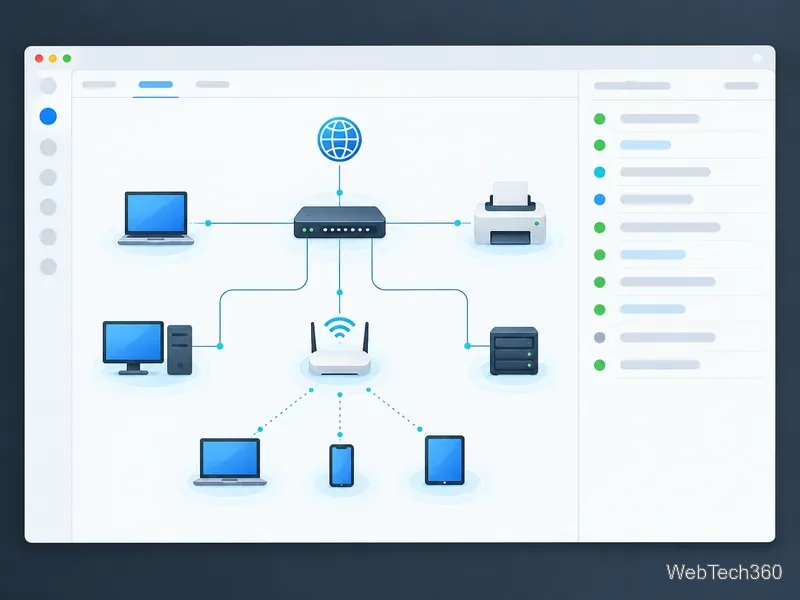
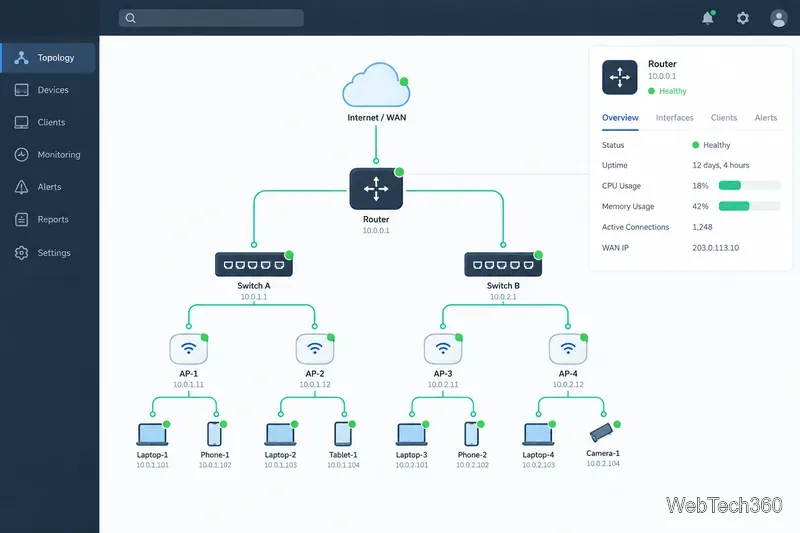
Compare products with the same devices and monitoring goals during a trial or proof of concept. A network map is useful for context, but accurate performance alerts and enough history to diagnose recurring problems matter just as much.
Compare 10 ping sweep tools for quick LAN discovery, cross-platform scanning, and IP address management. Learn what a sweep can—and can’t—tell you.
Compare six network management tools for performance monitoring, including SNMP coverage, mapping, alerts, deployment models, and cost tradeoffs.
Compare Wi-Fi analyzer picks for Windows, iPhone, and Android, including tools for channel congestion, signal coverage, heat maps, and network troubleshooting.
Compare seven free, open-source ping monitors, from full network suites to focused latency probes, and choose the right fit for availability, packet loss, and history.
Learn what QoS means in networking, how DSCP markings and traffic queues prioritize voice, video, and business applications, and what QoS cannot fix.
Compare reliable SFTP server software for Windows and Linux, including OpenSSH, Bitvise, SolarWinds, and SFTPGo. Find the right fit for your security and file-transfer needs.
Compare seven IP address manager tools for subnet discovery, DNS and DHCP coordination, network inventory, and open-source IPAM.
Build practical network monitoring with clear device coverage, useful performance metrics, actionable alerts, and a comparison of SolarWinds NPM, PRTG, and OpManager.
Compare network scanner tools for quick device discovery, cross-platform IP scans, and enterprise IPAM, with guidance on matching each option to your network.
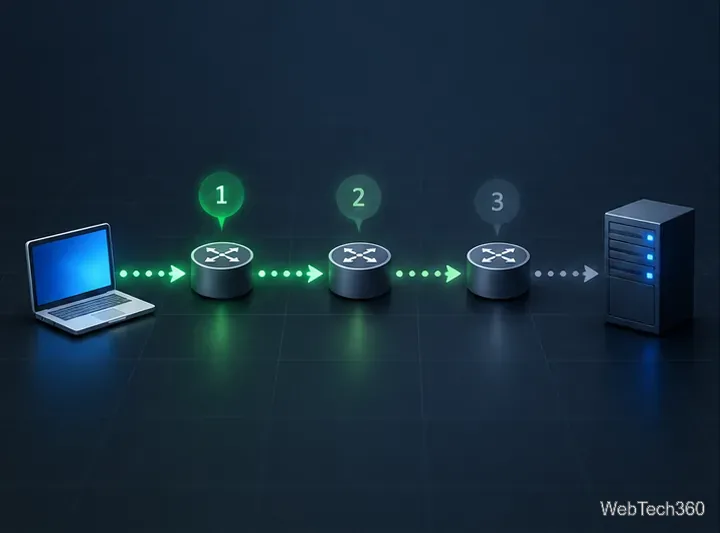
Use Nmap’s --traceroute option to map hops to an authorized host, understand hop and RTT output, and troubleshoot missing responses without over-scanning.