10 Best Ping Sweep Tools for Finding Devices on Your Network
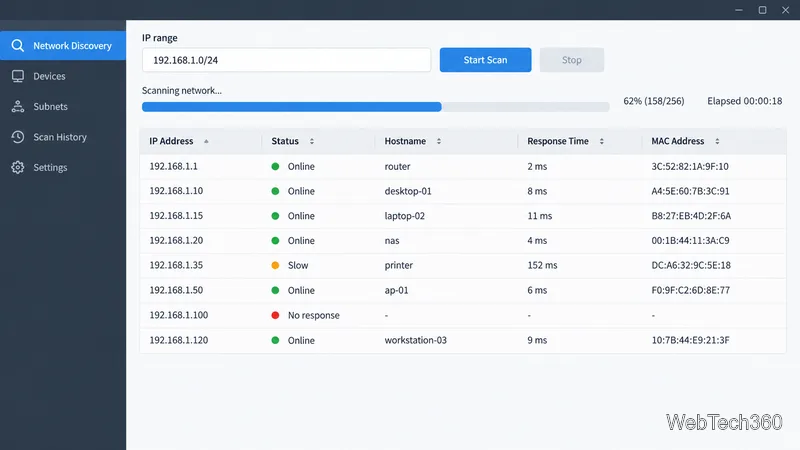
Compare 10 ping sweep tools for quick LAN discovery, cross-platform scanning, and IP address management. Learn what a sweep can—and can’t—tell you.
If you need an SFTP server, start with OpenSSH for a small setup on Linux or Windows. Choose Bitvise when Windows administration controls matter, SolarWinds SFTP/SCP Server for a simple free Windows service with a 4 GB file limit, or SFTPGo when you need cross-platform user management, a web console, or cloud storage backends. These picks reflect current vendor documentation and intended use; they are not a lab performance ranking.
SFTP transfers files through the SSH protocol. Authentication, commands, and file data travel inside the encrypted SSH connection. A typical server listens on TCP port 22, although administrators can configure another port. FTPS is FTP secured with TLS, a different protocol with separate control and data connections; it can need additional firewall configuration. Plain FTP encrypts neither credentials nor file contents. Confirm which protocol your partner requires before installing a server: SFTP and FTPS are not interchangeable.

For the protocol distinction, see the RFC Editor’s specification for FTP secured with TLS and the OpenSSH server configuration manual.
OpenSSH is the straightforward choice when you already manage a server through SSH. On Linux, install the distribution’s OpenSSH server package if it is not present; the SFTP subsystem is provided through the SSH daemon, so you do not need to deploy an FTP server just to accept SFTP connections. Its configuration is file-based, which suits admins comfortable with service accounts, permissions, and terminal tools.
Windows 10 (build 1809 and later), Windows 11, and supported Windows Server releases can use Microsoft’s OpenSSH Feature on Demand. Windows Server 2025 includes the component by default. Microsoft documents installation, starting the sshd service, and checking its inbound firewall rule. This route keeps the server close to Windows account and file-permission controls, but it has less of a guided management interface than dedicated Windows products. Start with Microsoft’s OpenSSH setup guide.
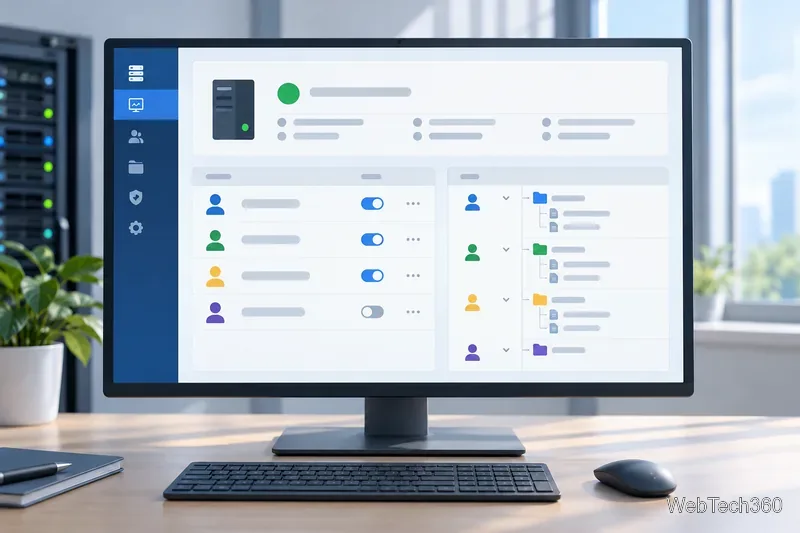
Bitvise provides a Windows-focused SSH server with SFTP support and a graphical control panel. It is a fit for teams that want more guided account and access management than a basic OpenSSH configuration. Bitvise offers a free Personal Edition only for an individual’s non-commercial use; organizational or commercial use requires a license. Its official pricing page currently lists a per-installation license at $99.95, before applicable tax, so confirm the current Bitvise SSH Server pricing and license terms before purchasing. See the Bitvise SSH Server feature overview.
SolarWinds offers a free Windows SFTP/SCP utility that runs as a service, accepts concurrent transfers, and can restrict incoming connections to specified IP addresses or ranges. The vendor lists a 4 GB maximum file size. That makes it useful for routine network-device backups and smaller administrative transfers, but a poor match for larger files or managed file-transfer workflows. Check the SolarWinds SFTP/SCP Server feature list and download page for current details.
SFTPGo is a flexible option for Linux, Windows, and container deployments. Its open-source edition includes an administrative web interface, REST API, and support for multiple storage backends, including local filesystems and cloud storage. It can expose other protocols as well as SFTP, so enable only the services your users need. The open-source edition uses the AGPLv3 license; SFTPGo also sells a separately licensed Enterprise edition with commercial support and additional features. Review the SFTPGo project and license and its official edition and deployment information before adopting it.

Encryption protects traffic in transit, but server configuration still determines what an authenticated user can reach. Before making a service available across a network:
For most single-host deployments, OpenSSH is enough. Move to a dedicated product when its account management, user isolation, storage integrations, or support model solves a real requirement.
Compare 10 ping sweep tools for quick LAN discovery, cross-platform scanning, and IP address management. Learn what a sweep can—and can’t—tell you.
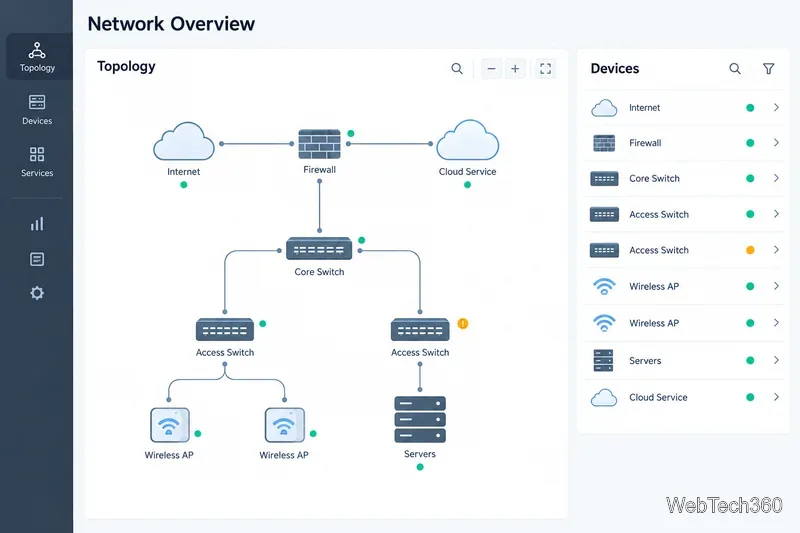
Compare six network management tools for performance monitoring, including SNMP coverage, mapping, alerts, deployment models, and cost tradeoffs.
Compare Wi-Fi analyzer picks for Windows, iPhone, and Android, including tools for channel congestion, signal coverage, heat maps, and network troubleshooting.
Compare seven free, open-source ping monitors, from full network suites to focused latency probes, and choose the right fit for availability, packet loss, and history.
Learn what QoS means in networking, how DSCP markings and traffic queues prioritize voice, video, and business applications, and what QoS cannot fix.
Compare reliable SFTP server software for Windows and Linux, including OpenSSH, Bitvise, SolarWinds, and SFTPGo. Find the right fit for your security and file-transfer needs.
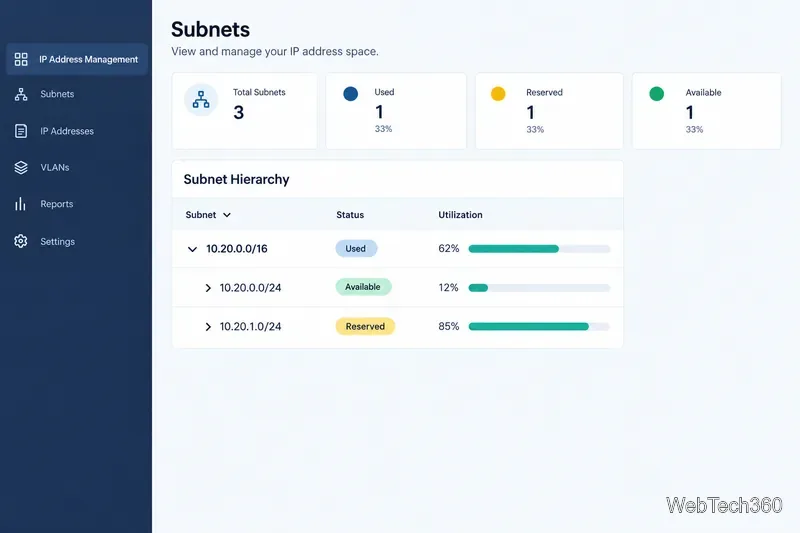
Compare seven IP address manager tools for subnet discovery, DNS and DHCP coordination, network inventory, and open-source IPAM.
Build practical network monitoring with clear device coverage, useful performance metrics, actionable alerts, and a comparison of SolarWinds NPM, PRTG, and OpManager.
Compare network scanner tools for quick device discovery, cross-platform IP scans, and enterprise IPAM, with guidance on matching each option to your network.
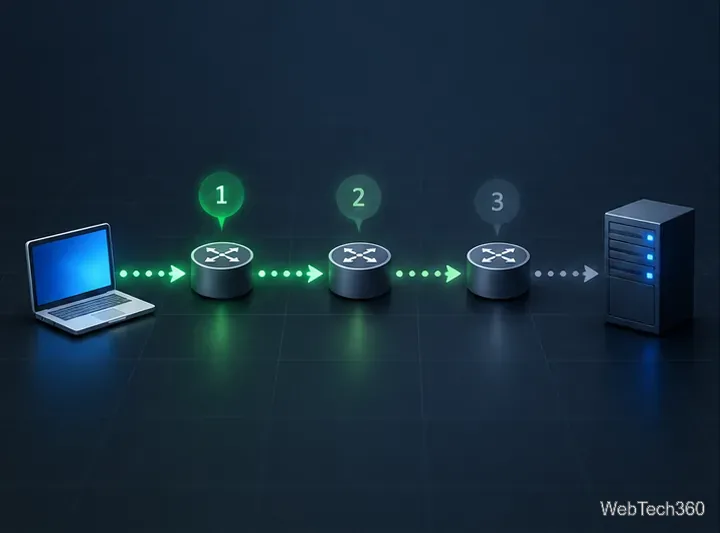
Use Nmap’s --traceroute option to map hops to an authorized host, understand hop and RTT output, and troubleshoot missing responses without over-scanning.