10 Best Ping Sweep Tools for Finding Devices on Your Network
Compare 10 ping sweep tools for quick LAN discovery, cross-platform scanning, and IP address management. Learn what a sweep can—and can’t—tell you.
To find which addresses answer on a subnet, run a ping sweep. For a flexible free starting point, use Nmap; for a simpler cross-platform window, try Angry IP Scanner; and for recurring address inventory, consider an IPAM-aware product such as ManageEngine OpUtils. The right choice depends on your operating system, scan size, and whether you need a one-time host list or a maintained inventory.
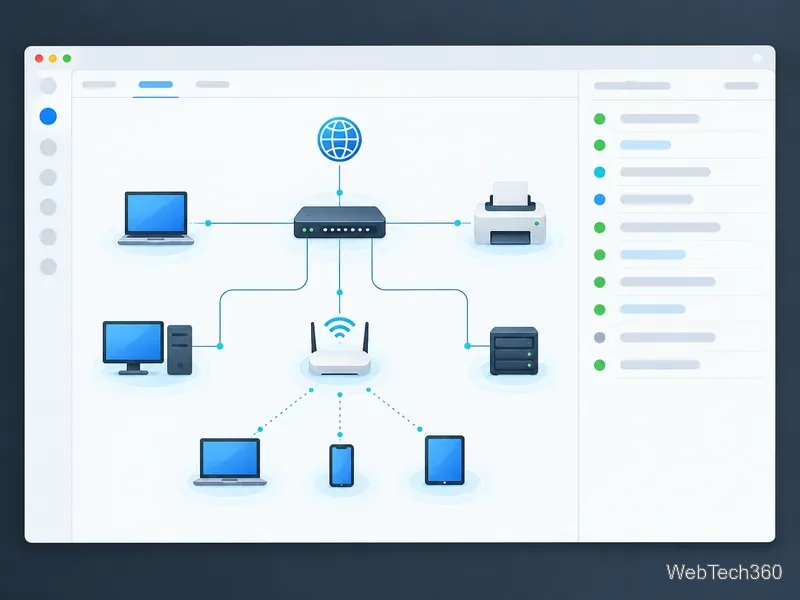
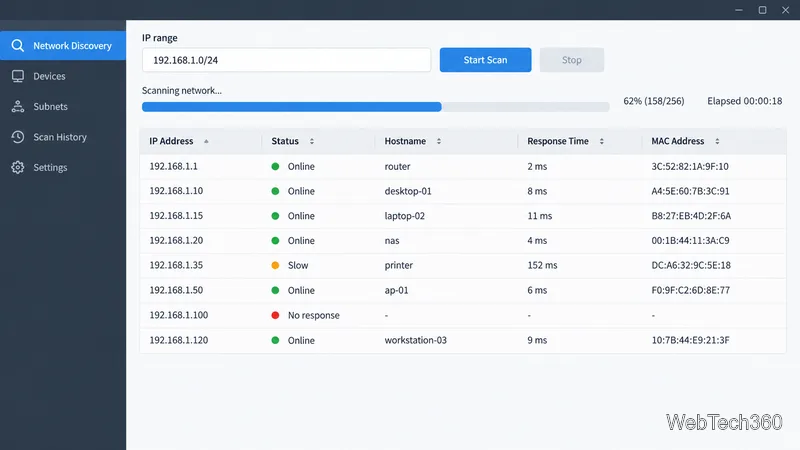
Classic ping sends an ICMP Echo Request and waits for an Echo Reply. A sweep repeats that check across a range, but the name also covers broader host discovery: Nmap’s -sn disables port scanning and can use ICMP, TCP, and ARP on local Ethernet. Sweeps help find responding devices and compare observations with DHCP, DNS, or IPAM records.
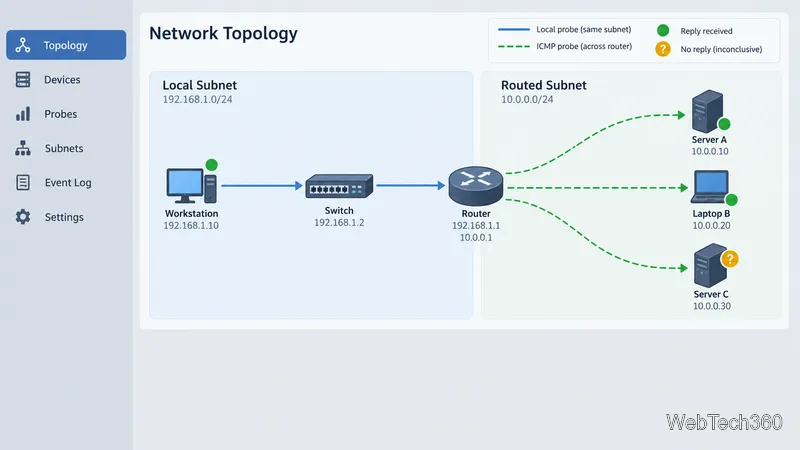
No reply does not prove a device is offline: firewalls, ACLs, packet loss, a wrong VLAN, or a short timeout can hide a running host. A reply confirms reachability only at that moment; silence does not mean an address is free. On a local link, ARP or IPv6 Neighbor Discovery may find hosts that ignore ping. Across routers, use approved probes allowed through your network controls.
Best for flexible discovery. Nmap is free and open source for Windows, macOS, and Linux. nmap -sn 192.168.1.0/24 discovers hosts without a port scan; Zenmap adds a GUI and profiles. See the Nmap guide and Zenmap page.
Best for scripts. This Unix-like command-line utility accepts multiple targets or a file, making it practical for checking many hosts. It is a focused reachability tool, not a visual asset inventory. See the official project.
Best free cross-platform GUI. The open-source app runs on Windows, macOS, and Linux; it accepts ranges or files and can export results. A command-line interface is available too. Check the project site.
Best for a Windows LAN check. This free portable utility lists network devices, detects MAC addresses, opens shares, and exports CSV. It also offers remote-control and power actions that require appropriate access and configuration. See the publisher’s feature page.
Best for broader cross-platform discovery. The app supports Windows, macOS, and Linux, with ICMP and ARP scans for IPv4 and IPv6 plus optional port, SNMP, and WMI queries. Select only the data you need. Review its user manual and license terms.
Best for existing SolarWinds users. This Windows desktop tool runs ICMP sweeps from ranges, lists, or files, can resolve DNS names, and exports results. Compare the current Engineer’s Toolset package and licensing details in the official documentation.
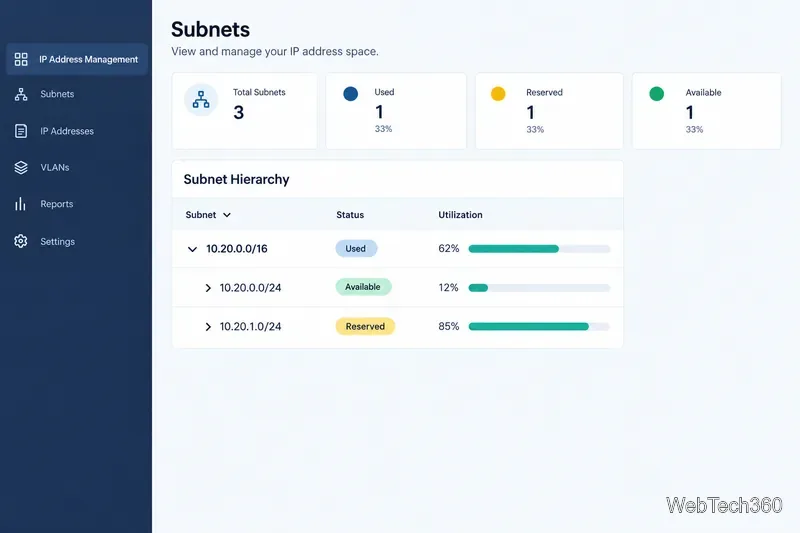
Best for IP address management. OpUtils combines ICMP, ARP, TCP, and IPv6 Neighbor Discovery with DNS, DHCP, and device context. Scheduled scans and an address inventory suit ongoing operations better than a one-time sweep. Explore the OpUtils scanner.
Best lightweight Windows or Mac option. Lansweeper offers a free, credential-free scanner that reports subnet devices and basic details such as IP, MAC, device type, and open ports. It is for quick discovery; compare the broader platform if you need managed asset records. See the official details.
Best for extra Windows host detail. It adds SNMP, NetBIOS, Active Directory, port, and share information to ICMP sweeps, with CSV export. The publisher allows private, educational, and noncommercial use; commercial use requires a license. Check the MiTeC page.
Best for checking a known list. This Windows utility monitors hostnames, IP ranges, and CIDR blocks, and can log results. It can also test a TCP port instead of ICMP; that confirms a connection, not application behavior. See the PingInfoView documentation.
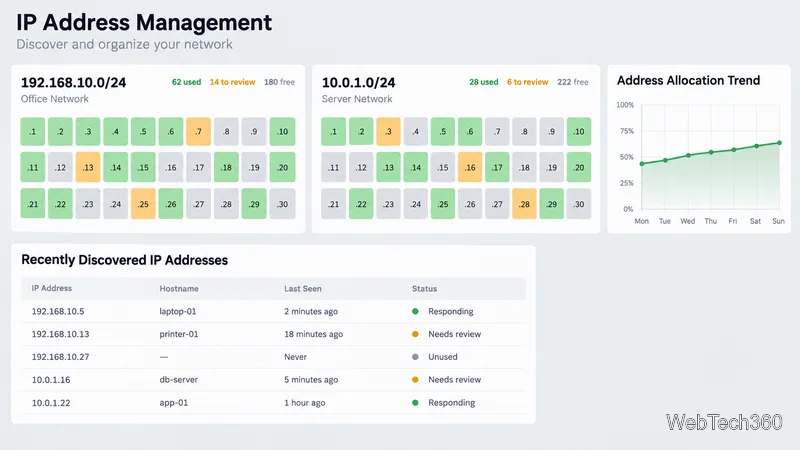
Scan only networks you administer or have permission to assess. Start with the relevant subnet, record the scanning host and time, and use moderate concurrency on busy or fragile networks. Before changing a reservation or declaring an address free, cross-check DHCP, DNS, switch, or IPAM records. A ping sweep tool gives a discovery snapshot, not a complete inventory or security audit.
Compare 10 ping sweep tools for quick LAN discovery, cross-platform scanning, and IP address management. Learn what a sweep can—and can’t—tell you.
Compare six network management tools for performance monitoring, including SNMP coverage, mapping, alerts, deployment models, and cost tradeoffs.
Compare Wi-Fi analyzer picks for Windows, iPhone, and Android, including tools for channel congestion, signal coverage, heat maps, and network troubleshooting.
Compare seven free, open-source ping monitors, from full network suites to focused latency probes, and choose the right fit for availability, packet loss, and history.
Learn what QoS means in networking, how DSCP markings and traffic queues prioritize voice, video, and business applications, and what QoS cannot fix.
Compare reliable SFTP server software for Windows and Linux, including OpenSSH, Bitvise, SolarWinds, and SFTPGo. Find the right fit for your security and file-transfer needs.
Compare seven IP address manager tools for subnet discovery, DNS and DHCP coordination, network inventory, and open-source IPAM.
Build practical network monitoring with clear device coverage, useful performance metrics, actionable alerts, and a comparison of SolarWinds NPM, PRTG, and OpManager.
Compare network scanner tools for quick device discovery, cross-platform IP scans, and enterprise IPAM, with guidance on matching each option to your network.
Use Nmap’s --traceroute option to map hops to an authorized host, understand hop and RTT output, and troubleshoot missing responses without over-scanning.