How to Disable JavaScript in Chrome for One Tab or a Site
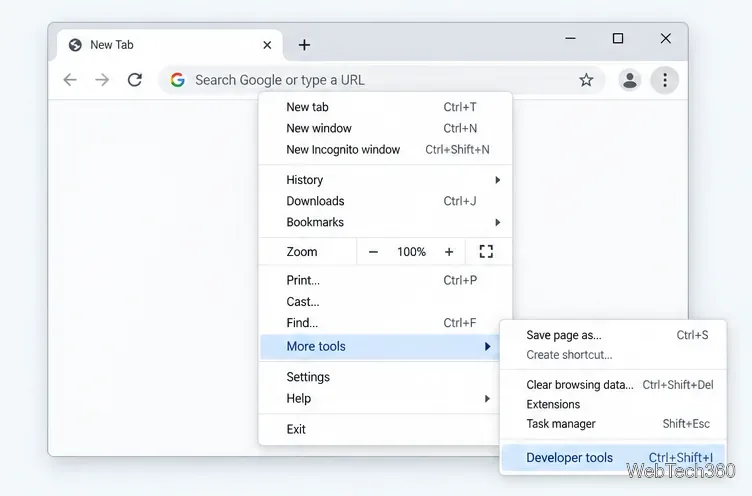
Learn how to disable JavaScript in Chrome temporarily with DevTools, block it for one site, or change the browser default, plus how to restore it.
Aviationstack is a REST API from apilayer for applications that need global flight information without maintaining their own aviation-data pipeline. It can return real-time flight status, recent historical records, airline routes, schedules, future-flight data, and reference data for airports, airlines, aircraft, cities, countries, and aviation taxes.
The service has changed substantially since the original 2021 review. The Free plan now includes 100 monthly requests and HTTPS, historical data is limited to a rolling three-month window, and the current apilayer documentation uses an api.apilayer.net/aviationstack/v1 base path in its examples. The old article also mixed in geocoding features that belong to a different type of API; Aviationstack is an aviation-data API, not a forward/reverse geocoder.

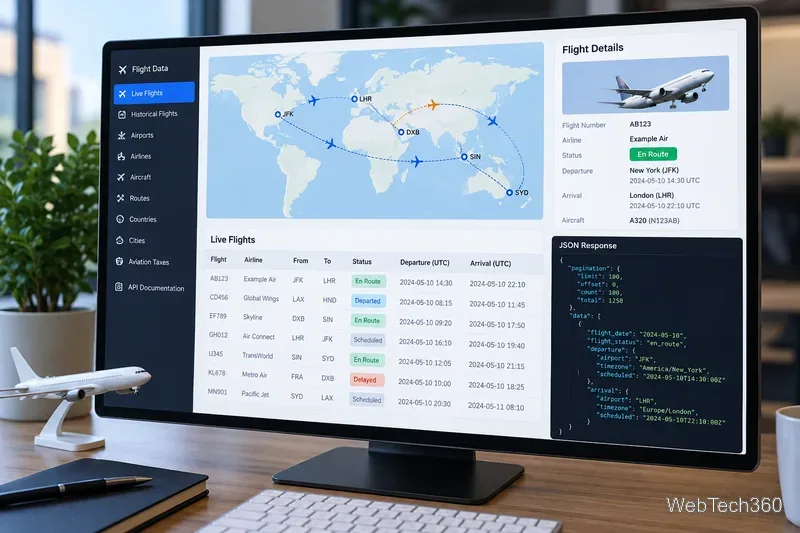
The core endpoint is /v1/flights. It supports real-time flight lookups and, on eligible paid plans, historical queries using the flight_date parameter. Typical flight records can include the flight status, departure and arrival airports, IATA and ICAO identifiers, terminals and gates, scheduled and estimated times, airline information, aircraft details, and live position fields when available.
Current official documentation also lists separate endpoints for:
/v1/flight_schedules and /v1/flightsFuture./v1/routes.The provider says real-time status updates can be delayed by as little as 30 to 60 seconds. Historical coverage is currently described as a three-month sliding window, so this is not a long-term archive for multi-year analytics.
After creating an account, use your API access key with an HTTPS GET request. A simple route-filtered example is:
GET https://api.apilayer.net/aviationstack/v1/flights
    ?access_key=YOUR_ACCESS_KEY
    &dep_iata=SFO
    &arr_iata=JFK
The response is JSON and includes pagination metadata plus a data array. Filters such as flight_status, flight_date, dep_iata, arr_iata, and flight_number help reduce unnecessary records. Treat the access key like a password: keep it out of public repositories and avoid exposing it directly in browser-side code.
For current endpoint examples, use the official Aviationstack documentation. It is a better source than relying on older code snippets copied from archived reviews.
Pricing and quotas below were checked on October 22, 2026. They can change, so verify the official pricing page before committing a production workload.
| Plan | Monthly requests | Monthly price | Notable access |
|---|---|---|---|
| Free | 100 | $0 | Non-commercial use, real-time flights, HTTPS |
| Basic | 10,000 | $49.99 | Commercial use, historical flights, routes, autocomplete, schedules, future flights |
| Professional | 50,000 | $149.99 | Basic features plus higher limits |
| Business | 250,000 | $499.99 | Professional features plus substantially higher volume |
| Enterprise | Custom | Custom quote | Volume requests and custom solutions |
Annual billing is currently discounted: the listed effective monthly prices are $44.99 for Basic, $131.99 for Professional, and $424.99 for Business when billed yearly. Paid plans also have per-request overage pricing, so high-volume applications should model both the base subscription and likely overages.

Aviationstack says its infrastructure supports workloads ranging from small projects to very high request volumes and reports about 99.9% average uptime over the previous 12 months. For latency, do not rely on the old 2021 claim of 10–100 ms response times. The provider now publishes live endpoint measurements on its API status page, and production teams should benchmark the exact endpoints and regions they plan to use.
The API is a practical fit for flight-status displays, travel tools, booking workflows, airport dashboards, delay monitoring, and applications that need recent historical flight records. It is less suitable if you need years of historical data, guaranteed zero-delay tracking, or a geocoding service.
Aviationstack remains a straightforward way to add global aviation data to an application, but the current service differs from the 2021 version in important ways. The strongest improvements are HTTPS on the Free plan, dedicated schedule and future-flight endpoints, and clearer plan segmentation. The main constraint to understand before building around it is the rolling three-month historical window. Start with the Free plan for a small proof of concept, then compare your expected request volume and feature needs against the paid tiers. The official FAQ is the best place to confirm current billing, overage, and data-availability rules.
Learn how to disable JavaScript in Chrome temporarily with DevTools, block it for one site, or change the browser default, plus how to restore it.
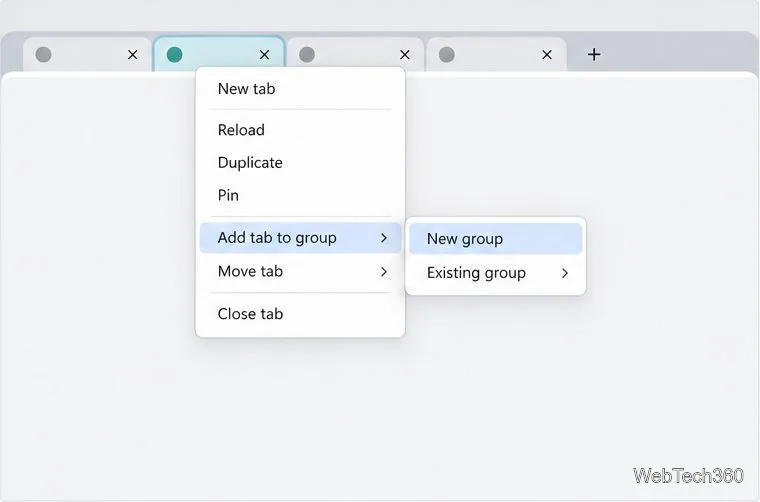
Organize related Chrome tabs into a group, then hide or reopen them with one click. See the current desktop steps, keyboard option, and what collapsing does.
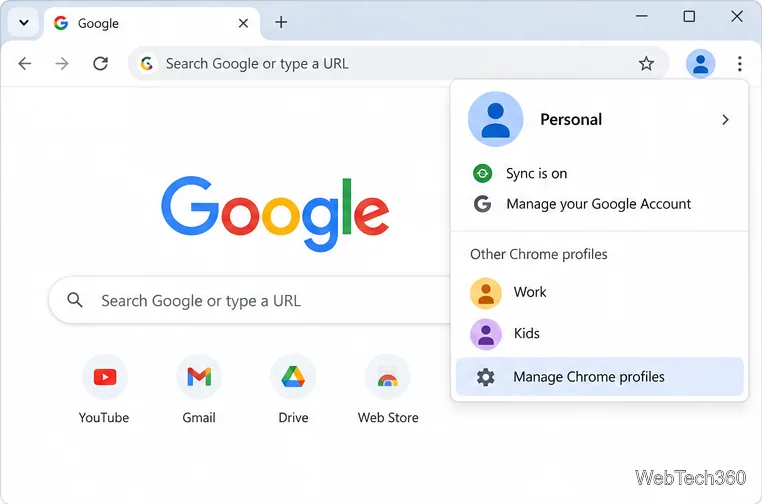
Rename a Chrome profile from its menu or profile manager, see what the label affects, and fix display delays without changing your Google Account name.
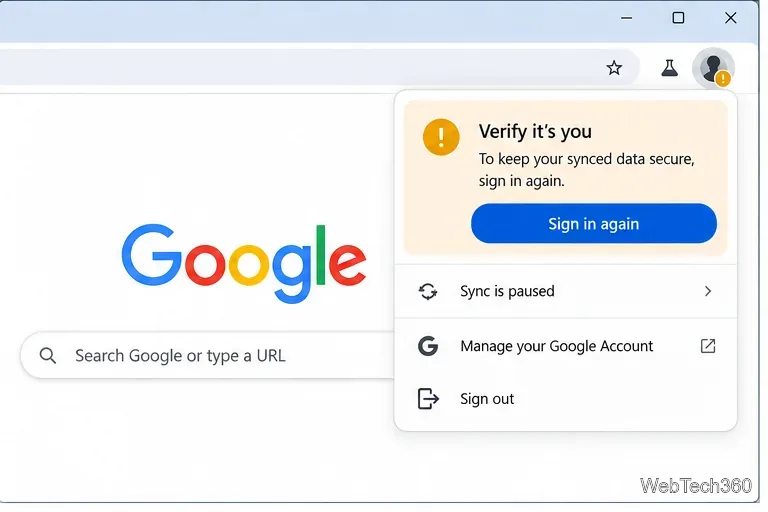
Fix Chrome sync pausing and repeated sign-in prompts by restoring account access, keeping site data, updating Chrome, and checking extensions or profiles.
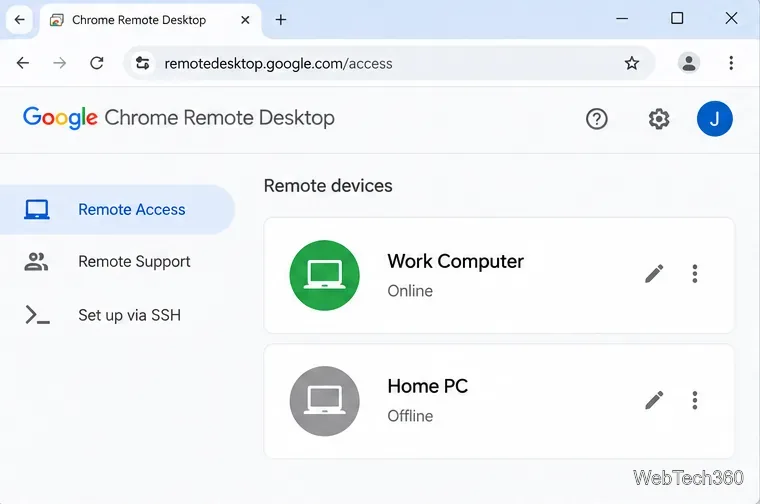
Chrome Remote Desktop not working? Fix offline hosts, update Chrome, reset remote access, check permissions, firewall rules, and managed-network restrictions.
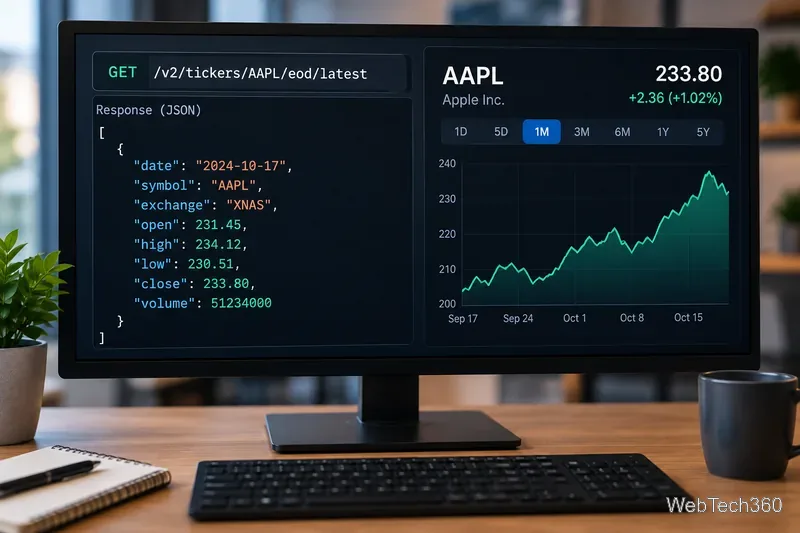
Marketstack review covering API v2, real-time and intraday data, historical coverage, pricing, limits, pros, cons, and who should use it.
Learn how to activate YouTube at youtube.com/activate or yt.be/activate, enter your TV code, choose your Google Account, and fix sign-in problems.
Learn how to link directly to selected text in Chrome with Copy link to highlight, how text-fragment URLs work, and what to do if a link fails.
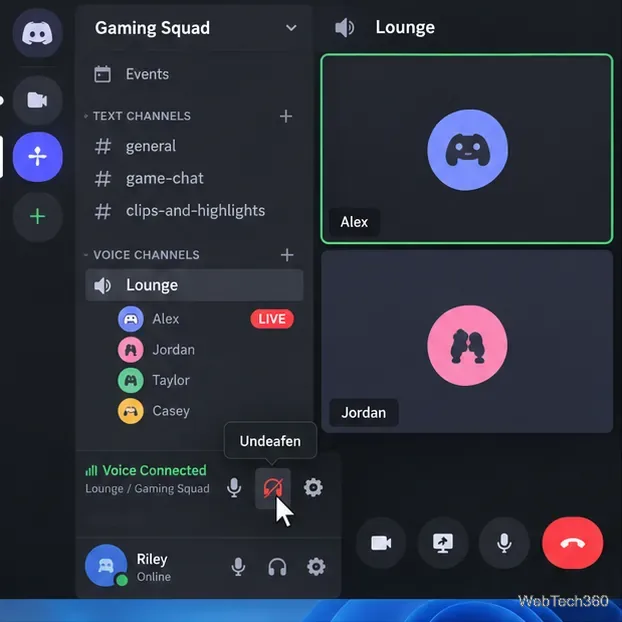
Can't hear anyone on Discord? Check Deafen and user volume, choose the right output device, reset Voice & Video, and fix Windows audio settings.
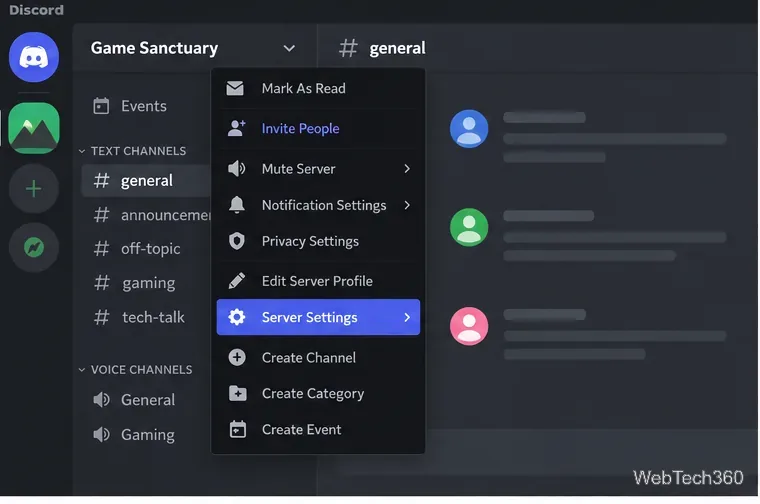
Learn how to add roles in Discord, change a role name, set permissions, assign or remove members, reorder roles, and delete roles safely.