Home
» WEB
»
ChatCrypt: A Secure Online Chat Service With End-to-End Encryption
ChatCrypt: A Secure Online Chat Service With End-to-End Encryption
ChatCrypt is a browser-based group chat designed for short, private conversations. Its current official description says it uses TLS, an additional ECDH/AES-256 layer, and end-to-end encryption between chat members using ECDH and ChaCha20-Poly1305. It also says messages are not stored or queued. Those are the operator’s claims, not an independent security certification. ChatCrypt describes itself as a hobby project provided “as is,” and its website logs include IP addresses and visit details. It can be a lightweight private channel, but it is not a guarantee against every privacy or security risk.
The service’s current explanation also differs from older descriptions that called it “military-grade AES-256 CTR.” The official site now describes AES-256 for one layer and ChaCha20-Poly1305 for member-to-member encryption; it does not identify that AES layer as CTR. The distinction matters because an algorithm name or key length alone cannot prove that an implementation is secure.
How ChatCrypt says its encryption works
According to ChatCrypt’s current technical overview, the client connects to the server over a WebSocket protected by TLS. The service then adds two encryption layers:
A client-to-server layer: The site says the client and server use ECDH key exchange and AES-256. It also says the server signs key-exchange messages with RSA and the client verifies them.
Member-to-member encryption: For each participant, the client creates an end-to-end encrypted layer using ECDH and ChaCha20-Poly1305. ChatCrypt says the shared channel password is combined with the exchanged keys to derive a unique, one-time key for each pair of members.
ChatCrypt says the channel password stays on the client, the channel name reaches the server as a SHA-256 hash, and usernames are sent within the end-to-end layer. The site calls this “triple encryption,” counting TLS and the two additional layers. The details above describe the provider’s design claims; they do not replace an independent audit of the code or its operation. For context, the IETF specifies ChaCha20-Poly1305 as an authenticated-encryption scheme in RFC 8439.
How to start a ChatCrypt room
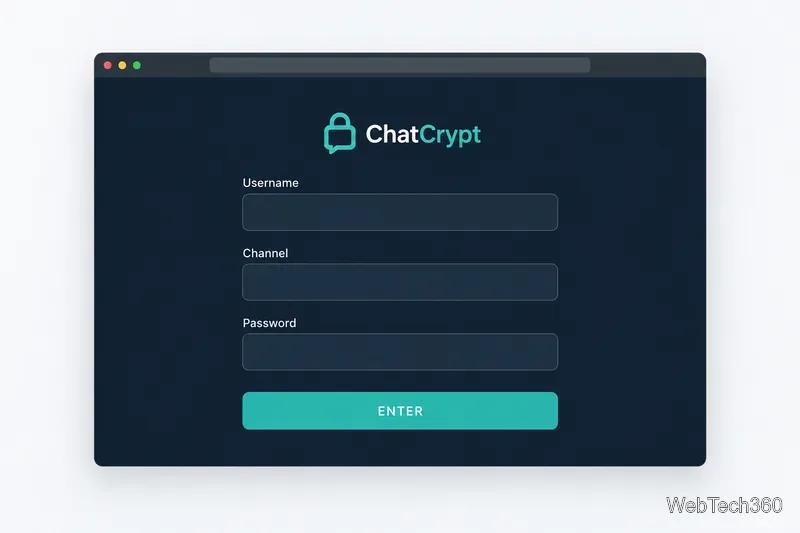
ChatCrypt does not require an account. Open the official chat client and enter a username, channel name, and password. Each field must contain at least one readable character. The fields are simple, but the channel name and password need to match exactly for participants to meet in the same room.
Illustration of the client’s username, channel, and password entry fields.
Choose a username. Use a nickname if you do not want to identify yourself by name. A username is not identity verification; confirm who is in the room through a separate trusted channel.
Choose a channel name and a strong room password. Give every invited participant the same values. Use a unique password that you do not reuse on other accounts.
Share the room details privately. Send the channel name and password only to the intended participants. A person with the room password may be able to join, so do not post it publicly.
Select Enter. If someone enters the channel name correctly but uses a different password, ChatCrypt says they will enter a separate room rather than see an incorrect-password warning.
The client notes that it does not save the username, channel, or password, so participants need to remember them. ChatCrypt also says it does not queue messages for later delivery. On mobile devices, the connection may close while the app is in the background; keep the client in the foreground if you need to follow the live conversation.
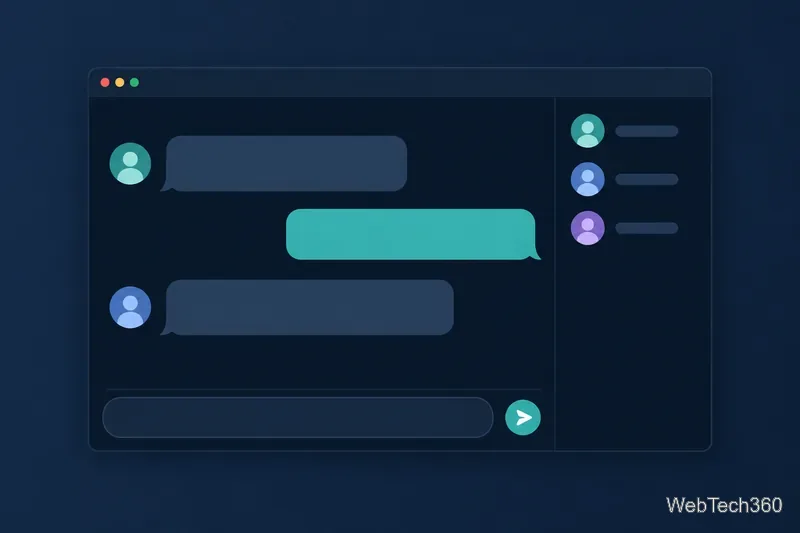
Conceptual group-chat layout, not a screenshot of ChatCrypt’s current client.
What ChatCrypt does not hide
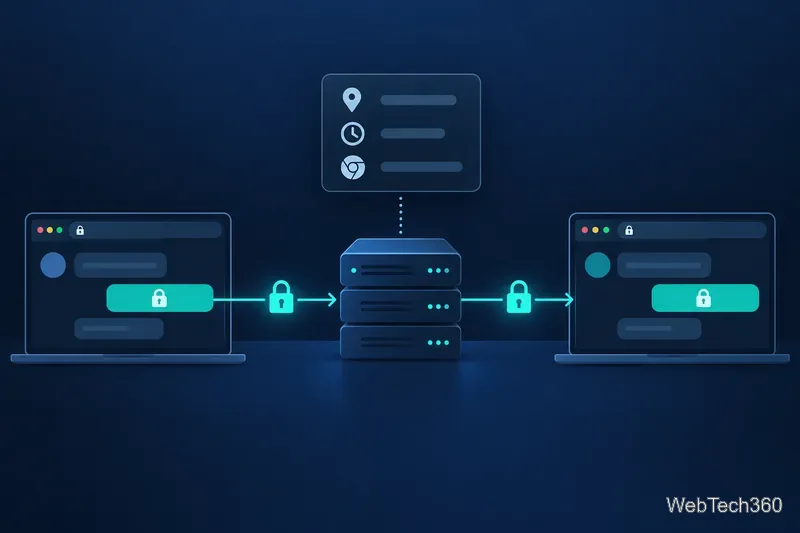
End-to-end encryption is about message content. It does not make a website visit invisible. ChatCrypt’s privacy policy on its official site says its web server logs IP address, date and time, referring and exit pages, and browser type for site administration. That means “no accounts” and “no chat logs” should not be read as “no information about visits is collected.”
Conceptual distinction between encrypted message content and the website access metadata described in ChatCrypt’s policy.
There are practical limits, too. Other people in the room can copy or photograph what they see. A compromised device, malicious browser extension, or someone who obtains the room password can undermine the privacy you expect. Because usernames can be arbitrary, verify participants out of band before discussing anything sensitive.
Who should consider using it?
ChatCrypt’s no-account setup and live group chat may suit a brief conversation where participants can coordinate in real time and do not need a saved history. Its no-queue design is a poor match for a group that expects messages to arrive after someone disconnects, especially on a phone. The official pages do not present a public source-code repository or a published third-party audit; the site says source code may be provided for a well-founded request and describes the project as a hobby service supplied without warranty.
For everyday low-stakes coordination, the service’s design may be appealing if everyone understands the tradeoffs. For credentials, financial details, regulated work, or conversations where a security failure could cause serious harm, choose a service with an independently verifiable security record and features that match those requirements. ChatCrypt offers layered encryption by its own account, but “military-grade” is not a certification and should not be treated as proof that a service is risk-free.